All Activity
- Past hour
- Today
-
 Danz joined the community
 -
 retr00 joined the community
 -
@fantomas, many thanks for all your attempts to get this issue solved. Everything is fine with me, except for my EFI folder distribution in the Download section, which has required updates for several months now. Unfortunately, due to the current upload limit, I have not been able to update it properly. Using external URLs is of course a possible workaround in the meantime, but for maintained Download-section files, a direct upload option would still be very useful. With the upcoming OpenCore 1.0.8 release, however, I will no longer be able to work around the upload issue merely by using external links and written explanations, since a proper update of the EFI folder distribution in the Download section will then become inevitable. Anyway, many thanks again for all your continuous efforts in solving this issue!
-
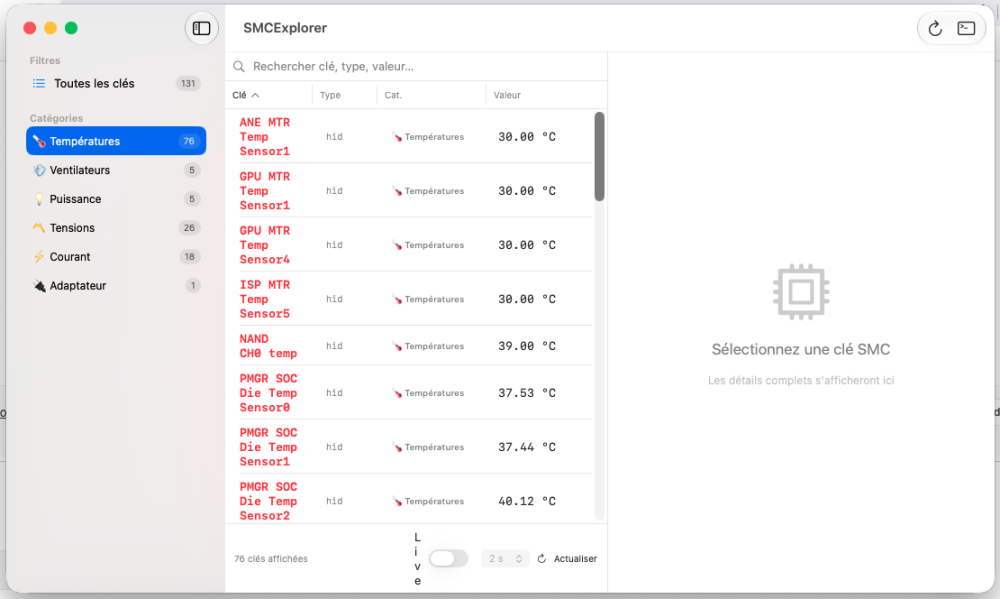
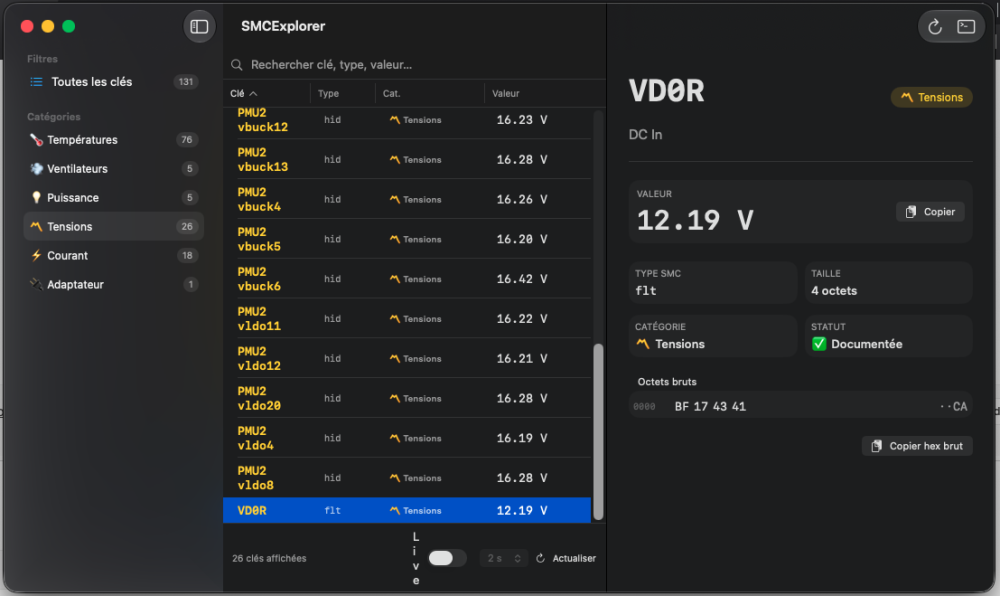
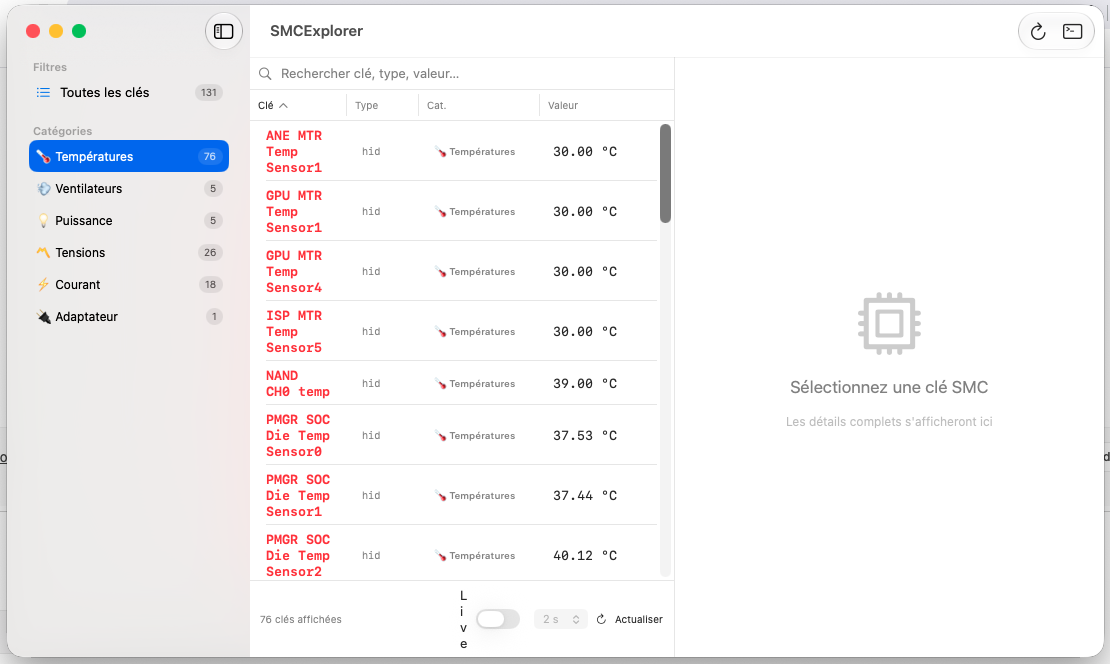
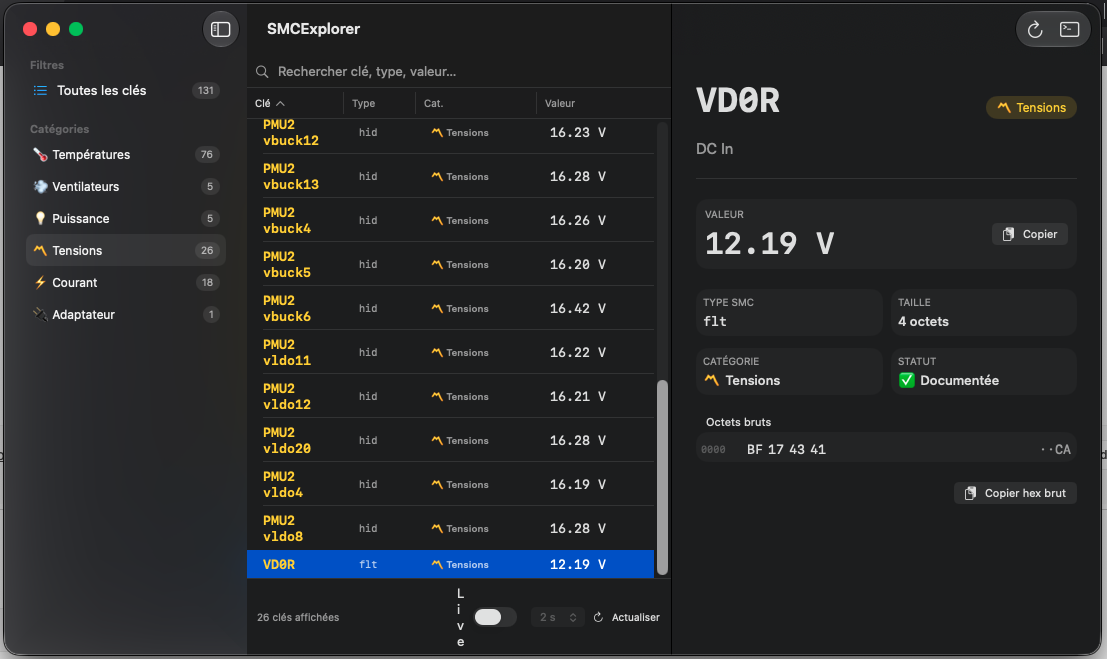
SMCExplorer SMCExplorer is a macOS non-sandboxed app that allows to showing some "known" SMC keys on Apple Silicon: M1-M5+ and A18 cpus only!!! Download LInk: SMCExplorer
-
 luck8com joined the community
 -
Guys, I'm really sorry for the inconvenience, but we still haven't heard back from the owners, so no action has been taken yet to fix the issue. In the meantime, please note that attaching files or images via URL works perfectly.
-
.thumb.jpg.f51513b23c65dce946dc4437228d27b9.jpg) b78winnet2 joined the community
b78winnet2 joined the community -
 gunner zone joined the community
 -
CPU-M A modern monitoring app for Apple Silicon Macs with M-series and A18 Pro chips. Download link: CPU-M
-
 nuso changed their profile photo
 -
nuso joined the community
-
 mindl69 joined the community
 -
 reproduce this problem and extract logs. lets check it.
 -
xocdiaonlineinnet joined the community
-
 julio3698 joined the community
 -
 on68gg joined the community
 -
 @deeveedee I don't have such an issue. Hardware is different enough but, entering sleep or waking from sleep, no pop or any other sound.
 -
 I'm thoroughly enjoying the sound quality HDAUniversal as my testing continues. I'm currently trying to diagnose one issue and wanted to ask about it first before I investigate further. When my HP EliteDesk 800 G4 Mini sleeps and wakes, there is a loud audio "tick" or "pop" (both when entering sleep and again when waking from sleep). Is this unique to me, or are others observing this? I don't experience this with VoodooHDA or AppleALC. Thank you.
 -
So Deeveedee I have implemented the changes you suggested. It boots up fine with them. When the next RC comes up I will install and see what happens. Thank you. Cheers, Howard
-
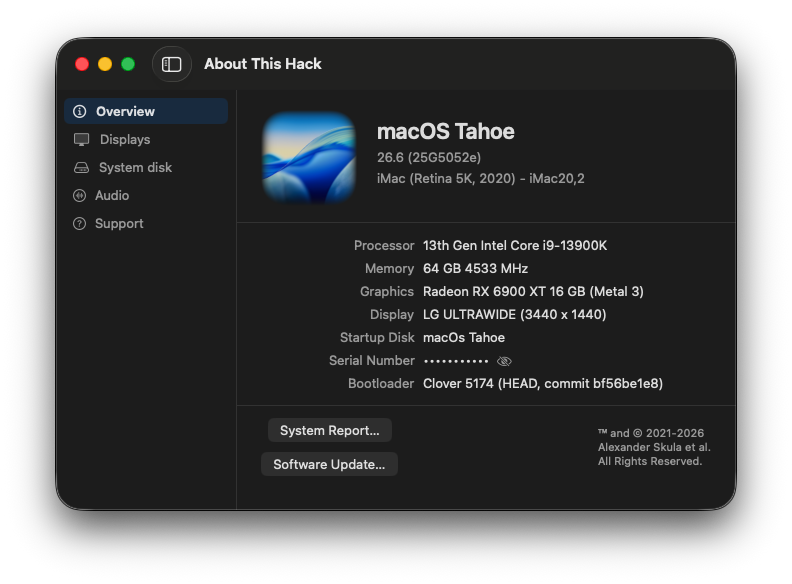
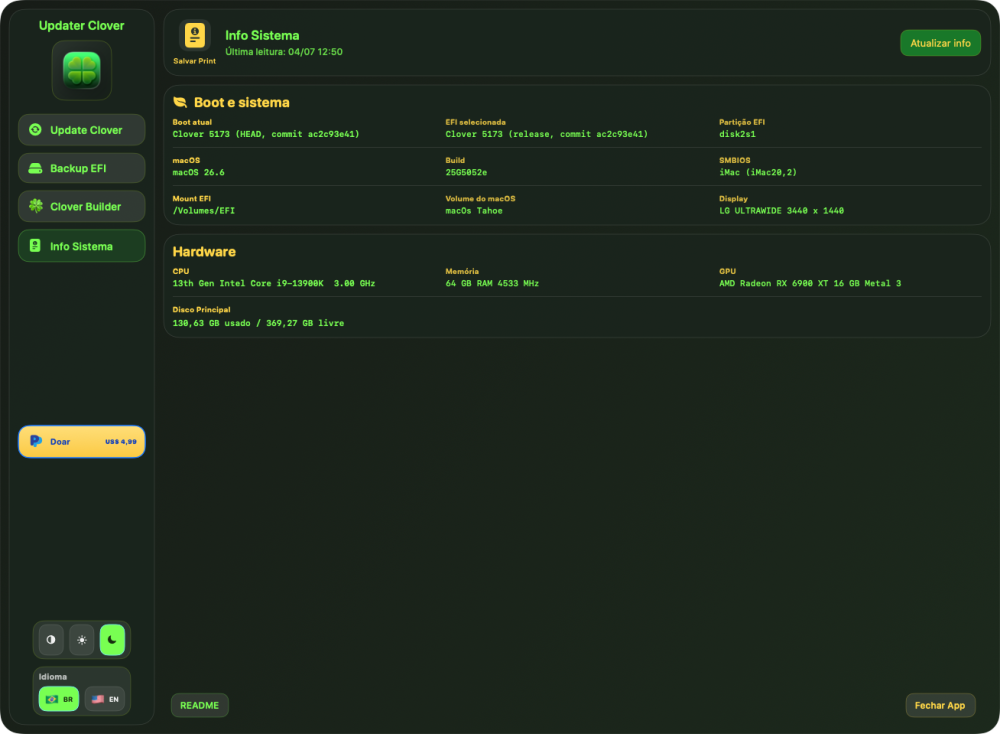
The changelog is accurate, but automatic SMBIOS selection is a hardware-matching heuristic, not magic. Clover chose iMac18,1 because it detected your Intel HD 620/630. For desktop Macs, iMac18,1 is the last profile where this IGPU works as the primary display output. Clover couldn't automatically choose iMac20,1 or 20,2 for Tahoe because Apple completely disabled the integrated Intel UHD 630 on those models at the factory level (they rely exclusively on AMD dGPUs). Forcing iMac20,x on an IGPU-only desktop would result in a black screen. The only real Macs with a working HD 630 on Tahoe are laptops (MacBookPro16,1 / 16,4), but Clover won't automatically assign a mobile profile to a desktop configuration. Leaving SMBIOS empty is always a gamble on newer macOS versions. If you want to boot Tahoe on this hardware, you must manually specify a compatible SMBIOS in your config.plist and inject the required device-id patches as described in Clover_Of_Khaki_Color_5172-en.pdf.
-
 Drayden The Mii changed their profile photo
 -
 David De Bruyne changed their profile photo
 -
 Maarwall Kkarma changed their profile photo
 -
@MakAsrock I was under the impression that if you leave SMBIOS empty in config.plist, Clover will detect my OS and choose a compatible smbios. But why is it clover have chosen iMac18,1 on my Tahoe which is not compatible for Tahoe? Unless i misundertood the changelog
- 30987 replies
-
- 2
-

-
- bootloader
- efi
- (and 2 more)
-
Yes, that's right. And I'm waiting for my pull request to be approved.
- 30987 replies
-
- 2
-

-
-
- bootloader
- efi
- (and 2 more)
-
 f8betnnet changed their profile photo
 -
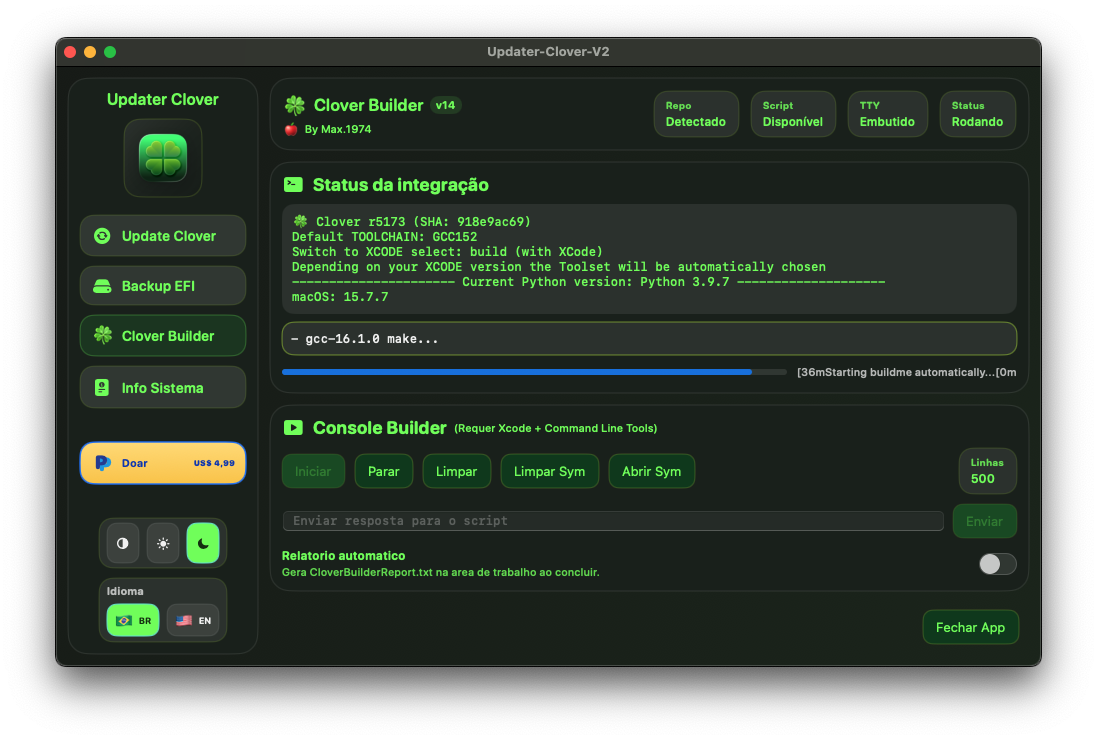
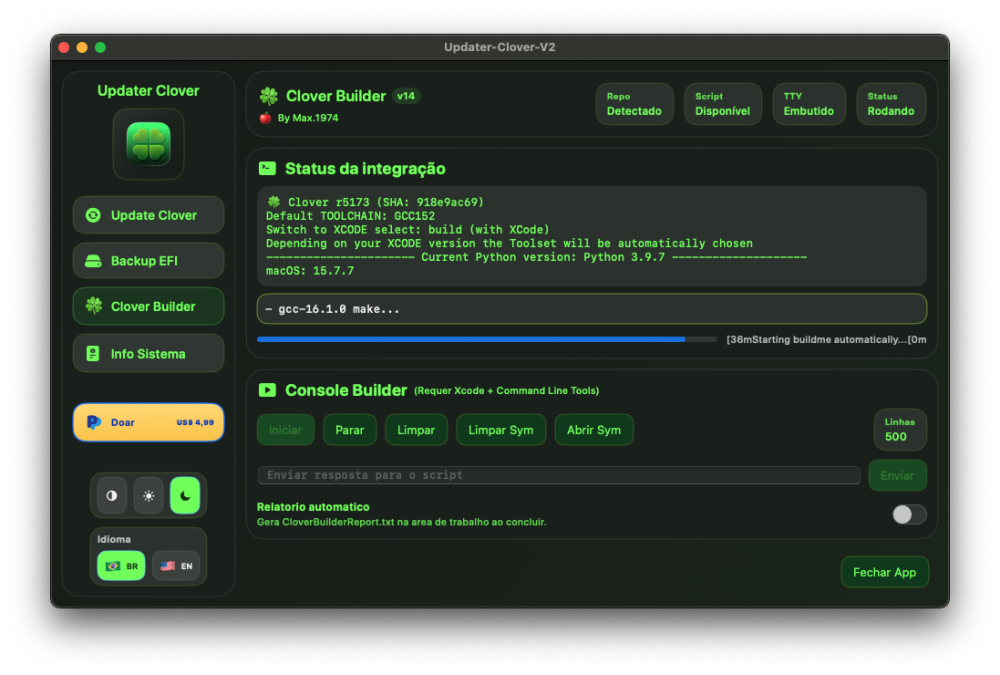
Compiling with GCC16.1.0 smooth too
- 30987 replies
-
- 1
-

-
- bootloader
- efi
- (and 2 more)
-
@MakAsrock Yours is up by 1 version but still synced to slice's repo right?
- 30987 replies
-
- 2
-
-
- bootloader
- efi
- (and 2 more)
-
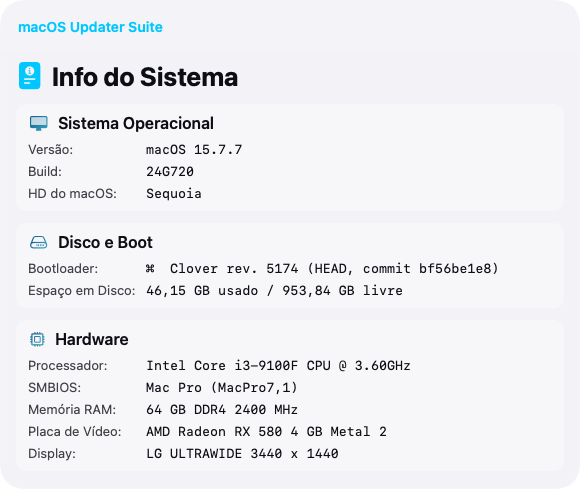
@MakAsrock thanks!!
- 30987 replies
-
- 1
-
-
- bootloader
- efi
- (and 2 more)
-
- 30987 replies
-
- 2
-
-
- bootloader
- efi
- (and 2 more)
-
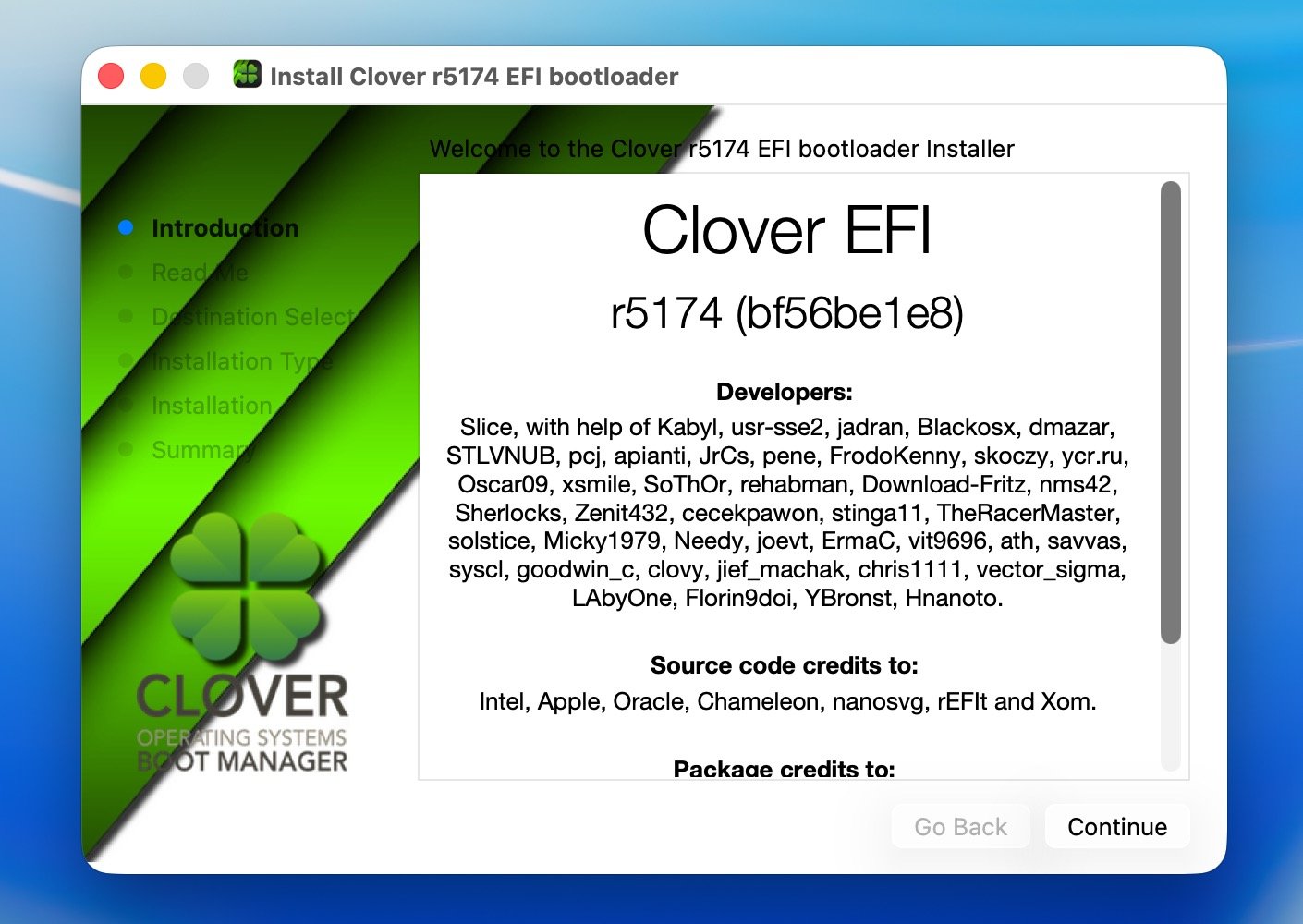
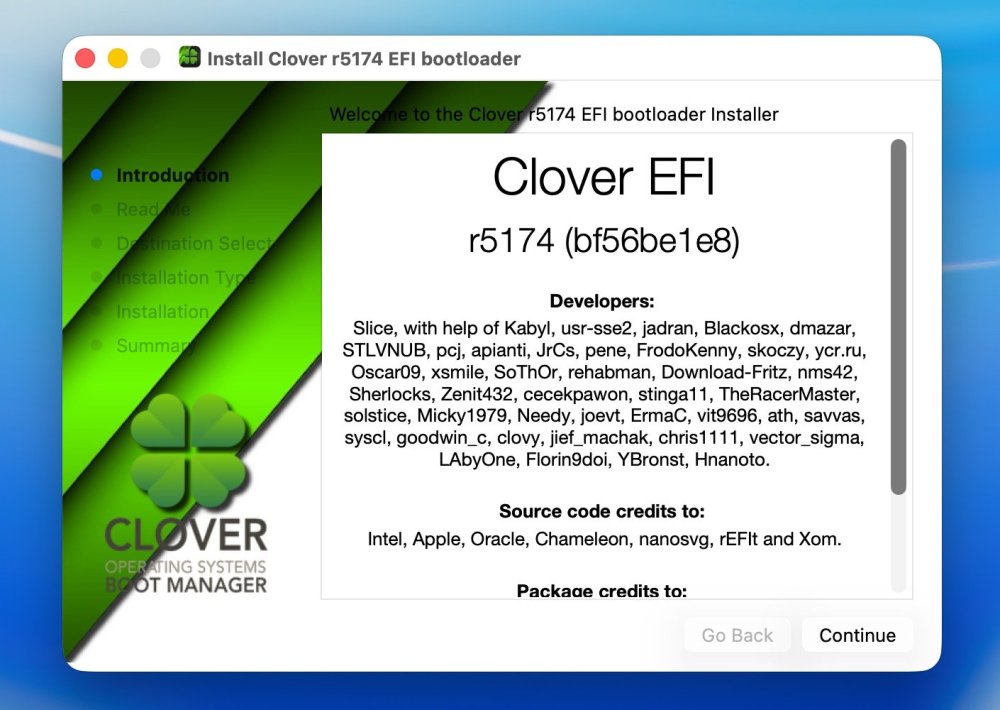
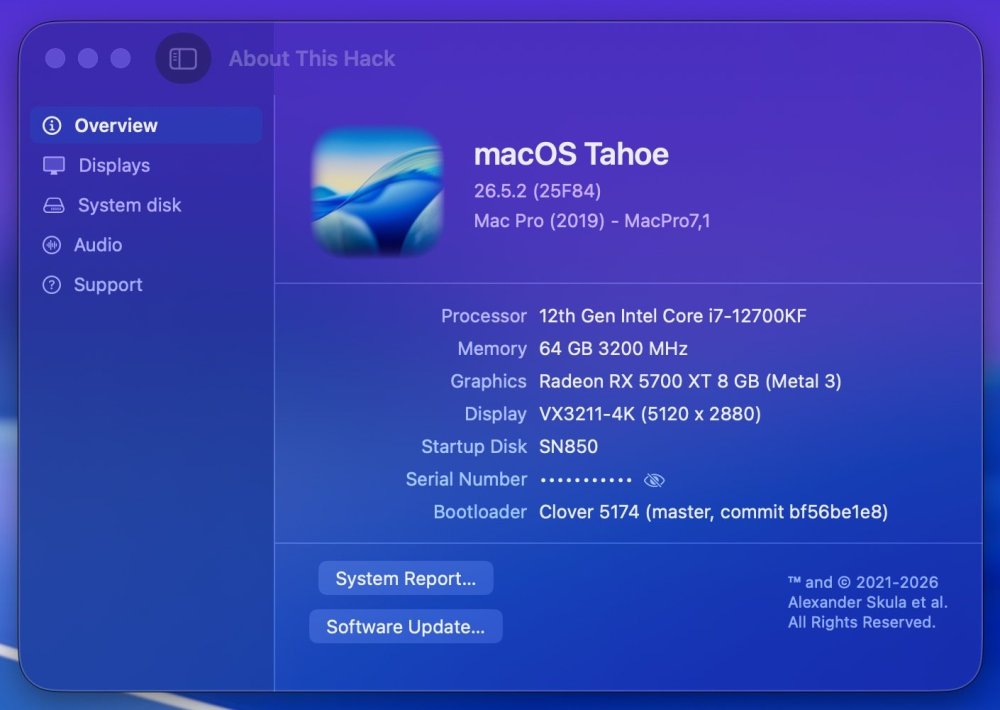
Release 5174 GCC 16.1 full implementation. Advanced SVG graphics, more fast more exact. Repaired feature that SMBIOS choosing automatically according to OS version. Using gcc-16.1.0 as main compiler. MD5 (Clover_r5174.pkg) = 328c3aefe1ef80c724898c8f03d9cc96 What's Changed Bump softprops/action-gh-release from 2 to 3 by dependabot [bot] in #821 Enhance README with logo and CI badge by @YBronst in #823 Add Clover logo by @chris1111 in #824 Bump actions/checkout from 6 to 7 by by dependabot [bot] in #828 Fix unused variable build error in nanosvg.cpp by @chris1111 with @Copilot in #829 Update build script to use GCC 16 by @YBronst in #831 Full Changelog: #832 🏅 Hall of Fame (Special Thanks): Slice – for project general management and dedication. YBronst – for menu refactoring, Quirks layout implementation, audio/GUI bug fixes and GCC 16.1 full implementation. chris1111 – for the Tahoe/Christmas and other Themes assets. Hnanoto – for ModernCPUquirk, completing PT-BR (Brazilian Portuguese) translations, and resolving UI build warnings. 🇧🇷
- 30987 replies
-
- 5
-
-
-
- bootloader
- efi
- (and 2 more)
-
Anytime! Hope it works smoothly for you. 🤗
- 30987 replies
-
- 1
-
-
- bootloader
- efi
- (and 2 more)
- Yesterday
-
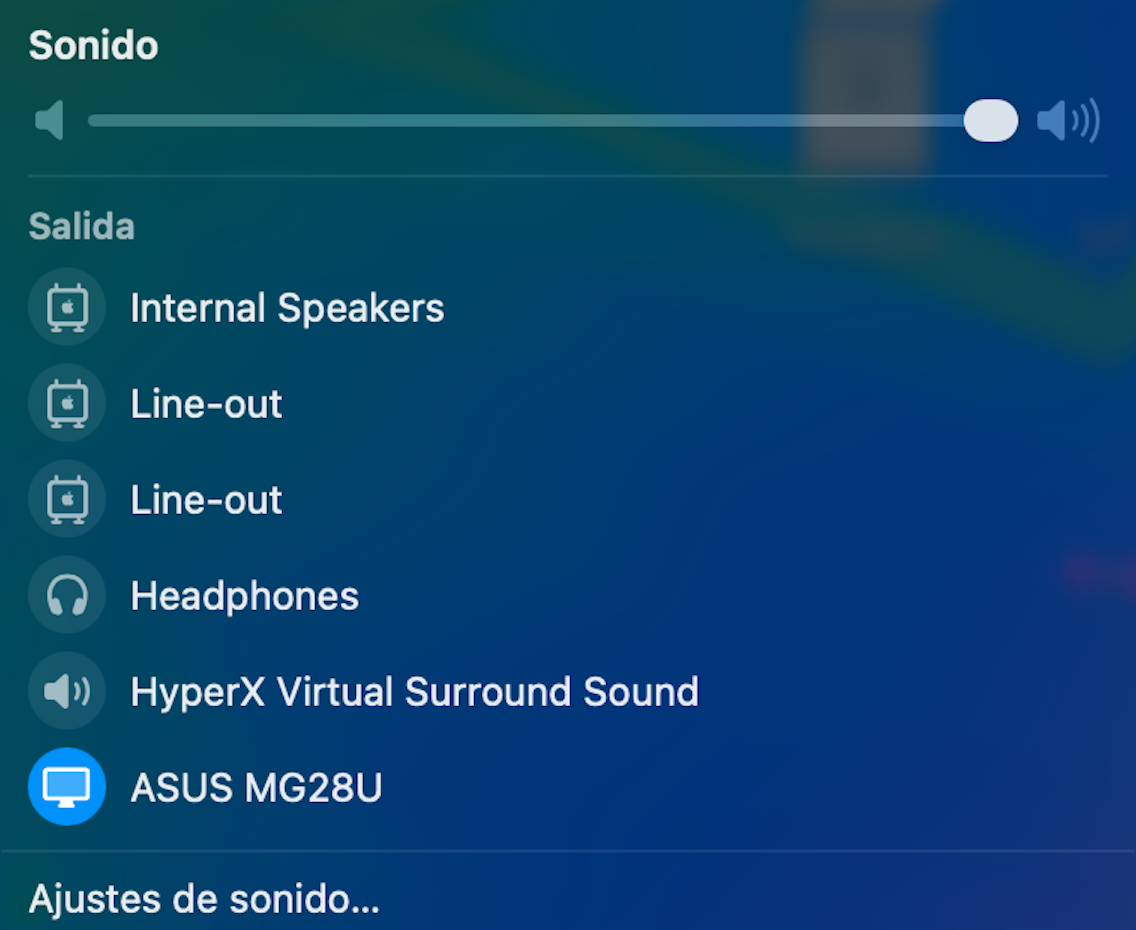
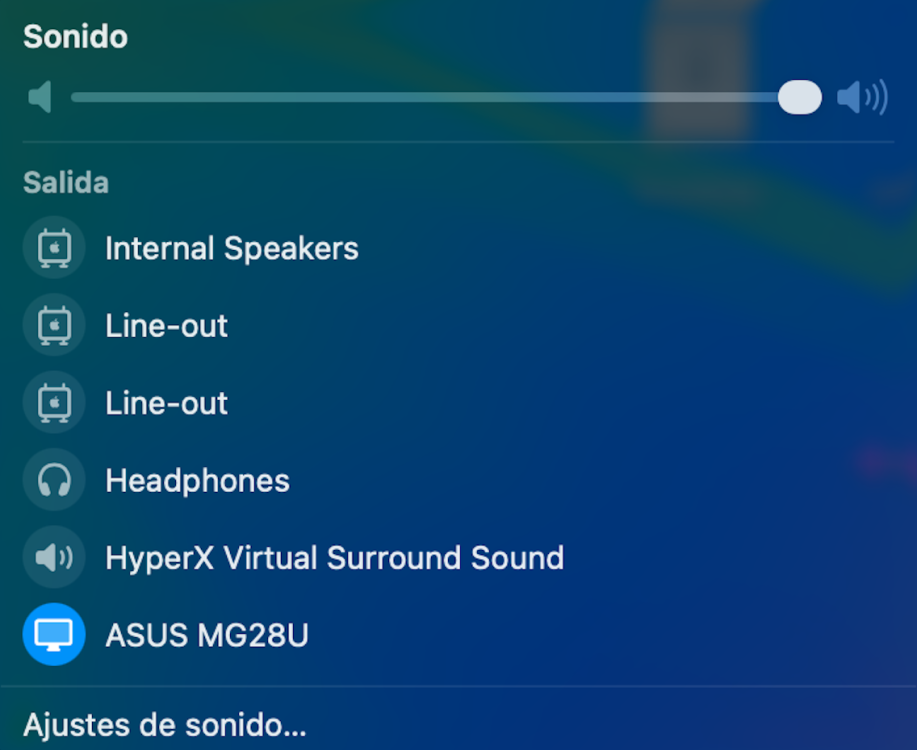
 HDAUniversal does not work for my LG Ultra HD monitor connected via HDMI to the Intel CoffeeLake-H GT2 [UHD Graphics 630] (Slot 0, GPU 1)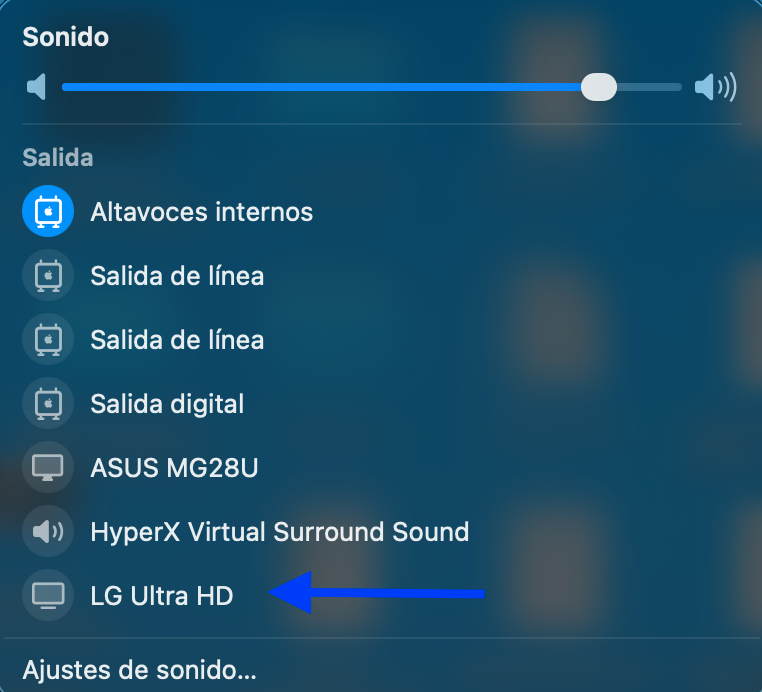
-
Thanks my friend!!
- 30987 replies
-
- 3
-
-
- bootloader
- efi
- (and 2 more)
-
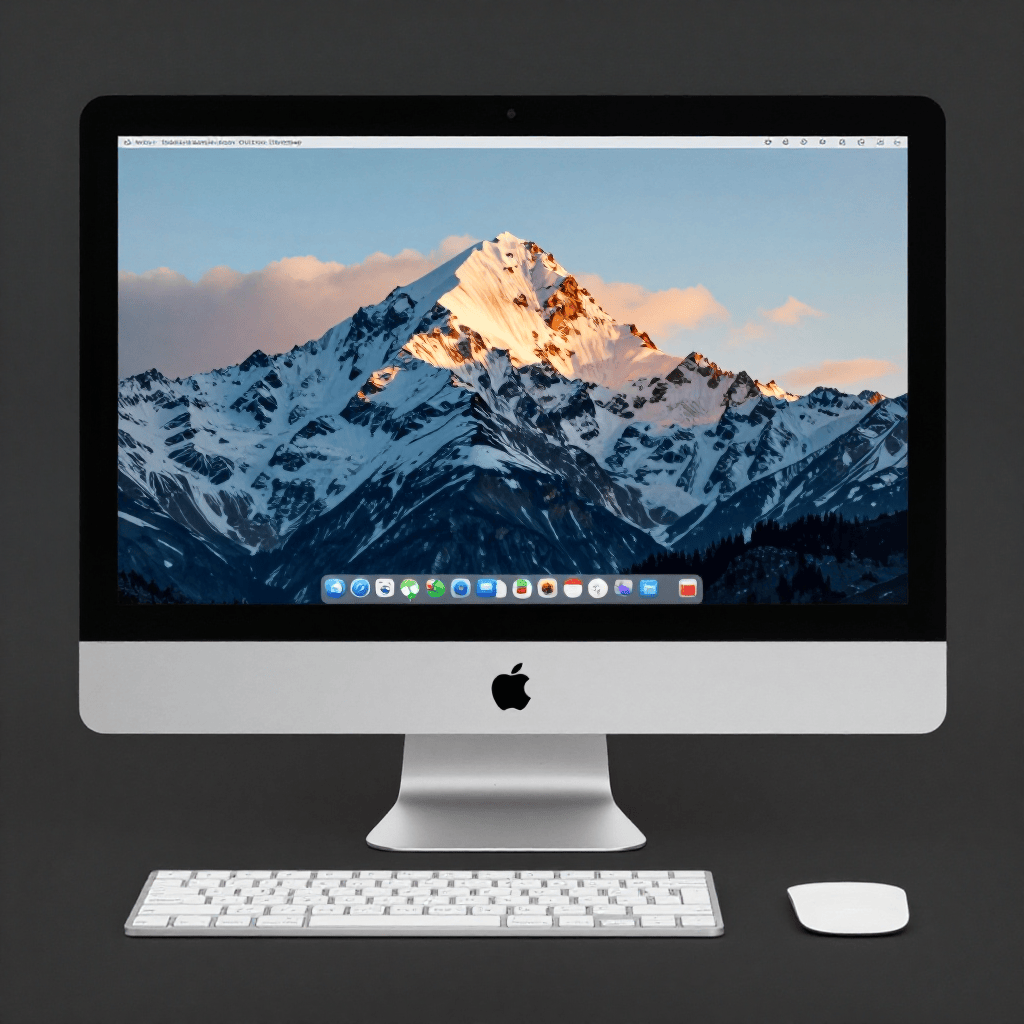
 @engeldlgado Hi there, I've just updated to the last version and I must say I'm impressed by the image generation feature. I've downloaded the base models and tested the app and it creates images really nice on my RX 6800XT. It takes about 102 seconds to generate an image with 8 steps at 1024x1024 pixels 8 steps Z-Image Turbo model The prompt was: An Apple iMac What I noticed is with each generation the image gets replaced with new one.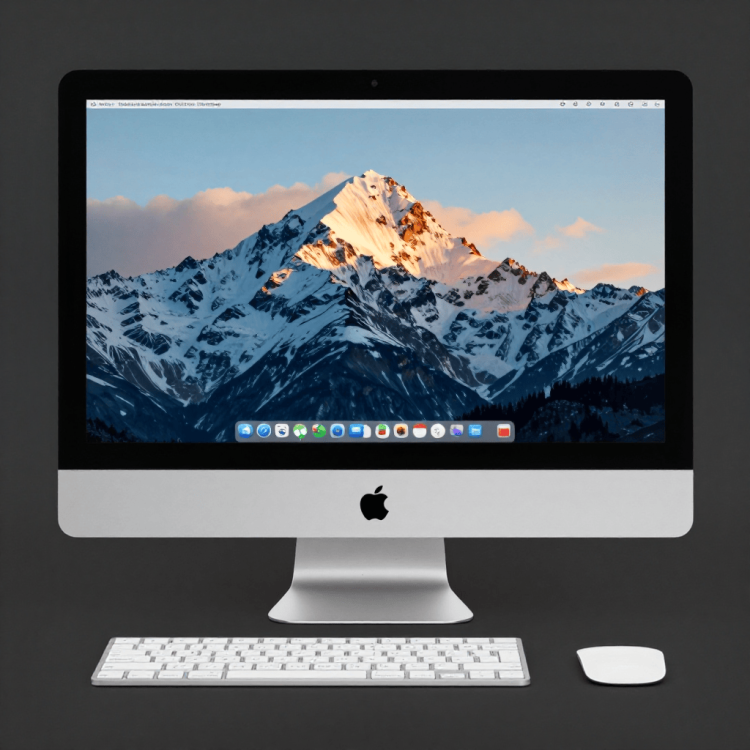
-
Release 5174 published (GCC 16.1 full implemented).
- 30987 replies
-
- 1
-
-
- bootloader
- efi
- (and 2 more)
-
- 30987 replies
-
- 4
-
-
- bootloader
- efi
- (and 2 more)
-
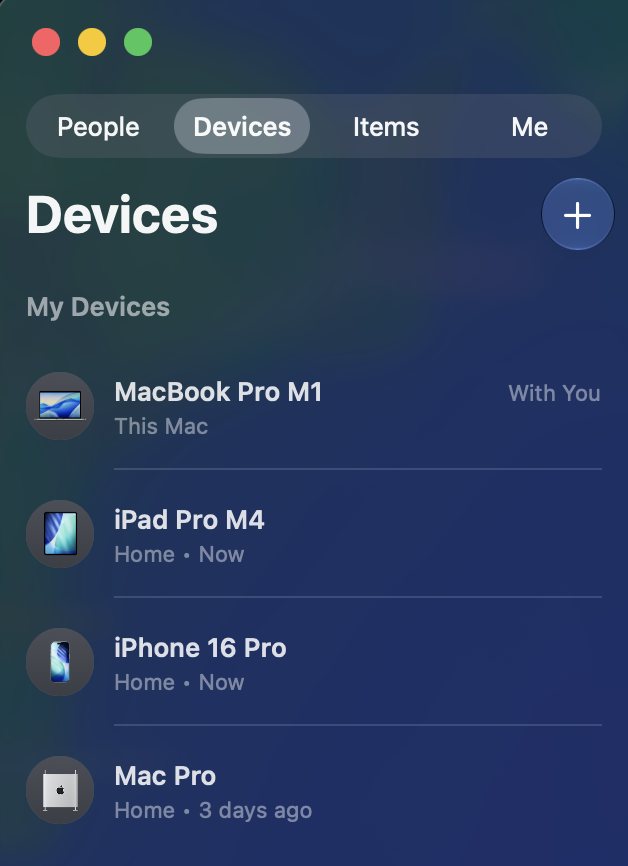
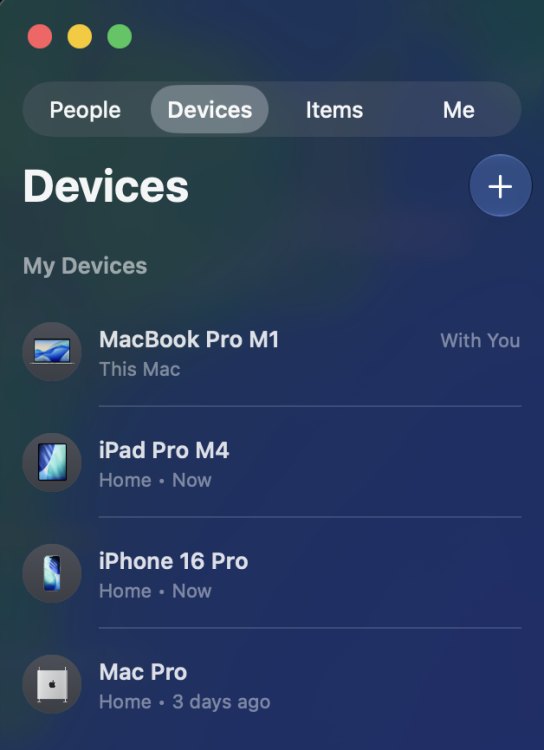
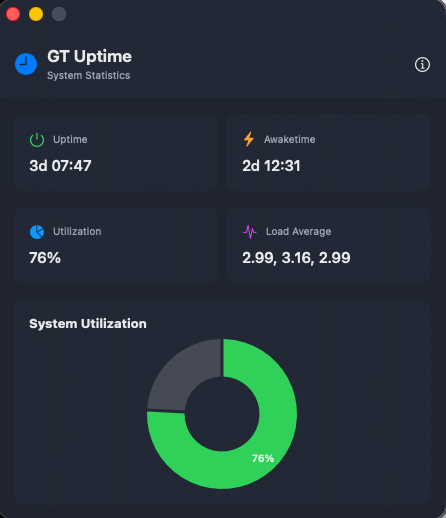
 One additional observation that may be relevant: Besides AirDrop, Personal Hotspot and Continuity Camera, Find My device presence also appears to be affected when using Intel AX210. For comparison, my BCM943602CDP updates its status correctly in Find My on all my Apple devices. Since replacing the BCM943602CDP with the AX210 three days ago, the Mac Pro Hackintosh still sees all devices correctly in Find My, including its own entry. However, on my iPhone, iPad Pro and MacBook Pro, the Mac Pro Hackintosh itself is no longer updated and still shows the last location/status from the time the Broadcom card was installed ("3 days ago"). This has been reproduced on the same Mac Pro Hackintosh, running the same macOS Tahoe installation, with the same Apple ID and the same surrounding Apple devices. The only hardware change was replacing the BCM943602CDP with the Intel AX210. This may indicate that the remaining awdl0 issue is not limited to AirDrop, Personal Hotspot and Continuity Camera, but also impacts other Apple services that rely on the same Nearby/Continuity infrastructure, including Find My device presence.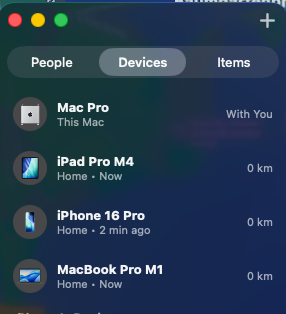



.thumb.jpeg.7082d67b3394c9399e80144027a7b397.jpeg)