

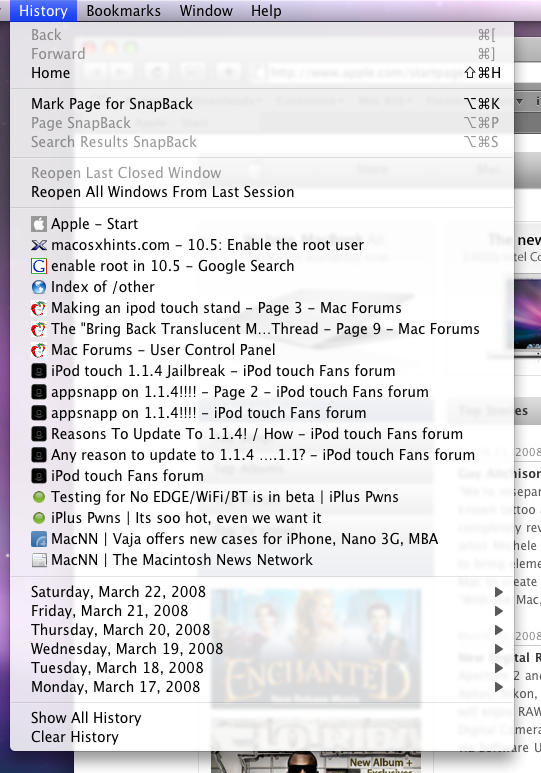
When we all updated our computers to 10.5.2, that update we were all waiting for, something terrible happened. The translucent menus that we once used to enjoy went away, we only heard of them when old parents told their kids about the "old times." But no more! Someone over at MacRumors has discovered that if you replace some of the files in your System folder, you can actually bring the translucent menus back to all your apps.
Below is a "pics or it didn't happen moment." The link to the guide is below that. Warning: the guide requires you to use Terminal to set permissions, but I'm sure you can use an app like Fugu to edit the permissions without Terminal.
Thanks Carbon!










Recommended Comments