All Activity
- Past hour
-
 Sky Walker joined the community
 -
 u888movie joined the community
 -
 789clubvndecom9 joined the community
 -
@notobo You no longer need to use the patched version of BlueToolFixup or the boot argument -btlfxwakecrash. You can now use the standard BlueToolFixup without my wake-related fixes. To fix the wake issue, simply use my BlueWakeFixup kext. No additional boot arguments or extra configuration are required.
-
 reumio joined the community
 -
bin88wtf joined the community
- Today
-
Maybe @fantomas @Max.1974 can try to pick those files for ya. 😃 Or if is not possible to get the ACPI files, will according with this phrase from Max's link: "If an Arm system does not meet the requirements of the BSA and BBR, or cannot be described using the mechanisms defined in the required ACPI specifications, then ACPI may not be a good fit for the hardware."
-
IN7GAME joined the community
-
 Gerarda Niley joined the community
 -
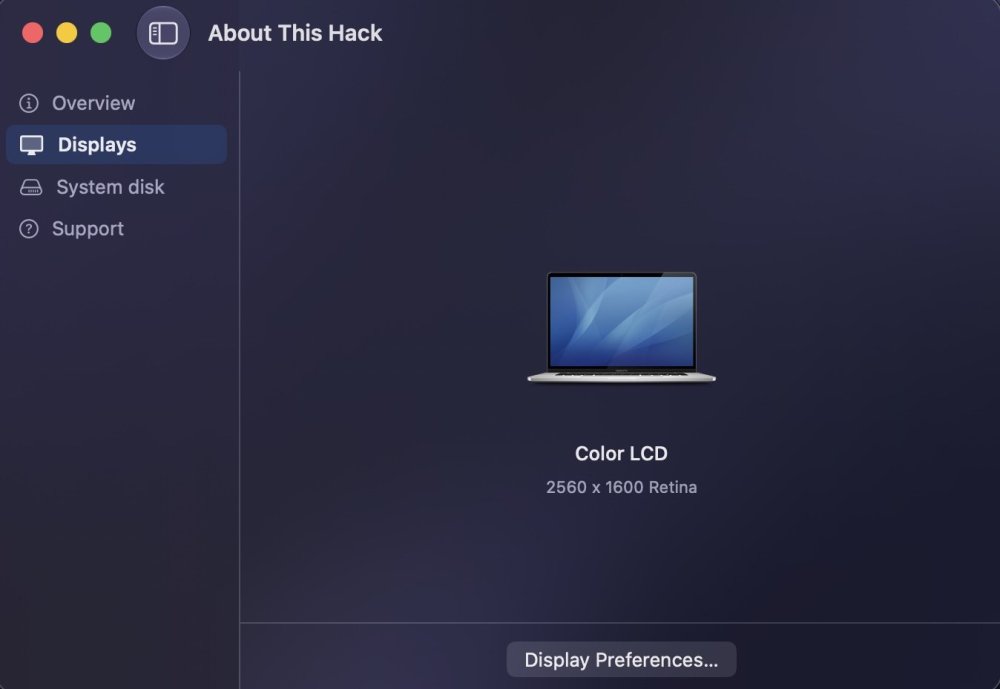
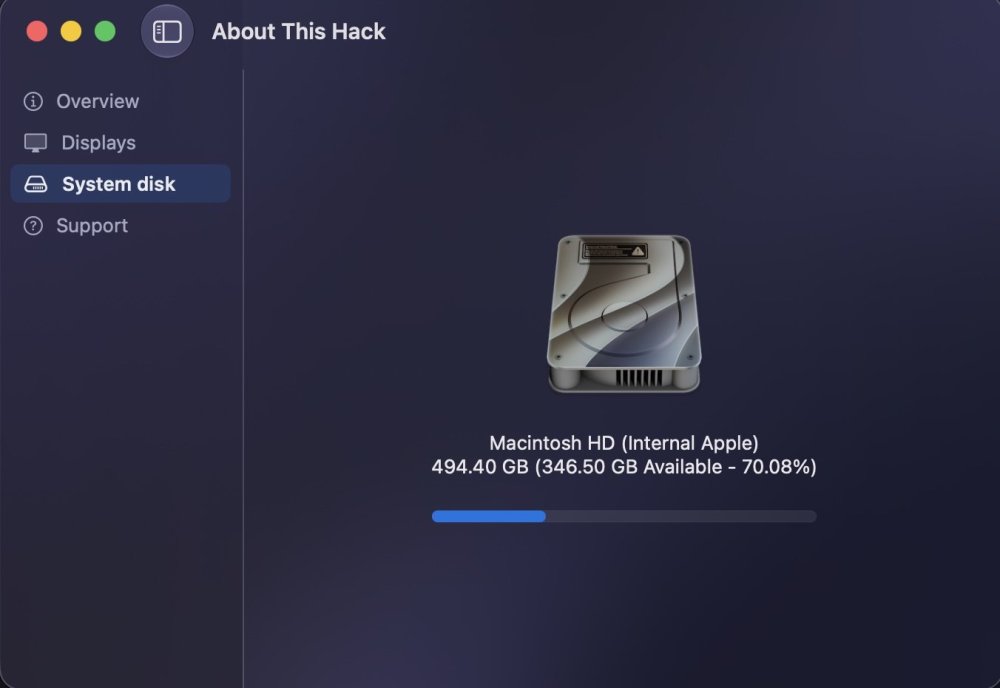
About This Hack (2009-Nissan-Cube version migrated to SwiftUI)
MacNB replied to miliuco's topic in Hackintosh Tools
I am using 4.3.2 and it prompted me to install update (my auto update is turned off). but I got this error: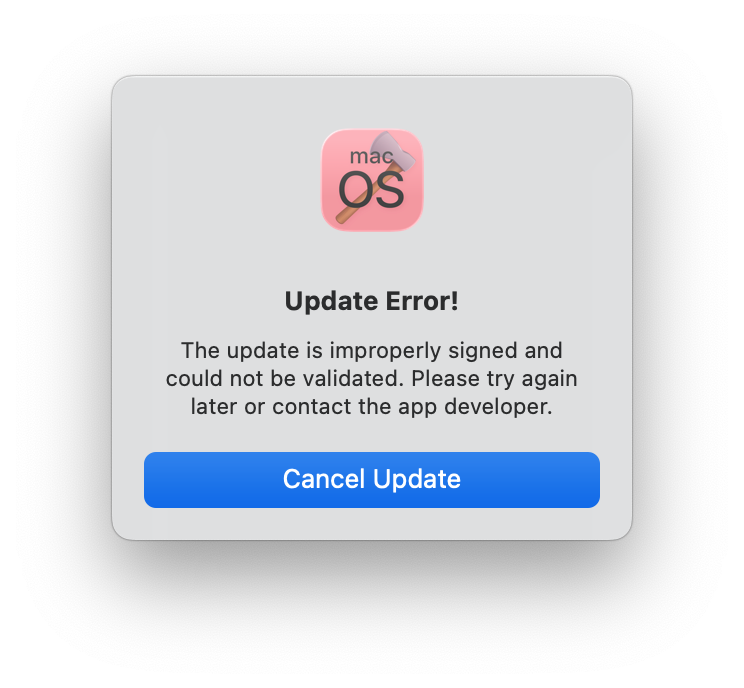
-
blancosam joined the community
-
HHenryz joined the community
-
 Chomaini Driss joined the community
 -

About This Hack (2009-Nissan-Cube version migrated to SwiftUI)
kgp replied to miliuco's topic in Hackintosh Tools
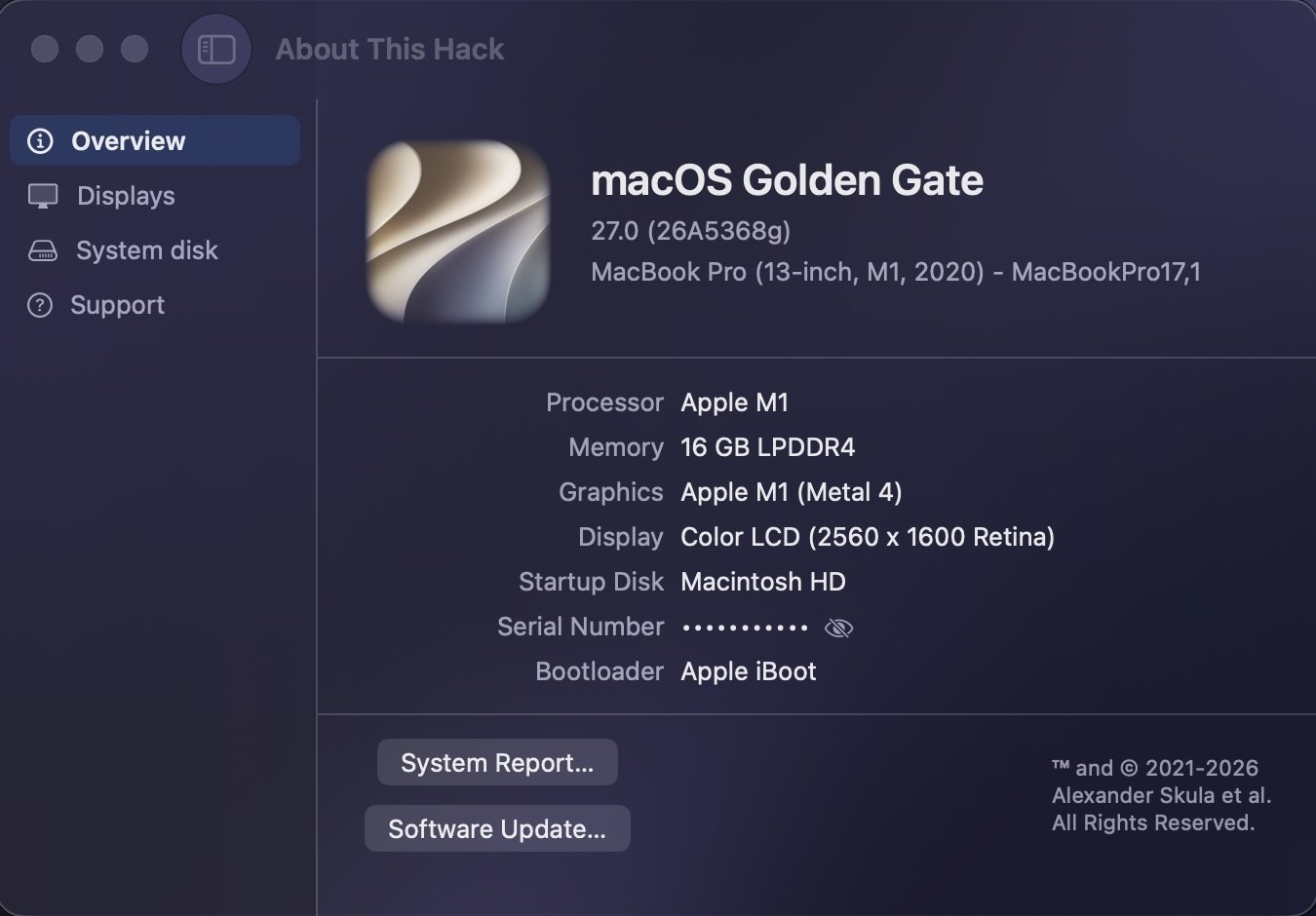
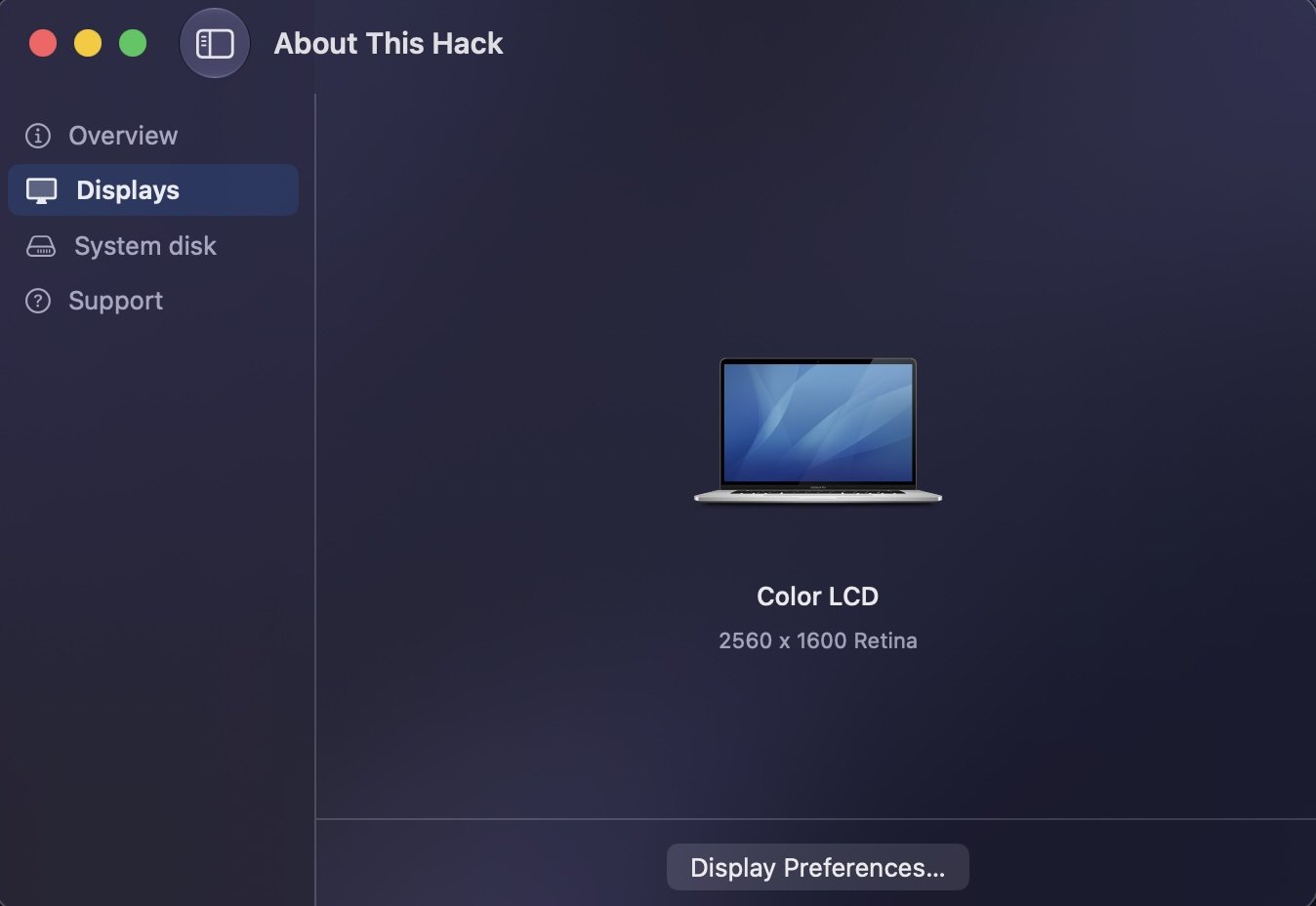
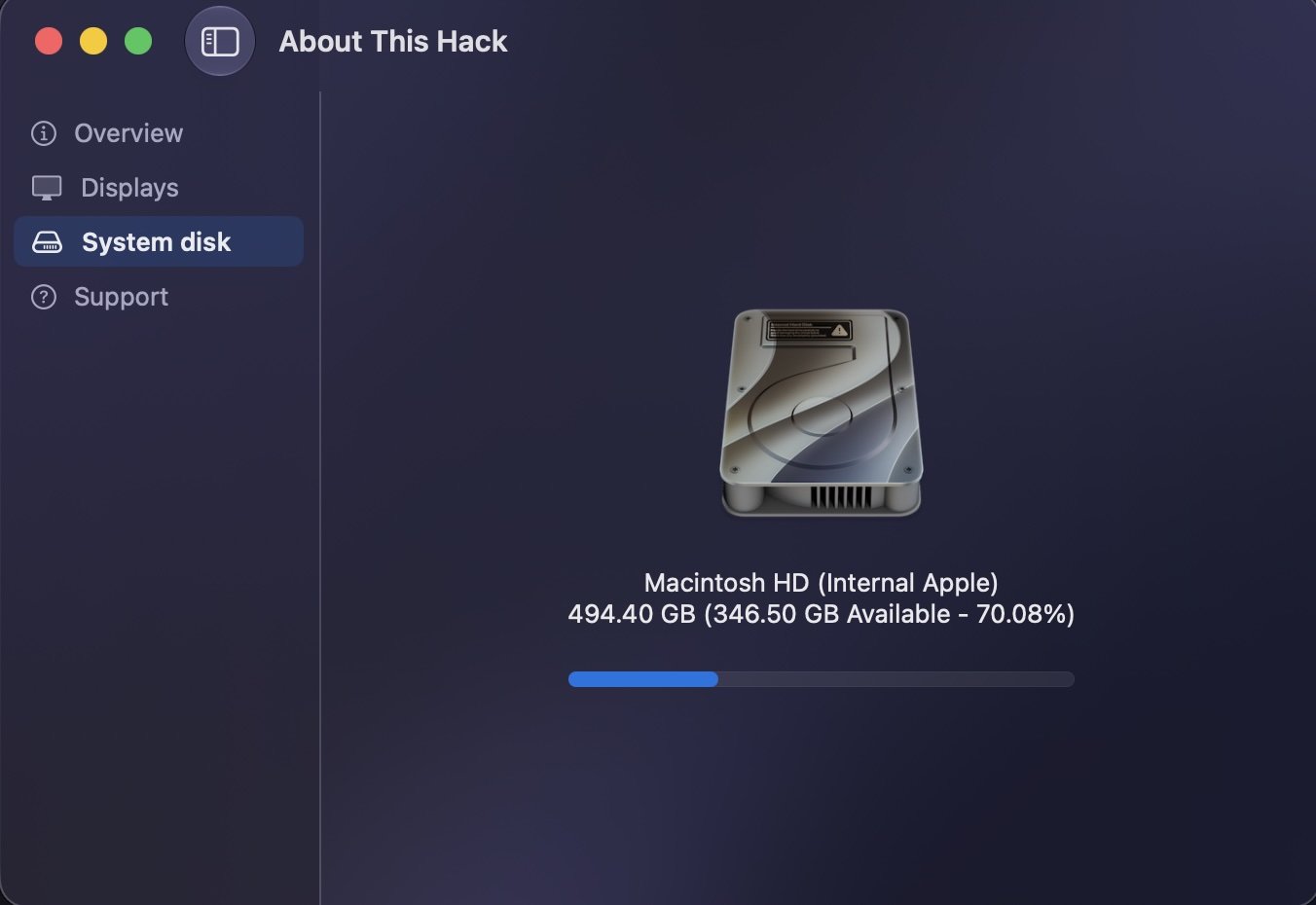
@miliuco, my friend! Code signing error during the Sparkle update but the new version of the app works flawlessly with my MacBook Pro 2020 M1 and MacOS 27 Golden Gate beta 2! Thanks for the great work you are doing for all of us BTW.. Sparkle Update to Download Full Installer v.4.5.1 (252) worked flawlessly 👍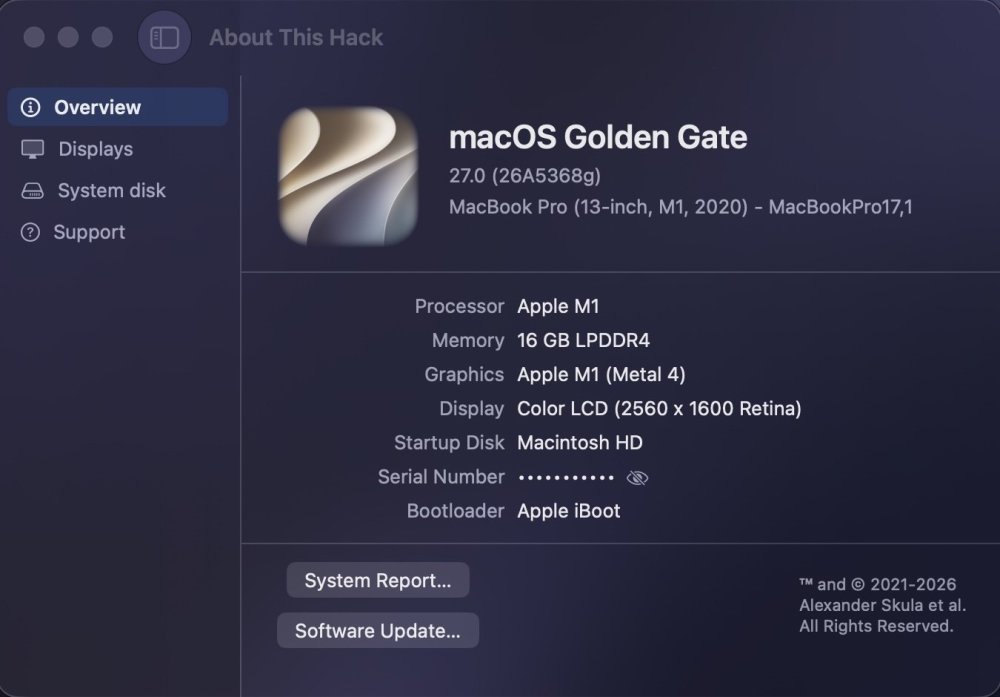
-
What about SMBIOS from Apple Silicon? How macOS knows a serial number of the Apple Silicon machine?
-

About This Hack (2009-Nissan-Cube version migrated to SwiftUI)
miliuco replied to miliuco's topic in Hackintosh Tools
Updated to Golde Gate. Not very useful for hackintohes, anchored to Intel, but at least we can see the system well detected in the Silicon Macs. -
Yes, it will be very useful as a tool like "write me a procedure for sorting the array...". But it is quite stupid when I ask "help me to find an error in my sources...".
-
 andrea reyes changed their profile photo
 -
 Rankify Genius changed their profile photo
 -
 Eucom Xx88 changed their profile photo
 -
 Instamatch changed their profile photo
 -
 100Coins SMS Gateway changed their profile photo
 -
That's nice to know that the RX 580 is still up to the tasks for certain jobs, I haven't used my RX 580 in any serious AI related processing.
-
 Chlomaki changed their profile photo
 -
 top88cassino changed their profile photo
 -

-
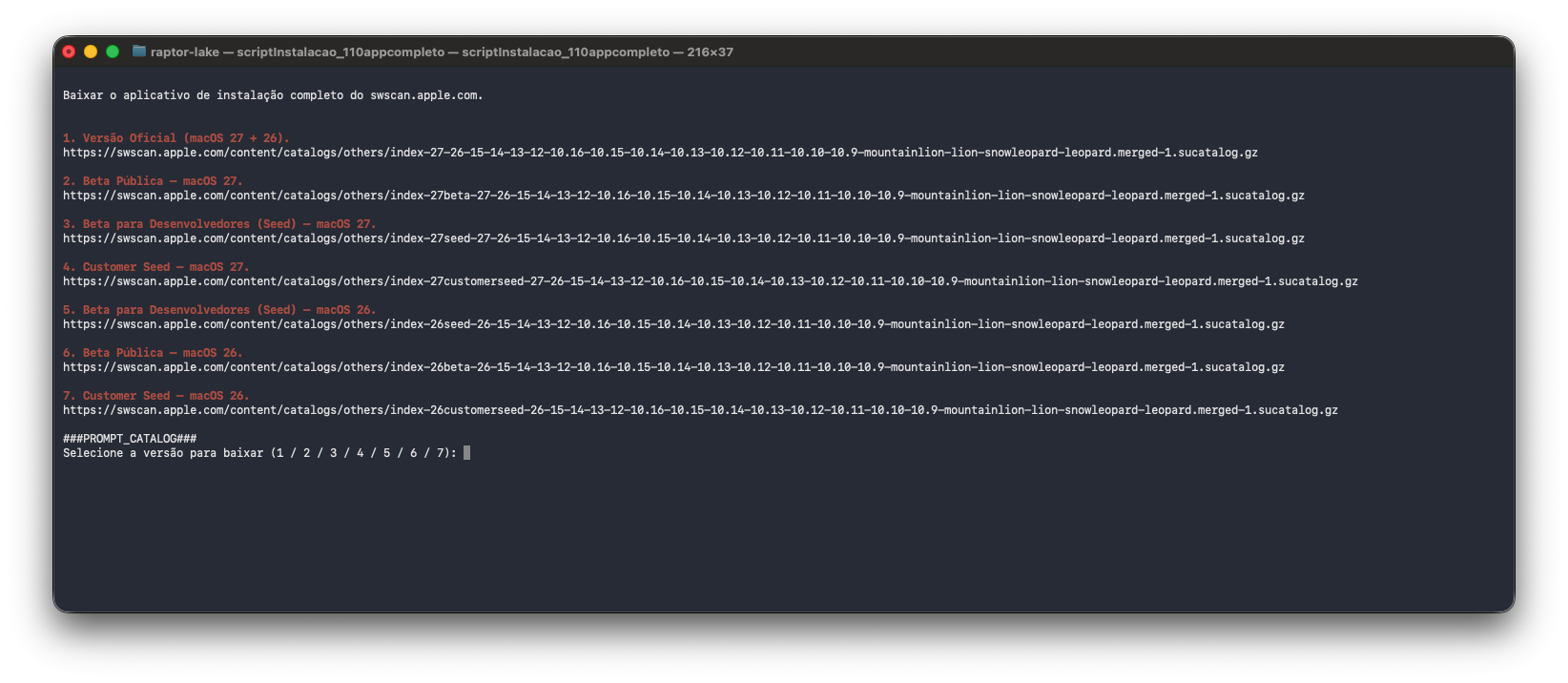
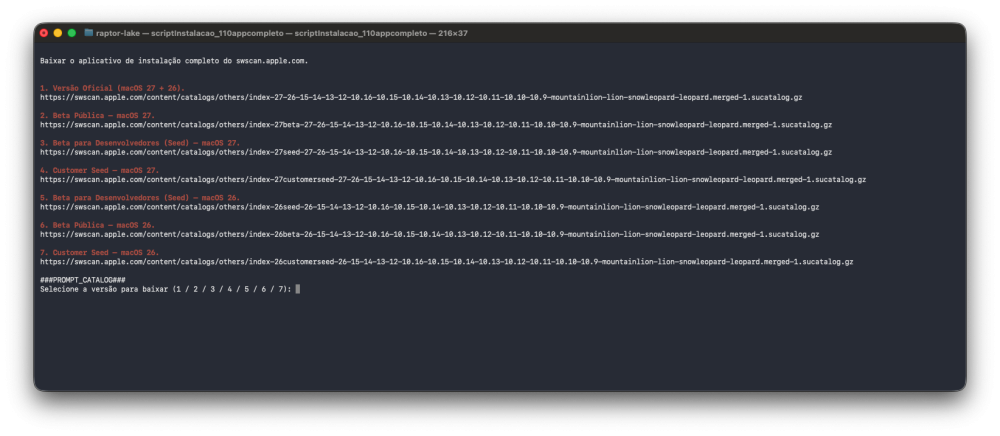
Script for Terminal with 7 Urls enjoy it scriptInstalacao_110appcompleto 2.zip
- 58 replies
-
- 1
-

-
- macos
- golden gate
- (and 1 more)
-
[ 36 ] 2026-06-16 17:32:13 .. 140-15662 .. 26.6.0.25G5043d macOS Tahoe Beta https://swdist.apple.com/content/downloads/50/25/140-15662-A_UPB0N3Q94Q/oip2t78ot0mme3eqfmgtygss52ldw7q6c9/140-15662.English.dist https://swdist.apple.com/content/downloads/50/25/140-15662-A_UPB0N3Q94Q/oip2t78ot0mme3eqfmgtygss52ldw7q6c9/InstallAssistant.pkg
-
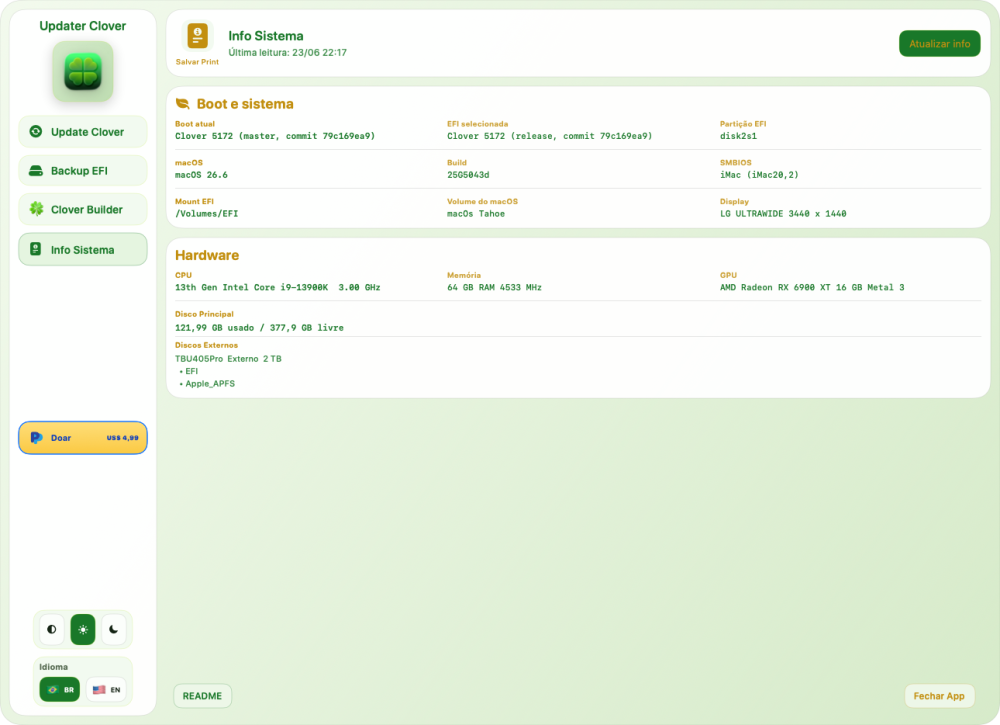
Thanks @chris1111 @Slice for new update!
- 30967 replies
-
- 1
-
-
- bootloader
- efi
- (and 2 more)
-
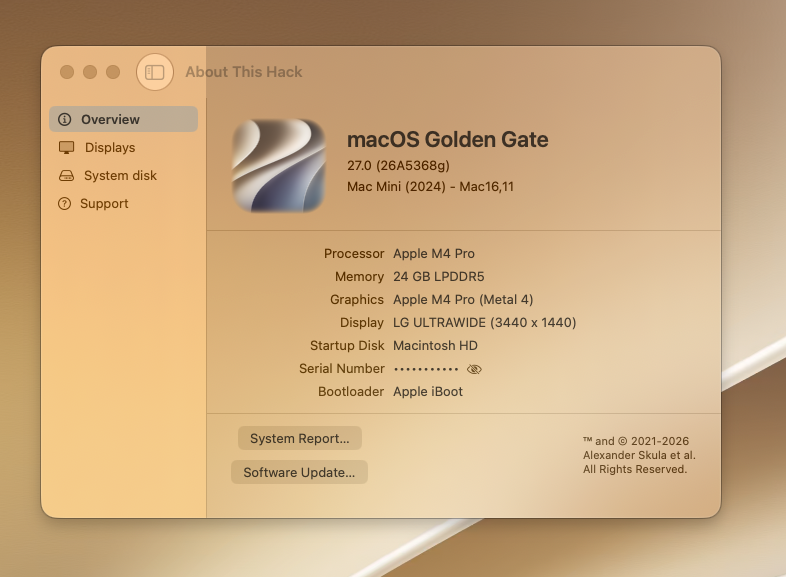
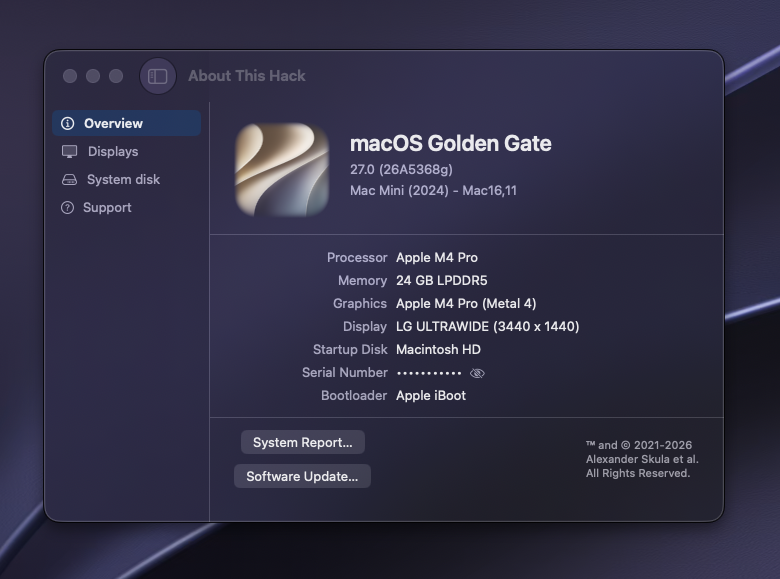
Glass version 🤩
- 58 replies
-
- 5
-
-
- macos
- golden gate
- (and 1 more)
-
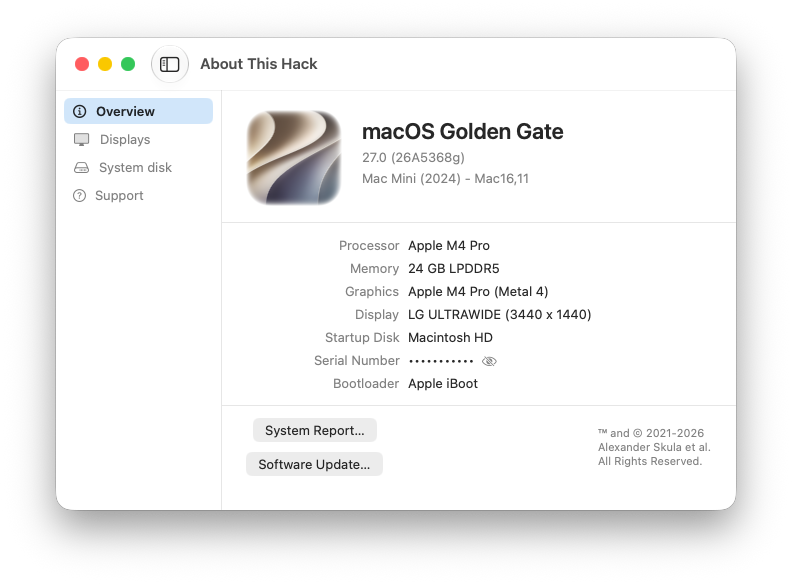
Compiled version (no glass) Excellent work my friend
- 58 replies
-
- 2
-
-
- macos
- golden gate
- (and 1 more)
- Yesterday
-
My modest RX 580 performs very well for processing batches of up to 10 GB of images and preparing them in CMYK TIFF format for offset printing... in minutes... with AI "Aiarty Image Enhancer"... on macOS Tahoe.
-
 cakhiatvan com gia mao changed their profile photo
 -
I would like to hear any success stories on using local LLMs for coding, if anyone has any experience please share your stories. I've used Gemma, Qwen, Omnicoder but none of them could do what Claude, Gemini, Grok and GPT can do.
-
I use VS Code with Chat Copilot and several AI tools, including Claude 4.6. But sometimes GPT-5.4 surprises me by doing many things better than Claude.
-
This is funny... I have been using an App for processing analog video (https://github.com/StuartCameronCode/VapourBox) The chap who created it is called Stuart Cameron. On his GitHub repo, the other developer is someone called Claude I thought...hmmm Claude does not say much on this repo... It's only when I clicked on the Claude's name I realised it's an AI tool by Anthropic 🤦♂️ I have just been initiated into AI and who the hell is Claude 🤣
-
 kp888 io changed their profile photo
 -
It will depend on how the question was asked. All AIs are configured by default to "please you". And with this concept, the further you progress in the project, the more "idiotic" they become. But when you master your subject and ask them to act as a tool, then they can be useful.
-
I have to agree with @Cyberdevs. I've tried several AI's but Claude Code is the best for my needs. It made my life much easier when I was setting up my server. It even fixed few issues that I had with my Hackintosh.
-
For me Claude is the go to source, it really does the job for me. I've tested ChatGPT, DeepSeek, Gemini and Grok and Claude by far is the best one for my needs. I've tested some local AIs but never get the results I was looking for. Besides my GPU (RX6800 XT) seems to be not that suitable for large projects. On macOS it's nearly impossible to do anything heavy but in Windows I used Zluda and Stable Diffusion Forge for AMD and it generates images with 720x1080 between 11 to 21 seconds based on the Loras and the Models used. For Text generation I've tested Ollama and LM Studio which can utilize AMD GPUs if you have ROCm installed and the result is much better than macOS. Stability Matrix has an application for Windows and macOS (Apple Silicon only) which can download and install various Generative AI tools and it works pretty nice for Image and Text Generation. I've recently discovered another app called LynxHub which works on Intel Macs as well and has plenty of repos to install but haven't used it much.
-
 zowinchat2 changed their profile photo
 -
It's a pity AI is not genius and sometime or always it can't resolve a problem. 1. First I see https://www.insanelymac.com/forum/topic/362634-nootedgreenkext-is-on-air-its-a-long-long-road-to-complete/ The last message "The end of the road". Very pity! 2. I was asking Qwen.ai How to compile Wine 11 to have an 32-bit support in macOS? After some attempts he said it is impossible. But no. I made it with my own brain! https://github.com/SergeySlice/Wine-Sherry/releases/tag/SherryWoW-11.1-23 3. VoodooHDA is still not finished. It will be separate story. Have I any success? Only in small parts...
-

About This Hack (2009-Nissan-Cube version migrated to SwiftUI)
Slice replied to miliuco's topic in Hackintosh Tools
DisplayPort should be asymmetric. -
@Green206 Take a look at the WhateverGreen.kext boot-arg -wegnoegpu. Oh... you're welcome.
-
Extract kext from patcher, works excellent with BCM4352. One minor symptom, ater kext in OC 1.0.8 on Sequoia, my sleep/wake schedule which i cancell all and lock, made my HP wakes to strange power events which does not exists before. That is the same symptom as in your patched BlueToolFixup kext and -btlfxwakecrash boot arg.