All Activity
- Past hour
-
By itself, -no_compat_check does not affect the skipping of Tahoe kernel checks, and is only needed to fix the playback of DRM WhateverGreen on Polaris cards. My experiment with SMBIOS MacMini8.1 failed on my RIG possibly due to the physical absence of an iGPU.
-
 uy888info joined the community
 -
 CX University changed their profile photo
 -
 Hello, @Cyberdevs Regarding the issue with image generation, where it replaces the already generated image, in the latest update I added a feature that automatically saves the image by date and time of generation to prevent future replacements or image loss. I hope that with everyone's help, I can continue to refine the app every day. Best regards
 -
 Thank you, @MaLd0n. I will be able to test in a few hours and will update this post with my test status.
 - Today
-
 HDAUniversal-Release.zipTest this. Everything related to audio has to be handled very carefully because it is extremely complex. We change one thing and end up breaking another. It is way too complicated. On sleep, HDAUniversal now mutes the active analog output, waits 3 ms, disables EAPD/PinControl, and detaches the DAC stream before power-down. On wake, it restores the route silently, enables PinControl/EAPD only after the path/DAC are ready, waits 3 ms, then reapplies the saved volume/mute state.
 -
 789p8livevn joined the community
 -
 Managed Cyber Hub joined the community
 -
 Naeem Tahir joined the community
 -
 futureprofilez changed their profile photo
 -
 ori changed their profile photo
 -
Very nice app thank you!!
-
futureprofilez joined the community
-
@LockDown and @MakAsrock I'm probably misunderstanding what you're saying, so could you please clarify? - thank you. I routinely install macOS Tahoe with boot-arg -no_compat_check or with Booter Patch "Skip board ID Check" using unsupported SMBIOS MacMini8,1. I can perform this installation on systems with only UHD630 iGPU and with systems that have both dGPU Radeon RX 560x and iGPU UHD630. Under what conditions does -no_compat_check or Skip Board ID check no longer work for installing Tahoe on systems with unsupported SMBIOS?
- 30993 replies
-
- 2
-

-
- bootloader
- efi
- (and 2 more)
-
storm34 joined the community
-
 Arthur Batista changed their profile photo
 -
 789p8onlinevn joined the community
 -
 Kbfghffj joined the community
 -
@ghltbm Please add a signature with the specs of your machine in your Account details.
- 1 reply
-
- 1
-
-
 taya365365net changed their profile photo
 -
 rikbet1uknet changed their profile photo
 -
Hi, I'm ghltbm, nice to meet you. Although hackintosh is end, I'll also ready to help.
- 1 reply
-
- 1
-
-
 thabet77asia1 changed their profile photo
 -
 togelonline4dkoiini changed their profile photo
 -
@MakAsrock Compiling with full GCC16.1 smoothly 😊 EDIT: I merge your Full GCC16.1 to my local CloverBootloader. How to bump Version number on my local repo ? Please.
- 30993 replies
-
- 3
-
-
- bootloader
- efi
- (and 2 more)
-
There is really no need to force acceleration on install. All these can be bypassed by booting with -igfxvesa + iMac20,1 then configure it after. I do it everytime i clean install. Anyways...il stick to my own workaround 👍 Btw, Changes you've made in 5174 are great. Keep it up!👍
- 30993 replies
-
- 2
-
-
- bootloader
- efi
- (and 2 more)
-
If you try to boot the macOS Tahoe installer without a Metal 3-supported discrete graphics card, you will completely lose display output with UHD 630 or 620 (the screen goes black). Furthermore, the -no_compat_check boot-arg no longer works in Tahoe, and even if it did, a clean install is simply not possible with it.
- 30993 replies
-
- 4
-
-
- bootloader
- efi
- (and 2 more)
-
.thumb.jpg.72195f26a2b2092d5d0c2a2ef5fe774b.jpg) trangchub78winnet changed their profile photo
trangchub78winnet changed their profile photo -
 dtvlc2026 changed their profile photo
 -
Thank you, MaLd0n... The zip generated by Collect-HDAUniversal.command: attached Your codec model: Conexant CX20632 Your layout-id: 20 macOS version: 26.6 Beta (25G5052e) Bootloader used: Open Core 1.0.7 Whether the kext is installed in /Library/Extensions: Yes A clear description of the problem: On transition to sleep, audio generates a loud "tick"/"pop"; On wake, audio generates a loud "tick"/"pop". I do not observe this with VoodooHDA 4.0 or with AppleALC/AppleHDA. Steps to reproduce the issue: Sleep and listen for loud "tick"/'pop"; Wake and listen for loud "tick"/"pop" EDIT: @MaLd0n I'm not sure if this helps, but when using VoodooHDA.kext 4.0, the HP EliteDesk 800 G4 Mini requires DisableInputMonitor=True to avoid loud "pop" on macOS startup. EDIT2: @MaLd0n To be sure I wasn't leading you on a wild goose chase, I just performed a clean installation of macOS Tahoe 26.5.2 on this exact same hackintosh (HP EliteDesk 800 G4 Mini) and then installed HDAUniversal with SIP csr-active-config = <03000000>. The loud "pop" on Sleep and Wake is still reproducible on this brand-new installation of macOS Tahoe. For testing, I'm using your latest HDAUniversal that you posted here. I have no other apps installed, so this test environment is a clean installation of Tahoe 26.5.2 with only HDAUniversal installed. HDAUniversal-Test-Logs-2026-07-05_20-34-06.zip

- Yesterday
-
Thanks for the clarification. So would say that it's more of a hardware based detection rather than OS. Im saying this due to macos not allowing you to do "fresh" install with unsupported smbios even with no_compat_check or Skip Board ID Check
- 30993 replies
-
- 1
-
-
- bootloader
- efi
- (and 2 more)
-
@fantomas OT: Golden Gate has become more stringent when it comes to protecting non-notarized apps; Gatekeeper is more rigid. I've removed the macOS sandbox option in the DownloadFull Installer because I've found it more difficult to set up security measures for Sparkle in Golden Gate than in Tahoe. We'll learn more about this later, I suppose. I mention this because I see you've also published both apps without sandboxing.
-
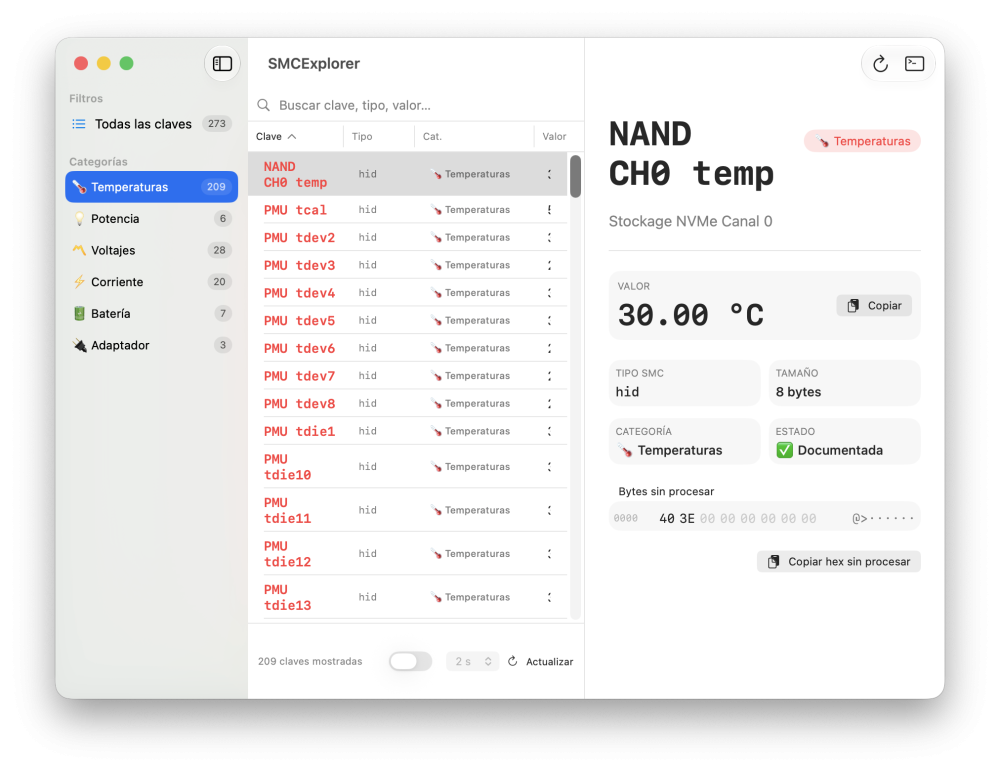
@fantomas Good job, the app runs very well. I see the UI in Spanish, great!
-
@fantomas, many thanks for all your attempts to get this issue solved. Everything is fine with me, except for my EFI folder distribution in the Download section, which has required updates for several months now. Unfortunately, due to the current upload limit, I have not been able to update it properly. Using external URLs is of course a possible workaround in the meantime, but for maintained Download-section files, a direct upload option would still be very useful. With the upcoming OpenCore 1.0.8 release, however, I will no longer be able to work around the upload issue merely by using external links and written explanations, since a proper update of the EFI folder distribution in the Download section will then become inevitable. Anyway, many thanks again for all your continuous efforts in solving this issue!
-
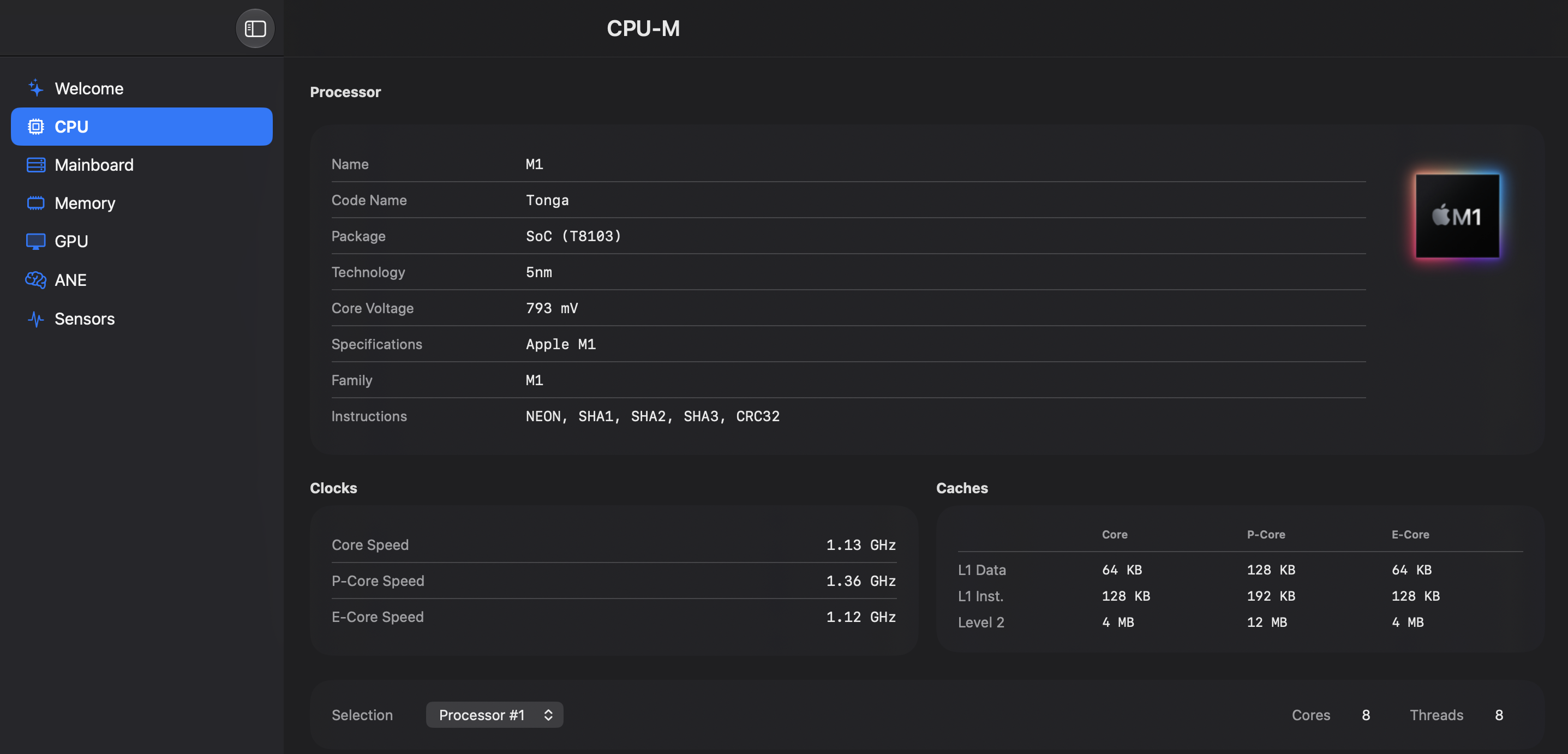
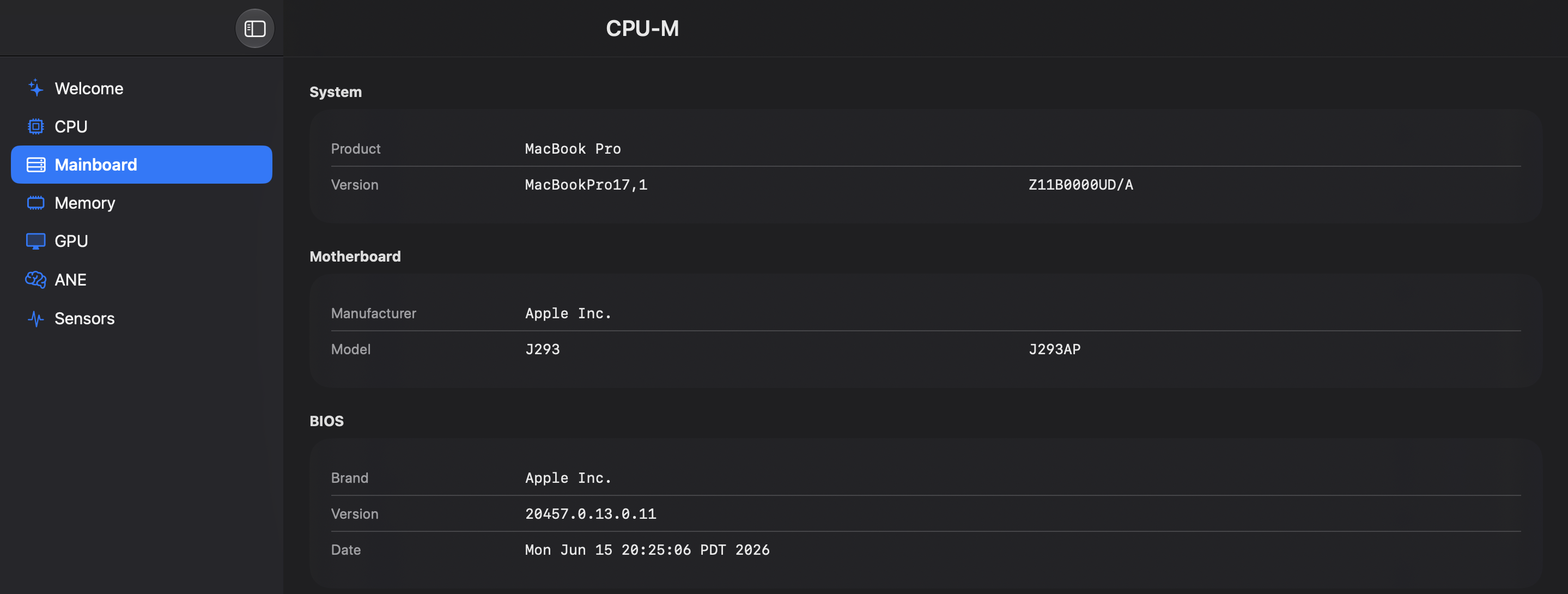
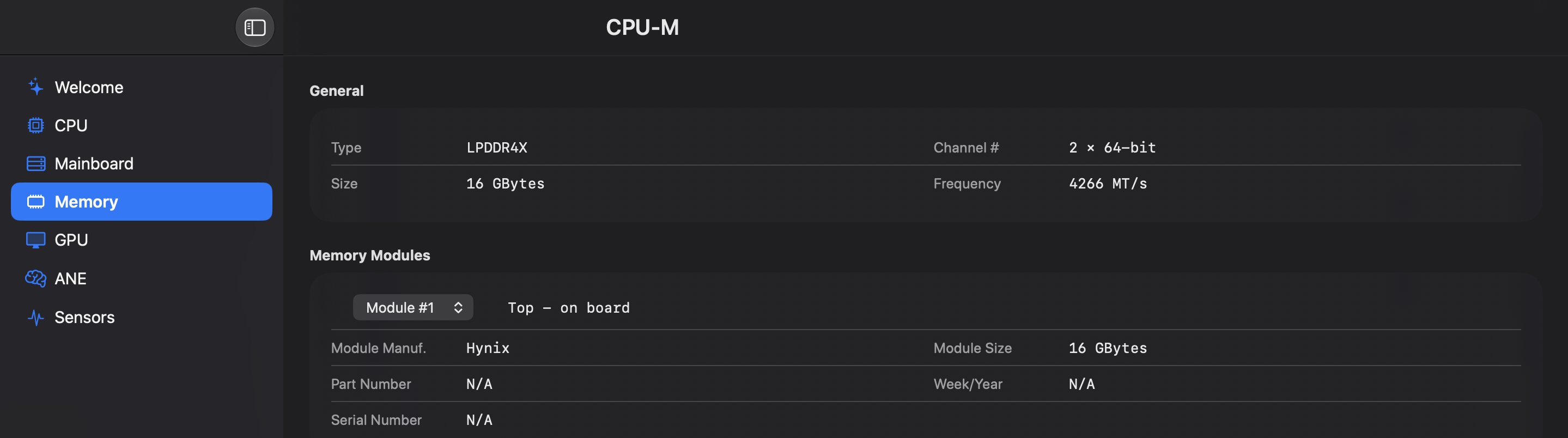
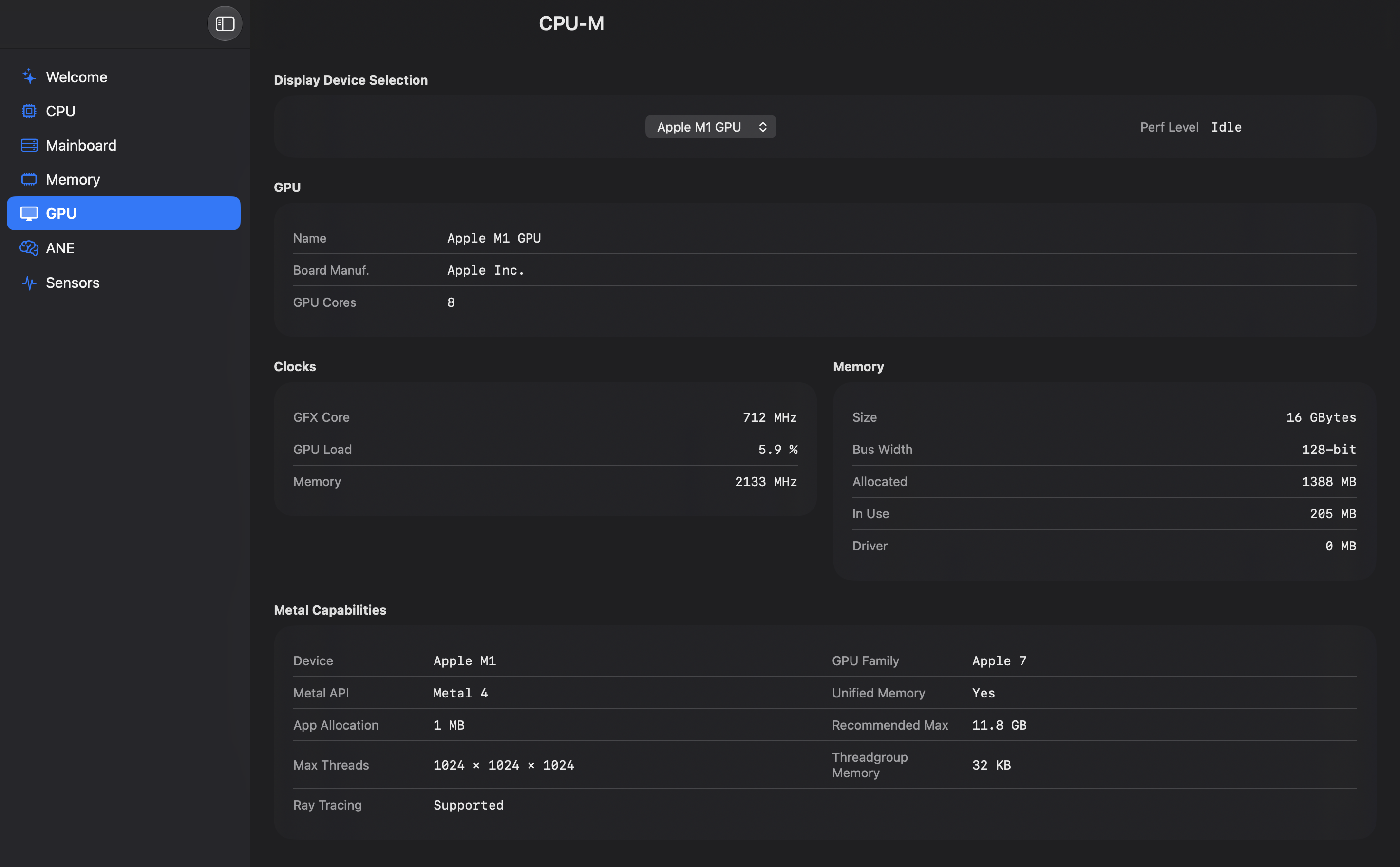
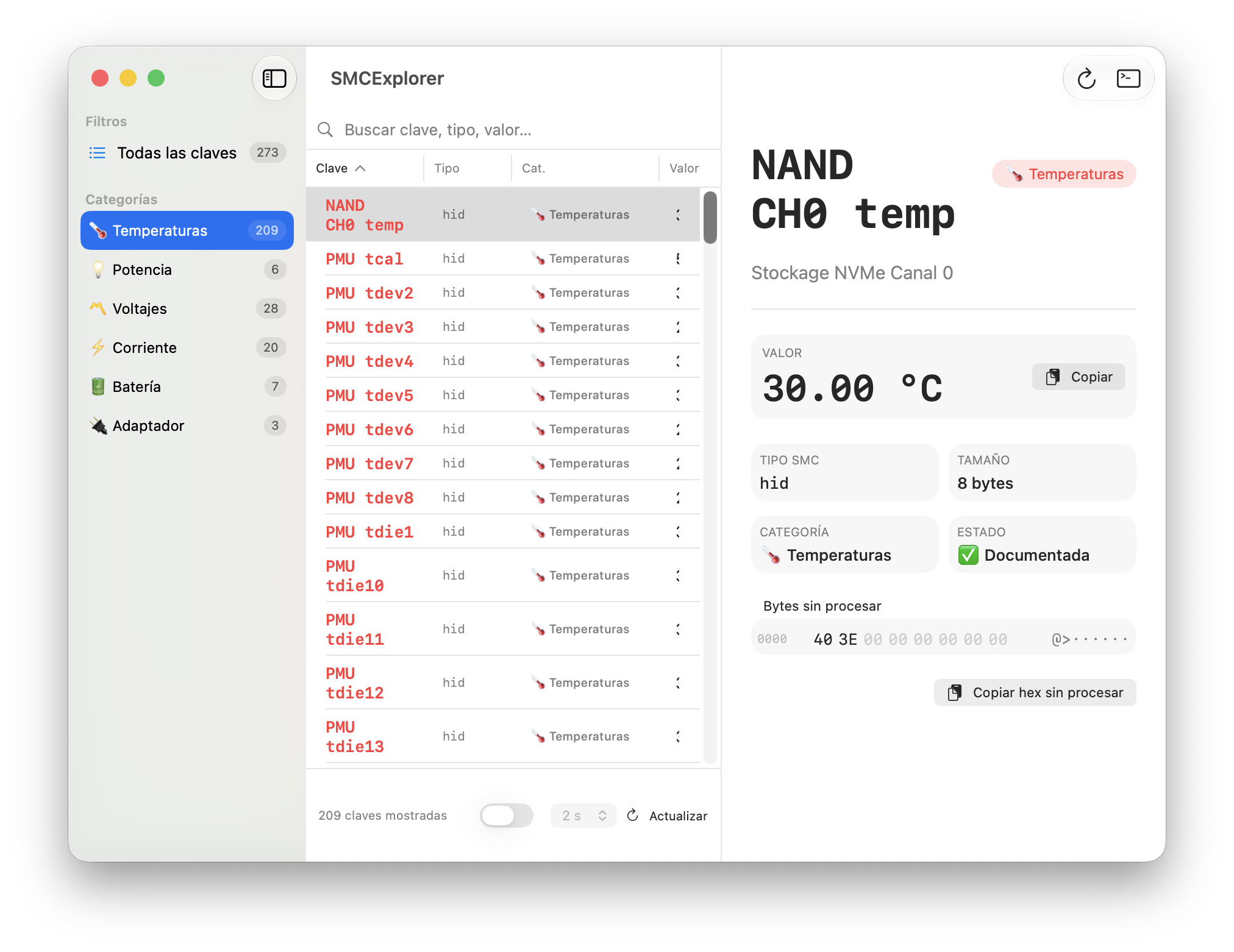
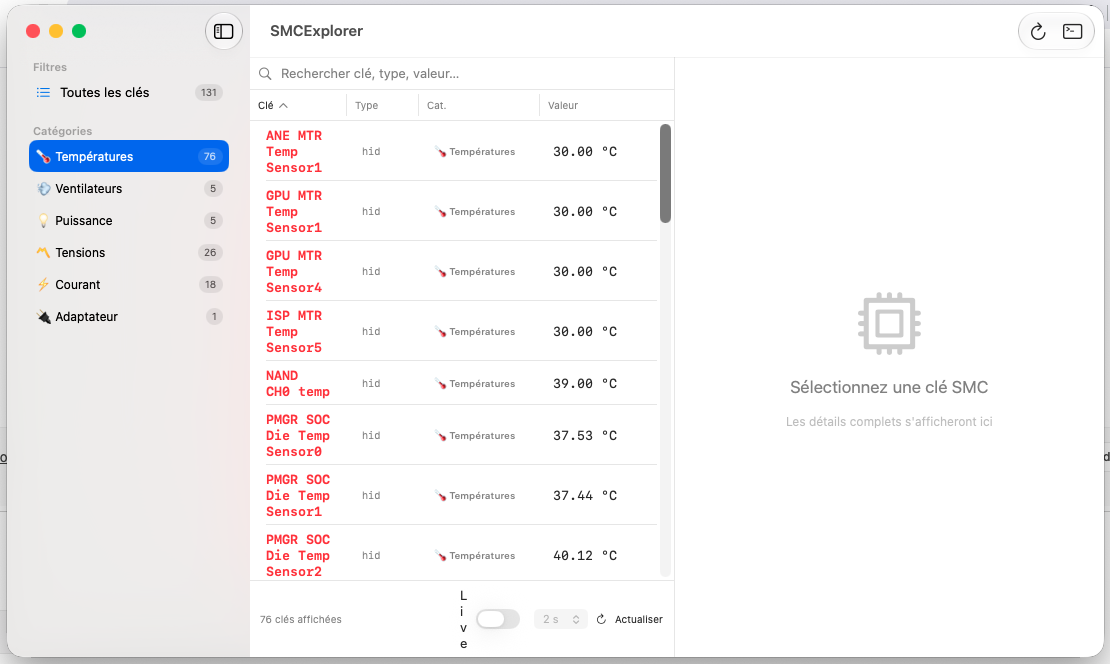
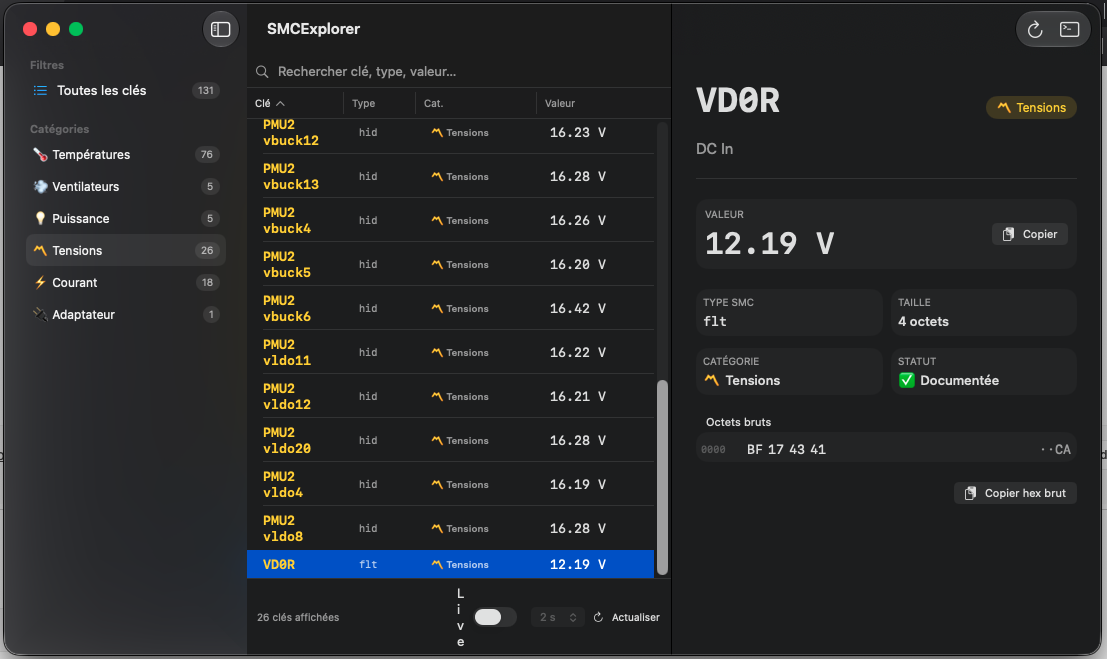
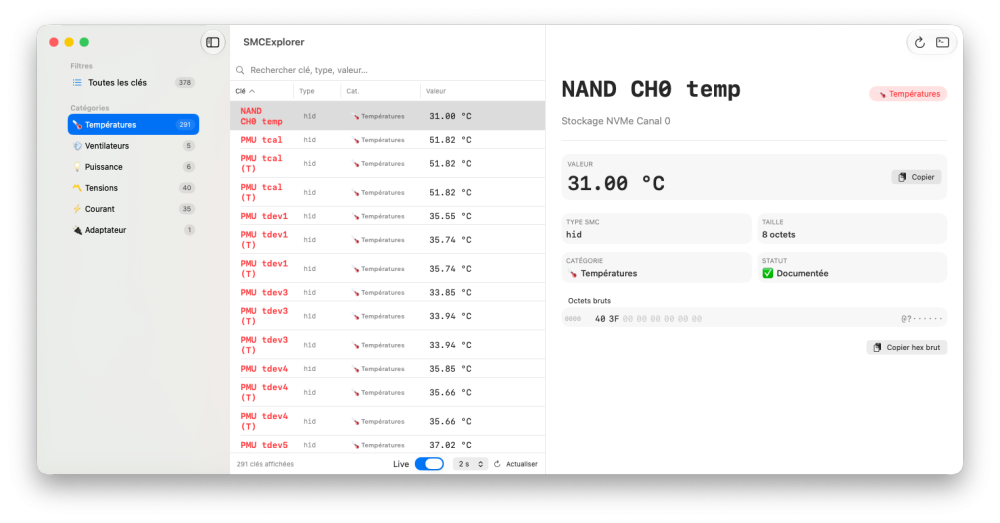
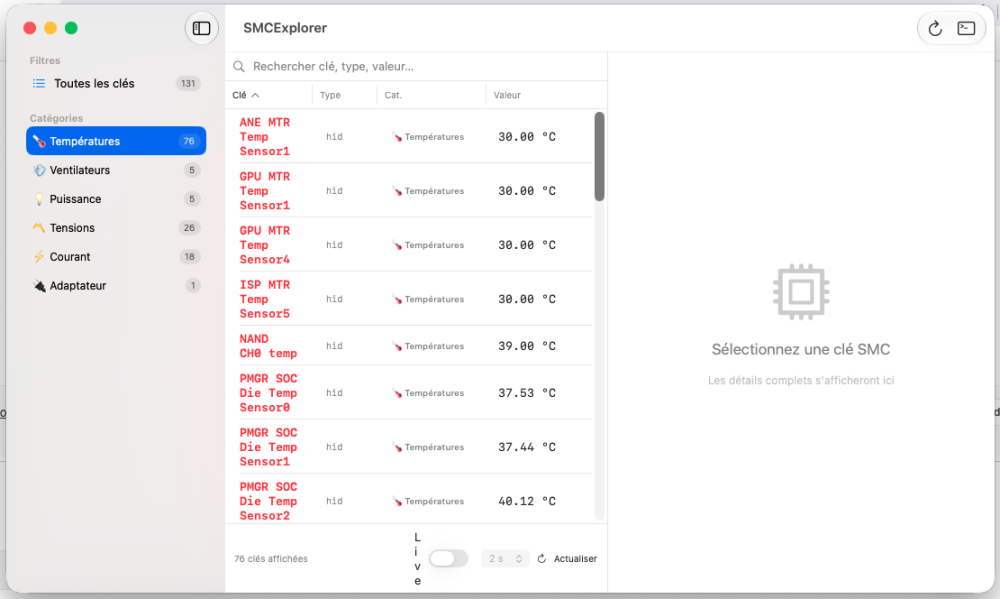
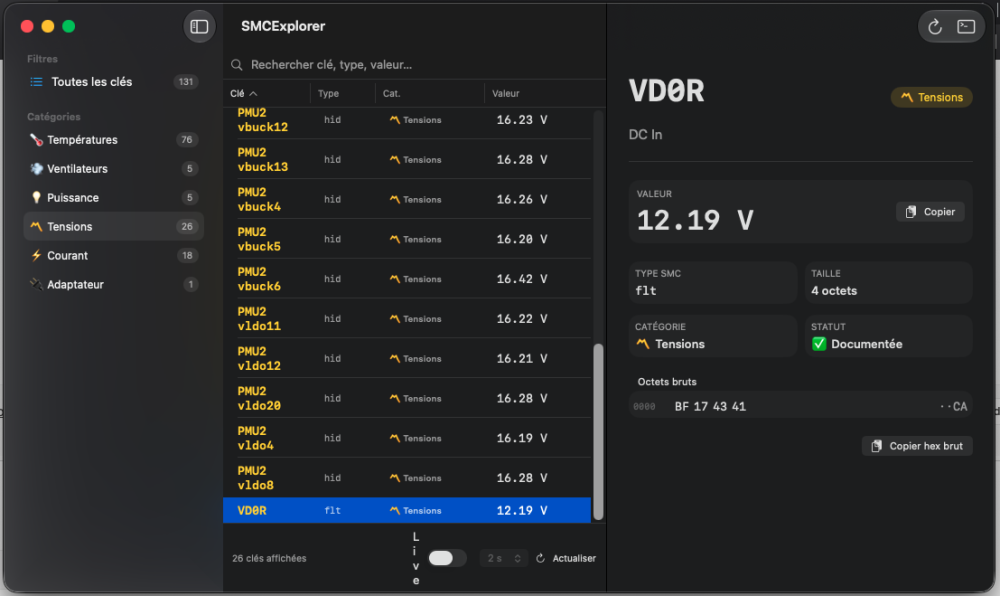
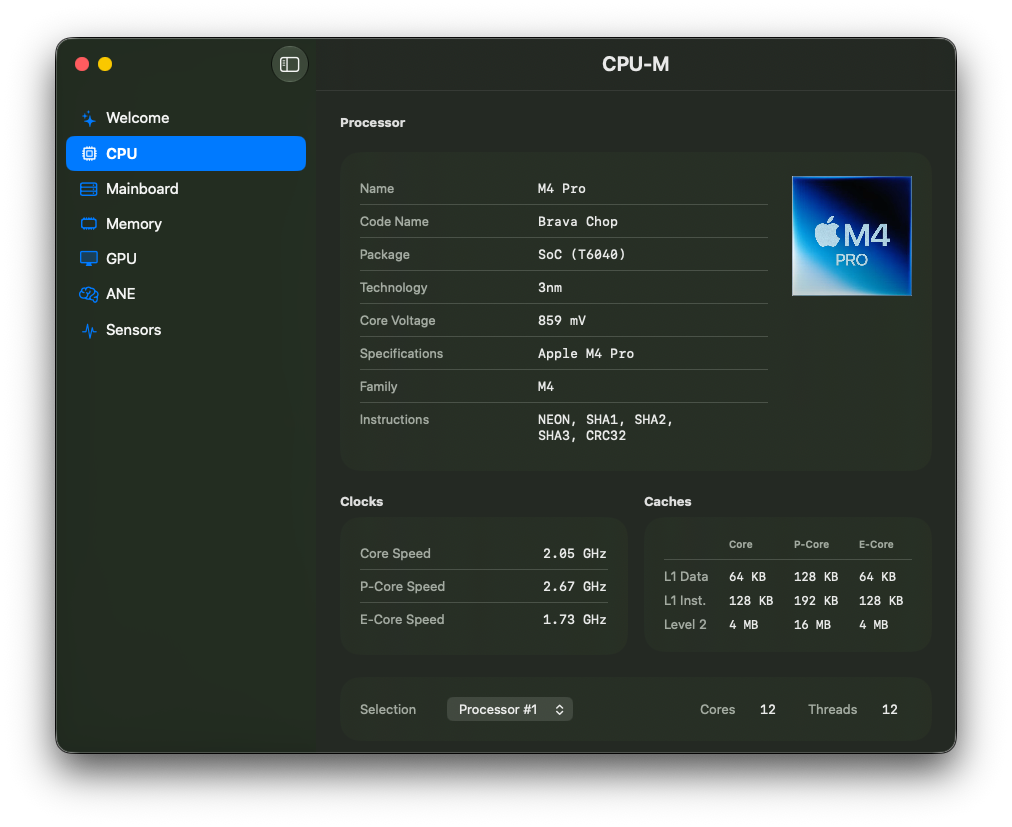
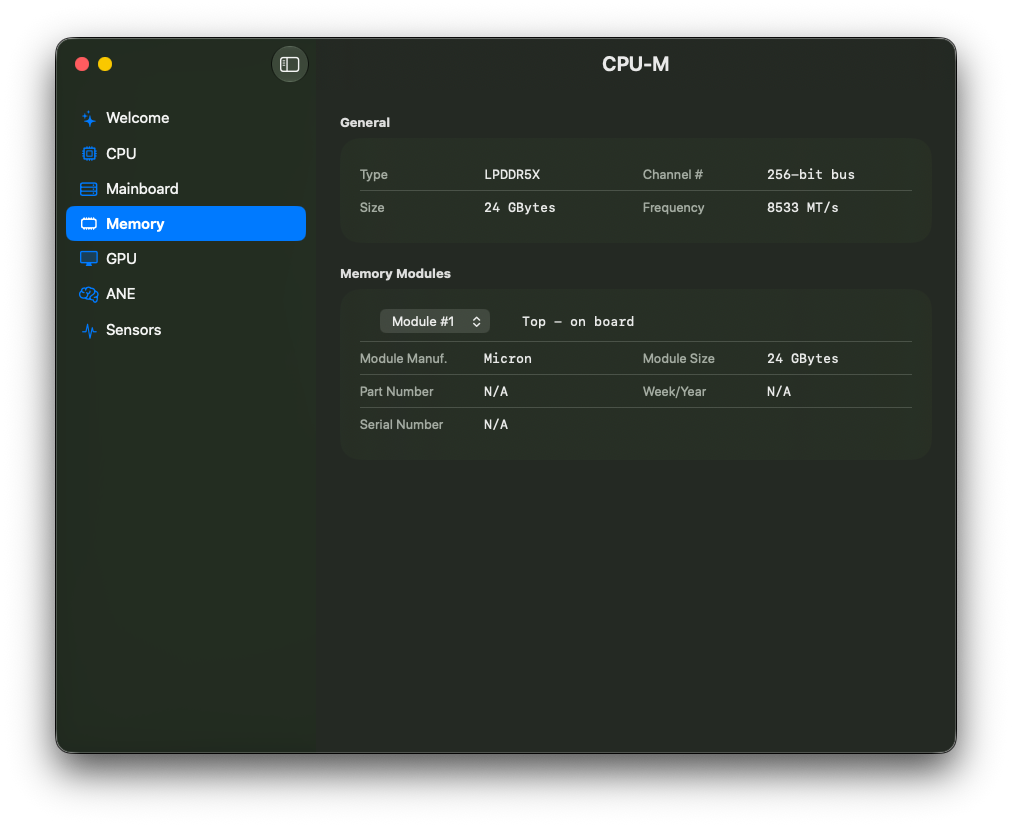
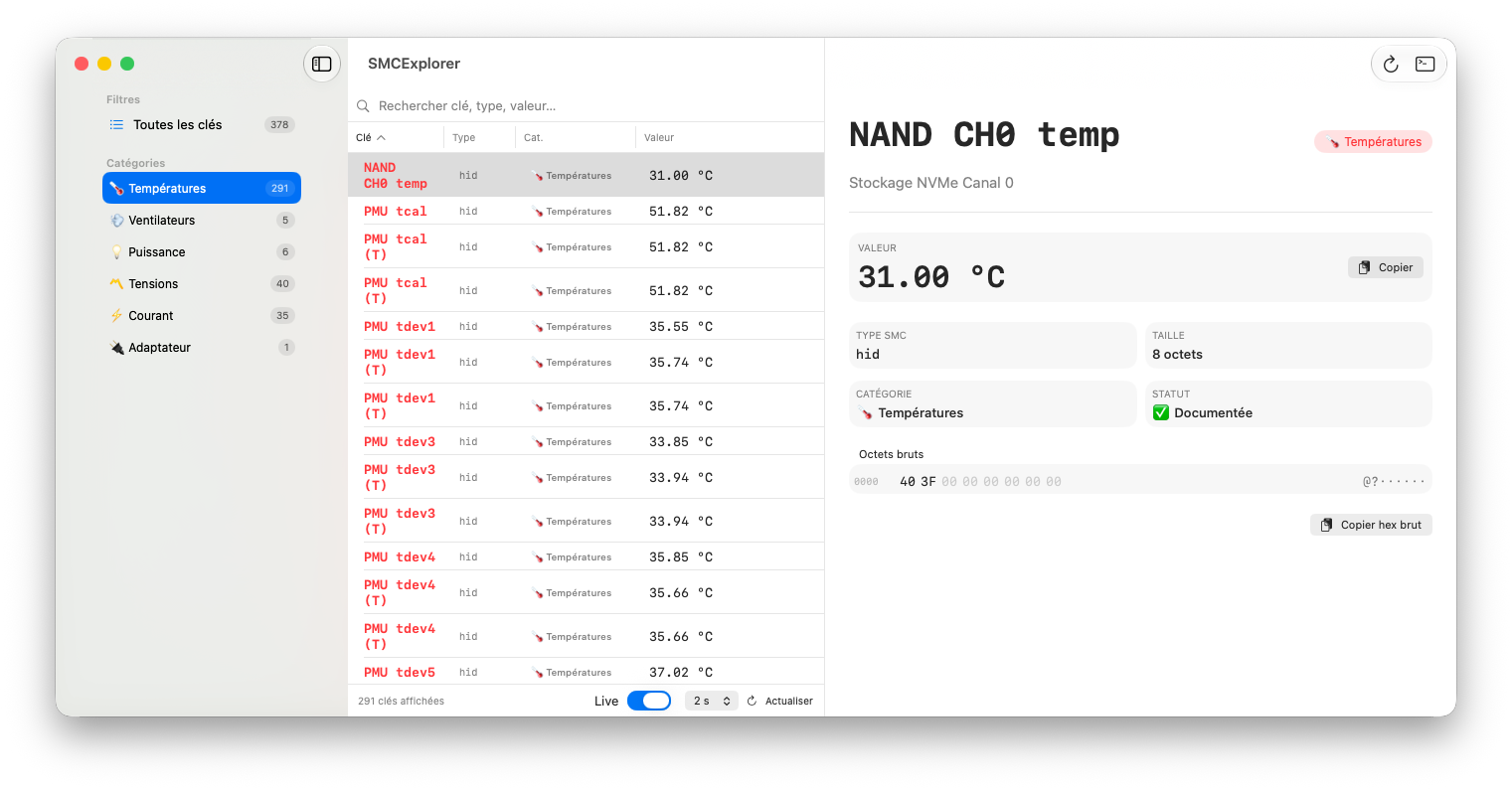
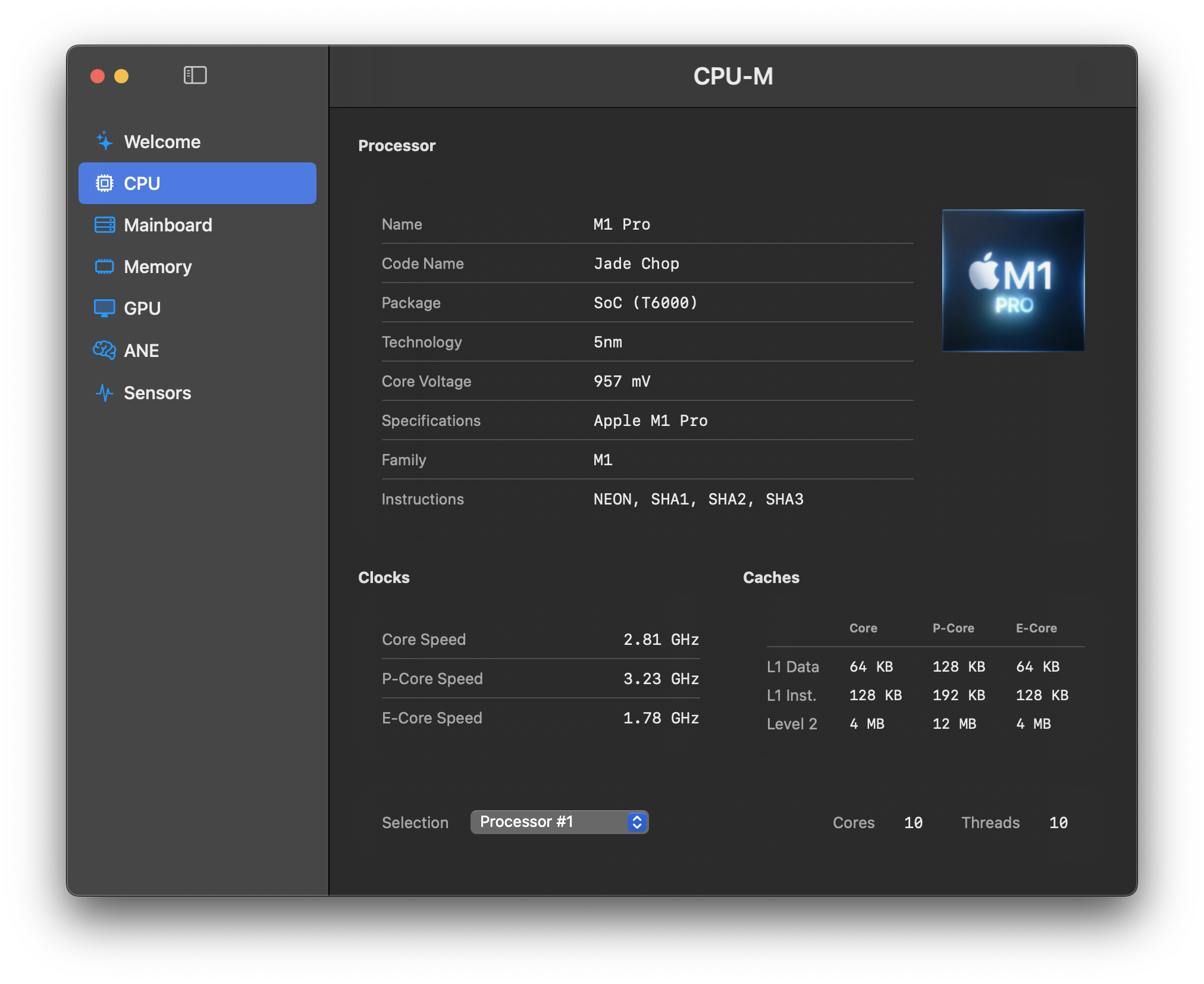
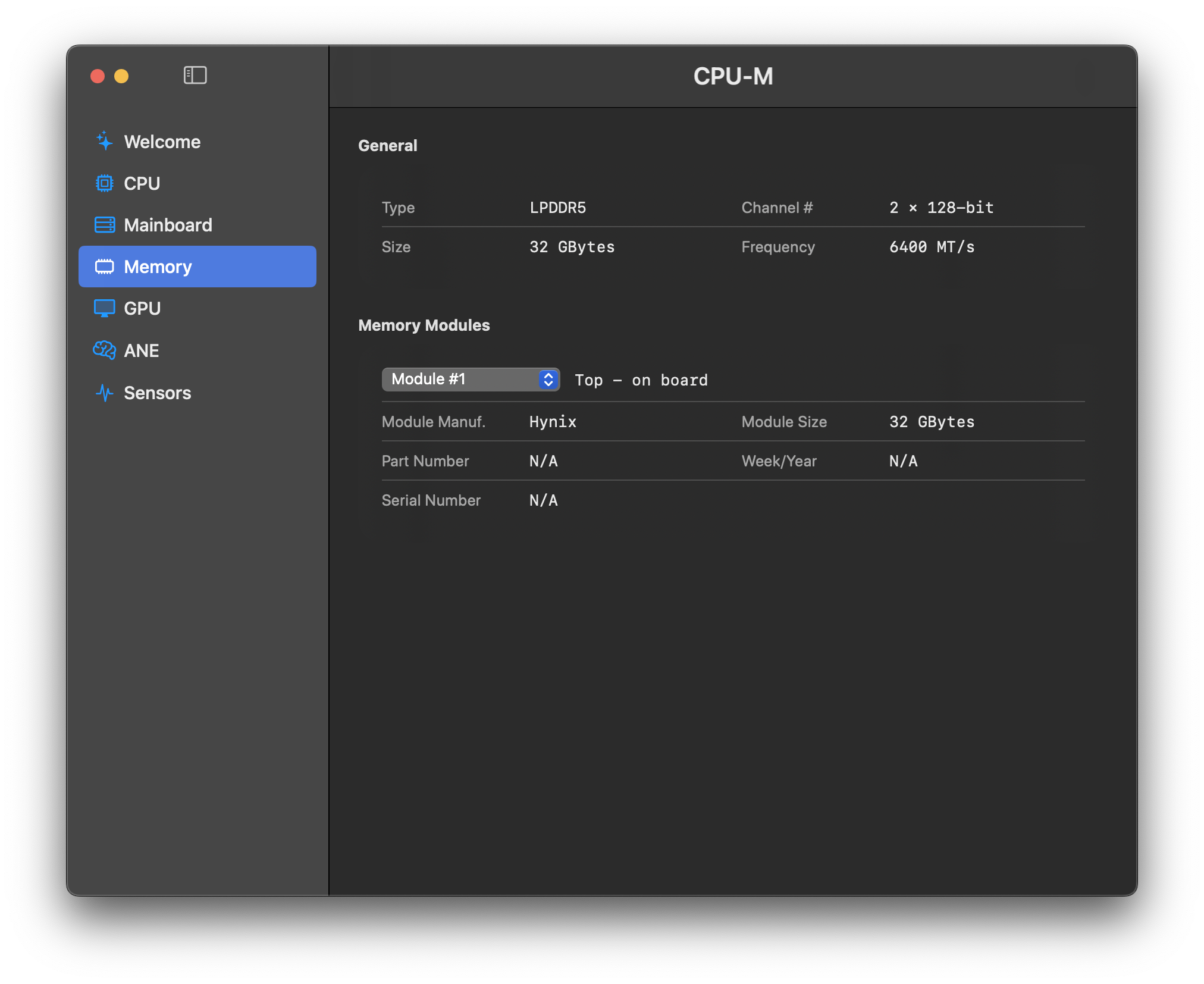
SMCExplorer SMCExplorer is a macOS non-sandboxed app that allows to showing some "known" SMC keys on Apple Silicon: M1-M5+ and A18 cpus only!!! Download LInk: SMCExplorer






.thumb.jpeg.7082d67b3394c9399e80144027a7b397.jpeg)