All Activity
- Past hour
-
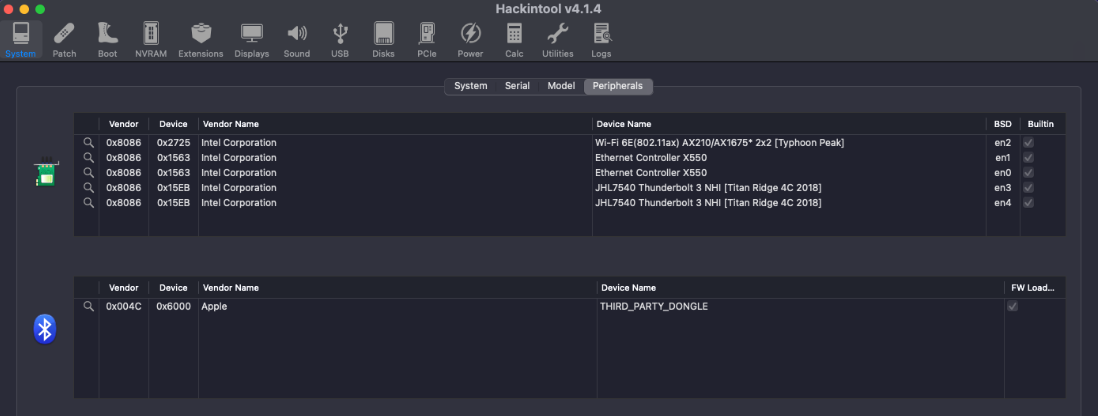
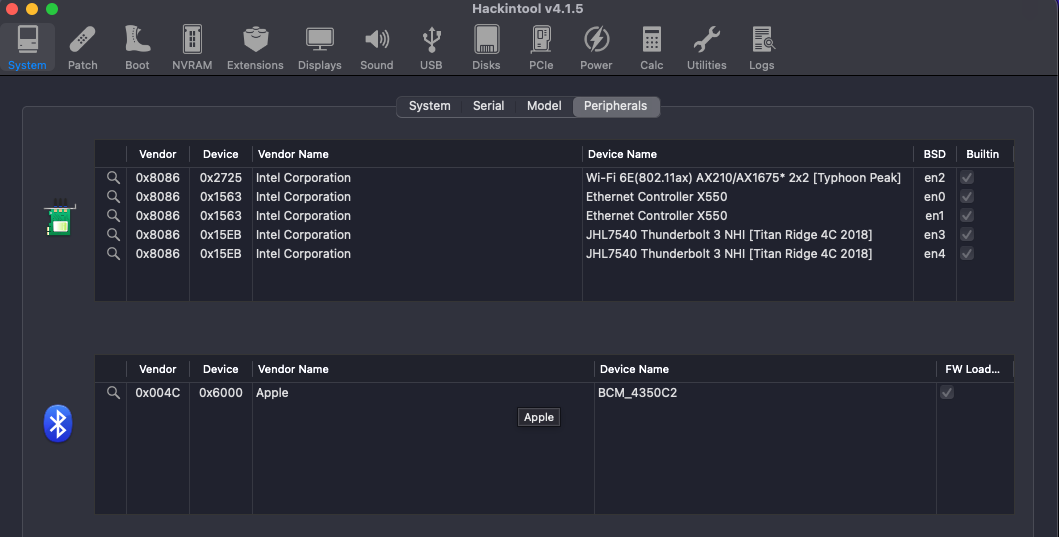
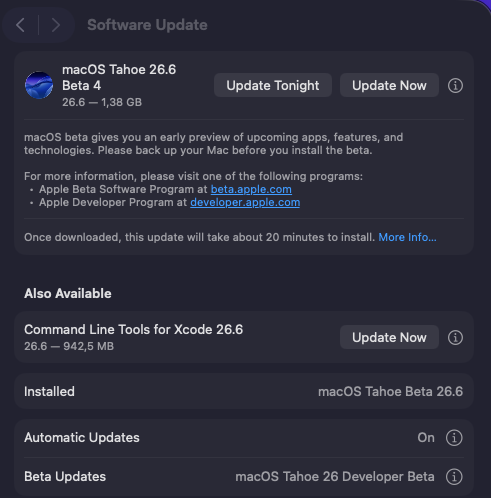
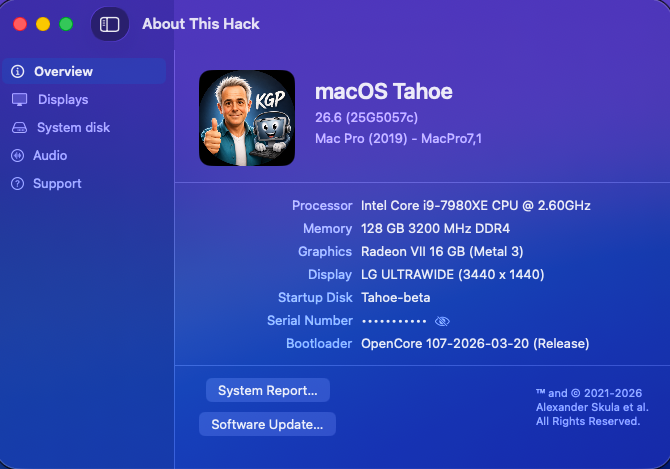
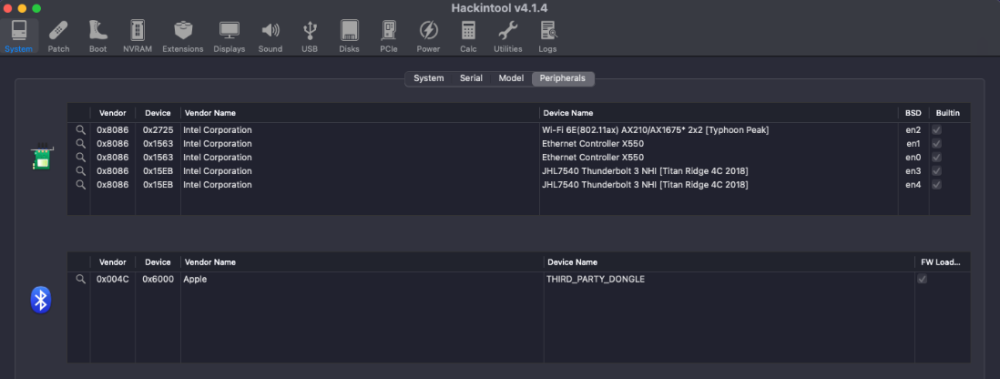
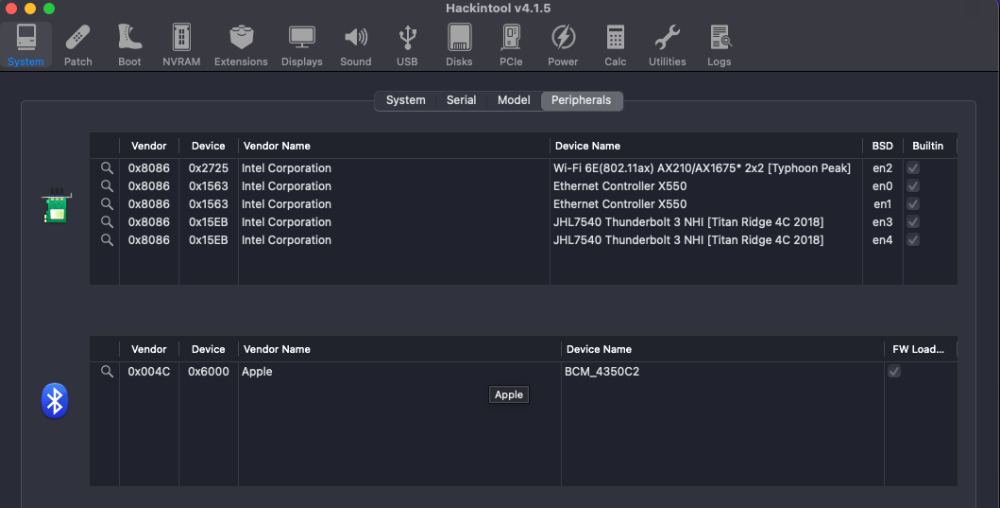
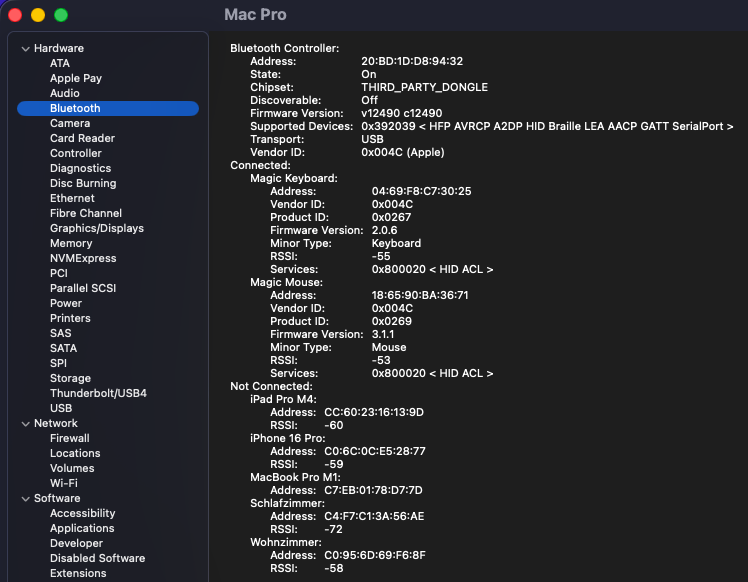
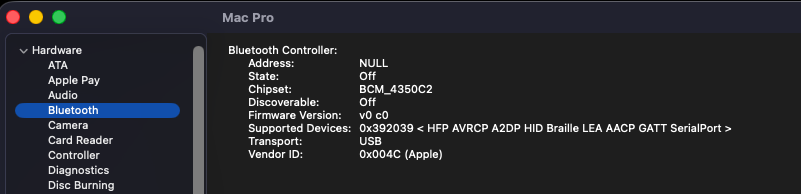
Sequential OTA update 1.38 GB from macOS 26.6 beta 3 (25G5052e) to macOS 26.6 beta 4 (25G5057c). Apple has not yet released a Kernel Debug Kit for macOS 26.6 beta 4 (25G5057c). OCLP correctly selects Kernel Debug Kit 26.6 build 25G5052e, corresponding to macOS 26.6 beta 3, as the closest available match. Due to ongoing AirportItlwm.kext debugging, this time I was using my Intel AX210 instead of my BCM943602CDP. Before the update, the AX210 Bluetooth side was in the working state and Hackintool reported it as: Apple 0x004C / 0x6000 / THIRD_PARTY_DONGLE / FW Loaded After booting macOS 26.6 beta 4, Intel Bluetooth immediately fell back to the old broken pre-fix state: Apple 0x004C / 0x6000 / BCM_4350C2 / FW Loaded This is exactly the failure mode I had already observed several weeks ago before the recent Intel Bluetooth fixes. At that time, the issue was one of the reasons why I replaced my previous AX210 with a new card. The important point is that the AX210 Bluetooth USB controller itself is still detected as Intel 0x8087:0x0032 and firmware loading is reported as successful. The expected Bluetooth-related kexts are also loaded, including BlueToolFixup, IntelBTPatcher and IntelBluetoothFirmware. Nevertheless, the Bluetooth personality exposed to macOS has changed from the previously working THIRD_PARTY_DONGLE state back to the broken BCM_4350C2 state. Unfortunately, the faulty BCM_4350C2 state now also persists after booting back into macOS 26.5.2 (25F84). Even a complete power-off for several minutes did not restore the previous working THIRD_PARTY_DONGLE state. So this currently looks like a persistent BlueTool / IntelBluetoothFirmware / HCI personality regression triggered by macOS 26.6 beta 4, rather than a simple AX210 hardware failure. Screenshots: 1. System Information — functional state: THIRD_PARTY_DONGLE, valid Bluetooth address, State On, firmware v12490 c12490, Magic Keyboard and Magic Mouse connected. 2. System Information — broken state: BCM_4350C2, Address NULL, State Off, firmware v0 c0. 3. Hackintool — functional state: Apple 0x004C / 0x6000 / THIRD_PARTY_DONGLE / FW Loaded. 4. Hackintool — broken state: Apple 0x004C / 0x6000 / BCM_4350C2 / FW Loaded.
-
 Purvanchal Real Estate joined the community
 -
@MakAsrock I took a quick look at your config.plist and don't see any glaring issues, other than the fact that you're using SMBIOS MacMini8,1 with a 12th Gen Intel PC. I suspect that if you are having issues, it's more because you're attempting to use an SMBIOS for an 8th Gen Intel platform that expects an iGPU than because of your use of -no_compat_check. I would think that with 12th Gen Intel / no iGPU / dGPU that you'd be using MacPro7,1 which is supported by Tahoe.
-
Z97 HACK UPDATE WENT WELL FOR ME 26.6 Beta (25G5057c)

-

[Pre-release] macOS Sequoia 15.7.8
deeveedee replied to deeveedee's topic in New Releases and Updates
Sequoia 15.7.8 RC4 is now available. ... Easy update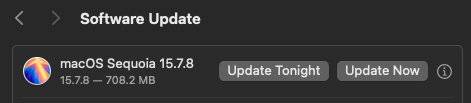
-
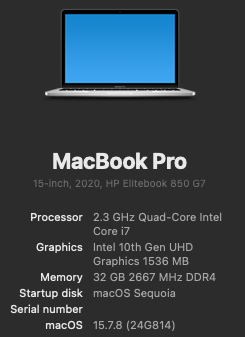
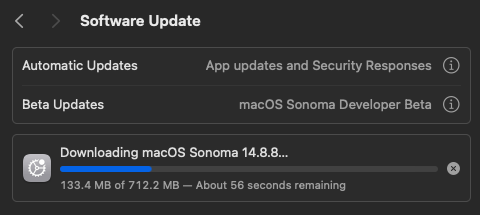
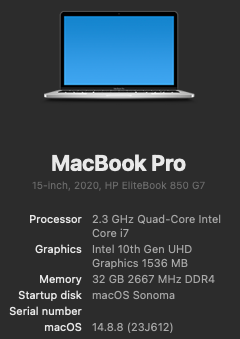
Easy update from RC3 -> RC4. And no, I'm not staying with Sonoma
-
 Phoenix Coderex joined the community
 - Today
-
That might be true, but it doesn't work for me for some other reason. Perhaps it's because of the physical iGPU in the i7-12700KF, although it doesn't matter if it's there or not, since there's no corresponding driver anyway. Take a look at my config, maybe I made a typo somewhere too... config.plist.zip
- 31000 replies
-
- 1
-

-
- bootloader
- efi
- (and 2 more)
-
@MakAsrock There are Reddit users like this Reddit user who have problems with the boot-arg, because they type it wrong. It's a common mistake. If you post the config.plist with the -no_compat_check boot-arg that is not working for you, I'd be happy to review.
- 31000 replies
-
- 1
-

-
- bootloader
- efi
- (and 2 more)
-
 Majid Azad joined the community
 -
 powertechelectric62 changed their profile photo
 -
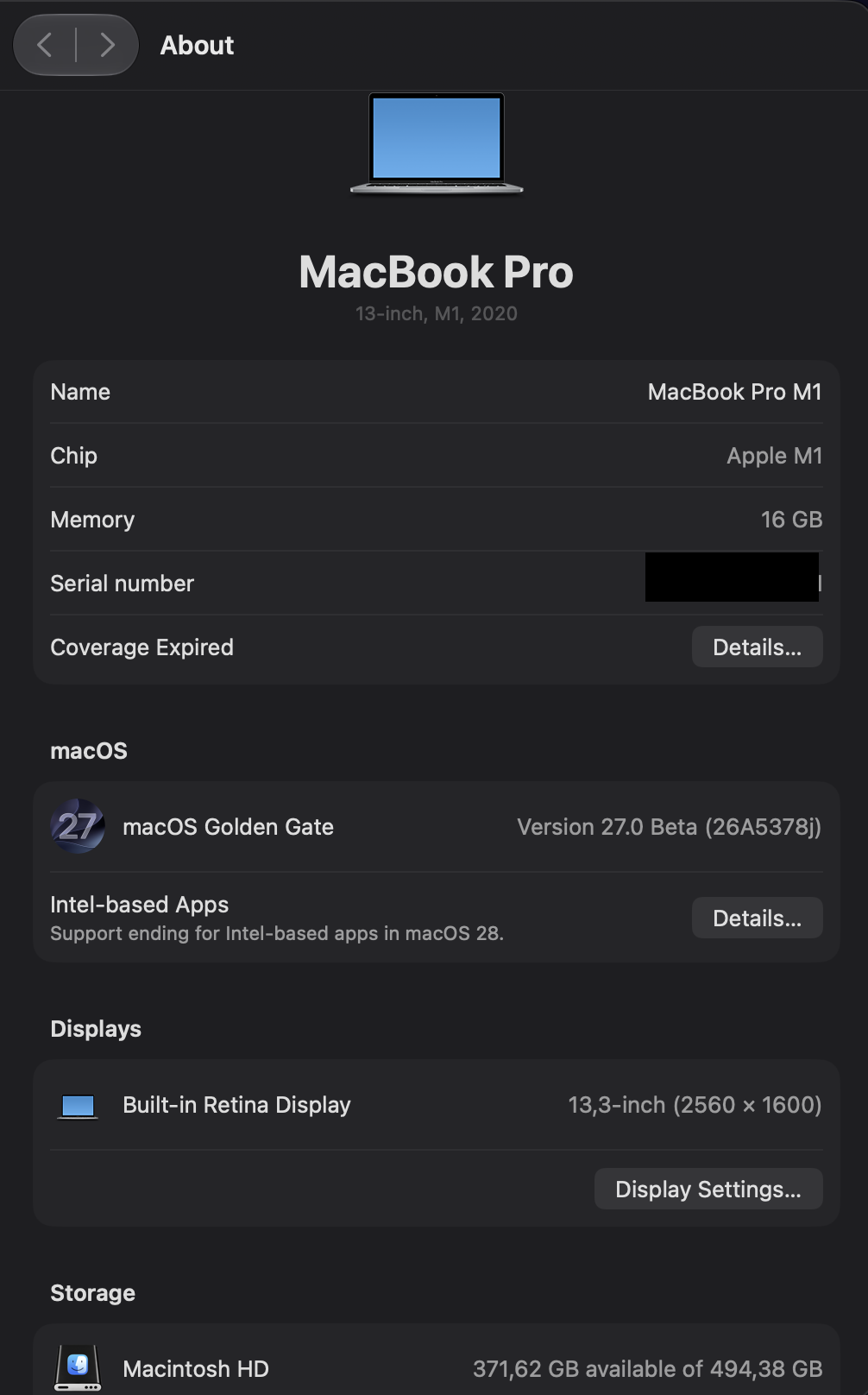
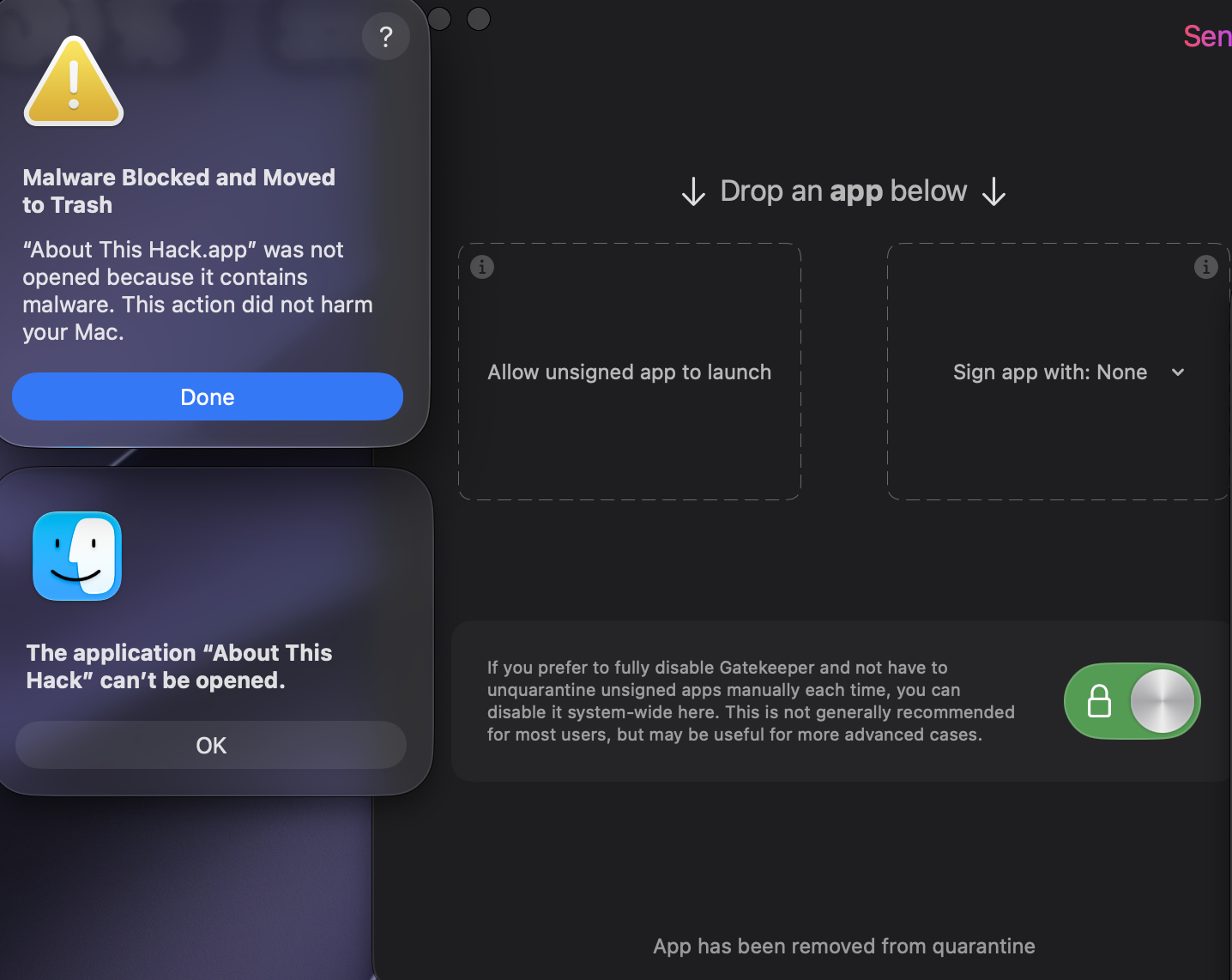
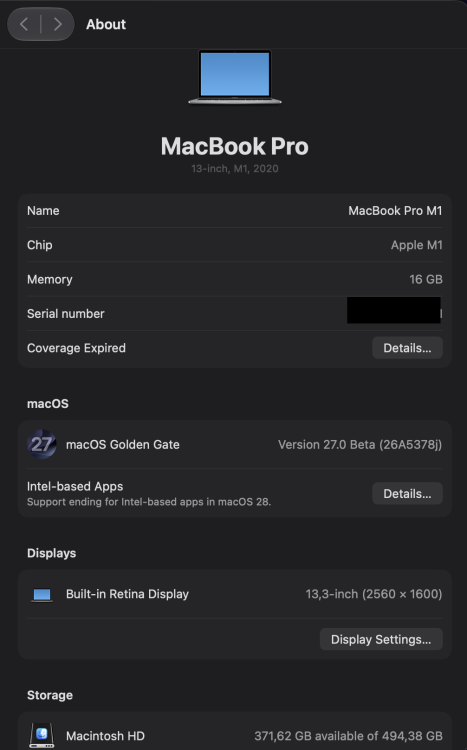
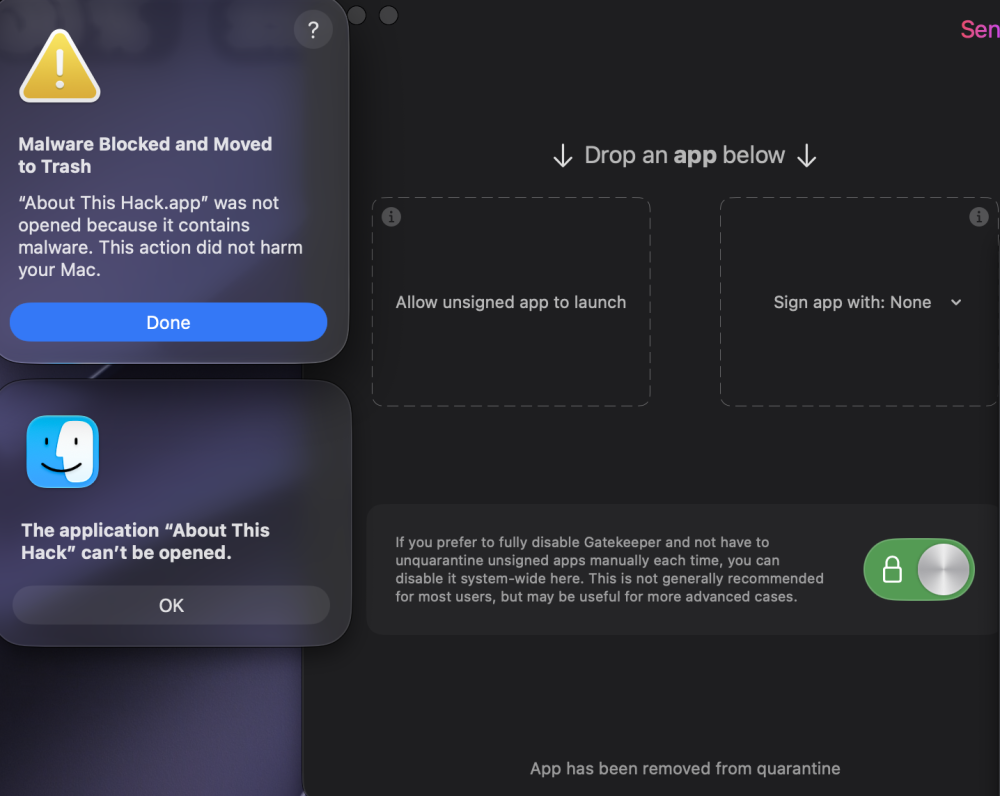
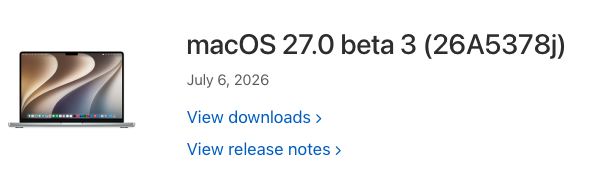
MacOS 27 beta 3 (26A5378j) @miliuco, "About This Hack" is immediately moved to trash despite using Sentinel.app, Xattr-remove.app or the xattr -cr terminal command.
-
-
I'm not saying this categorically, but that's what they're saying on Reddit and it doesn't work for me as expected.
- 31000 replies
-
- 1
-
-
- bootloader
- efi
- (and 2 more)
-
-
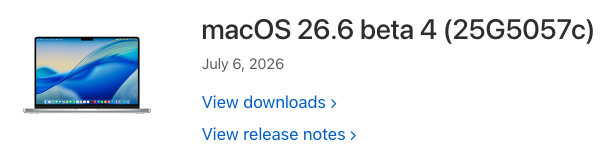
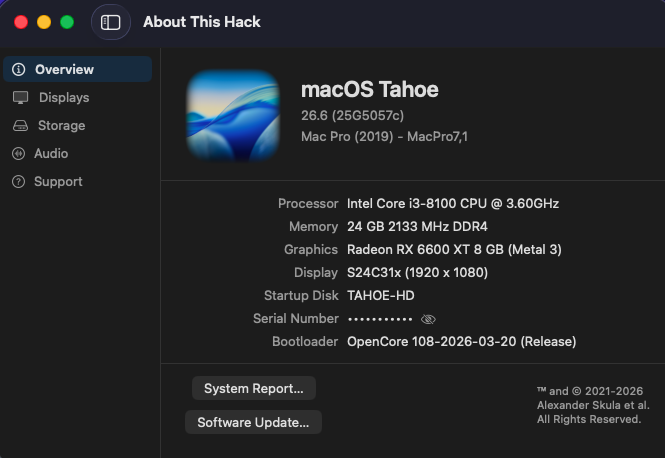
👍 26.6 Beta 4 ((25G5057c)
-
@MakAsrock Ok - I still didn't understand your new explanation, but no worries, because those who needed to understand probably did. What confused me was your statement that "-no_compat_check" boot-arg no longer works in Tahoe.... It does.
- 31000 replies
-
- 1
-
-
- bootloader
- efi
- (and 2 more)
-
 on68live joined the community
 -
 jili99 joined the community
 -
Ok, I'll add that to the release notes. Is this normal? 🏆 Hall of Fame slice — for general project management, profound dedication, and single-handedly rethinking the long-standing restriction on SVG clip-path counts. Resolved a critical Clover feature for OS-dependent SMBIOS injection that had been broken since January, delivering major improvements in his branch. ybronst — for comprehensive menu refactoring, quirks layout implementation, audio/GUI bug fixes, adapting the build scripts, and updating tools_def.template for full GCC 16.1 integration. MaLdOn — for initiating the GCC 16.1 transition by updating the build_gcc16.sh script in his branch. chris1111 — for creating the Tahoe, Christmas, and various other high-quality theme assets. hnanoto — for implementing ModernCpuQuirk, completing the Brazilian Portuguese (pt-BR) translations, and resolving UI build warnings. 🇧🇷
- 31000 replies
-
- 1
-
-
- bootloader
- efi
- (and 2 more)
-
I am not only "management and dedication". This is me who provided rethinking long time restriction for number of clipPathes in SVG graphics. This is me who resolved new Clover feature with SMBIOS depending on booted OS. The bug exists since January and nobody made attempts to improve something. Except MaLdOn who at least proposed to use gcc-16.1 and made new improvements in his branch. (5200?).
- 31000 replies
-
- 3
-
-
- bootloader
- efi
- (and 2 more)
-
sinewaves joined the community
-
You don't actually need an SMBIOS specific to your hardware. For example, I could use a MacBook Pro's SMBIOS. This wouldn't change anything except for specific hardware specific to MacBooks, such as the battery, etc. By itself, -no_compat_check does not affect the skipping of Tahoe kernel checks and if your integrated graphics are not supported in Tahoe, you probably won't be able to install it, even with the no_compat_check boot argument. Clover's behavior in terms of boot arguments has not changed for a very long time.
- 31000 replies
-
- 1
-
-
- bootloader
- efi
- (and 2 more)
-
 uy888info joined the community
 -
 CX University changed their profile photo
 -
 Hello, @Cyberdevs Regarding the issue with image generation, where it replaces the already generated image, in the latest update I added a feature that automatically saves the image by date and time of generation to prevent future replacements or image loss. I hope that with everyone's help, I can continue to refine the app every day. Best regards
 -
Thank you, @MaLd0n. I will be able to test in a few hours and will update this post with my test status. EDIT: @MaLd0n Your logic is sound. I would have expected the mute/wait strategy to fix the Sleep audio and the wait/unmute strategy to fix Wake audio. Unfortunately, the sleep/wake "pop" did not change with your new HDAUniversal. I don't want to be difficult or cause you to go to extreme lengths to refine what is already a very good solution. I only want to help. If this is something you want to resolve and you need additional test data from me, just ask. Thanks again for your hard work on this. The audio quality is outstanding.
-
 HDAUniversal-Release.zipTest this. Everything related to audio has to be handled very carefully because it is extremely complex. We change one thing and end up breaking another. It is way too complicated. On sleep, HDAUniversal now mutes the active analog output, waits 3 ms, disables EAPD/PinControl, and detaches the DAC stream before power-down. On wake, it restores the route silently, enables PinControl/EAPD only after the path/DAC are ready, waits 3 ms, then reapplies the saved volume/mute state.
 -
 789p8livevn joined the community
 -
 futureprofilez changed their profile photo
 -
 ori changed their profile photo
 -
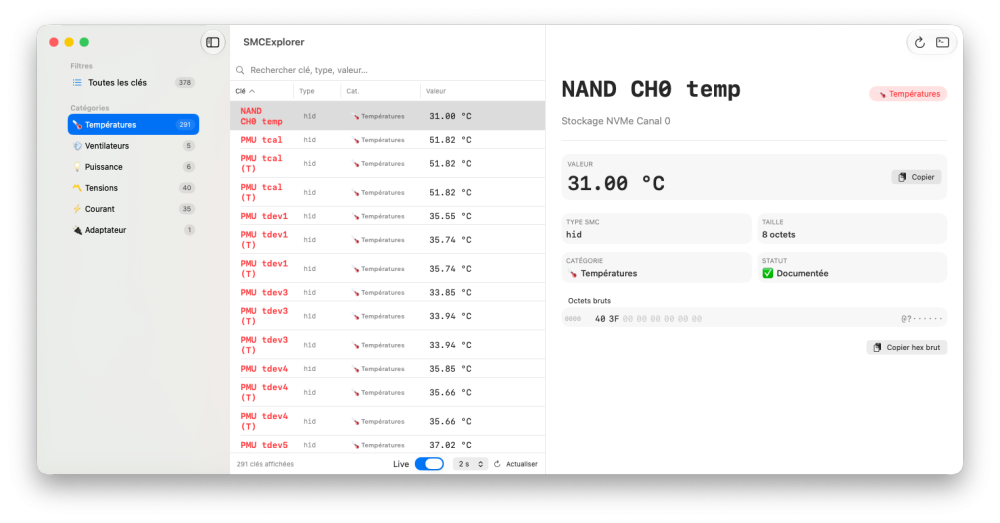
Very nice app thank you!!
-
@LockDown and @MakAsrock I'm probably misunderstanding what you're saying, so could you please clarify? - thank you. I routinely install macOS Tahoe with boot-arg -no_compat_check or with Booter Patch "Skip board ID Check" using unsupported SMBIOS MacMini8,1. I can perform this installation on systems with only UHD630 iGPU and with systems that have both dGPU Radeon RX 560x and iGPU UHD630. Under what conditions does -no_compat_check or Skip Board ID check no longer work for installing Tahoe on systems with unsupported SMBIOS?
- 31000 replies
-
- 2
-
-
- bootloader
- efi
- (and 2 more)