All Activity
- Past hour
-
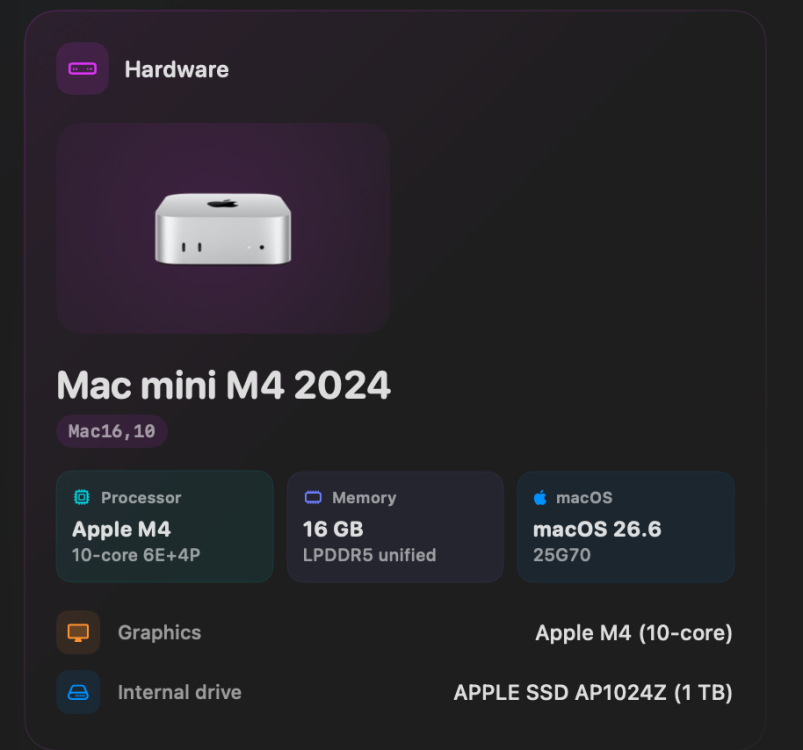
new info hardware
-
 33win68educom joined the community
 -
 Vanshu Rana Ji Digi changed their profile photo
 -
 pg88 cheap joined the community
 -
Vanshu Rana Ji Digi joined the community
-
.thumb.jpg.e625a5cbe63b0b4a25b8954f23f9dd27.jpg) gg88clubcom2 joined the community
gg88clubcom2 joined the community -
luck888tw joined the community
- Today
-
Hello Im Nick! I am trying to learn kernel development through macOS and through the last 10 years i've successfully made alot of hackintoshes. I used to daily drive a Tiger 10.4.8 and a Leopard 10.5.2 on the same Dell Latitude D505 for almost two years back in 2014-2015! It was a jam and since then I've came back to the hackintosh scene with renewed will for tinkering and learning!
-
Hello people and thank you for your work! I was aspiring of learning kext development for macos since i like the system and hackintoshing, so I took upon myself the challenge of making a kext for a wifi dongle I have. I am completely new at this so it was a bit of a challenge for me getting the device to match, initialising it, communicating with it (e.g. getting it to reply its firmware version) and (currently) trying to manage the sleep-awake path. For all this to happen, I started reading the book OS X and iOS Kernel Development. Development started on a very old Macbook4,1 (since the book I have targets old OS X 10.6-10.7 and I wanted to avoid the hassle of newer protection measures that make development difficult). I also own a newer macbook pro 14,1 so development there was much smoother (running Catalina). I'd like to ask now, any experienced people for advice, pointers and as many sources as possible so that I could read and learn. I am using Claude as a helping tool when I am completely stuck but I am not happy with the fact that it singlehandedly fixes all my problems without me learning alot! And finally, I'd like to ask the most important question: Is there any way for me to do development on newer macOS Tahoe? I can't stand the fact that i have to reboot after every change i make to the driver, and I'd like to know how to make my life easier if possible! Once, I have some of the parts I want ready, I will opensource the driver, aswell! - Nick
-
 lotterygame66 joined the community
 -
 sugamoto_magazaki joined the community
 -
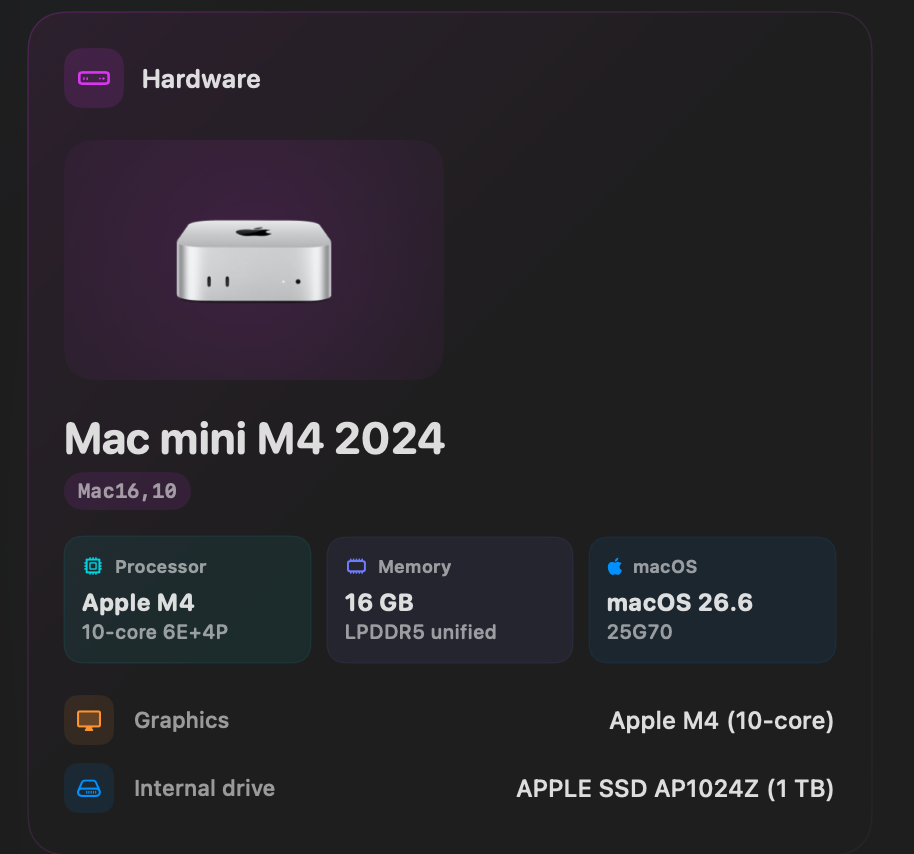
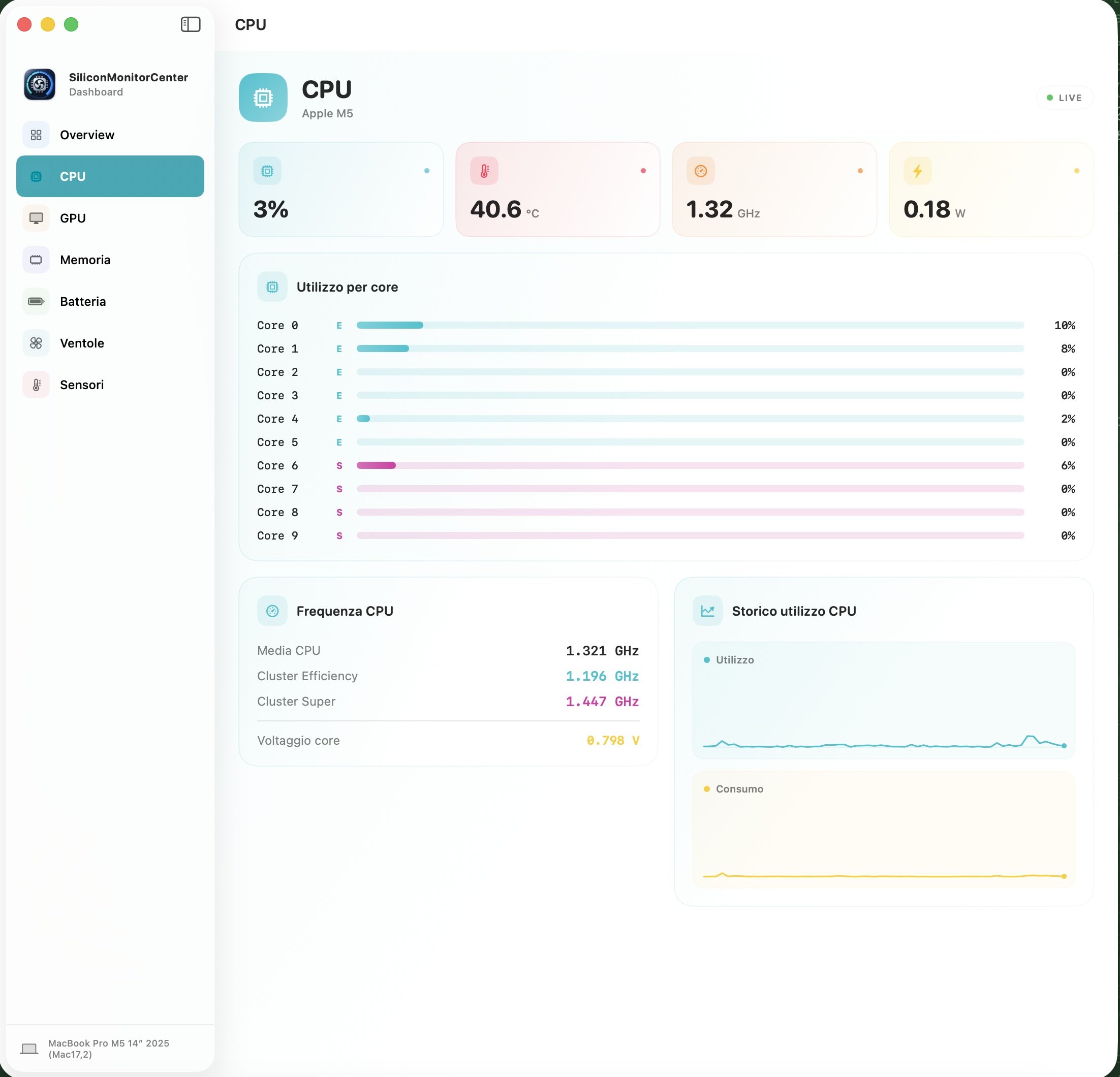
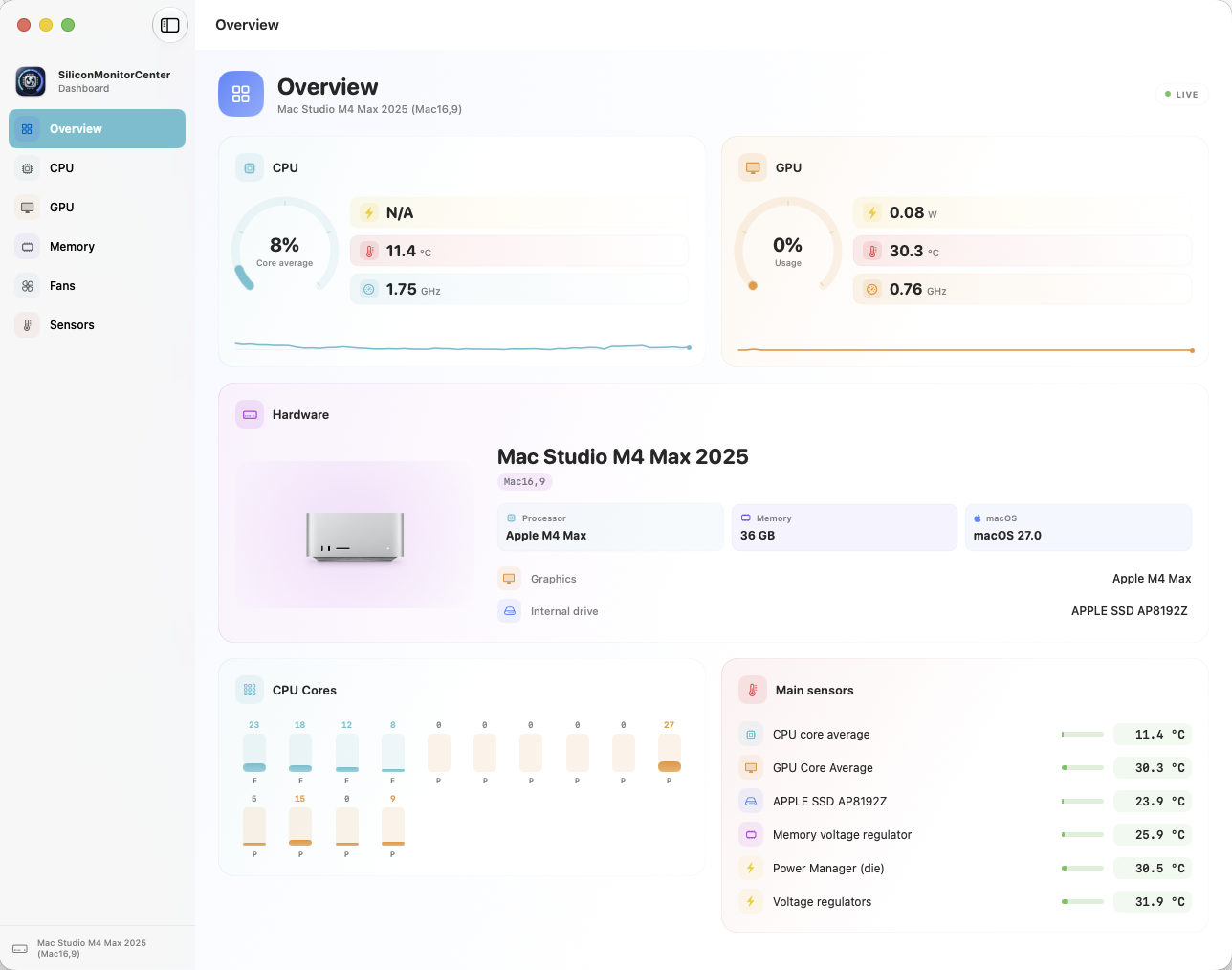
test this versions https://github.com/Lorys89/App-test/raw/refs/heads/main/M4 MAX-SiliconMonitorCenter 1.0 b9.zip Start the sensor check, and once it's finished, send me the generated file.
-
thethaosel joined the community
-
 serena john changed their profile photo
 -
 Jss Auto World joined the community
 -
 STAAK changed their profile photo
 -
 collin syllaba changed their profile photo
 -
My compiled version 3.6.5 is good! Using my VoodooHDA Builder For Gigabyte Aorus Z790 Elite AX F16 (Bios)
-
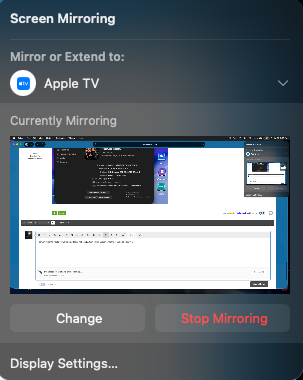
Screen mirroring to Apple TV working perfectly with Intel AX201, itlwm/heliport, macOS Tahoe 26.6 (25G70). Audio and video are perfect. System specs HP EliteBook 850 G7 Laptop (i7-10610u / 10th Gen Intel UHD Graphics - see framebuffer patching here) macOS Tahoe 26.6 (25G70) Open Core 1.0.7 SIP csr-active-config = <01000000> Wi-Fi: Intel AX201, itlwm.kext / heliport Audio: VoodooHDA.kext 3.6.4 No root patching
- Yesterday
-
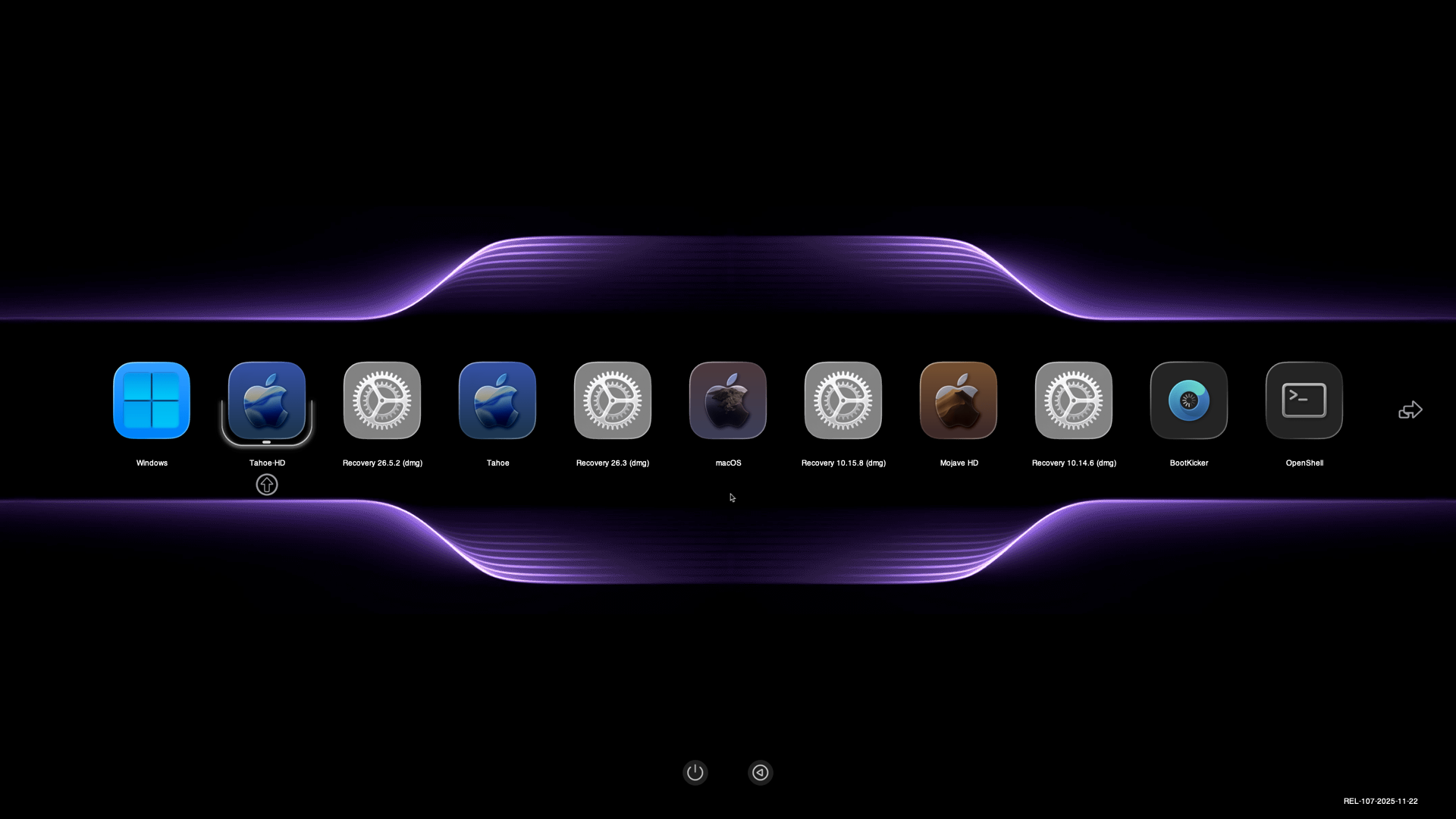
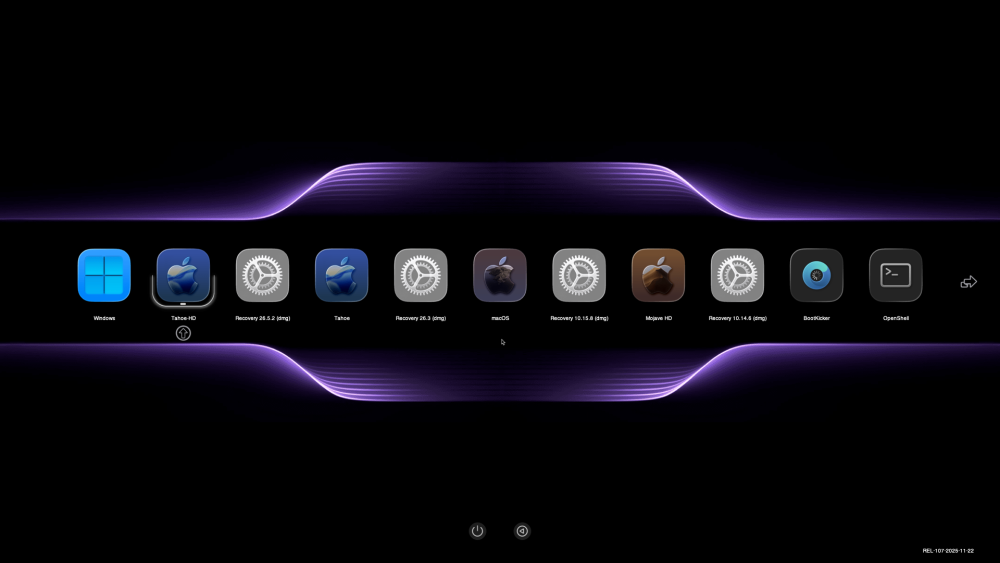
Here a nice Background I have created to use with Flavours-AppleSet theme or any other themes Attaching Background resize for all screen size Choose your background then rename it Background.icns NOTE: The Background-3840x2160.icns file is intended for a 1920x1080 screen, so its size is always double. Background-7680x2880.icns.zipBackground-3360x2100.icns.zipBackground-3840x2160.icns.zip Background-3840x2400.icns.zipBackground-5120x2880.icns.zipBackground-3200x2400.icns.zip Background-3200x1800.icns.zipBackground-2880x2160.icns.zipBackground-2880x1800.icns.zip Background-2048x1536.icns.zipBackground-2560x1600.icns.zipBackground-2732x1536.icns.zip This is what it look like
- 1632 replies
-
- 2
-

-
- opencore
- opencanopy
- (and 1 more)
-
 michael k changed their profile photo
 -
You did well, macos27 as the main os I don't recommend it, it still has bugs. Macos26 works very well. Thank you for the files and your tests.
-
I downgraded back to macOS 26.5. sensor-dump-Mac16,9-20260725-082734.txtsensor-verification-Mac16,9-1784925209.txt
-
 j88tokyo8 changed their profile photo
 -
I suppose we are talking about a laptop with the integrated graphics card disabled and an external NVIDIA GeForce GT 555M graphics card.
-
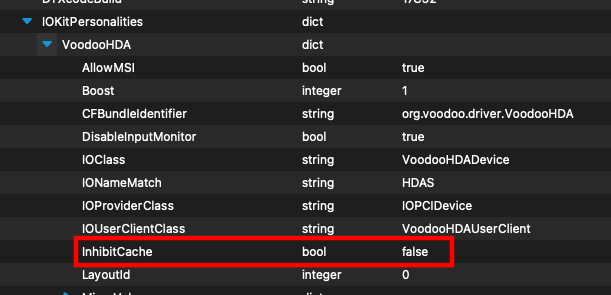
Thank you, @Slice. I am currently testing VoodooHDA.kext 3.6.4 with analog InhibitCache=false on my HP EliteBook 850 G7 laptop. Is that the only difference between 364 and 365? Analog HDA Audio quality is outstanding.
-
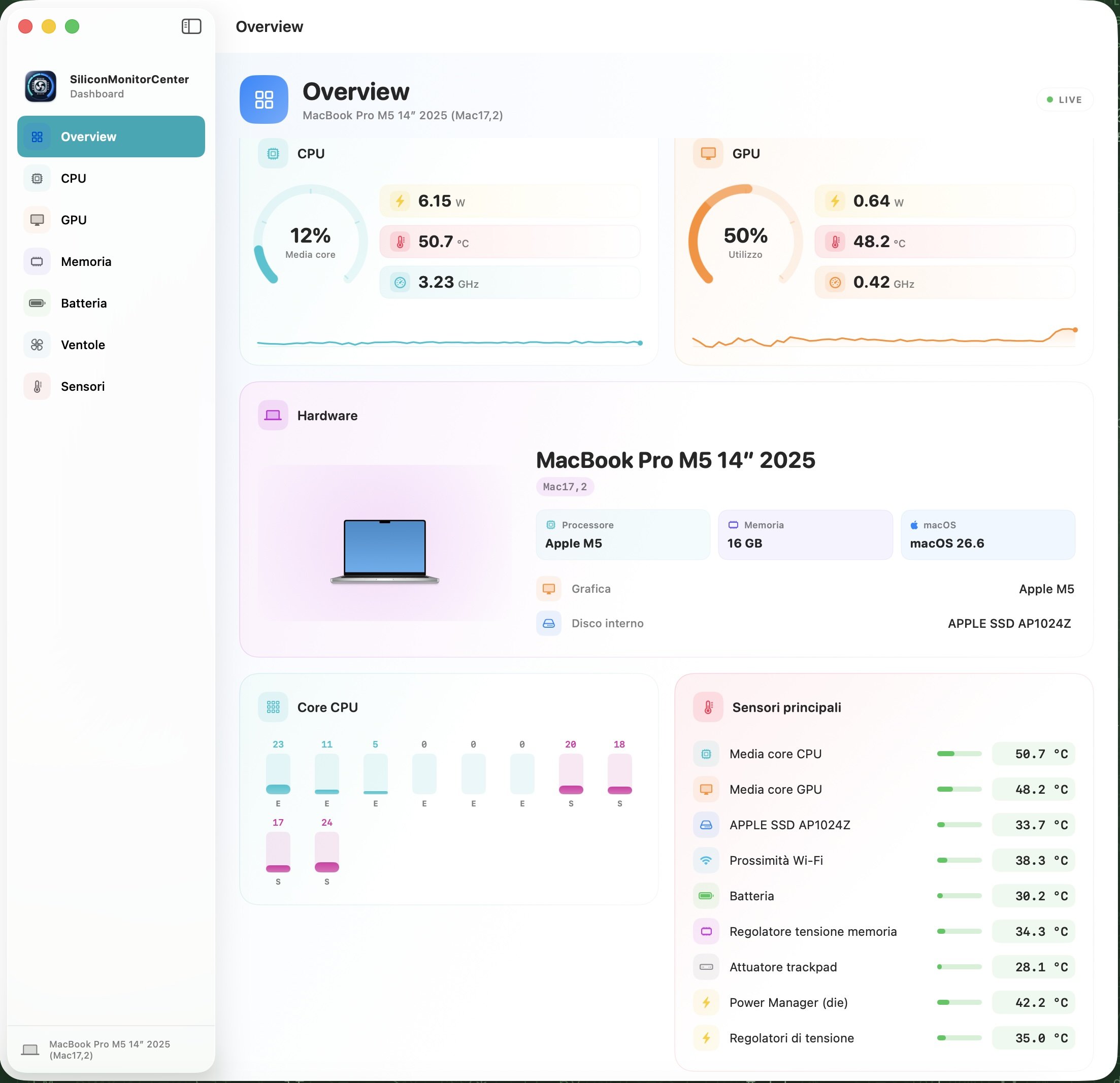
Guys, build b9 is ready; it would be great if you have an M5 (including Pro and Max variants) to test it on. I’m looking forward to sensor verification tests, sensor dumps, and diagnostic reports (from M1 to M5). Thanks for your testing and the time you dedicate to helping me. https://github.com/Lorys89/App-test/raw/refs/heads/main/SiliconMonitorCenter 1.0 b9.zip
-
 Yellow Verandah changed their profile photo
 -
 Hausfits changed their profile photo
 -
 BlueWaves Portable Toilet changed their profile photo
 -
I installed all kexts to System/Library/Extensions on my SATA MacBook and recreated the kextcache. Then I created from the installer disk utility a dmg of this volume. I wrote it on a partition on my NVME MacBook and it's working. My desktop system has a Core i7 3770S and a Sapphire GPRO 4200 GPU, which is based on the Radeon R7 250x. It also uses AMD7000Controller.kext like the R9 370X in the MacBookPro11,5. The MacBook version doesn't need the OSx86 drives and most of the OSx86 tools. My Kingston 4 TB SSD has 2.1 GB read and 2.6 GB write. Counting from the Apple logo, Yosemite needs just 9 seconds to reach the desktop.
-
 haywinicom changed their profile photo
 -

Long-time lurker returning – Dell XPS 17 L702X 3D and XPS 9560 owner
Slice replied to Allen Cai's topic in New Users Lounge
It's a pity no. You have to make 5 posts in this section before you can post anywhere. Let discuss your problem here. First of all make signature with your hardware detail. What Nvidia presents on Dell XPS 17 L702X 3D variant? -
 Hello InsanelyMac team, I registered in 2022 while reading the macOS Ventura on Dell XPS 17 L702x Optimus thread, but didn’t post at the time. I’m now coming back specifically because I own the Dell XPS 17 L702X 3D variant and I’m running into questions around the discrete NVIDIA GPU driver situation on this particular model. Since the 3D version has some hardware differences compared to the standard L702X, I’d like to ask a few things in the related thread, but I’m still under new user posting restrictions. Could a moderator please lift the limits on my account so I can join the discussion? Thanks for keeping this community alive for these older machines!
 -
I found the main reason of noise, clicks and wheezing. It is InhibitCache on or off. For example I had good sound on 48kHz but little clicks on 192kHz. Info.plist for analog sound contains InhibitCache=true. I changed it to false and the sound became clear. But for HDMI sound the story was opposite. So check both options. The version 364 is wrong as well as all previous versions after Traditional. I will publish 365 soon.
-
what made it work?
-
 @MaLd0n maybe a sneak peek of the source😃
 - Last week
-
Yep, now it works. On both MacBooks and my OSx86 machine.
-
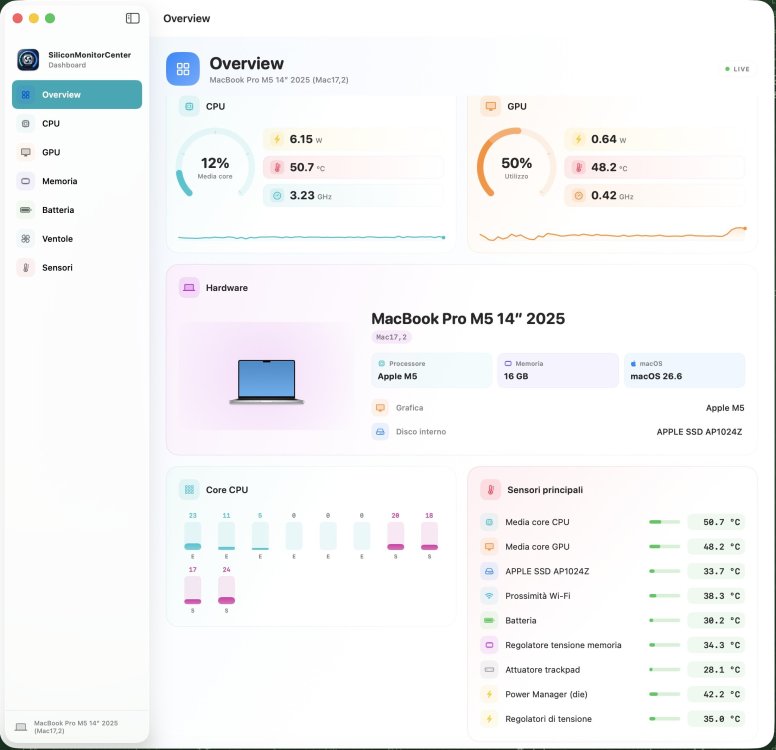
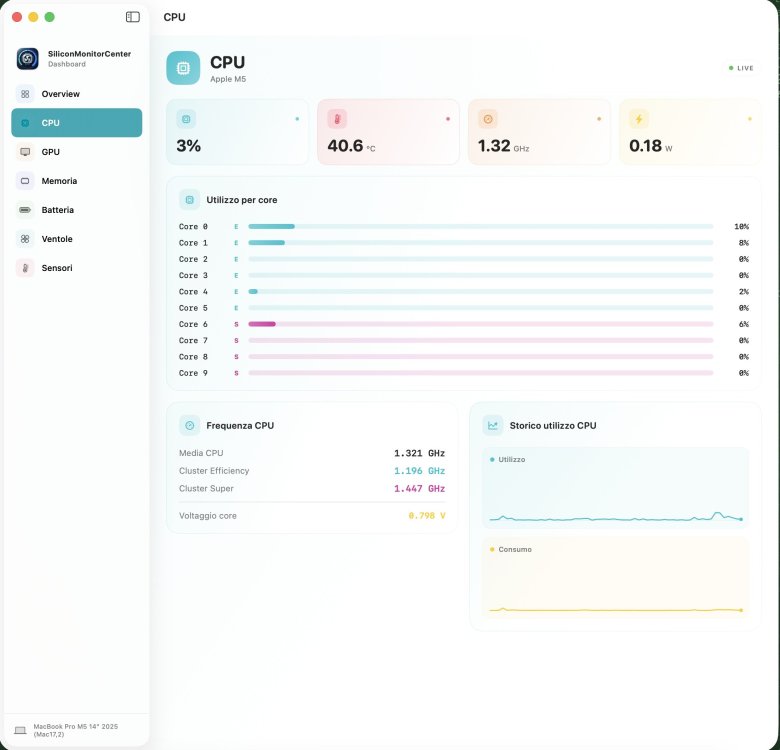
For the tests of the next app b9 I would need users with mac m5 pro or max, if anyone owns them please come forward I integrated the logic of the P+S cores, and fixed the logic of the E+S cores on m5. Before finishing the b9 I have to prepare it for the logic for m5 ultra 4 die which has 2 die cpu and 2 die gpu.
-
 @mnfesq That does suggest that there might be a way. I didn't understand that from your initial post in this thread. Since this thread is for the HP EliteBook 850 G7 (iGPU only) and your issue is Off-Topic, I'd suggest that you create a thread for your laptop and solicit help there.
 -
 I understand what you are saying completely but, in my case, when I disable the dGPU in the BIOS and boot into Windows, I can use the HDMI port so there must be some way to get power to the HDMI port with IGPU.
 -
@mnfesq If you don't have an HP EliteBook 850 G7 Laptop, the framebuffer patching described in this thread may not work for you. I have seen others with a dGPU where the HDMI port is connected to the dGPU, so no amount of iGPU patching will enable the port.
-
I have read this thread very carefully and have tried various configurations suggested by you and others mentioned in this thread but no matter what framebuffer I try, I run into the same problem: the HDMI port has no power. I have both and IGPU and a DGPU and it is possible, even likely, that the HDMI port is connected to the DGPU. However, I recall having an HP laptop in the past that had the same set up and was still able to get the HDMI port powered up and somehow used by the IGPU for an external monitor. The exact method I used was not a recommended one. I used Whatevergreen.kext along with NvidiaGraphicsFixup.kext and that worked. Don't ask me why. Any thoughts about this issue?