All Activity
- Past hour
-
 Isaac Gonçalves changed their profile photo
 -
 Ralph Cox III joined the community
 - Today
-
 Codigos Adips joined the community
 -
 facoram725 joined the community
 -
 SleepTabletUk changed their profile photo
 -
 ftf168com joined the community
 -
SleepTabletUk joined the community
-
i will check nootedgreen after its loads in vesa mode. Here clover efi https://fileport.io/DbLQHWAuFL8b
-

Apple unveils "macOS Golden Gate"
deeveedee replied to fantomas's topic in Front Page News and Rumors
Not in the budget for me this year, so fortunately the hacks are doing extremely well and no compelling reason to move to macOS 27. I'm planning to look at used M4 MacBooks next year. -
 Sabbir Ahmed joined the community
 -

Apple unveils "macOS Golden Gate"
Max.1974 replied to fantomas's topic in Front Page News and Rumors
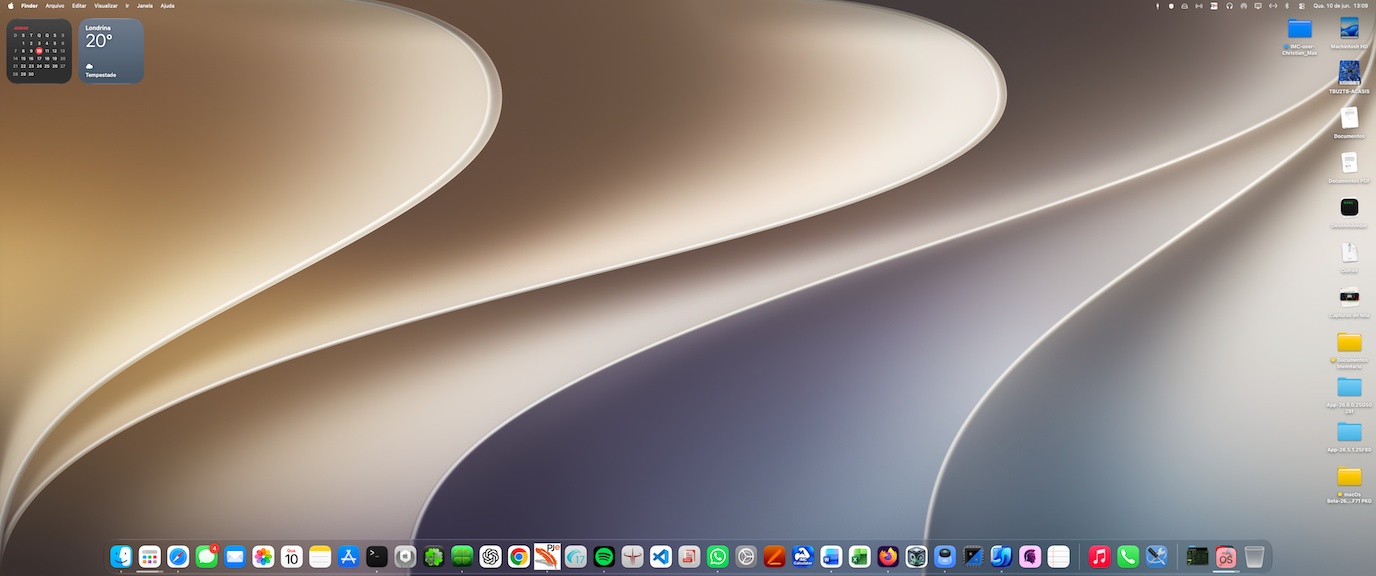
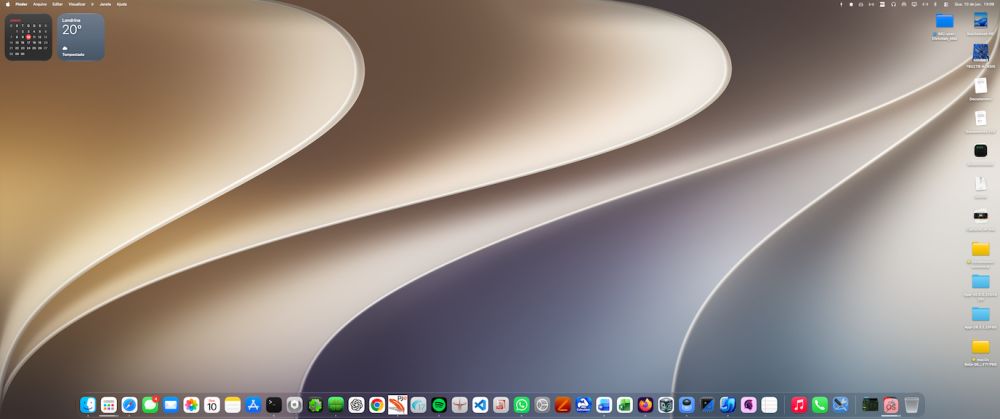
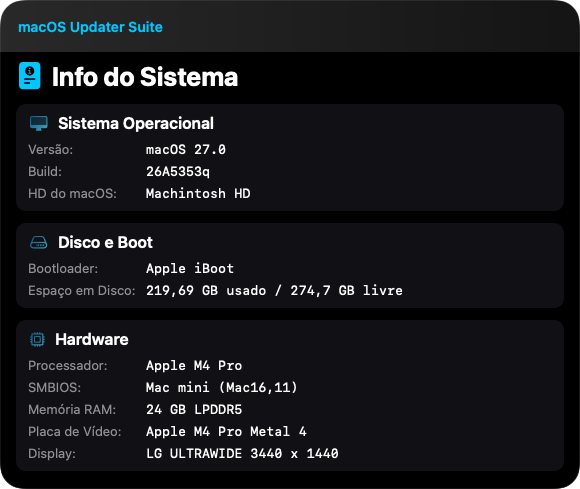
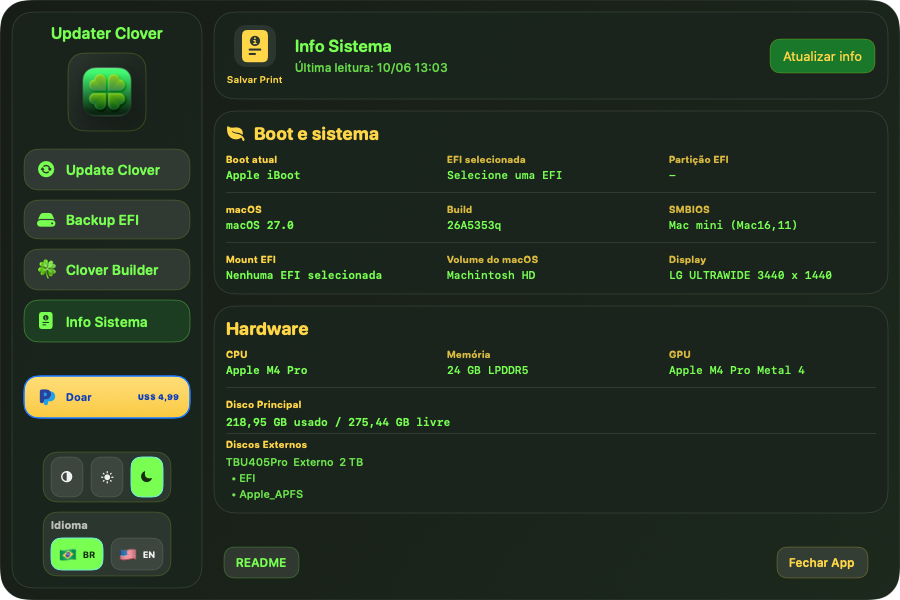
Hello my friend, So far everything is fine here. I haven’t noticed any bugs yet. In fact, my applications are running well. I did lose support for some older apps, but the system still asked me to install Rosetta. For example, MaciASL doesn’t run, but Clover Configurator does, as well as Word, Excel, and other applications. -
As soon as I have some time I'll install it on my 15" MacBook Air M4 so I can test it.
-

Apple unveils "macOS Golden Gate"
fantomas replied to fantomas's topic in Front Page News and Rumors
Honestly, I don't really know - it was mainly bought so I could do some tests and dumps if needed. -
tobbbe joined the community
-
 The Digital Agency joined the community
 -
 Trang Chủ HIT CLUB joined the community
 -
Apple unveils "macOS Golden Gate"
deeveedee replied to fantomas's topic in Front Page News and Rumors
The fear of missing out (FOMO) is real! 😂 -
Hi there @Max.1974 is the dev beta too much buggy? I heard it runs much smoother than the actual macOS 26.5.1 considering all the Intel code and kernel binaries already removed from it plus the GUI/UX improvements. I would install on a separate partition I would create in my M4 mini if it’s really worth testing it.
-
 Kayra Yağız joined the community
 -
 Ebook Writing Experts changed their profile photo
 -
Apple unveils "macOS Golden Gate"
Max.1974 replied to fantomas's topic in Front Page News and Rumors
Nice my friend!! Great investment !!
-
 ethanoliver0 changed their profile photo
 -

-
Apple unveils "macOS Golden Gate"
fantomas replied to fantomas's topic in Front Page News and Rumors
I bought a used Mac mini m1 (250€). I should have it in 3 to 5 days. -
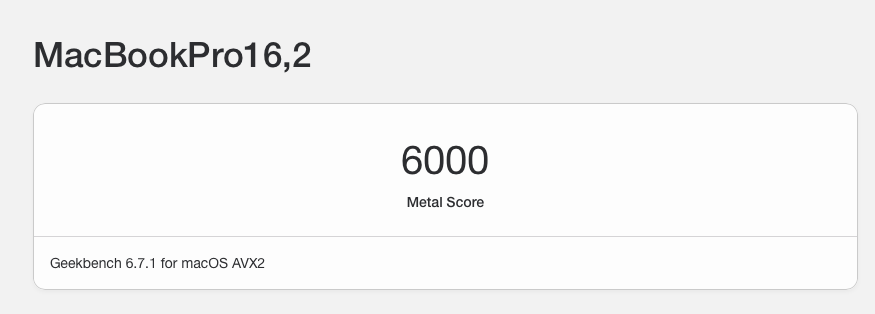
See here for experiment with Whatevergreen boot-arg igfxfw=2. based on this experimentation, I do not believe that the i7-10610U CPU has a UHD620 iGPU as is claimed by much of the published hackintosh documentation for this CometLake CPU.
-
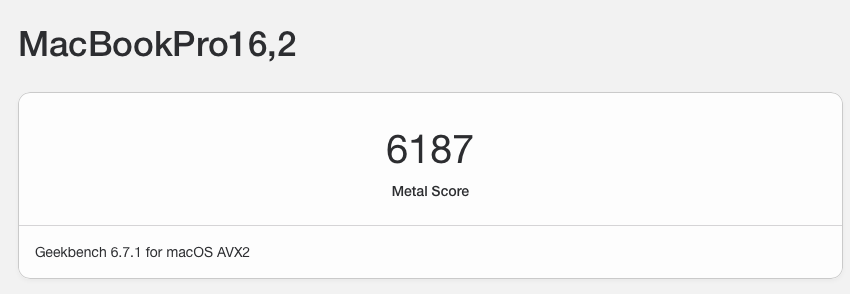
It's been a while since I experimented with igfxfw=2 Whatevergreen boot-arg for a mobile platform and this is the first time I'm experimenting with it in macOS Tahoe. This boot-arg forces loading of Apple graphics microcode. With all of my previous tests with UHD620 iGPU, igfxfw=2 did not work and I needed to use igfxrpsc=1 (enable rps-control). With my CometLake i7-10610U CPU, boot-arg igfxfw=2 not only works, but it improves GeekBench 6 Metal Benchmarks consistently by 3% (not much, but not nothing). With igfxfx=2 (best of 5 trials) Without igfxfw=2 (best of 5 trials) This leads me to believe that the i7-10610U iGPU is not UHD620 as claimed by most hackintosh documentation, but is actually a varient of UHD630 or Iris. Test configuration: HP EliteBook 850 G7 CPU: i7-10610U Bootloader: Open Core 1.0.7 macOS: Tahoe 26.6 Beta 1 See here for framebuffer patches
-
 PFP Universe changed their profile photo
 -
 koitotoresmislot88 changed their profile photo
 -
Apple unveils "macOS Golden Gate"
Max.1974 replied to fantomas's topic in Front Page News and Rumors
Here we go again on Arm64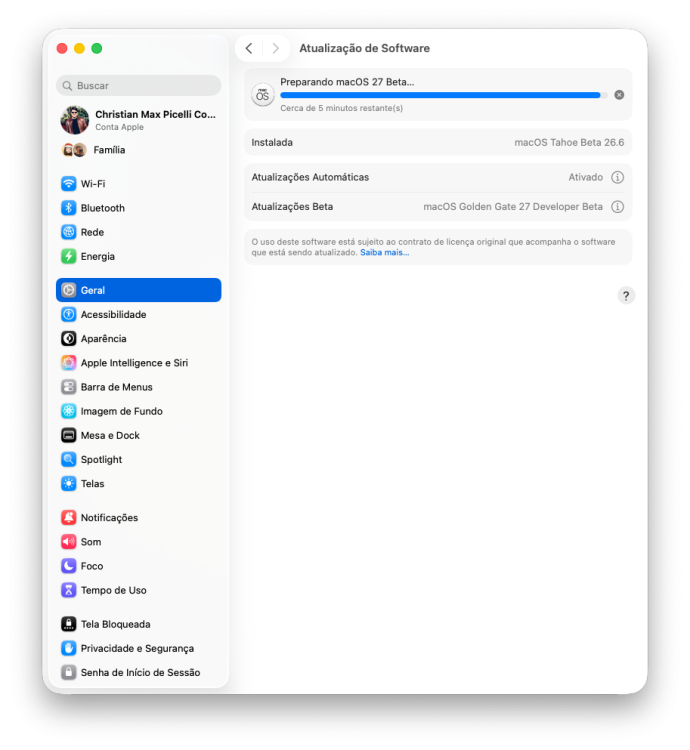
-
Sorry late, this is a beta tester version, my friend, developed by @MaLd0n !!
-
 situsslot88linkresmi changed their profile photo
 -
 Chlomaki changed their profile photo
 -
.thumb.jpg.d341c825a01ee7e666c87bb6b3a4967f.jpg) NCSGX changed their profile photo
NCSGX changed their profile photo -
 Maid Agency Delhi changed their profile photo
 -
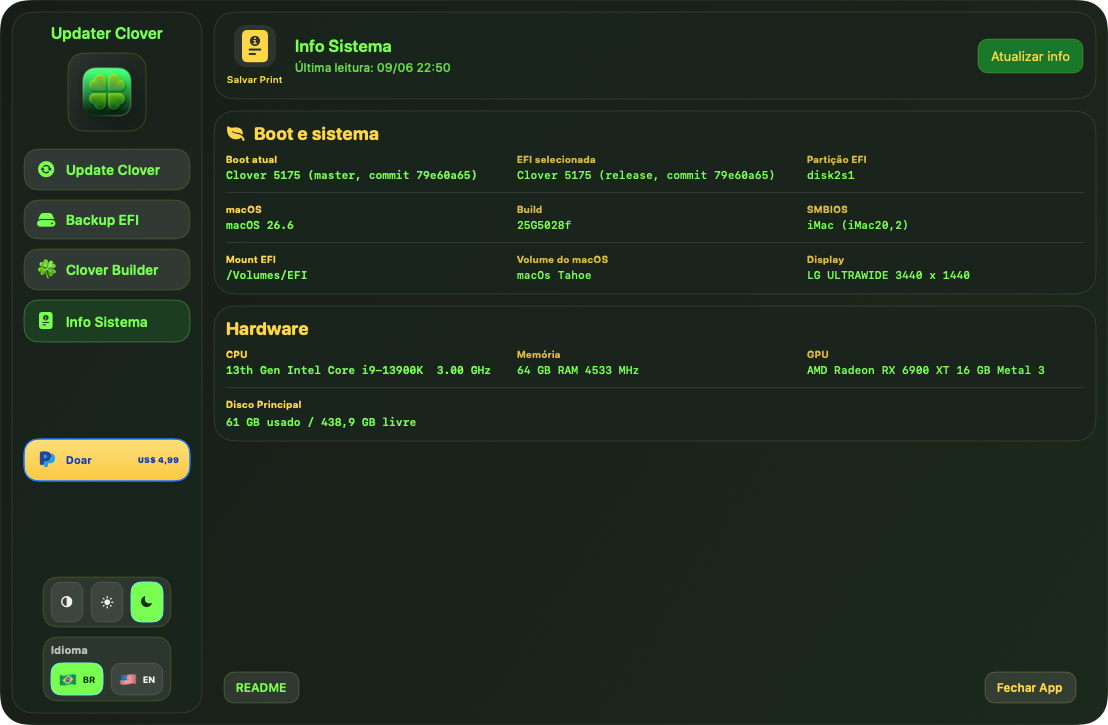
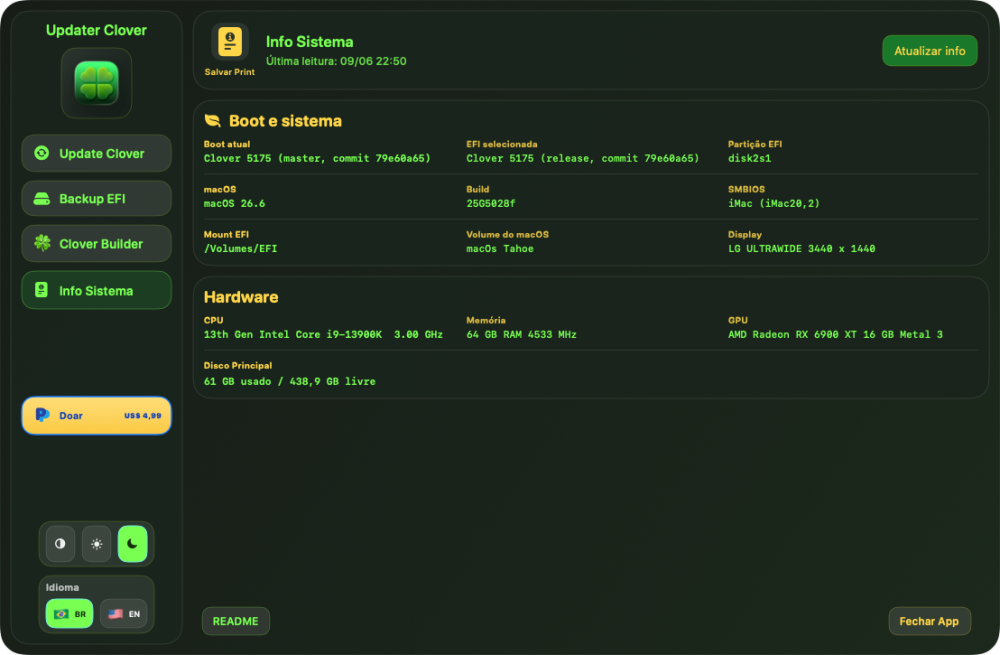
Hi @Max.1974 What is this Clover 5175 ? I can find it. There is no such version at CloverHackyClover/Cloverbootloader repo.
- 30962 replies
-
- 1
-

-
- bootloader
- efi
- (and 2 more)
-

Apple unveils "macOS Golden Gate"
chris1111 replied to fantomas's topic in Front Page News and Rumors
Its time to roll back to the old good time -
Testing Clover 5175 All Good!
- 30962 replies
-
- 5
-
-
- bootloader
- efi
- (and 2 more)
- Yesterday
-
Now I can say that Apple "copied-paste" Microsoft 100% All the macOS "improvements" could be made in a just Tahoe system update - Just like Windows
-
Thanks for the tips, everyone. I managed to update. I'm not using any patches. Coincidentally, the SSD malfunctioned. I replaced the SSD, restored a backup (26.3), and the update (26.5.1) completed successfully. Although the first update, which was approximately 900 MB and presented the same error, the second update, of 18.27 GB, installed successfully.
-
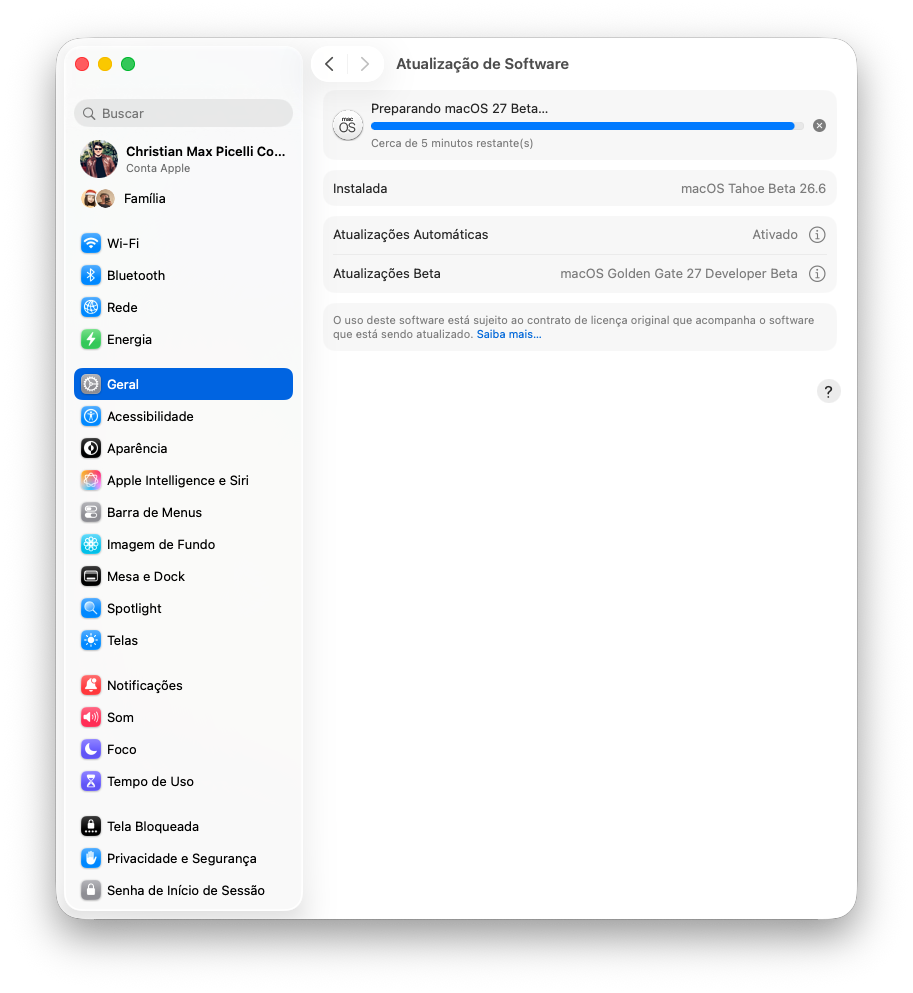
Update done and I must say, really smooth for a 1st beta
- 30 replies
-
- 2
-
-
- macos
- golden gate
- (and 1 more)
-
can you guys test this release on recent sonoma ? test icl (0x8a52) frame only mode with args from https://github.com/macintelk/drm/blob/main/README.md enable SSDT-ALS0.aml+SSDT-PNLF.aml for backlight post kernel log with x.log NootedBlue.kext.zip
- 798 replies
-
- 1
-
-
- whatevergreen
- iris xe
- (and 1 more)
-
I also missed the WWDC 'cause I was on the road, so no cell signal. I came home by 9 P.M and the WWDC was to exciting that I help me to take a good sleep lol! 😴 The next day I really though that I've skip something serious, but nothing...
-
Hi! I understand that you're stuck because of your kernel panic; that's really frustrating. Regarding the kernel panic: The error message "Driver not found for this platform: MacBookPro16,3" indicates that your system isn't configured correctly for this MacBook model. A panic during ACPI configuration usually means: ACPI tables (DSDT/SSDT) not patched correctly SMBIOS settings incorrect Important kexts missing You're switching between Clover and OpenCore, which are two different bootloaders. I haven't been using Clover myself for a few days. It would be best to ask Slice; he's one of the Clover developers. What you can do: Please upload your kernel panic log, ideally as a screenshot. I also need: Your current EFI directory as a ZIP file Regarding my situation: I'm currently working on NootedGreen.kext, but only on my Windows machine, and the code is still experimental and incomplete. I'm experiencing hardware issues with my Hackintosh, and my MacBook is on loan, so I can't compile or test anything. I can't tell you when, or even if, this experimental NootedGreen.kext will be ready. Unfortunately, I can't help you with your Clover configuration. However, please upload your logs here anyway; perhaps someone will take a look. Check if this works:
-
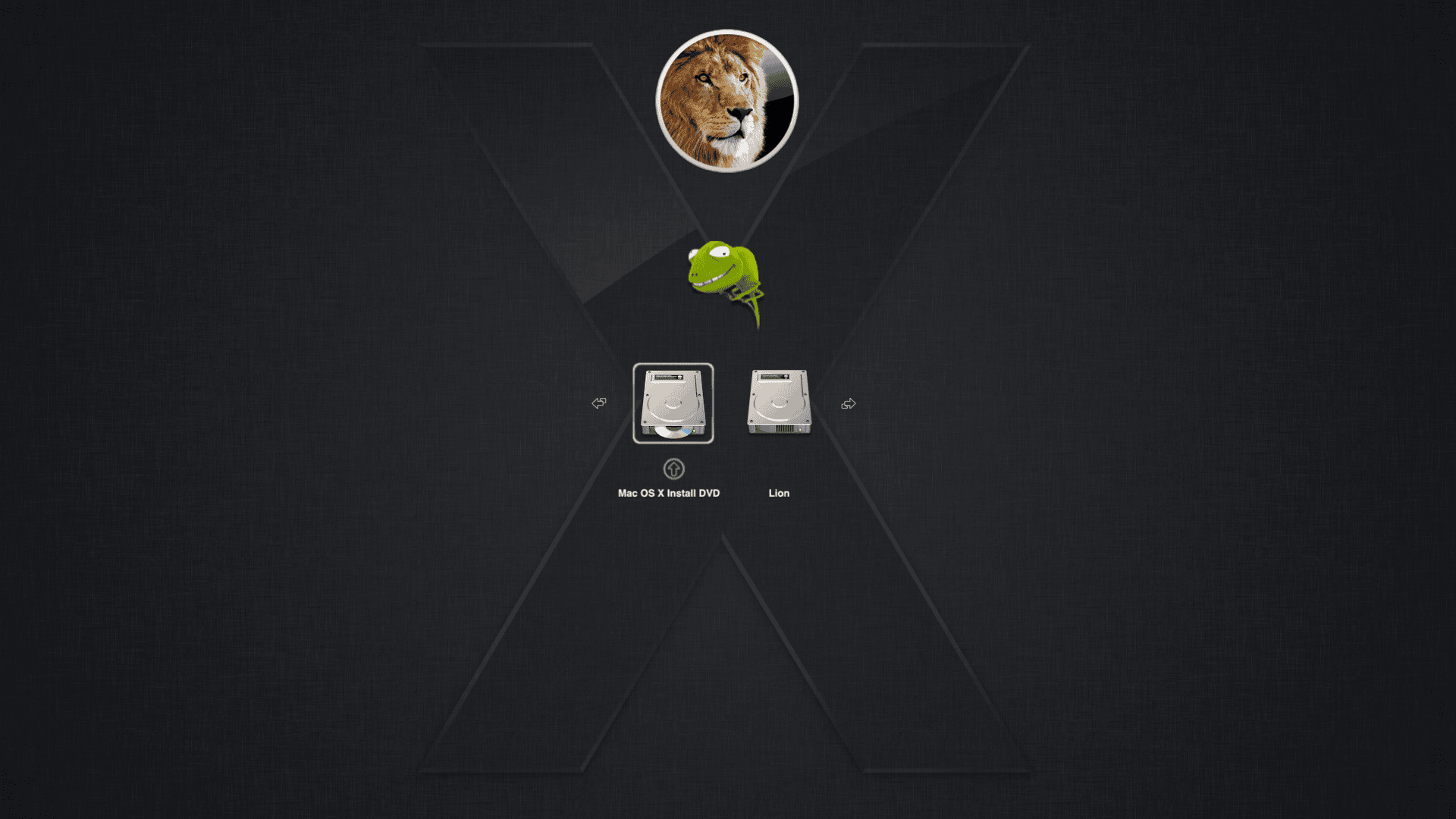
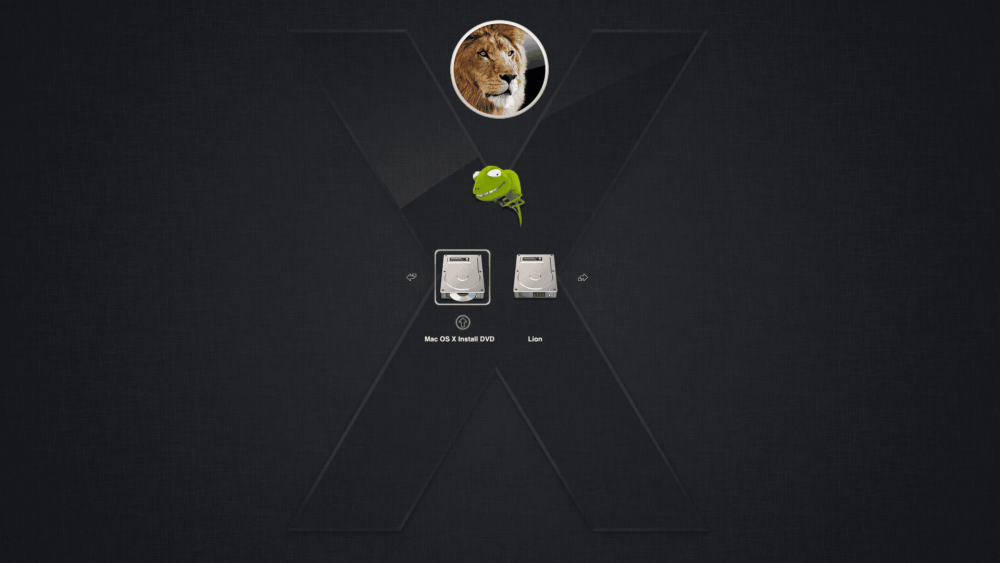
Here my theme BootCamp style for Lion 2026 😀 BootCamp-Style-2026.zip Enjoy! This is what it look like For Snow Leopard attaching Background.png background.png.zip

-
Same X86_64 instruction set as Intel CPUs and, contrary to Apple Silicon, no custom accelerator involved… Have you noticed that these Spark systems are NOT customisable beyond a M.2 slot? LPDDR5 RAM is soldered (just like any current Mac), there's no PCIe slot, and with the GB10 systems it seems that Nvidia keeps such a close control on the hardware that no OEM did any change to the number and location of ports—only the outer cases are distinctive. Admittedly, this is still one user-serviceable slot (M.2) more than a Mac.
- 30 replies
-
- 2
-
-
- macos
- golden gate
- (and 1 more)