All Activity
- Past hour
-
Can you make a .xcodeproj for traditional please
-
 nohu88 work joined the community
 -
.thumb.jpg.4fd364c9a187a4827db107e00e2fbd3f.jpg) f1688my joined the community
f1688my joined the community -
 I can provide some feedback using it for the last few days. The sound is great and I don't have issues after sleep like some of you, but I observed something interesting. After sleep the sound bar indicates the volume level before the computer goes to sleep. The moment I touch "Volume UP" it does not continue from let's say 25%, it goes all the way up to a 100%. To me this is something I would not even bother "fixing" as I don't know how exactly works on the backend but so far this is probably the best/easiest sound solution we had in a loooong time Thank you again, MaLdon!
 - Today
-
 vip666in joined the community
 -
 okviplienminhcom111 joined the community
 -
.thumb.jpeg.7082d67b3394c9399e80144027a7b397.jpeg) used to have the pops on sleep/wake. solved by using codeccommander.
used to have the pops on sleep/wake. solved by using codeccommander. -
 Reproduce and extract again. The problem is that the log isn't capturing this type of issue but lets try one more time.
 -
u88vin1 joined the community
- Yesterday
-
 ian mbugua changed their profile photo
 -
No. F7 is to test HDA output
-
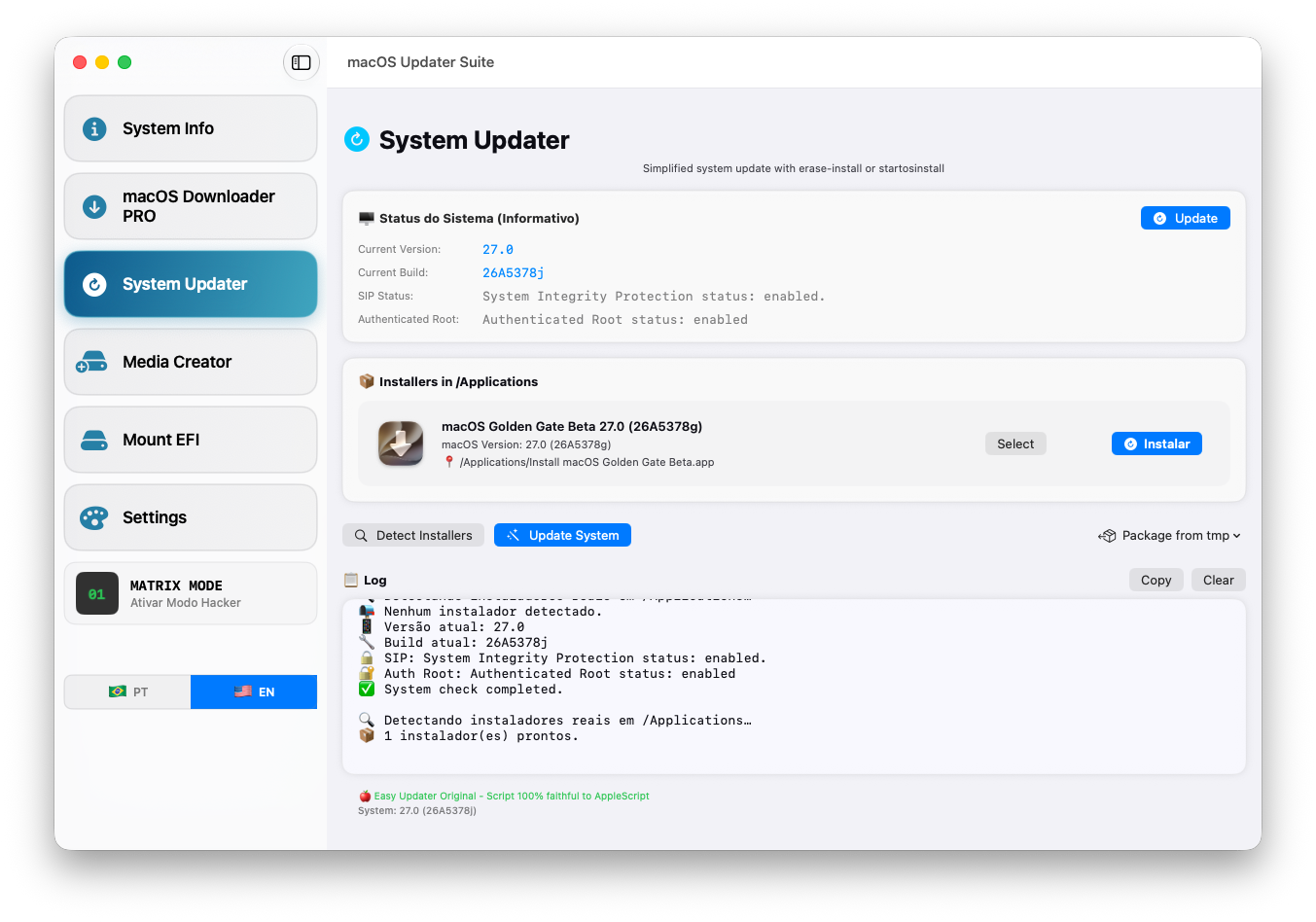
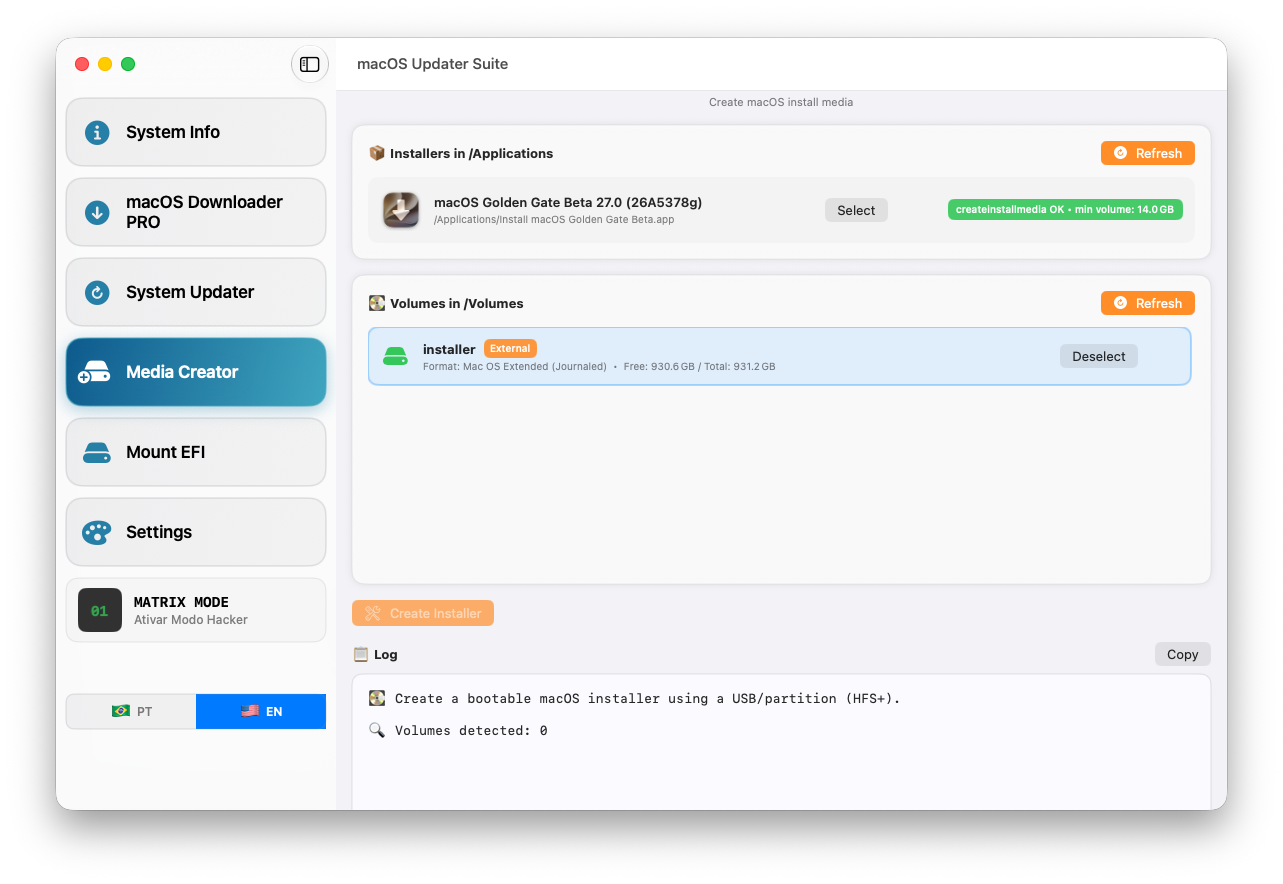
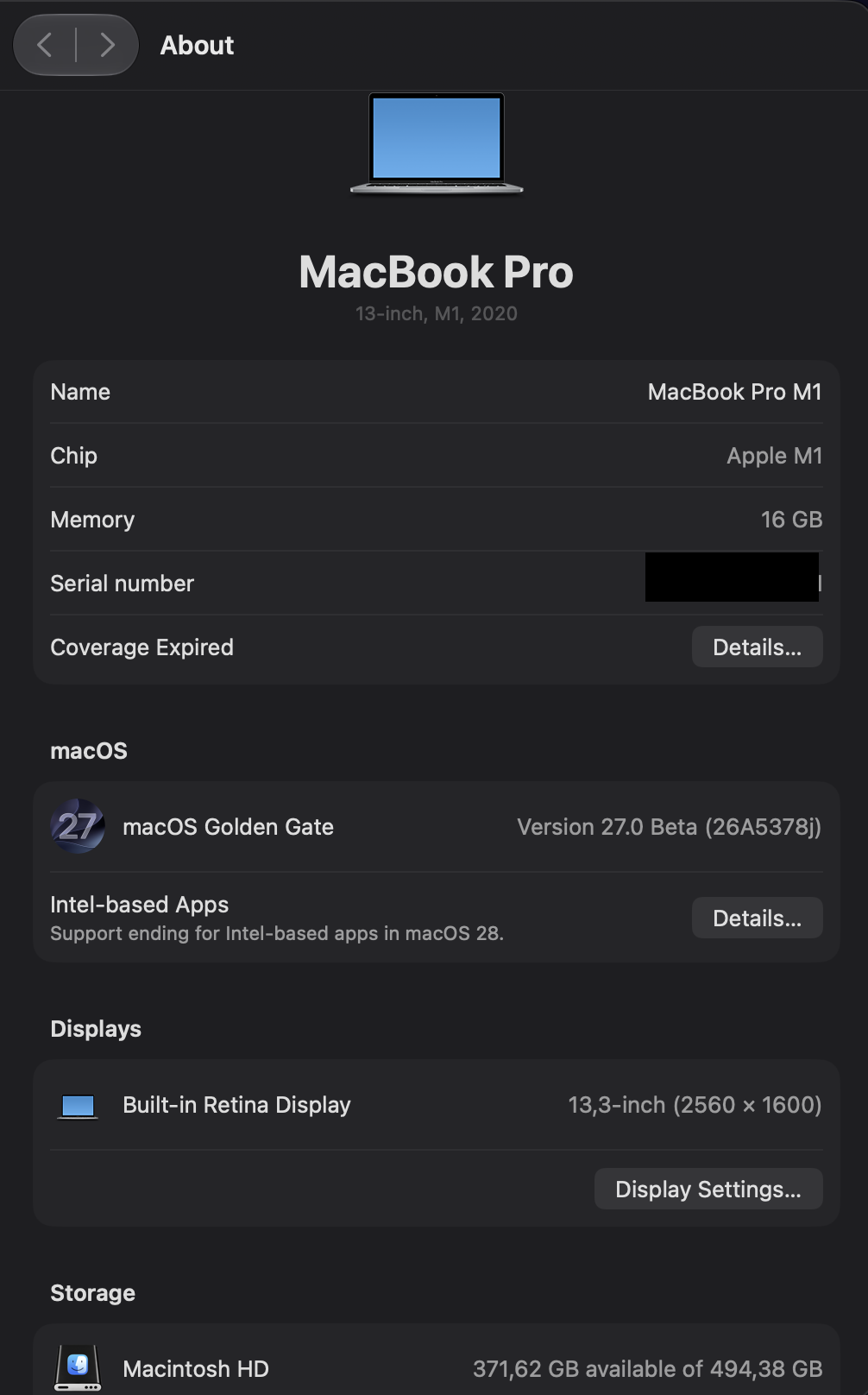
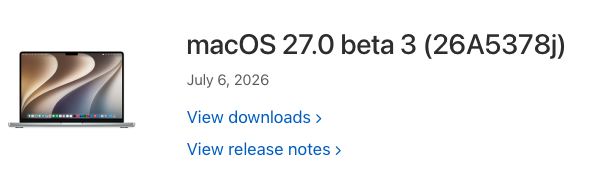
[ 36 ] 2026-07-06 17:26:54 .. 140-42493 .. 27.0.0.26A5378j macOS Golden Gate Beta. https://swdist.apple.com/content/downloads/33/33/140-42493-A_IFDF1D54Q5/t9ynqjz8q72uvzjt9jj0cwkarniw7a2lzc/140-42493.English.dist https://swdist.apple.com/content/downloads/33/33/140-42493-A_IFDF1D54Q5/t9ynqjz8q72uvzjt9jj0cwkarniw7a2lzc/InstallAssistant.pkg
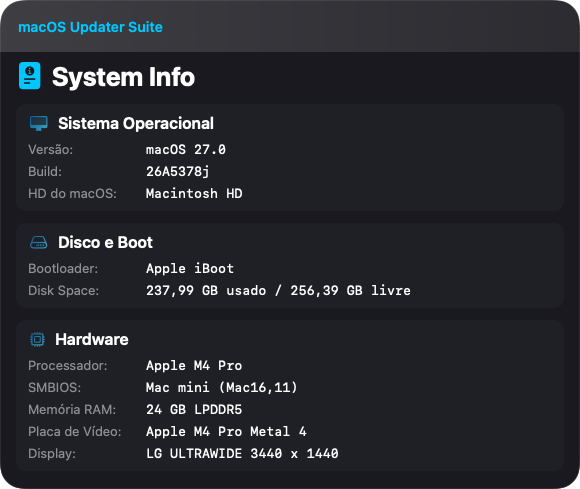
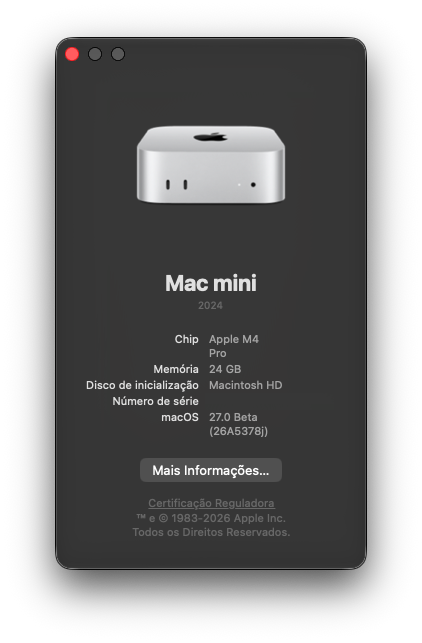

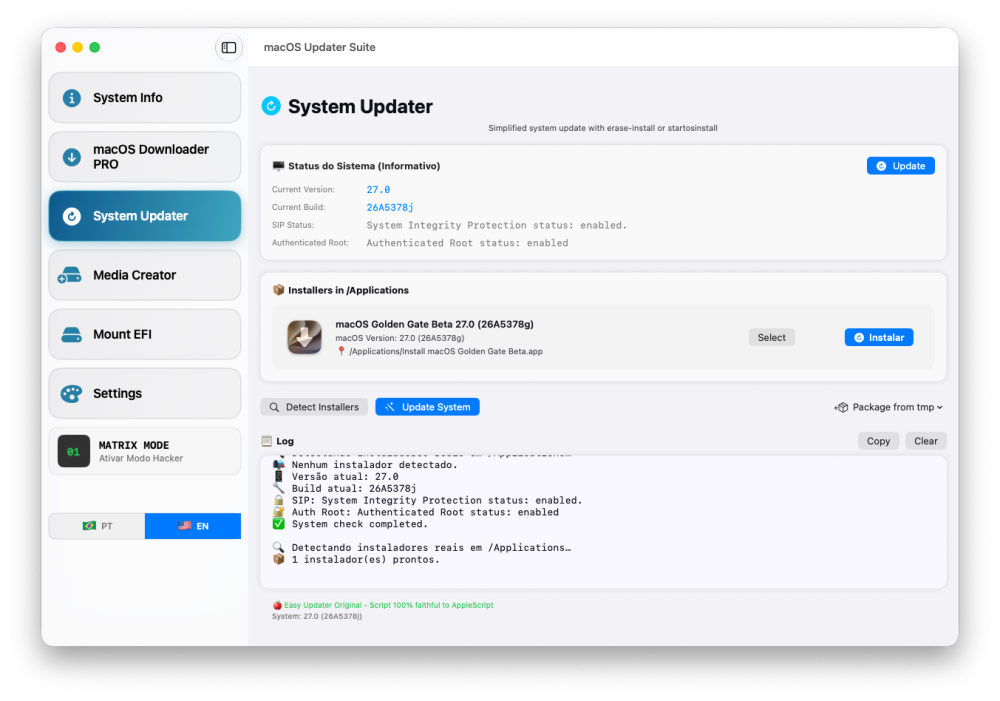
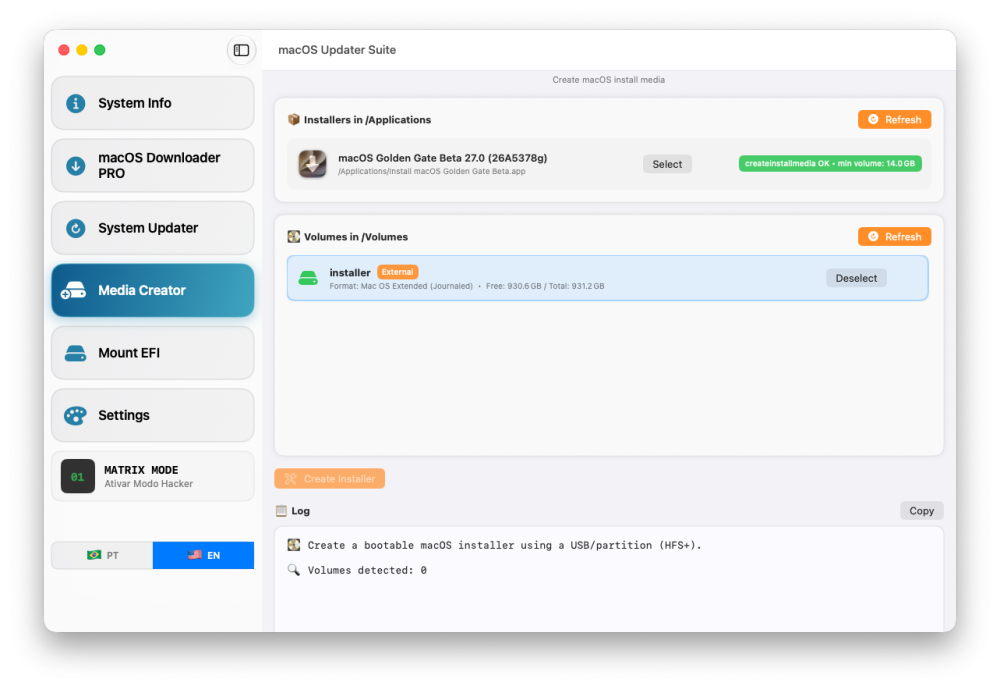
- 62 replies
-
- 1
-

-
- macos
- golden gate
- (and 1 more)
-
(1).thumb.png.2a809e53501c9ce95cba2de8e8ea7893.png) National Book Publishing joined the community
National Book Publishing joined the community -
-
Just to make this absolutely clear: I never said or intended to say that the KDK itself has any direct effect on Bluetooth. The important point is that my system had been running flawlessly under macOS 26.5.2 with the AX210 for five consecutive days before the update to macOS 26.6 beta 4, without a single reboot and including proper sleep/wake behaviour. Only after the sequential OTA update to macOS 26.6 beta 4 did the AX210 Bluetooth side immediately fall back to the same broken BCM_4350C2 state that existed before the macOS 26.5 Bluetooth LE fixes by @Vinhts and @Z3c0ld were incorporated into @lshbluesky’s IntelBluetoothFirmware v2.5.1 fork (see https://github.com/OpenIntelWireless/IntelBluetoothFirmware/issues/505). During that earlier recovery attempt, the only working solution for me was to replace the AX210 and then apply the new Bluetooth fixes to the new card. I have now also cleared NVRAM and completely disconnected the system from power for about one hour, but unfortunately neither changed anything. For completeness: I am already using BlueToolFixup 2.7.2 from Dortania together with my SleepWatcher-based Bluetooth reset script after each wake. That exact setup worked perfectly before the 26.6 beta 4 update.
-
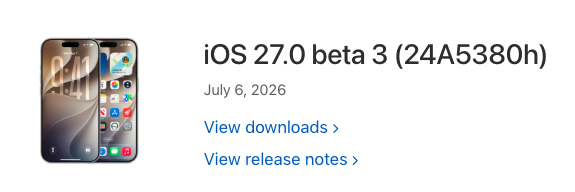
macOS 27 Golden Gate Beta 3 Release Notes
- 62 replies
-
- 2
-
-
- macos
- golden gate
- (and 1 more)
-
 Daily Voucher UK joined the community
 -
 789p86netvn joined the community
 -
I’m curious now. Did you happen to clear your NVRAM? If not, could you clear your NVRAM, use my BlueWakeFixup kext, and then reboot? The KDK shouldn’t have any effect on Bluetooth. Actually, wait it could be affecting something else indirectly. I need to test that, but I’m currently busy with another project, so I’ll probably only have time to look into it over the weekend.
-
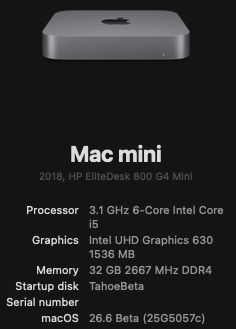
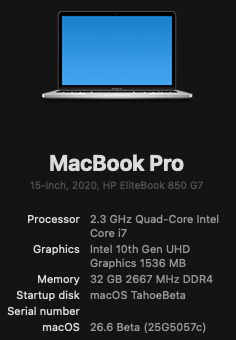
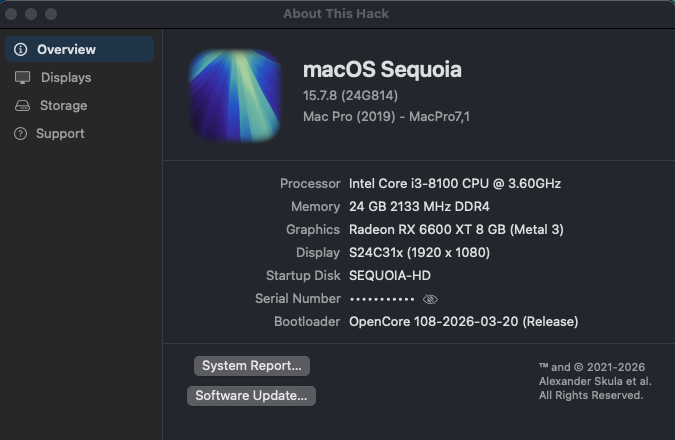
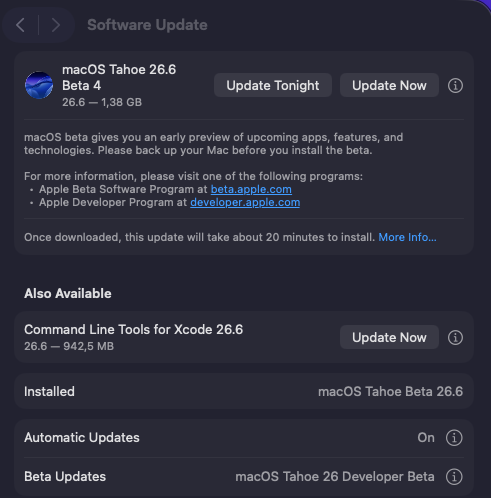
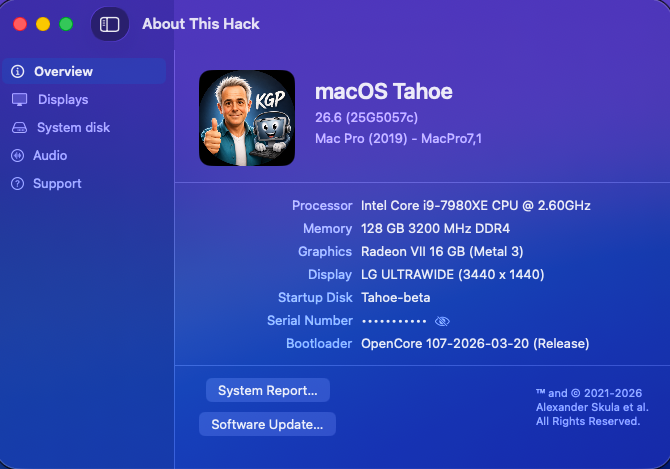
Easy update. On this hack, I had used this trick to enroll in Tahoe 26.6 Beta 3. The fix has remained implemented without needing to re-apply it, so I'm still able to apply incremental Tahoe 26.6 Beta Updates with SMBIOS MacMini8,1 (and Booter Patch "Skip Board ID Check"). ... And a smooth update on my HackBookPro16,2 Using HDAUniversal for outstanding audio quality on both platforms.
-
[Pre-release] macOS Sequoia 15.7.8
strangeron replied to deeveedee's topic in New Releases and Updates
👍
-
So, I was just trying to test the effect of the -no_compat_check boot argument. The result was negative. I'll try it tomorrow on a different system unit with 10th Gen Intel a UHD630 iGPU and a Radeon RX 560x dGPU. Then I'll write back and tell you what happened.
- 31001 replies
-
- 1
-
-
- bootloader
- efi
- (and 2 more)
-
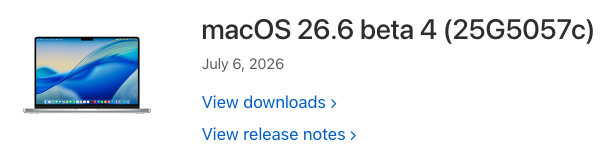
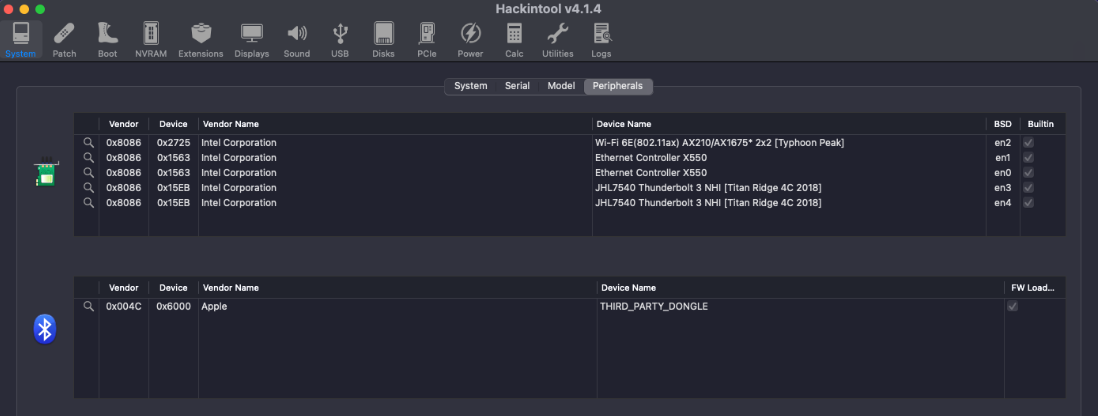
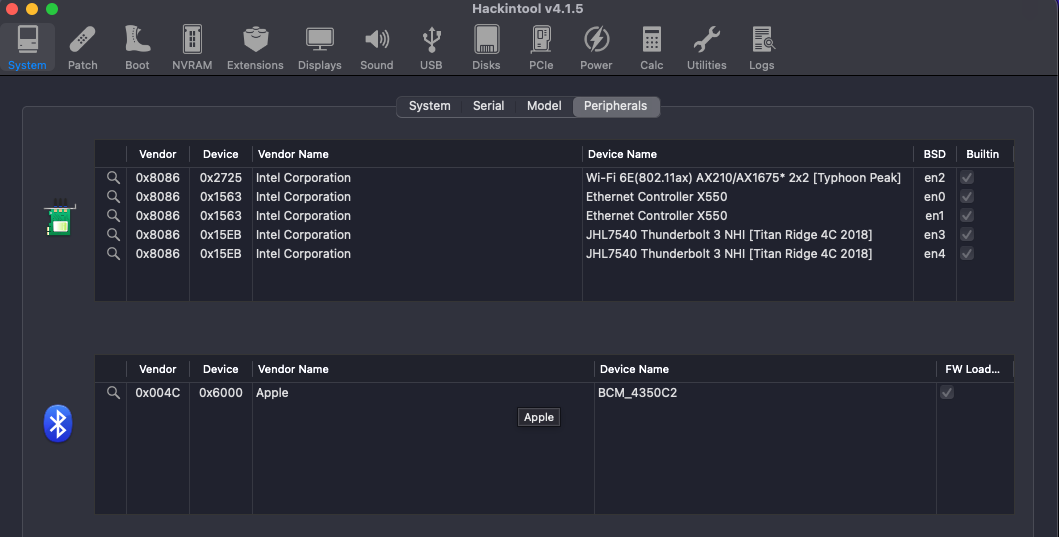
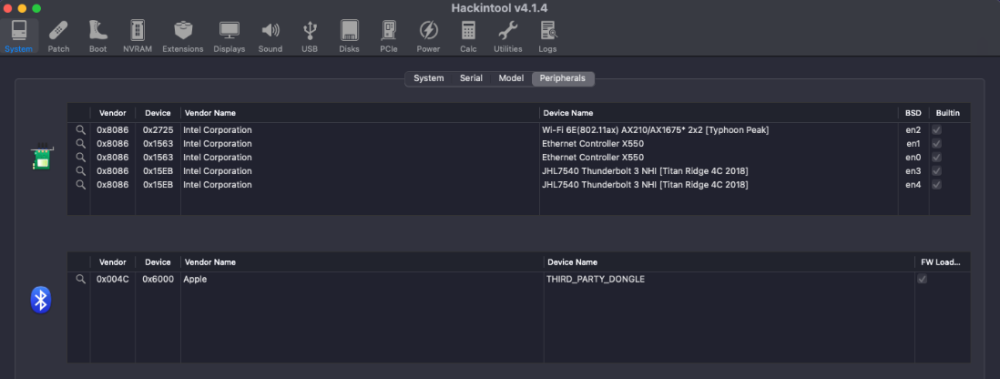
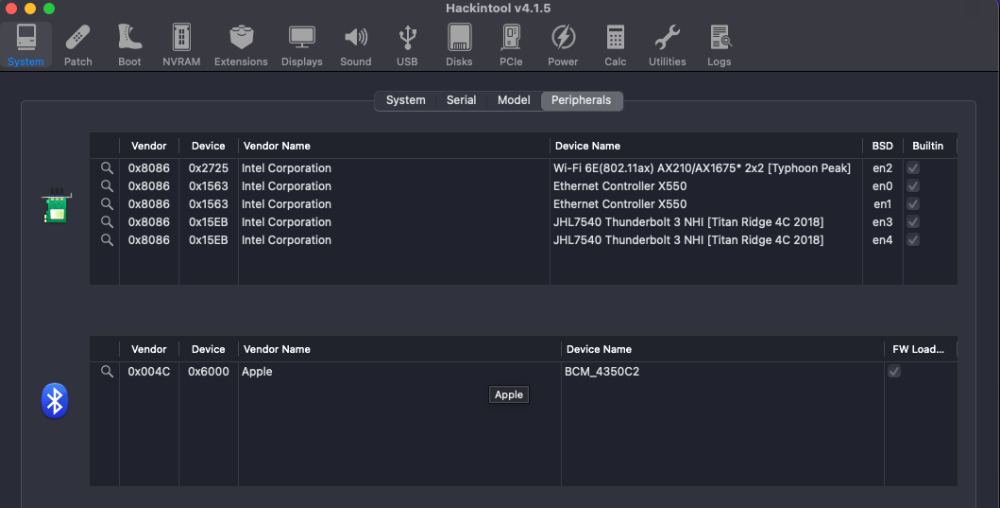
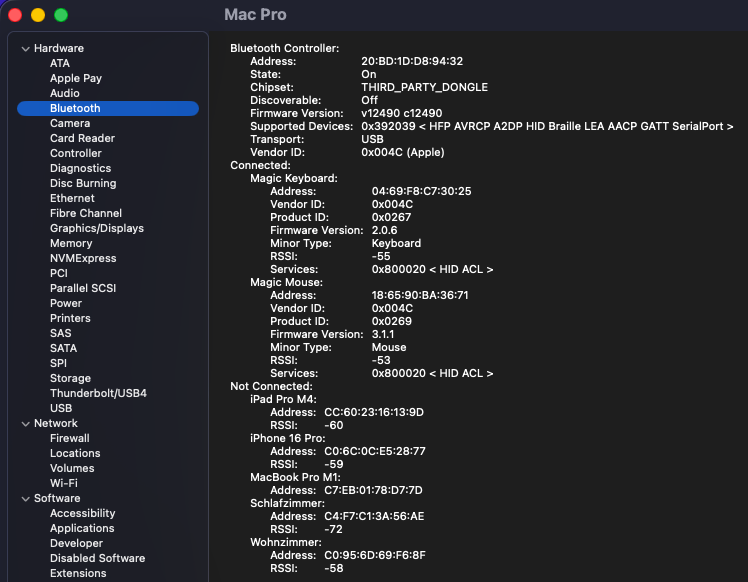
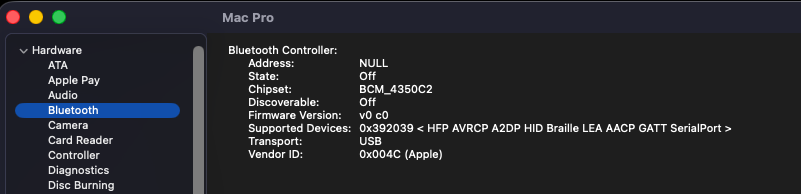
Sequential OTA update 1.38 GB from macOS 26.6 beta 3 (25G5052e) to macOS 26.6 beta 4 (25G5057c). Apple has not yet released a Kernel Debug Kit for macOS 26.6 beta 4 (25G5057c). OCLP correctly selects Kernel Debug Kit 26.6 build 25G5052e, corresponding to macOS 26.6 beta 3, as the closest available match. Due to ongoing AirportItlwm.kext debugging, this time I was using my Intel AX210 instead of my BCM943602CDP. Before the update, the AX210 Bluetooth side was in the working state and Hackintool reported it as: Apple 0x004C / 0x6000 / THIRD_PARTY_DONGLE / FW Loaded After booting macOS 26.6 beta 4, Intel Bluetooth immediately fell back to the old broken pre-fix state: Apple 0x004C / 0x6000 / BCM_4350C2 / FW Loaded This is exactly the failure mode I had already observed several weeks ago before the recent Intel Bluetooth fixes. At that time, the issue was one of the reasons why I replaced my previous AX210 with a new card. The important point is that the AX210 Bluetooth USB controller itself is still detected as Intel 0x8087:0x0032 and firmware loading is reported as successful. The expected Bluetooth-related kexts are also loaded, including BlueToolFixup, IntelBTPatcher and IntelBluetoothFirmware. Nevertheless, the Bluetooth personality exposed to macOS has changed from the previously working THIRD_PARTY_DONGLE state back to the broken BCM_4350C2 state. Unfortunately, the faulty BCM_4350C2 state now also persists after booting back into macOS 26.5.2 (25F84). Even a complete power-off for several minutes did not restore the previous working THIRD_PARTY_DONGLE state. So this currently looks like a persistent BlueTool / IntelBluetoothFirmware / HCI personality regression triggered by macOS 26.6 beta 4, rather than a simple AX210 hardware failure. Screenshots: 1. System Information — functional state: THIRD_PARTY_DONGLE, valid Bluetooth address, State On, firmware v12490 c12490, Magic Keyboard and Magic Mouse connected. 2. System Information — broken state: BCM_4350C2, Address NULL, State Off, firmware v0 c0. 3. Hackintool — functional state: Apple 0x004C / 0x6000 / THIRD_PARTY_DONGLE / FW Loaded. 4. Hackintool — broken state: Apple 0x004C / 0x6000 / BCM_4350C2 / FW Loaded.
-
@MakAsrock I took a quick look at your config.plist and don't see any glaring issues, other than the fact that you're using SMBIOS MacMini8,1 with a 12th Gen Intel PC. I suspect that if you are having issues, it's more because you're attempting to use an SMBIOS for an 8th Gen Intel platform that expects an iGPU than because of your use of -no_compat_check. I would think that with 12th Gen Intel / no iGPU / dGPU that you'd be using MacPro7,1 which is supported by Tahoe.
- 31001 replies
-
- 1
-
-
- bootloader
- efi
- (and 2 more)
-
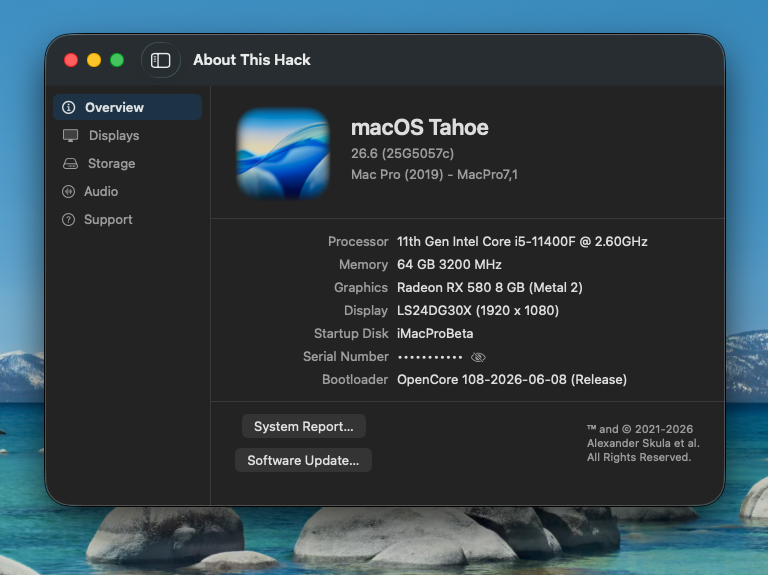
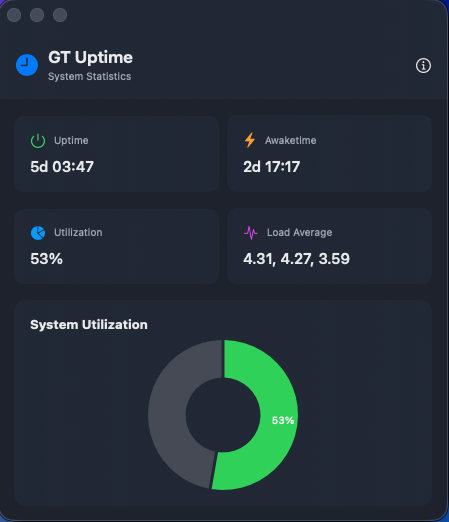
Z97 HACK UPDATE WENT WELL FOR ME 26.6 Beta (25G5057c)

-

[Pre-release] macOS Sequoia 15.7.8
deeveedee replied to deeveedee's topic in New Releases and Updates
Sequoia 15.7.8 RC4 is now available. ... Easy update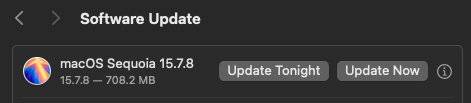
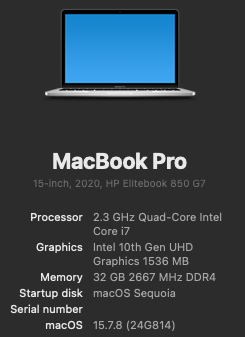
-
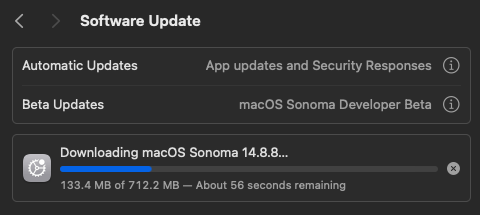
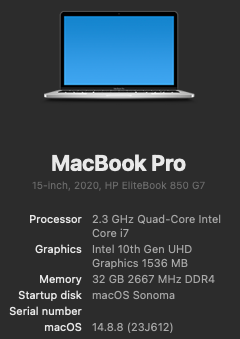
Easy update from RC3 -> RC4. And no, I'm not staying with Sonoma
-
That might be true, but it doesn't work for me for some other reason. Perhaps it's because of the physical iGPU in the i7-12700KF, although it doesn't matter if it's there or not, since there's no corresponding driver anyway. Take a look at my config, maybe I made a typo somewhere too... config.plist.zip
- 31001 replies
-
- 1
-

-
- bootloader
- efi
- (and 2 more)
-
@MakAsrock There are Reddit users like this Reddit user who have problems with the boot-arg, because they type it wrong. It's a common mistake. If you post the config.plist with the -no_compat_check boot-arg that is not working for you, I'd be happy to review.
- 31001 replies
-
- 1
-
-
- bootloader
- efi
- (and 2 more)
-
 powertechelectric62 changed their profile photo
 -
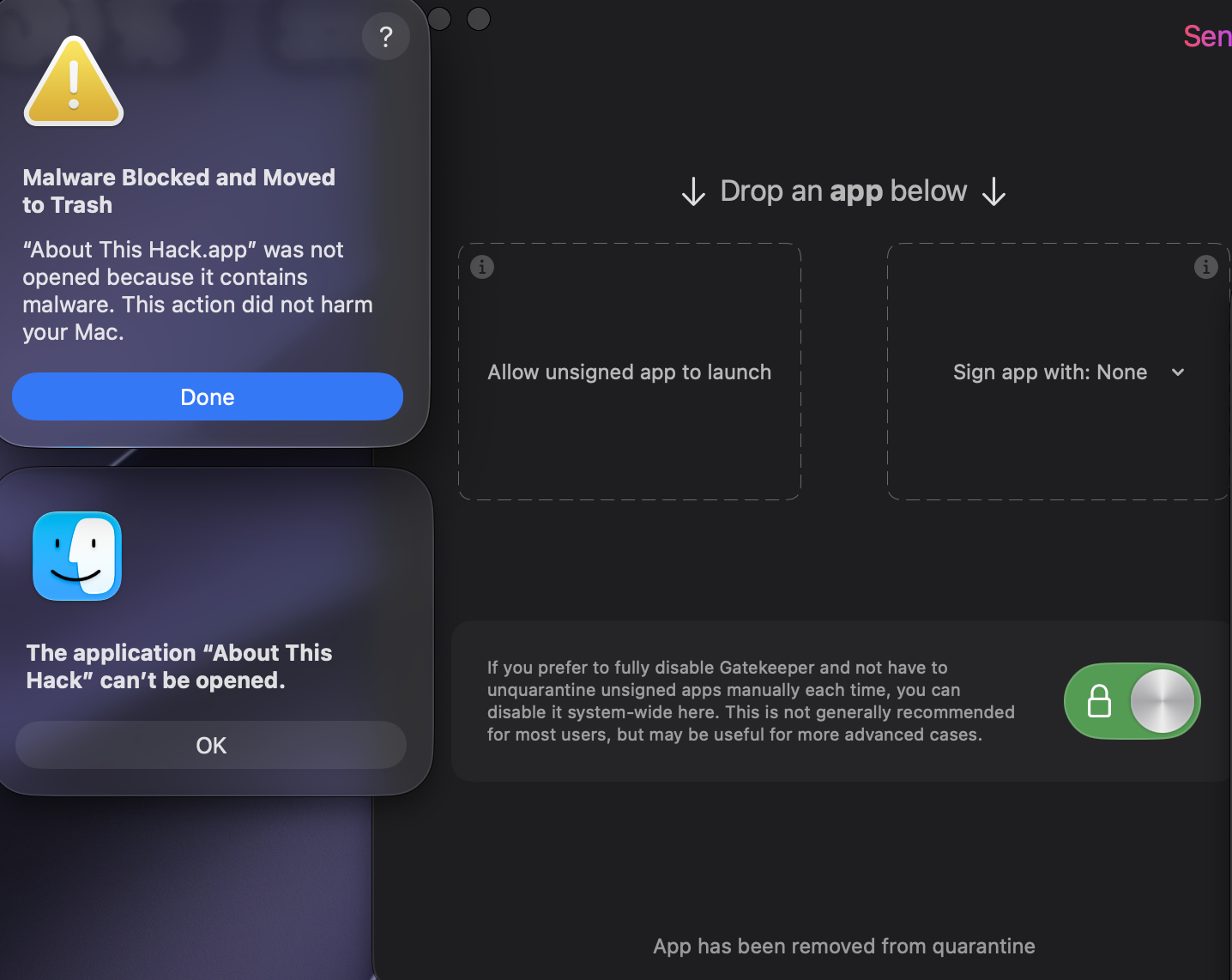
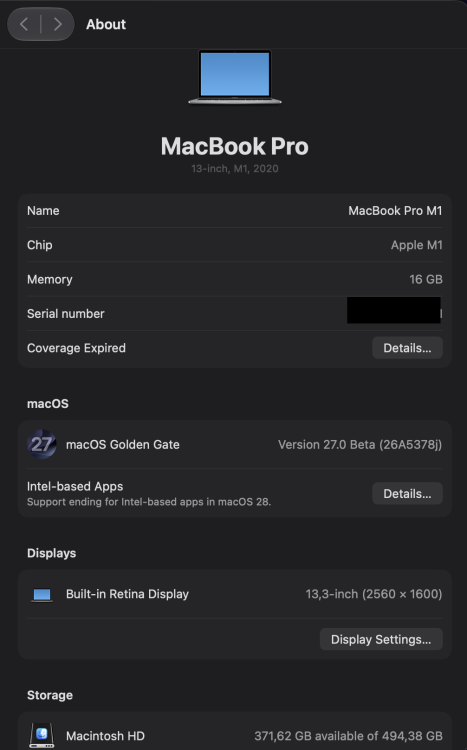
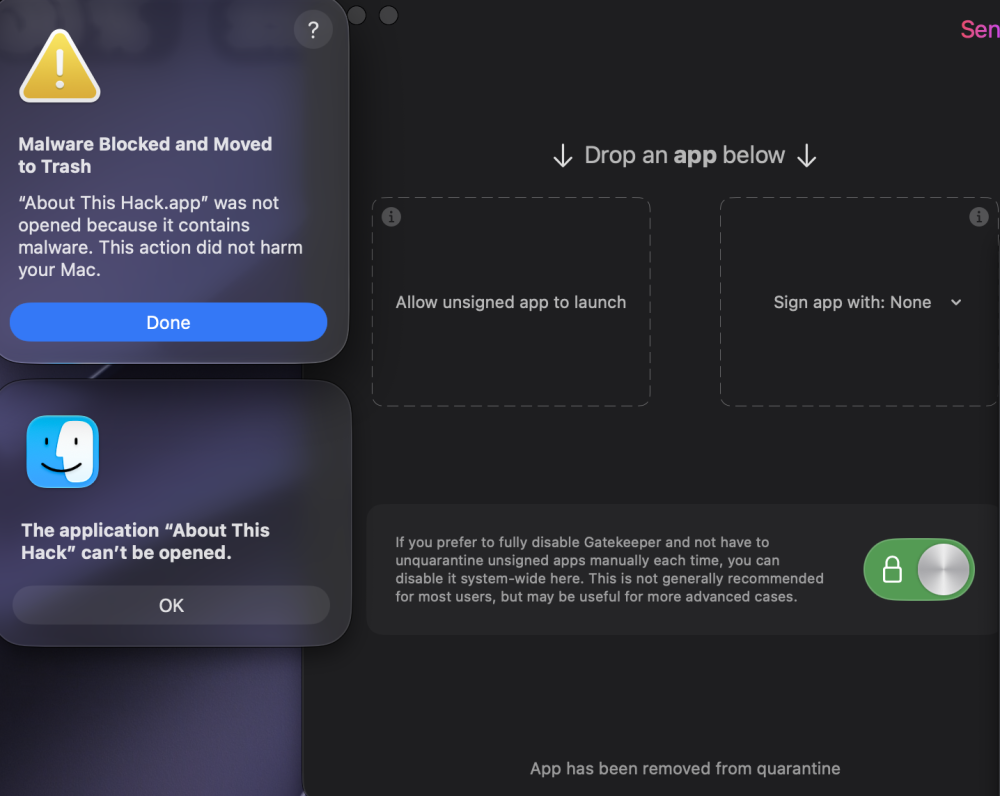
MacOS 27 beta 3 (26A5378j) @miliuco, "About This Hack" is immediately moved to trash despite using Sentinel.app, Xattr-remove.app or the xattr -cr terminal command.
- 62 replies
-
- 1
-
-
- macos
- golden gate
- (and 1 more)
-
- 62 replies
-
- 1
-
-
- macos
- golden gate
- (and 1 more)
-
I'm not saying this categorically, but that's what they're saying on Reddit and it doesn't work for me as expected.
- 31001 replies
-
- 1
-
-
- bootloader
- efi
- (and 2 more)
-