All Activity
- Past hour
-
You didn't explicitly say that the KDK affects Bluetooth, but that's clearly the impression your reply gave. You stated, "Apple has not yet released a Kernel Debug Kit for macOS 26.6 beta 4 (25G5057c). OCLP correctly selects Kernel Debug Kit 26.6 build 25G5052e, corresponding..." and then immediately went on to describe your Bluetooth issue. It's only natural that someone would connect the two. It may have been just a misunderstanding, but that's not really the point here. I haven't had the time to look through that GitHub link or the changes made to the IntelBT kext yet, although I do know why Bluetooth devices always show up as BCM_4350C2 when Bluetooth stops working. In any case, thanks for sharing it. Hopefully it'll be fixed soon and your Bluetooth will be working again.
-
 Michael M Parker joined the community
 -
I am using that on any macOS since Ventura. I couldn't imagine that someone wouldn't know about this trick. 😜
- 31011 replies
-
- 2
-

-
- bootloader
- efi
- (and 2 more)
-
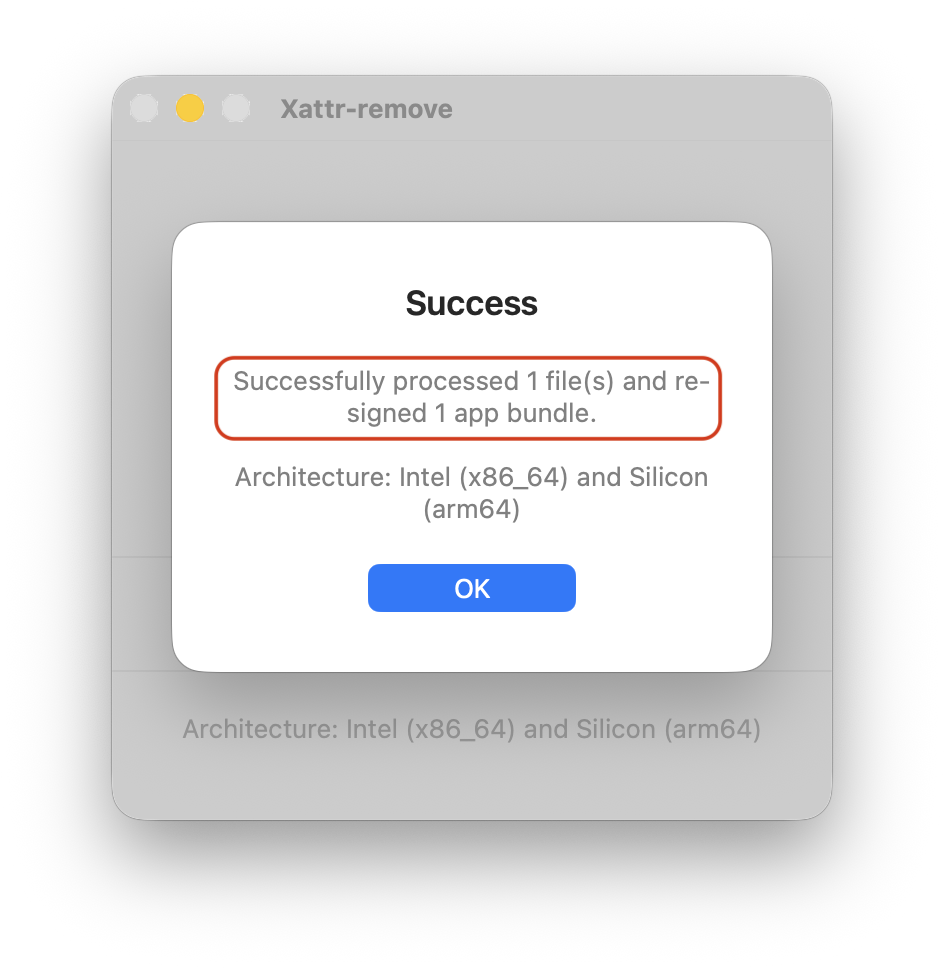
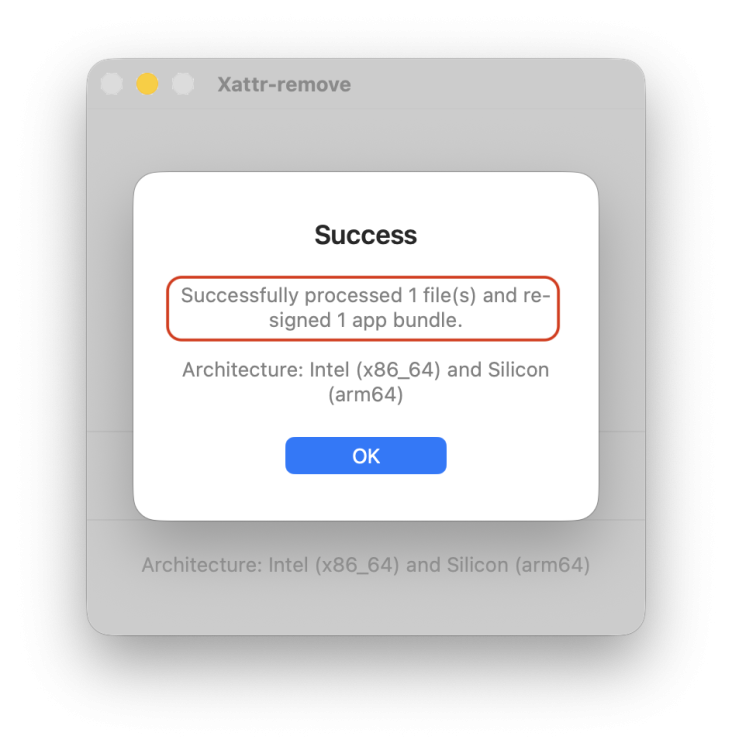
@kgp Indeed, xattr quarantine removal is not enough to run the app, but re-signing app and Sparkle does the job. Checking re-sing the app in Xattr-remove, I am able to run ATH as expected. This does the same as code signing Sparkle and app in your own machine: codesign --force --deep --sign - \ About\ This\ Hack-glass.app/Contents/Frameworks/Sparkle.framework codesign --force --deep --sign - \ About\ This\ Hack-glass.app I suppose that you must have at least one Apple account in Xcode settings or in the Keychain to this task to work.
-
I am using that on a already installed OS but not during install. Never thought the issue i posted above will fix it
- 31011 replies
-
- 3
-
-
- bootloader
- efi
- (and 2 more)
-
 Interesting. This might offer a clue about how to fix. Since I'm not observing the sleep/wake audio "pop" with VoodooHDA.kext 4.0, VoodooHDA must have solved this as well. I will be able to extract new logs later today. Thank you.
 -
 I need to test it, but it will be after the holidays. I have three computers where it works perfectly. My question is: On all three computers, I have both Tahoe and Tahoe beta with the corresponding AppleHDA patches and both Intel and Broadcom Wi-Fi. My question is, is there any way to disable AppleALC and PCI or boot-arg injection so that it only loads on the system where I installed the kext? Or is my only option to create a bootable USB drive to test it on the hard drive of one of the three computers where I have the operating system installed? I'm not sure if this is the right question.
 -
(1).thumb.jpg.e11a846455f3877ab04a256402aff9ec.jpg) One Day Movers joined the community
One Day Movers joined the community - Today
-
I have needed to use revpatch=sbvmm in my config.plist since Sonoma. I thought everyone was using it for their hacks - no?
- 31011 replies
-
- 3
-
-
- bootloader
- efi
- (and 2 more)
-
 Friends Group joined the community
 -
Not only in Tahoe. Previous OSs now works too👍
- 31011 replies
-
- 3
-
-
- bootloader
- efi
- (and 2 more)
-
.thumb.png.a4dadf5e204705e699e70a2bc5535632.png) Company Registration Consultancy changed their profile photo
Company Registration Consultancy changed their profile photo -
Company Registration Consultancy joined the community
-
@MakAsrock and All. I confirm too. Using long time ago, revpatch=sbvmm as Arguments is working fine on my Z390 (Coffee Lake-R) with MacPro7,1 SMBIOS.
- 31011 replies
-
- 2
-
-
- bootloader
- efi
- (and 2 more)
-
 open88vwin1 joined the community
 -
 TAYOPH joined the community
 -
 dangkybong789 com joined the community
 -
cityocalplumbing joined the community
-
 王柏欣 joined the community
 -
 Amber Torres joined the community
 -
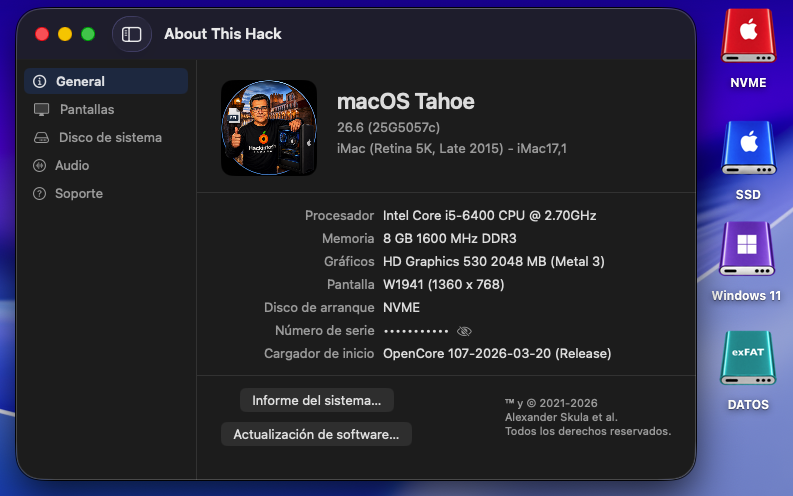
Perfect in OLD2: AppleHDA.kext + Wifi Intel OCLP (OpenCore Legacy Patcher) 😄
-
@kgp I already mentioned to @fantomas that Golden Gate is clearly more demanding than Tahoe with Gatekeeper, but until now Xattr-remove (sometimes requiring you to select "Re-sign app") or Sentinel (signing the app or disabling Gatekeeper) solved this issue. I'm worried after reading you that Apple has further tightened this system because then... what will we do with all the free, open-source apps that aren't notarized? What a problem! However, I see that @surenmunoo has uploaded a screenshot of ATH with GG beta 3. I haven't downloaded beta 3 yet; I'll do it later and comment.
- 65 replies
-
- 2
-
-
- macos
- golden gate
- (and 1 more)
-
Yes, it works for me.
- 31011 replies
-
- 3
-
-
- bootloader
- efi
- (and 2 more)
-
 IPTV Providers changed their profile photo
 -
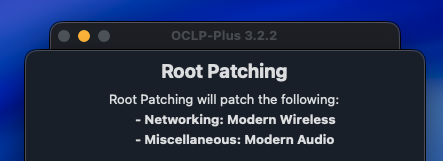
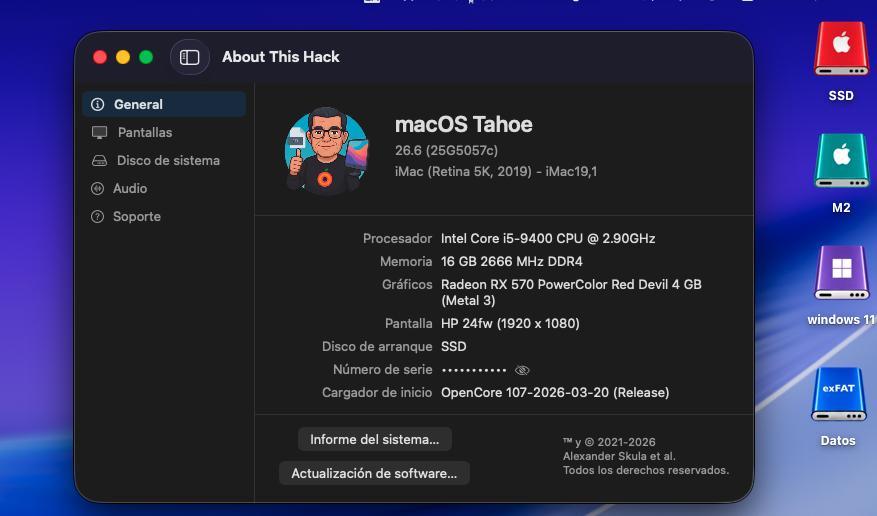
perfect NEW: AppleHDA + wifi
-
adding to what @ThriftLoversaid, seems to work with tahoe 😮 Let me try again later... Have to go for now
- 31011 replies
-
- 3
-
-
- bootloader
- efi
- (and 2 more)
-

Show your computer running OS X
MakAsrock replied to post_break's topic in Wallpapers, Icons, Themes, and Skins
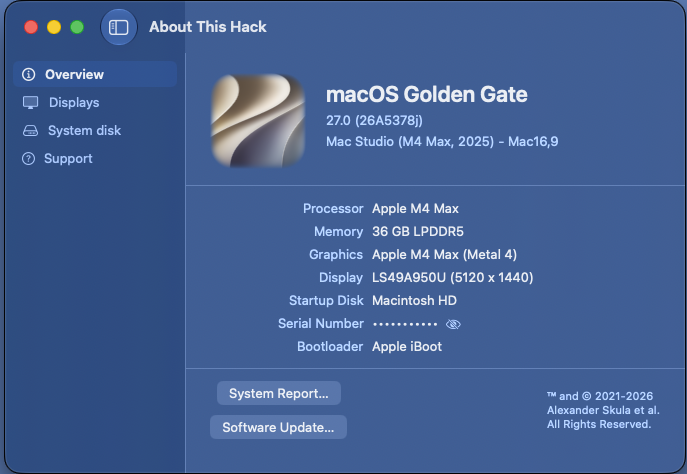
And this is my interpretation:
-
 世界 changed their profile photo
 -
- 65 replies
-
- 4
-
-
- macos
- golden gate
- (and 1 more)
-
Don't ask how it was installed, I didn't do it. The computer does not belong to me: Motherboard: ASRock Z390 Phantom Gaming 6 iGPU: Intel HD Graphics 630 dGPU: Sapphire Pulse Radeon RX 580 8GB GDDR5 RAM: 32GB DDR4-3000 SSD: 128GB WD Green M.2 Audio: Realtek ALC1220 (Onboard) LAN: Intel I219V + Realtek Dragon RTL8125AG (Dual LAN) I/O: USB 3.0 / 3.1 / 3.1 Gen 2 Monitor: Full HD (via HDMI) macOS Big Sur - Everything is installed and works perfectly. macOS Tahoe - With -no_compat_check Bootloop macOS Tahoe - With SMBIS MacPro7,1 (with -no_compat_check and without it) Everything is installed and works perfectly. config.plist.zip

- 31011 replies
-
- 3
-
-
- bootloader
- efi
- (and 2 more)
-
To fresh install Big Sur or later using unsupported smbios, I think you need vmm spoof such as revpatch=sbvmm. For an update, you need to be running on Big Sur or later as vmm spoof won't work in Catalina or older. You need both board-id bypass and vmm spoof to install or update when using unsupported smbios.
- 31011 replies
-
- 2
-
-
- bootloader
- efi
- (and 2 more)
-
 chuyennhathq5 changed their profile photo
 -
.thumb.jpg.e780a2c7ef4b822412579efcd4b4f1d1.jpg) Nourish Pet Co changed their profile photo
Nourish Pet Co changed their profile photo -
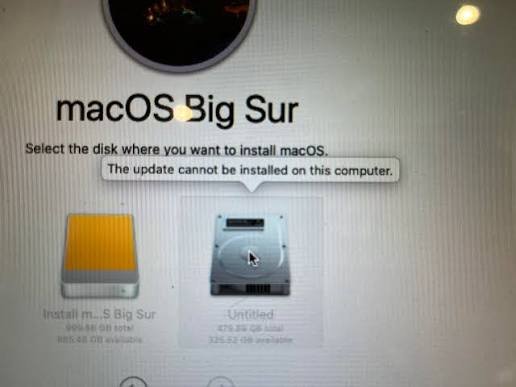
Im referring installation in general, as we are not in Tahoe thread. Note: Pic not mine Last time i did a fresh install ( not nessesarily Tahoe). i only mentioned Tahoe to test the "Repaired feature that SMBIOS choosing automatically according to OS version." If i use unsupported smbios WITHOUT -no_compat_check or "Skip board ID Check", i get this (which is obvious) If i use unsupported smbios WITH -no_compat_check or "Skip board ID Check", i get this (disregard whatever OS version is in the pic) I have yet to try in Tahoe if the latter still accuring on a clean install

- 31011 replies
-
- 3
-
-
- bootloader
- efi
- (and 2 more)
-
Can you add a .xcodeproj for traditional please
-
 I can provide some feedback using it for the last few days. The sound is great and I don't have issues after sleep like some of you, but I observed something interesting. After sleep the sound bar indicates the volume level before the computer goes to sleep. The moment I touch "Volume UP" it does not continue from let's say 25%, it goes all the way up to a 100%. To me this is something I would not even bother "fixing" as I don't know how exactly works on the backend but so far this is probably the best/easiest sound solution we had in a loooong time Thank you again, MaLdon!
 -
.thumb.jpeg.7082d67b3394c9399e80144027a7b397.jpeg) used to have the pops on sleep/wake. solved by using codeccommander.
used to have the pops on sleep/wake. solved by using codeccommander. -
 Reproduce and extract again. The problem is that the log isn't capturing this type of issue but lets try one more time.
 - Yesterday
-
 ian mbugua changed their profile photo
 -
No. F7 is to test HDA output
-
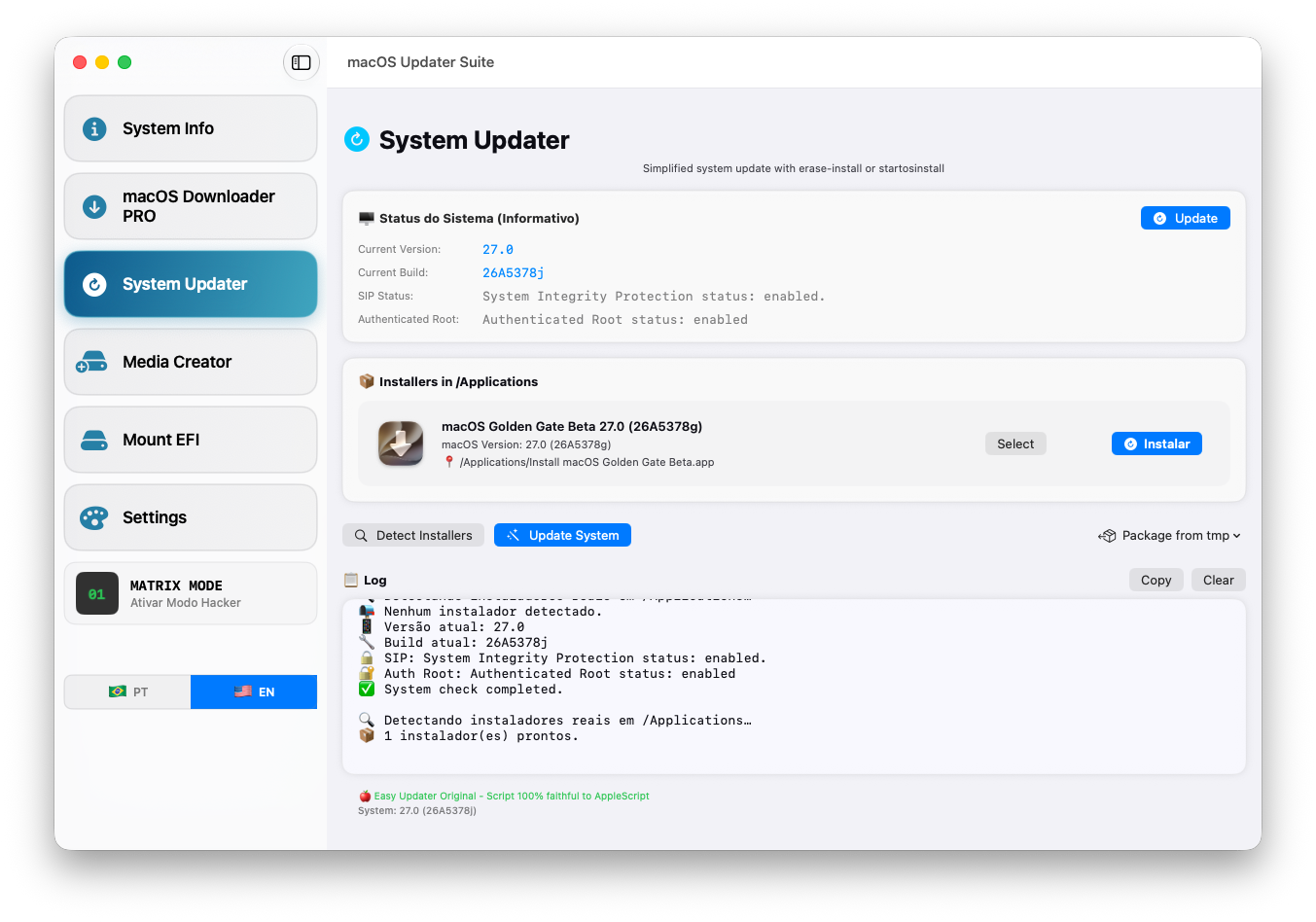
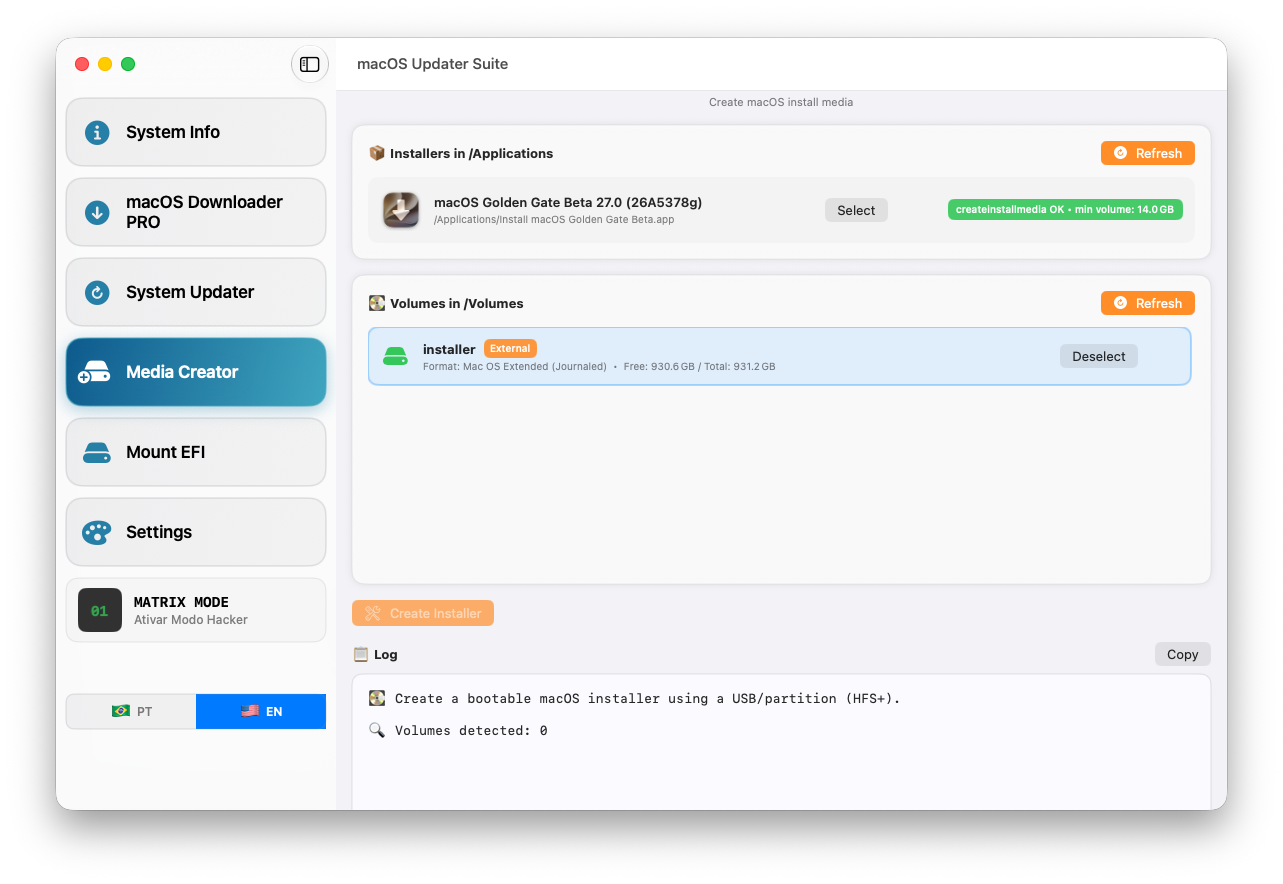
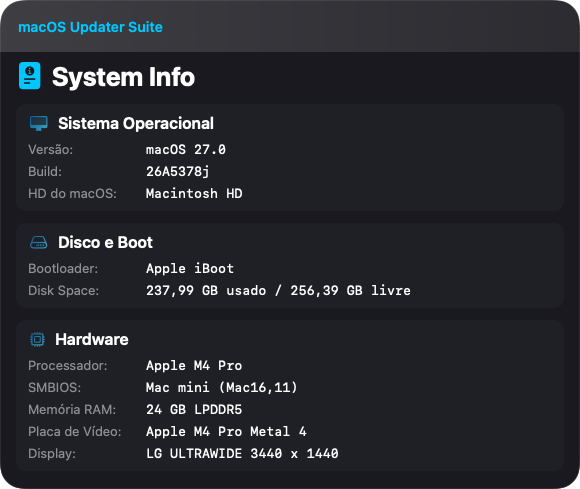
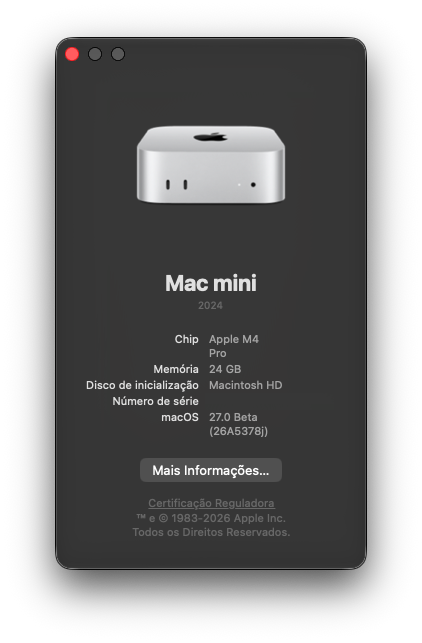
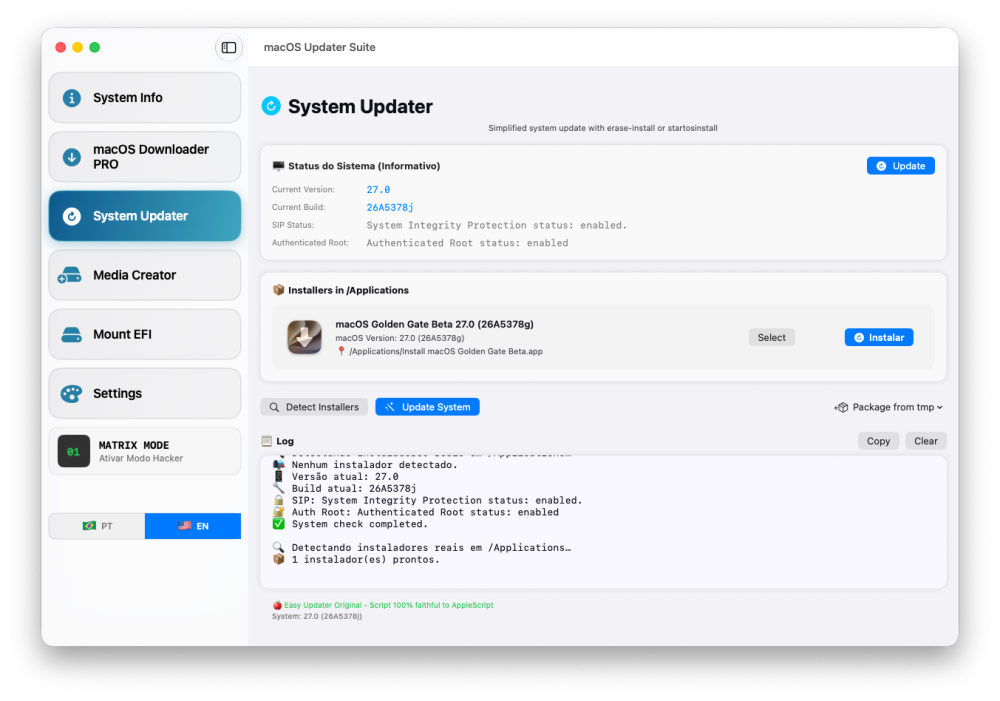
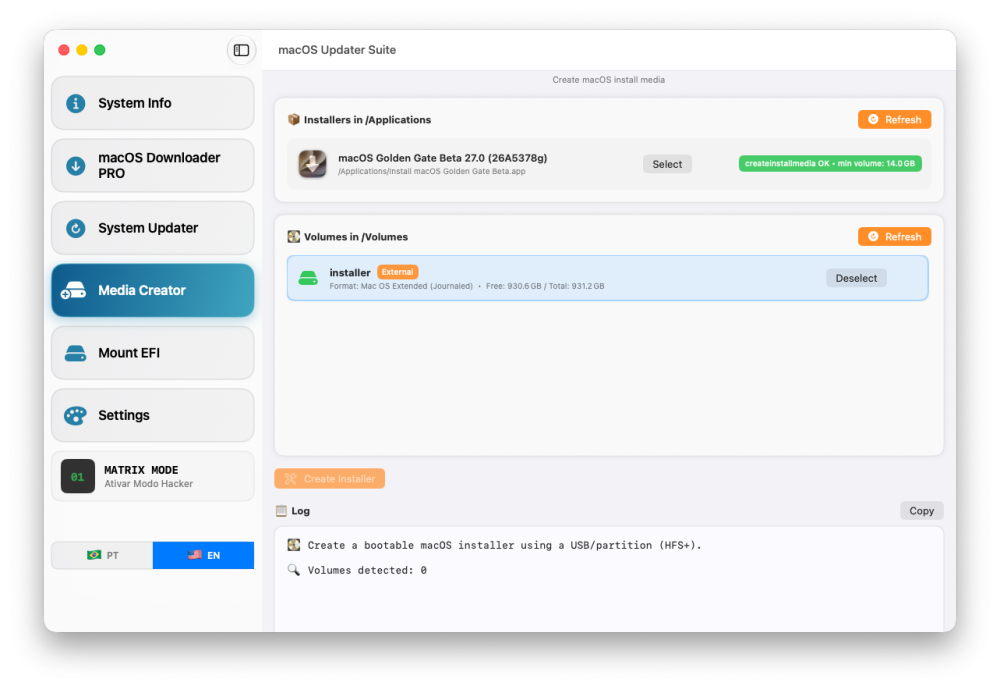
[ 36 ] 2026-07-06 17:26:54 .. 140-42493 .. 27.0.0.26A5378j macOS Golden Gate Beta. https://swdist.apple.com/content/downloads/33/33/140-42493-A_IFDF1D54Q5/t9ynqjz8q72uvzjt9jj0cwkarniw7a2lzc/140-42493.English.dist https://swdist.apple.com/content/downloads/33/33/140-42493-A_IFDF1D54Q5/t9ynqjz8q72uvzjt9jj0cwkarniw7a2lzc/InstallAssistant.pkg

- 65 replies
-
- 2
-
-
- macos
- golden gate
- (and 1 more)