All Activity
- Past hour
-
Hi all users I want to update from 15.7.7 to 15.7.8, my old Ivybridge (OCLP 2.4.1). Actually, MetallibSupportPKG release is 24G809 on Dortania repo. Does it work for macOS 15.7.8 (24G824) ?
-
 mihirmane455 joined the community
 -
.thumb.png.df6d003d8f43841e7d83e3f97116b80b.png) cm88bio1 changed their profile photo
cm88bio1 changed their profile photo -
 Musix Softwares changed their profile photo
 -
 jp boxing gym joined the community
 -
Musix Softwares joined the community
-
 neko44online joined the community
 -
cm88bio1 joined the community
-
.thumb.jpg.9c98a1df35f6c0632f96a3b5794f9459.jpg) f8bet80one3 changed their profile photo
f8bet80one3 changed their profile photo -
Regular delta update, only on desktop PC :

-

[Release] macOS Sonoma 14.8.8
Thebes Knossos replied to deeveedee's topic in New Releases and Updates
I think latest regular update for Sonoma, From regular to regular delta update, Deskto and Laptop PC: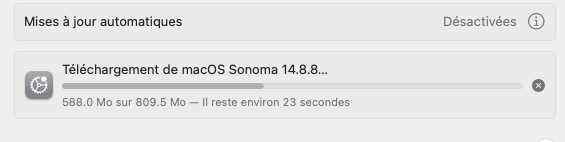
-
 advocteinlahore joined the community
 -
 EDG CPA joined the community
 -
 thethaocauf joined the community
 -
f8bet80one3 joined the community
-
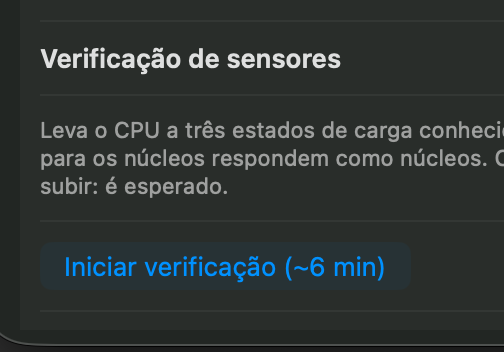
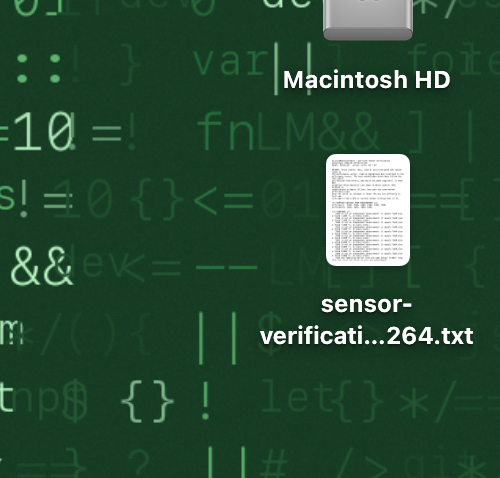
@Max.1974 You might have misunderstood; you need to start the sensor check and send the file generated on the desktop once the check is complete. And after this process, which takes about 6 minutes, you will have the file on your desktop. You need to send me that file.
-
 Ecoway Movers Oshawa ON changed their profile photo
 -
No. I said I was using 5173 in my first post. Downloaded binary from github. Please clarify how you booted into the 3rd stage of the install - did Clover show you an icon or did you need to show hidden options (F3) and use the Preboot volume? I don't get an icon for booting the 3rd stage. I can expose the Preboot with F3 and use that. I also said this in my first post 'Clover does show an option to boot the APFS partition from the "Preboot" volume, but this starts and hangs midway eventually rebooting.' I think I misinterpreted this. In the 3rd stage, with no icon, I tried booting the Preboot instead. There is a progress bar without a timer. It went through about midway, then got stuck there for some minutes and finally rebooted. After the reboot there was again no icon. So I interpreted this to mean that it's stuck in some kind of loop and not succeeding and didn't try to boot the Preboot again. But it may have completed the 3rd stage and now I was supposed to start the 4th stage the same way. On the Mac mini, during the 3rd stage the progress bar moved through until the end before rebooting so it looked like a successful completion. Also, when booting the Mac mini before the 3rd stage into the boot selection menu by holding the Alt key - it shows an option for booting the newly installing disk. There is an icon for it.
- Today
-
 NILE NGUYỄN joined the community
 -
 Ecoway Movers Burlington changed their profile photo
 -
 streetwearnesss changed their profile photo
 -
smooth update to 15.7.8 here as well.
-
smooth update from 14.8.5 to 14.8.8 with clover 5166
-
 Hồ Sỹ Nam changed their profile photo
 -
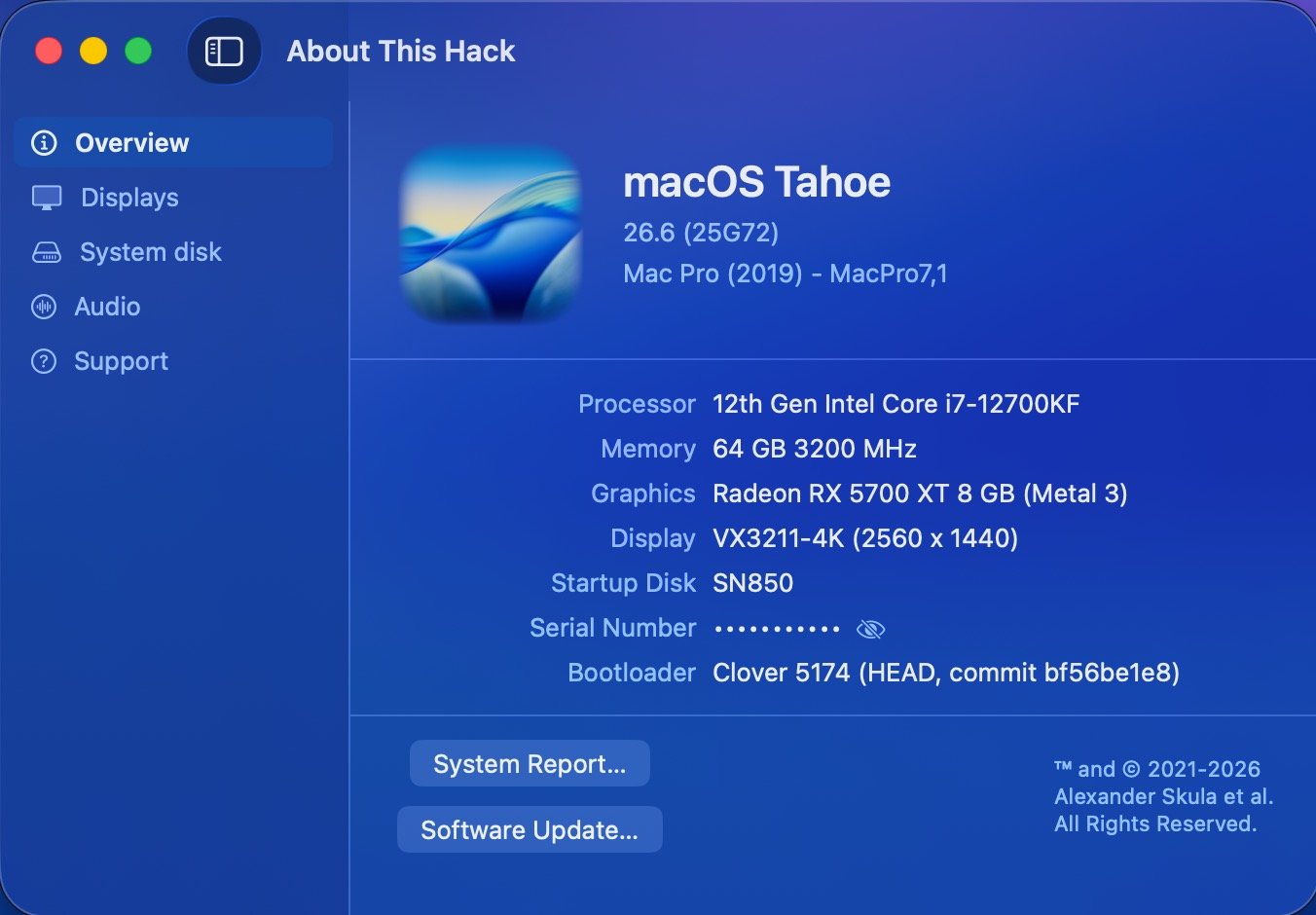
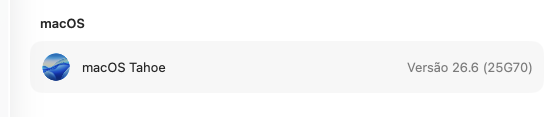
https://swdist.apple.com/content/downloads/56/57/140-71750-A_ZJ1ETGFD03/dnnk12px38rclkv5ettt24crfqd9w244ua/140-71750.English.dist https://swdist.apple.com/content/downloads/56/57/140-71750-A_ZJ1ETGFD03/dnnk12px38rclkv5ettt24crfqd9w244ua/InstallAssistant.pkg [ 40 ] 2026-07-27 18:01:08 .. 140-71750 .. 26.6.0.25G72 macOS Tahoe
-

macOS Ventura on Dell XPS 17 L702x Optimus
Allen Cai replied to mackyreddy's topic in Installation Guides
Hi there, I came across your post from 2023 about the Dell XPS 17 L702X 3D — interesting to see someone else working on the same rare 3D variant! I wanted to follow up because I've recently picked up my own L702X 3D again after it sat in storage for years. Back then I was running macOS 10.9 Mavericks + Clover, and I'm now in the process of upgrading it all the way to macOS Ventura 13.7.8 + OpenCore. The machine is going to be a programming learning laptop for my son, so I need reasonably modern app support — that's why I'm skipping the entire 10.x line and pushing straight to Ventura. I actually have some positive progress to share since I last checked: on Ventura 13.7.8, I've managed to get the display running at 1600×900 resolution, up from the default 800×600 @ 1MB VRAM right after installation. It's now showing 5MB VRAM with basic framebuffer output — no acceleration of course (Fermi has zero Metal/QE-CI on Ventura), but the desktop is usable for coding, SSH, and light tasks. I read that you couldn't enable the Intel HD 3000 on your 3D unit, which matches what I understand about the hardware — the 3D variant has the display hard-wired directly to the GT 555M with no Optimus, so the iGPU is disabled at the BIOS/mux level. That part hasn't changed. Since you were working on this in 2023, I'd love to compare notes. Could you please clarify a few things when you have a moment? GT 555M status on Ventura: Were you able to get the GT 555M recognized with the correct VRAM size (e.g. 3 GB), or was it stuck at a small value like 5 MB / 256 MB with no acceleration? Which Ventura build?: Which exact macOS Ventura version were you running back then? (e.g. 13.4, 13.5, or something else?) EFI & ACPI sharing: If you still have it, would you be willing to share your EFI folder and any ACPI patches (DSDT/SSDT) you used? Even if HD 3000 couldn't be enabled, your GT 555M configuration from 2023 might give me useful pointers for my current OpenCore setup. Thanks in advance for any info you can share — and good luck with whatever you're running on your L702X these days! -
Thanks for the honest feedback! I actually have some positive progress to share — I managed to boot macOS Ventura 13.7.8 on this L702X 3D machine, and it's now running at 1600x900 resolution. Compared to the default 800x600 @ 1MB VRAM right after installation, this is already a huge improvement in usability — text is crisp, the UI is scaled properly, and basic desktop navigation is smooth enough for non‑graphic tasks. As you correctly pointed out, the VRAM is still showing only 5MB and there is zero GPU acceleration (no Metal, no Quartz Extreme). Regarding DSDT: I understand your point that patching alone won't magically enable acceleration. My current DSDT work is purely aimed at cleaning up ACPI errors, fixing embedded controller queries. It's a complementary step, not a miracle fix. So yes — it boots, it renders at 1600x900, but it's a software‑rendered desktop. For my use case (SSH, text editing, legacy app testing), even this limited state is valuable. Thanks again for the reality check — it helps me set the right expectations while I keep tweaking the EFI and OpenCore quirks!
-
 CandyWear changed their profile photo
 -
Oh nice my friend, thanks for your work! Good App Here report: sensor-dump-Mac16,11-20260727-220247.txt.zip
-
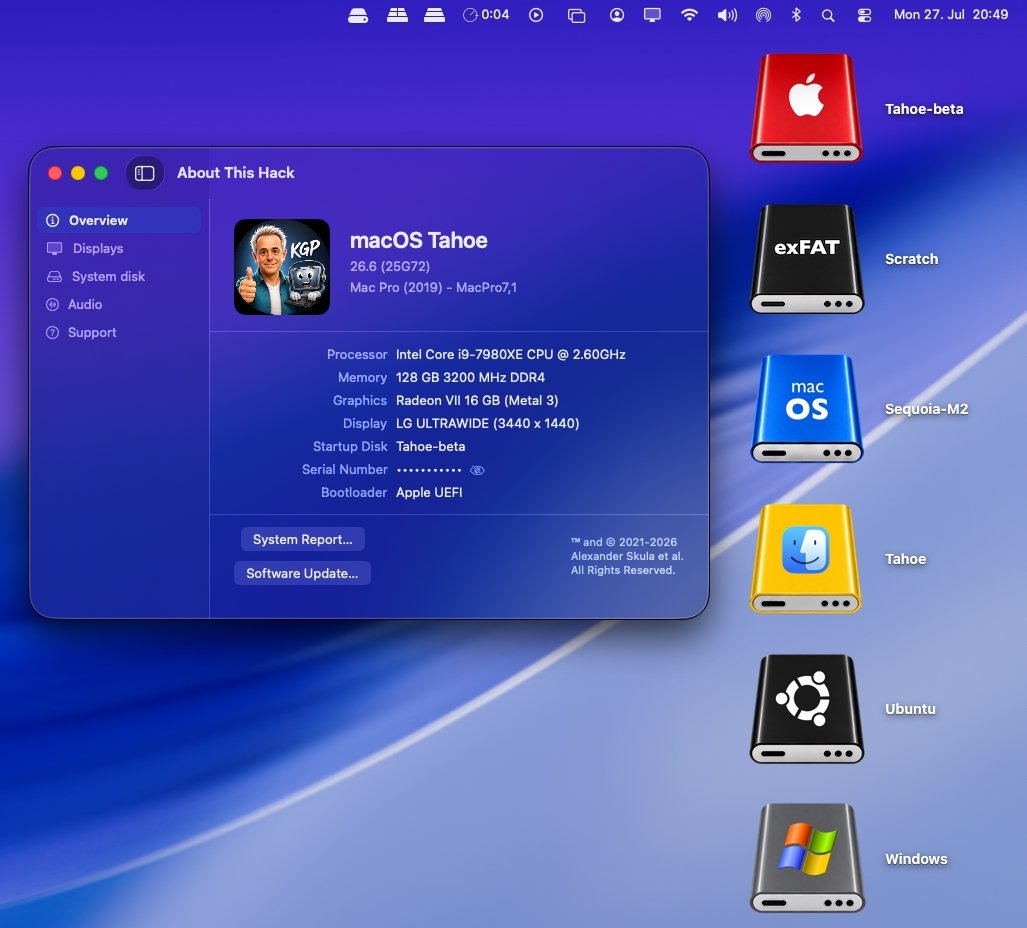
I installed macOS 26.6 (25G72) and everything is working as expected.
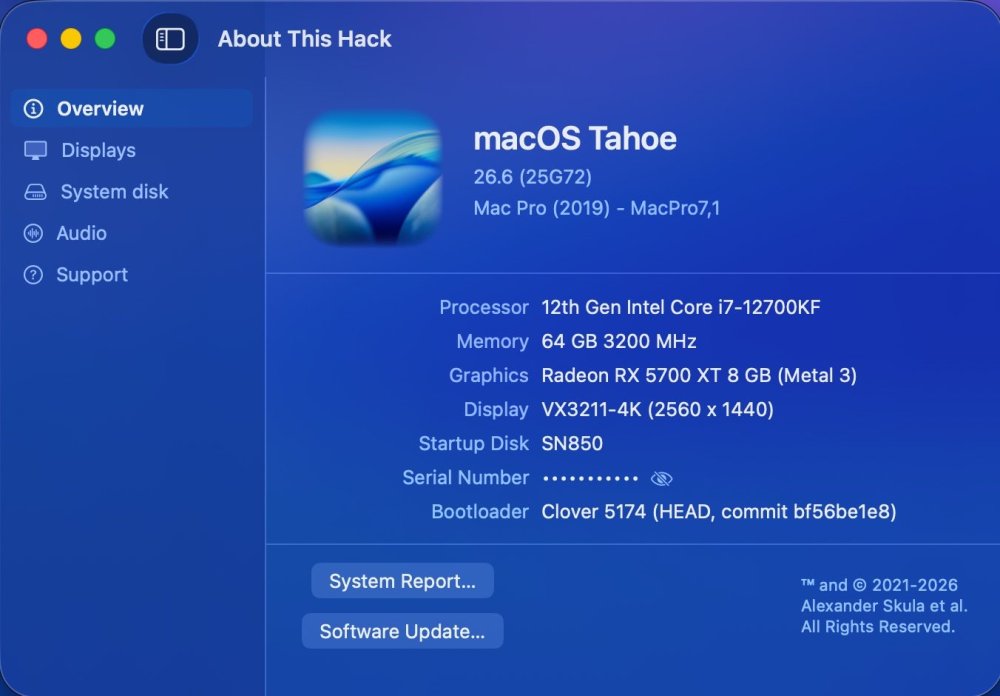
-
Why don't you download Clover from here first and do everything as described in the manuals many times? I can assume that you are using an incomplete Clover installation package. 1. I installed MacOS 15.7.7 from an installer USB on a rented Mac mini to an external USB hard drive. 2. I installed Clover then I put the necessary kexts and the correct config into the EFI and moved the hard drive to my main RIG. It worked fine.
- Yesterday
-
Creedence bug gone at last.
-
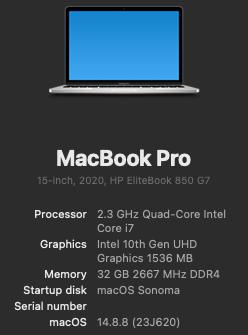
Apple has released macOS Sonoma 14.8.8. Note that Beta Updates must be Off to receive this update. The full installer is here: https://swcdn.apple.com/content/downloads/40/12/140-75436-A_GB8UWVHS9N/5xfegq6xrfx5iewmc26aruzvv4ykpubijg/InstallAssistant.pkg ======================================== Very fast and easy incremental update.
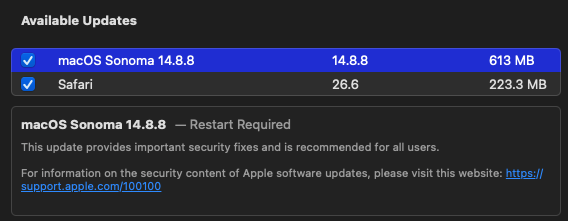
-
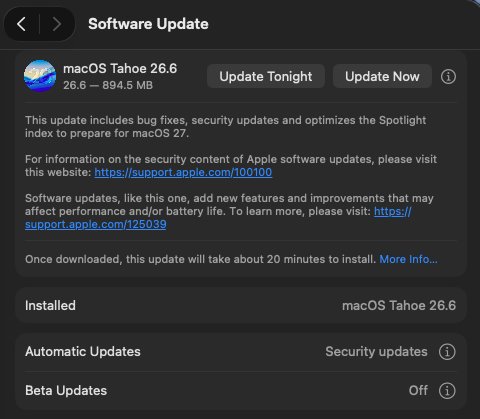
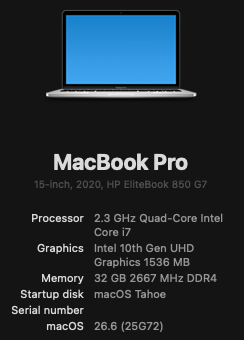
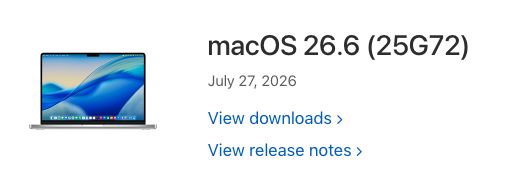
Easy incremental update to macOS Tahoe 26.6 (25G72). Note that Beta updates must be Off to receive this update. My system details are as follows: HP EliteBook 850 G7 Laptop (i7-10610u, 10th Gen UHD Graphics) Open Core 1.0.7 SIP csr-active-config = <01000000> (allow untrusted kexts) Wi-Fi: Intel itlwm / heliport Audio: VoodooHDA.kext 3.6.4 No root patches
-
-
@Zenith432, Did you compiled Clover by yourself? By what compiler? You may have a problem with file names so why Clover will not see file "boot.efi". Just a glitch of Xcode clang compiler.
- 31034 replies
-
- 2
-

-
- bootloader
- efi
- (and 2 more)
-
 Good. Can you make click on address -> move here? Like an address of jne instruction
-
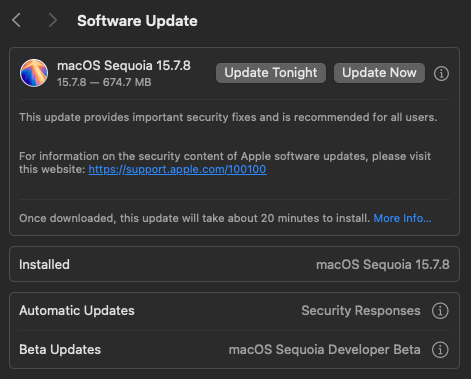
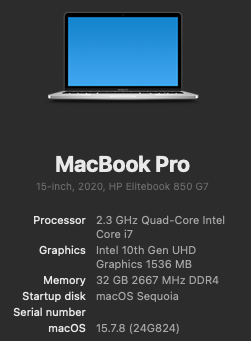
Apple has released macOS Sequoia 15.7.8. The full installer can be downloaded from here: https://swcdn.apple.com/content/downloads/11/25/140-71763-A_J1EVMAEOWN/smk9mja1myiettgeafge6oha4levx39v2i/InstallAssistant.pkg EDIT: Very fast incremental update on my HackBookPro16,2. My system details: HP EliteBook 850 G7 (i7-10610u / 10th Gen Intel UHD Graphics) Open Core 1.0.7 SIP fully enabled: csr-active-config = <00000000> Wi-Fi: Intel itlwm / heliport No root patches EDIT2: It appears that the final release of macOS Sequoia 15.7.8 has resolved the Transparent Proxy issue that I was observing with Norton Firewall.
-
 Josh Cajayon changed their profile photo
 -
For example I installed Tahoe on my first computer all stages with Clover automatically. First time on HDD and second time on SSD as upgrade on Sequoia. If the EFI folder is good enough then all stages passed without a problem. I see no what is the possible error in your case. See my Quirk set config.plist
- 31034 replies
-
- 3
-
-
- bootloader
- efi
- (and 2 more)
-
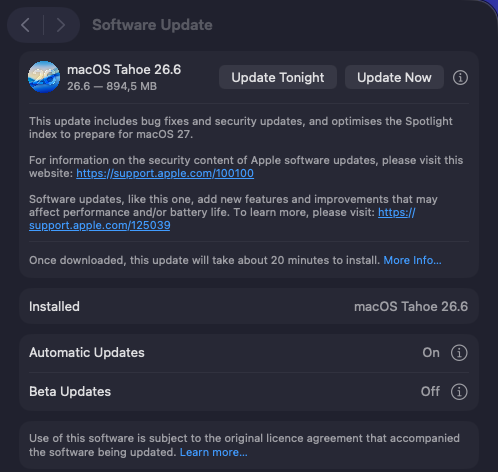
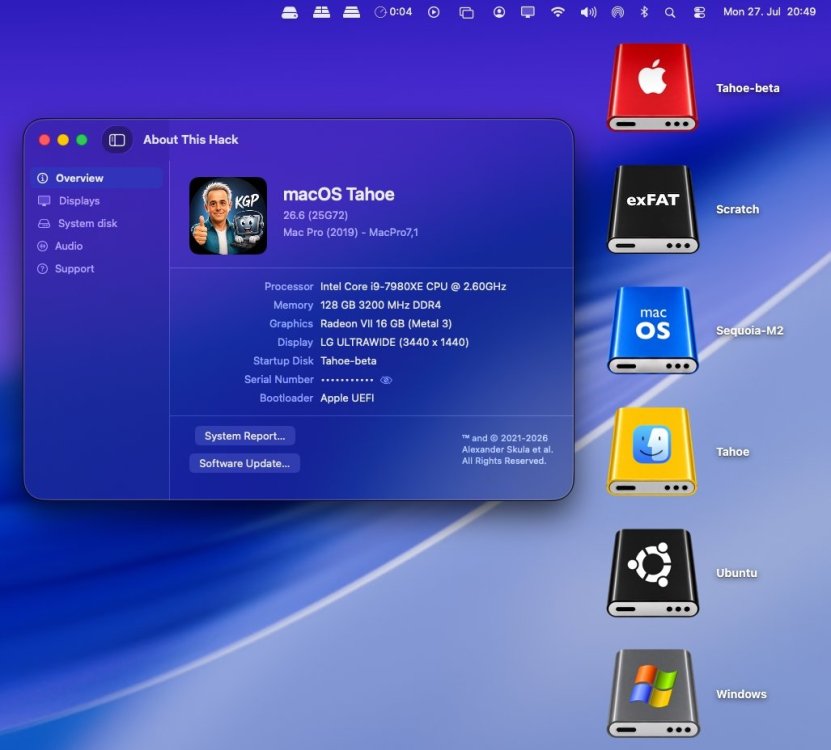
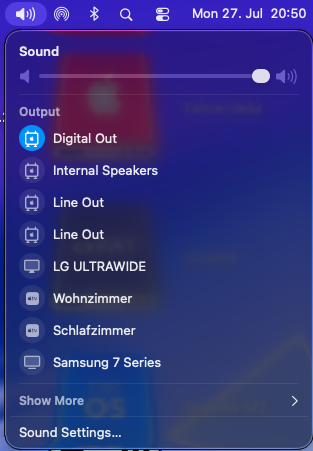
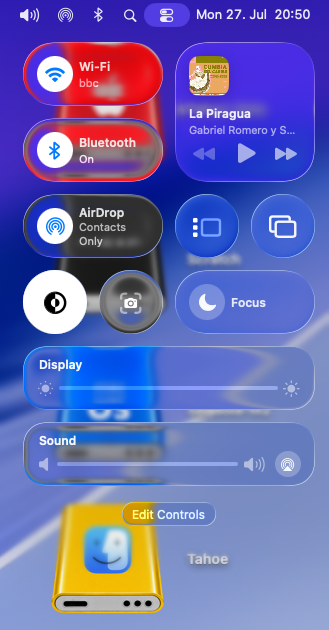
Small and fast sequential OTA update (894.5 MB) from macOS 26.6 RC (25G70) to macOS 26.6 (25G72). Apple has not yet released a matching Kernel Debug Kit for macOS 26.6 (25G72). OCLP therefore correctly selects Kernel Debug Kit 26.6 build 25G5065a, corresponding to macOS 26.6 beta 5, as the closest available match. My Broadcom/OCLP setup (BCM943602CDP) works under macOS 26.6 as expected. AppleHDA, Wi-Fi, native Bluetooth, AirDrop, AirPlay, Screen Mirroring, Continuity Camera, Personal Hotspot, and sleep/wake all appear to be working properly. The Tahoe Drive Icons Pack and all other customised icons continue to work as expected. Useful context information: a.) Universal-EFI-Folder distribution b.) Setup and troubleshooting guidelines for OCLP/OCLP-Mod/OCLP-Plus c.) OCLP 3.0.0 Nightly - amfipassbeta Edition d.) OCLP-Mod e.) OCLP-Plus f.) WiFiPatcherPro g.) HDAUniversal h.) X299 Guidelines i.) DownloadFullInstaller j.) About-This-Hack k.) Tahoe Drive Icons Pack l.) Stacks in Da Place
-
Long-time lurker returning – Dell XPS 17 L702X 3D and XPS 9560 owner
Slice replied to Allen Cai's topic in New Users Lounge
You may live without GPU acceleration like I do with my laptop #2. I am just not sure if you may launch Ventura somehow on Fermi. Forget about DSDT patching, it will not help. -
 袁国正 changed their profile photo
 -
I went ahead and tried this. Installing macos 15.7.7 from an installer USB on a mac mini to an external USB hard drive. It worked. This is what happened Booted mac mini into 15.7.7 installer USB. Formatted APFS partition as before with single volume MacHD to start. Ran 1st stage install. One thing I noticed is some messages reporting successful connections to Apple servers retrieving some update data that I did not see happen on a PC. This might be because of incomplete SMBIOS information or ACPI information that's used to identify the system. At completion of 1st stage install I turned off the mini, moved the disk to a PC to see what's on it. It appeared pretty much the same as after the 1st stage install on a PC, and the same size. There might have been some small changes in data files I didn't notice. Then moved disk back to mini to restart 2nd stage install. 2nd stage install completed. Again, I shut off the mini and moved the disk to PC to see what's on it. Again, it seemed in the same state as after the 2nd stage on a PC and the same sizes. The same nearly-empty Data volume. Again, Clover doesn't show an entry for it because it doesn't recognize it as anything bootable. Moved disk back to mini and voila - mini recognizes it as something bootable and knows how to boot it into 3rd stage install. 3rd stage install goes on for awhile with a bar moving at the bottom but no timer and completes. Then reboots. At this point I no longer had patience to move the disk to PC to see what's on it. I let it continue. Booted into 4th stage install. Again this went on for awhile with a bar advancing at the bottom and no timer. Eventually completed and rebooted. Again, didn't have patience to move the disk to a PC to see what's on it and let it continue. Booted into the 5th stage which is the final one. It took a long time to boot because of the slow magentic media but eventually arrived at the setup screen with "Select your region". I was able to safely shut it down by holding the power key and selecting shut down. So now there's a working system on the hard drive which can hopefully be replicated to SSD with asr command to be set up and used there. Conclusion Clover knows how to boot the installer USB. Clover knows how to boot the disk after first stage into 2nd stage. Clover doesn't know how to boot the disk into the 3rd stage. Needless to say I have no idea about the 4th stage. The 5th stage is final so Clover may be able to do that. It is very well possible that might work to boot into the 3rd stage with Clover, but it'll have to wait for another day...
- 31034 replies
-
- 3
-

-

-
- bootloader
- efi
- (and 2 more)
-
@Zenith432 Try clear NVRAM before booting in the preboot Volume
- 31034 replies
-
- 2
-
-
- bootloader
- efi
- (and 2 more)