All Activity
- Past hour
-
 Great work! Will be nice to have a column with a hex value of the instruction before disassemble. address | hex | instruction 0x1234 0x0bfe BR .-2 It was in HopperD version 3 but escaped in new versions.
 -
 pg99report1 joined the community
 -
.thumb.png.ed0f12f71ef0dfb63974d3074ae60b54.png) iatoll joined the community
iatoll joined the community -
 go88ecocom joined the community
 -
bay789best joined the community
-
.thumb.jpeg.6fb53bdde572c220a7518da87ff66615.jpeg) Content Marketing Services changed their profile photo
Content Marketing Services changed their profile photo -
Content Marketing Services joined the community
-
- 78 replies
-
- 1
-

-
- macos
- golden gate
- (and 1 more)
-
 locks smith changed their profile photo
 -

Show your computer running OS X
STLVNUB replied to post_break's topic in Wallpapers, Icons, Themes, and Skins

-
Show your computer running OS X
STLVNUB replied to post_break's topic in Wallpapers, Icons, Themes, and Skins
Your Missing Mountain Lion - Today
-
locks smith joined the community
-
 B G joined the community
 -
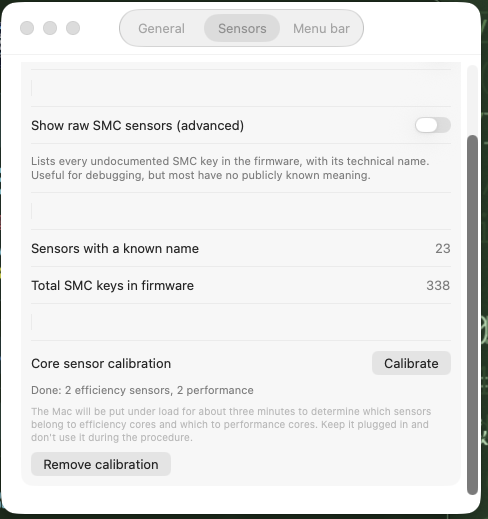
I dont have that option
-
 Get Movers Cambridge ON changed their profile photo
 -
 go88nl1 joined the community
 -
Get Movers Cambridge ON joined the community
-
 Uniclinic Health joined the community
 -
@Slice main trunk is missing gitcommit.h
-
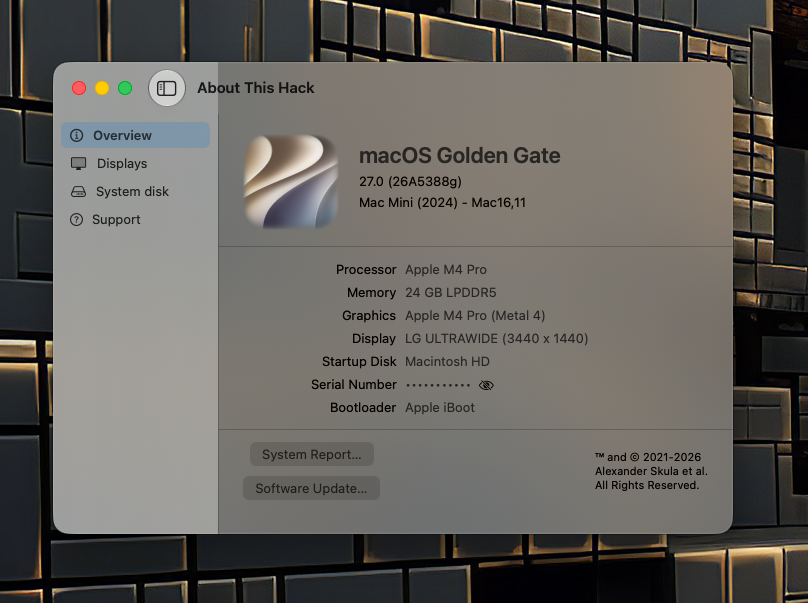
Good Night my friends! [ 36 ] 2026-07-20 17:08:38 .. 140-56045 .. 27.0.0.26A5388g macOS 27 Golden Gate Beta https://swdist.apple.com/content/downloads/47/53/140-56045-A_TA7QL72HVB/516mlhvc2065w9kah1p2zp8jhq5i2ernnm/140-56045.English.dist https://swdist.apple.com/content/downloads/47/53/140-56045-A_TA7QL72HVB/516mlhvc2065w9kah1p2zp8jhq5i2ernnm/InstallAssistant.pkg Enjoy it
- 78 replies
-
- 3
-
-
- macos
- golden gate
- (and 1 more)
-
smcdump-Mac16,11-20260720-214450.txt.zip 6 min
- Yesterday
-
 deeveedee changed their profile photo
 -
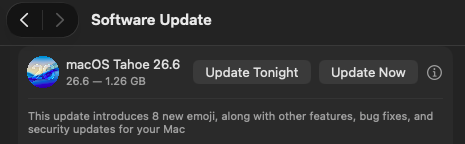
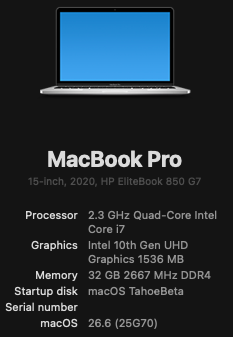
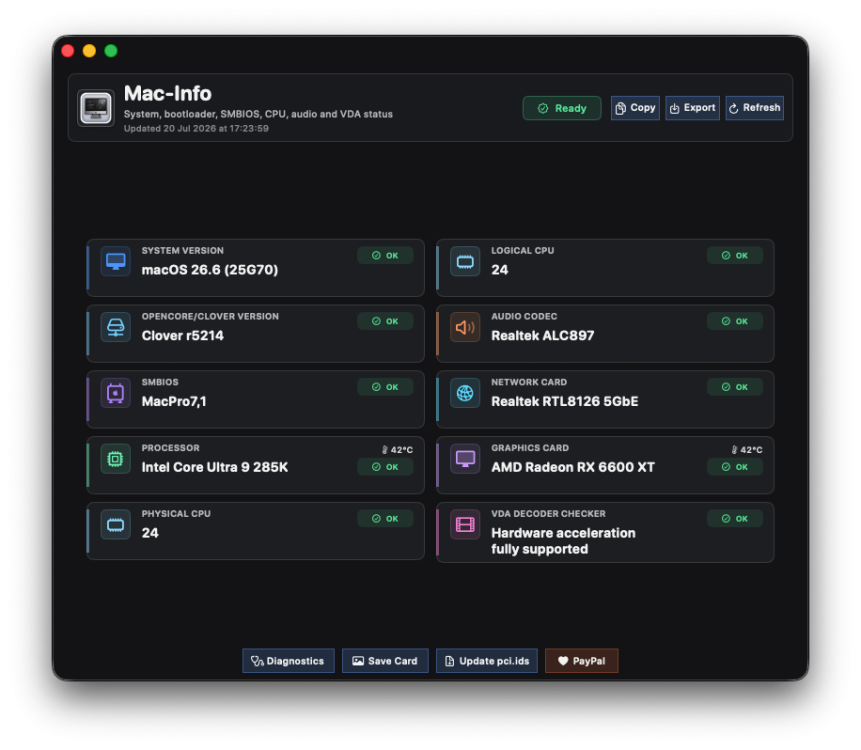
Easy incremental upgrade. My system specs are as follows: Open Core 1.0.7, SIP csr-active-config = <01000000> Audio: VoodooHDA.kext 3.6.4 Wi-Fi: Intel itlwm/heliport Bluetooth: Intel No root patches


-
-
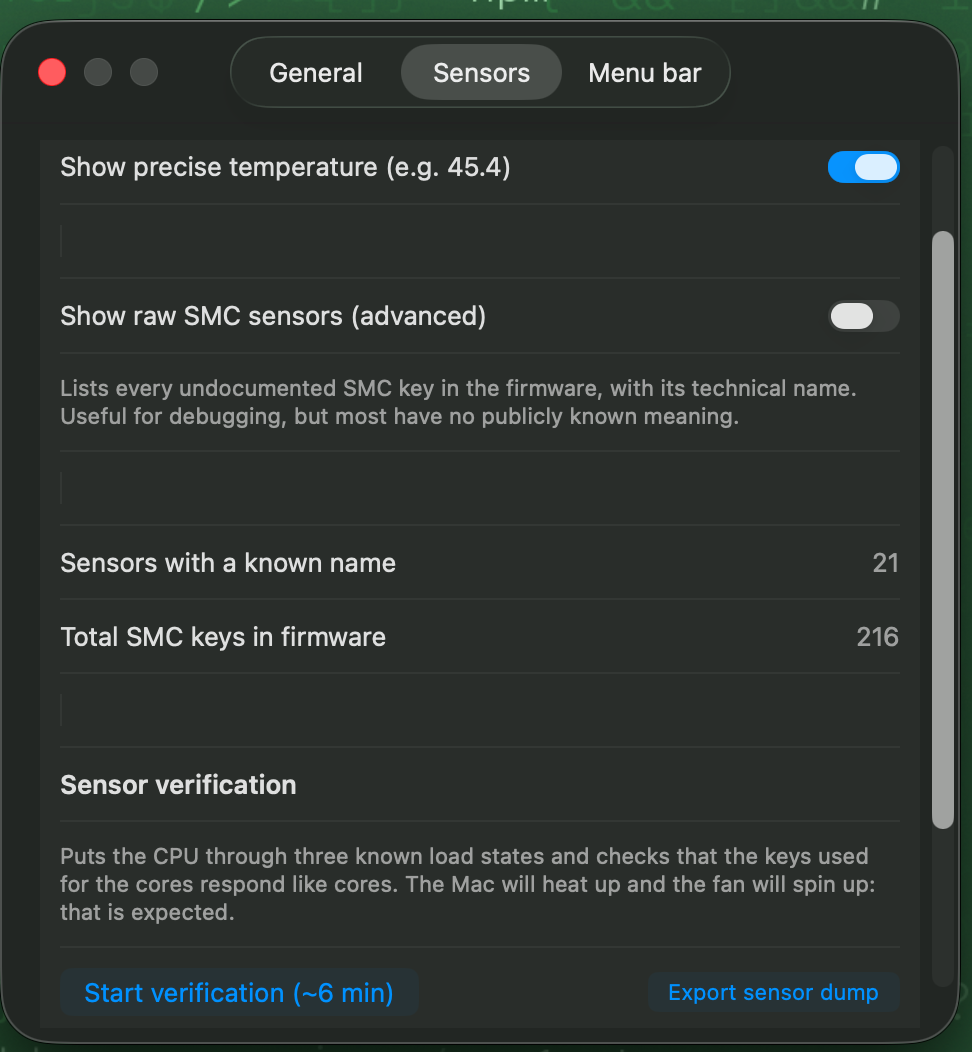
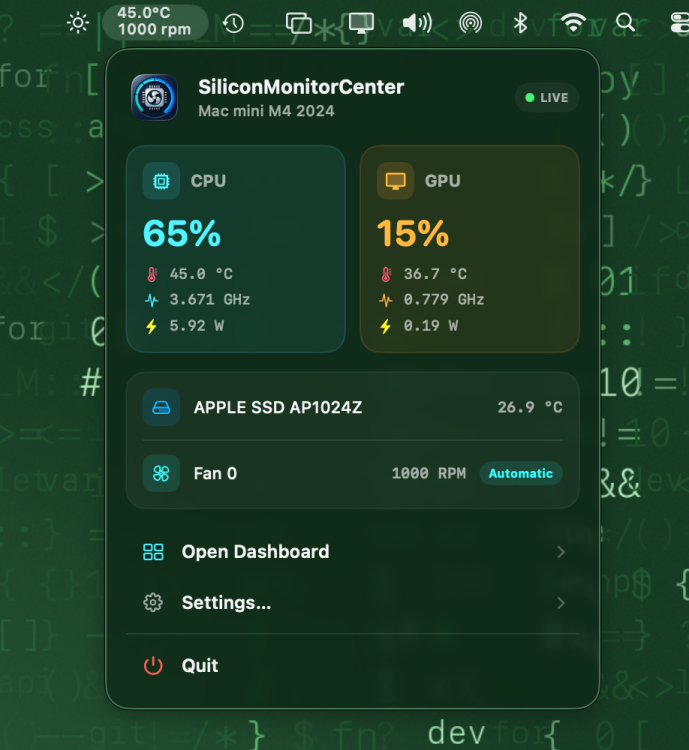
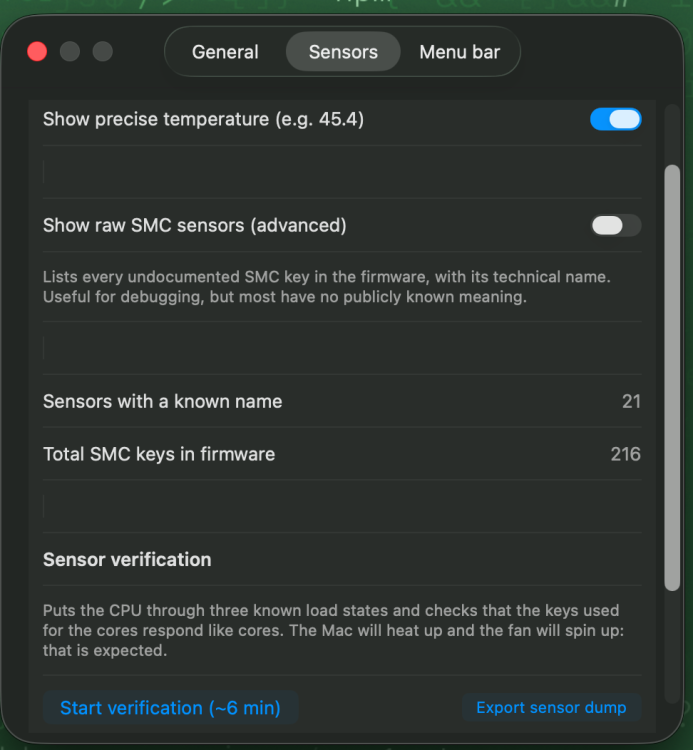
Click on the top of the bar and you will see the overview and there you will find settings, and in the second tab of settings you will find the button to launch the verification
-
Where do i find the option to start verification
-
 This version is just for test. There are many unfinished things and bugs.
 -
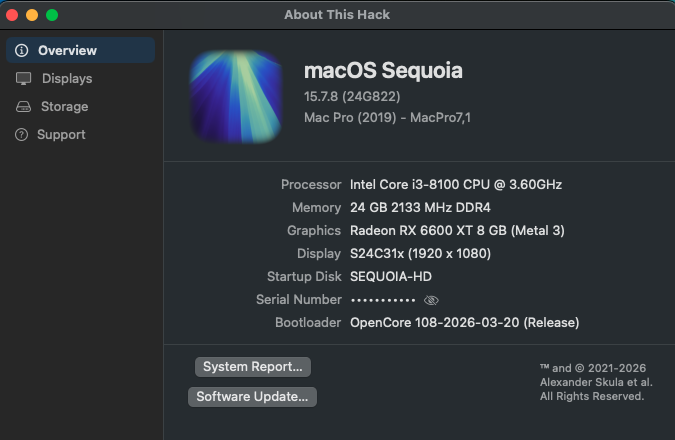
[Pre-release] macOS Sequoia 15.7.8
strangeron replied to deeveedee's topic in New Releases and Updates
👍
-
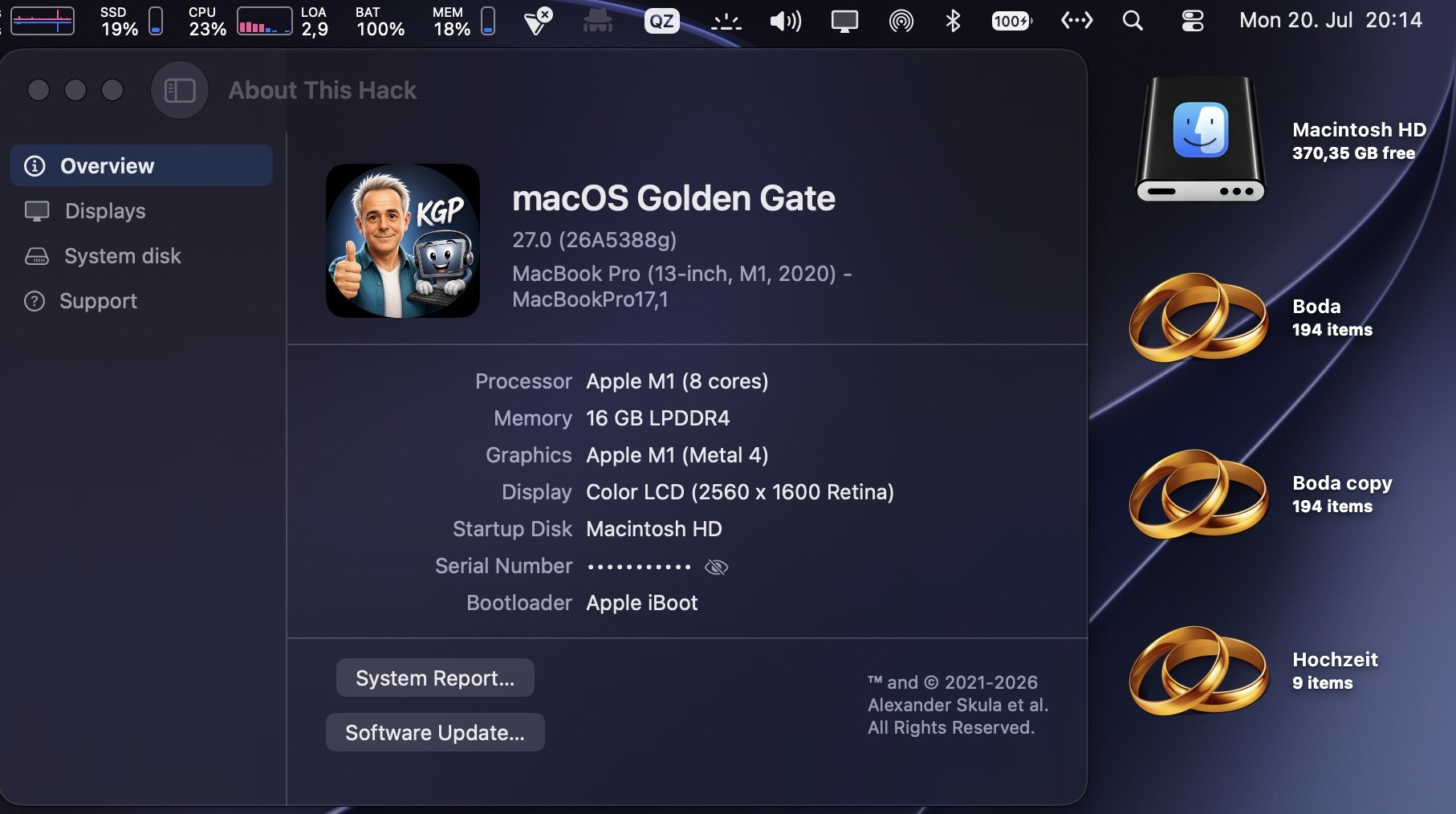
Here they go, my friend! sensor-verification-MacBookPro17,1-1784573052.txtsensor-dump-MacBookPro17,1-20260720-204517.txt
-
👍
-
Open source cross-platform OpenCore Auxiliary Tools(OCAT)
149113 replied to ic005k's topic in Hackintosh Tools
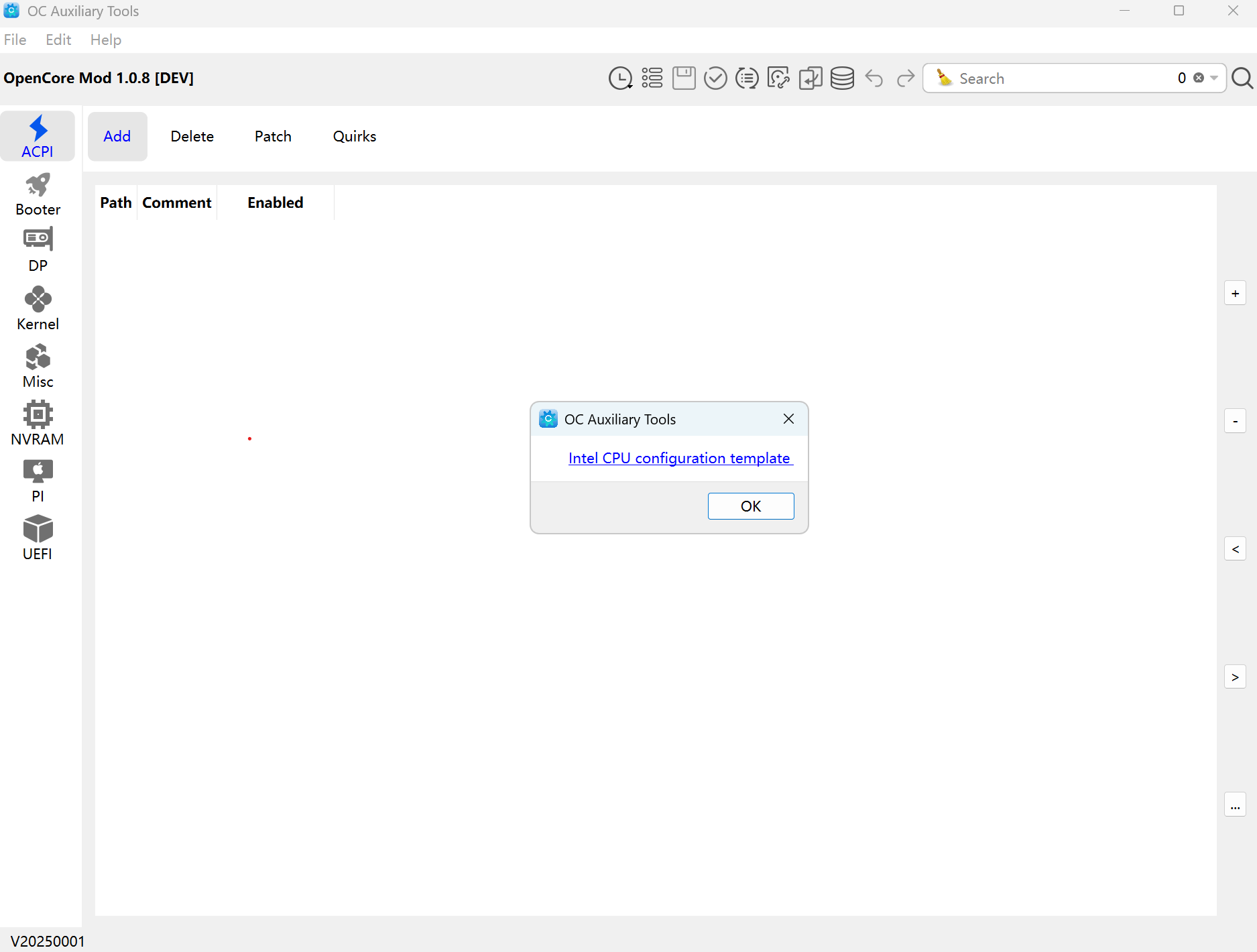
When I click on the database icon I get the following. The template URL link on Git is expired. I never see the screen where you can pick your architecture template. What am I doing wrong?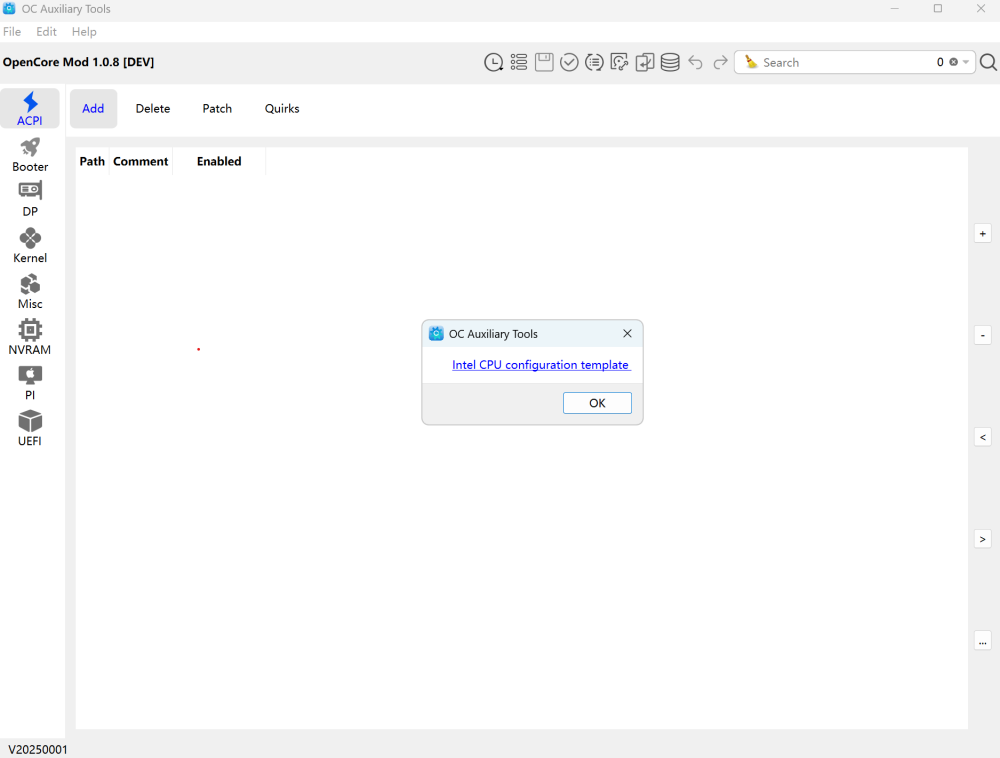
-
-
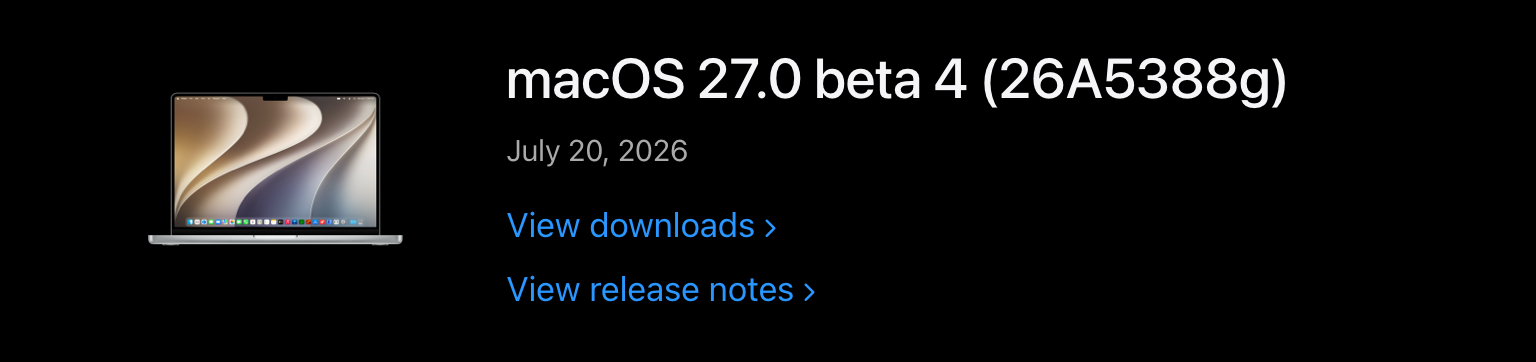
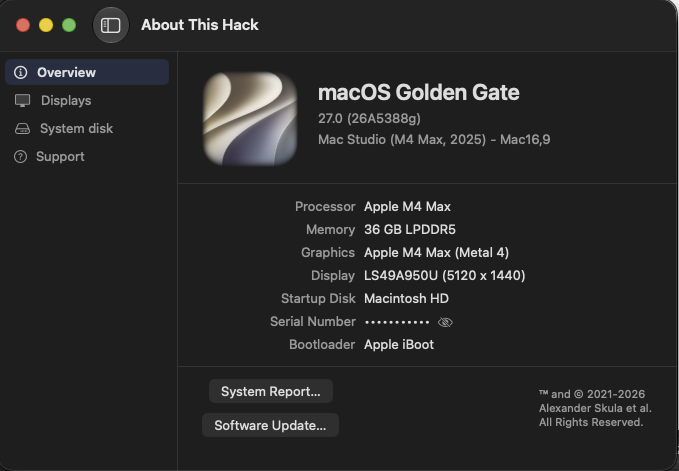
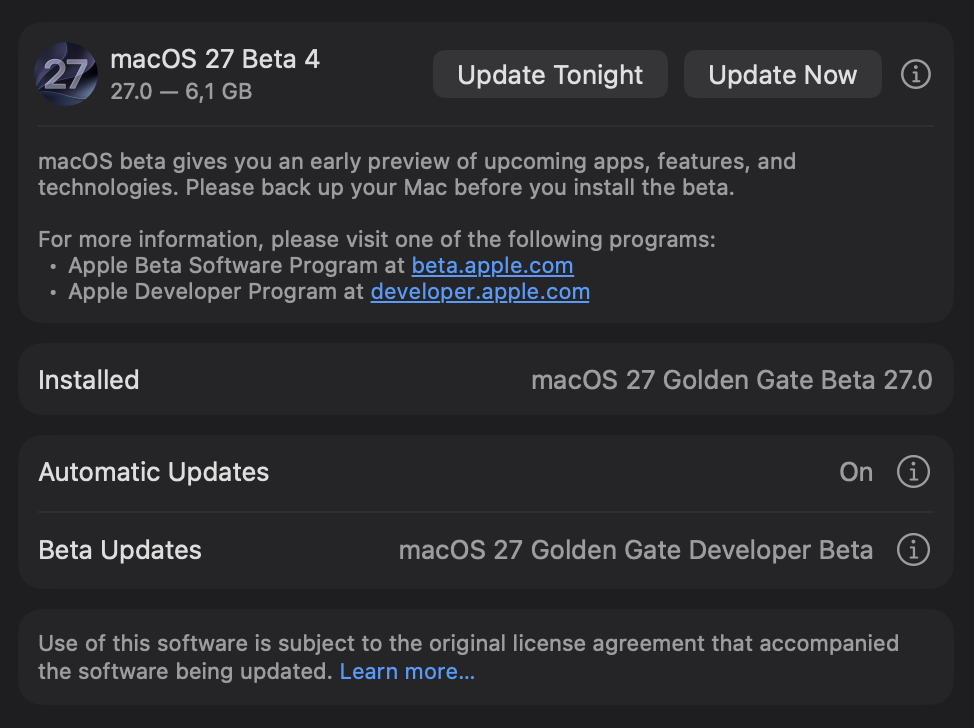
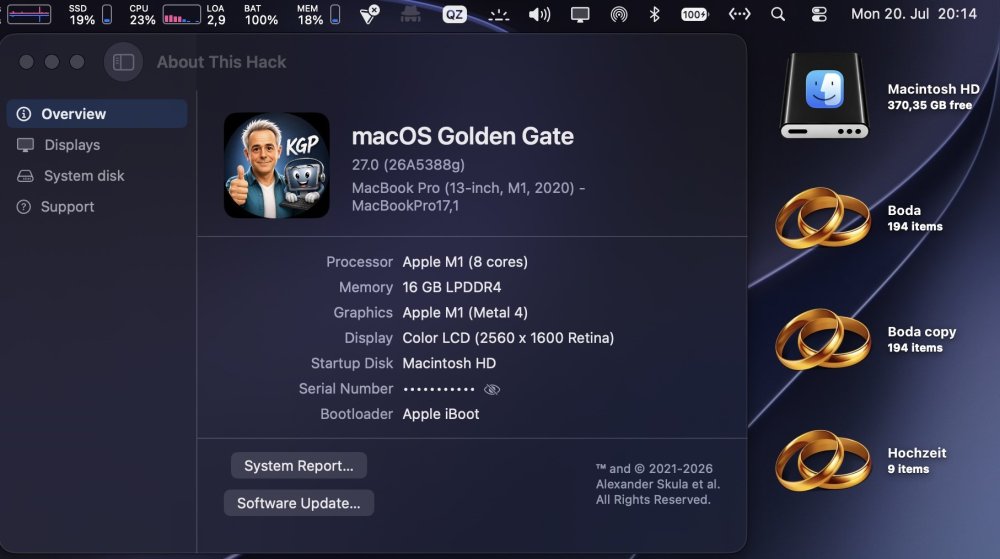
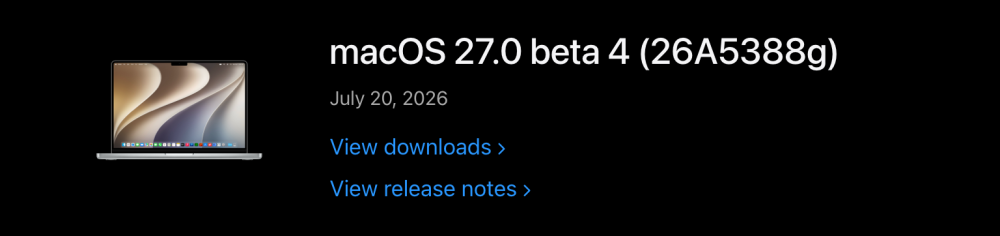
Flawless sequential OTA update (6.1 GB) from macOS 27.0 beta 3 to macOS 27.0 beta 4 (26A5388g) .
- 78 replies
-
- 3
-
-
- macos
- golden gate
- (and 1 more)
-
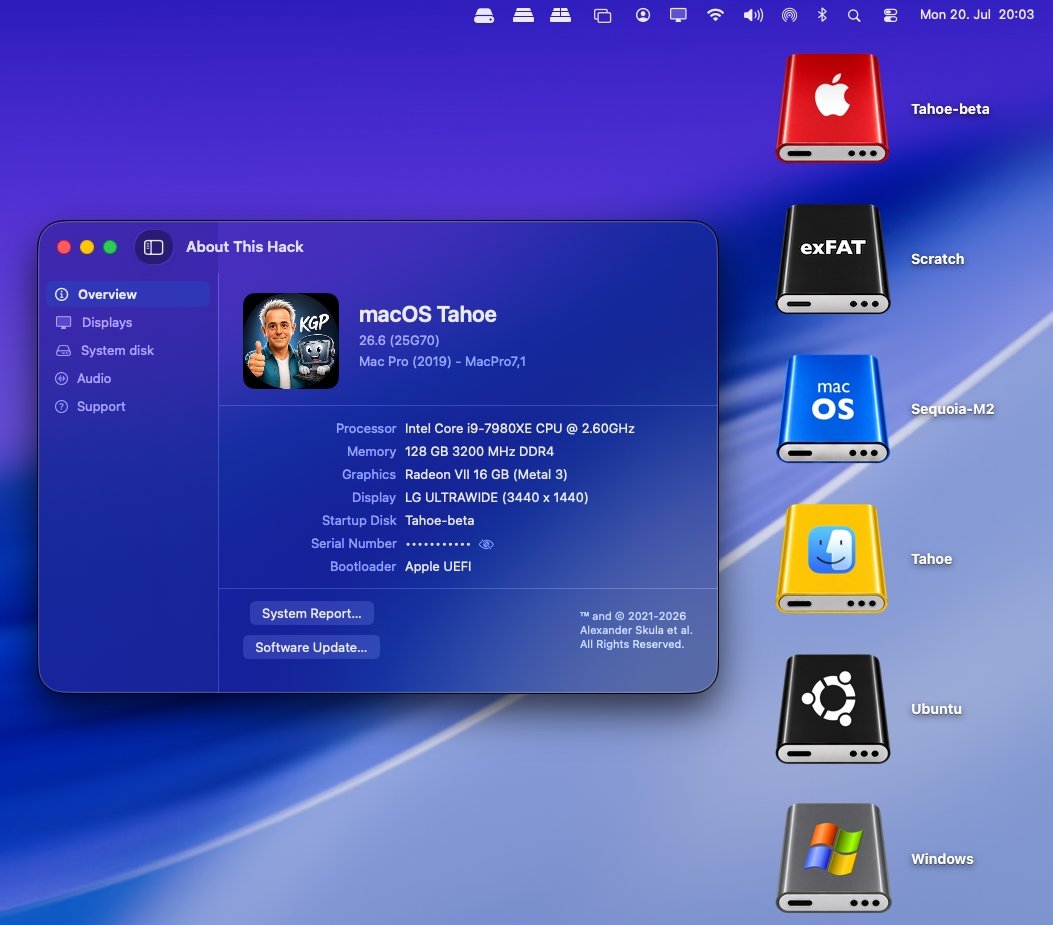
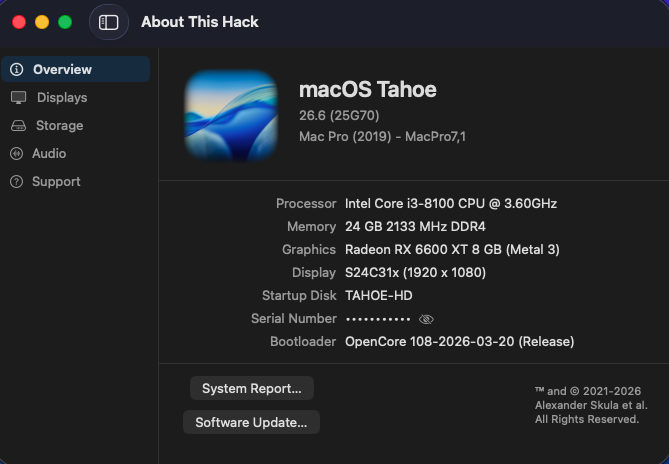
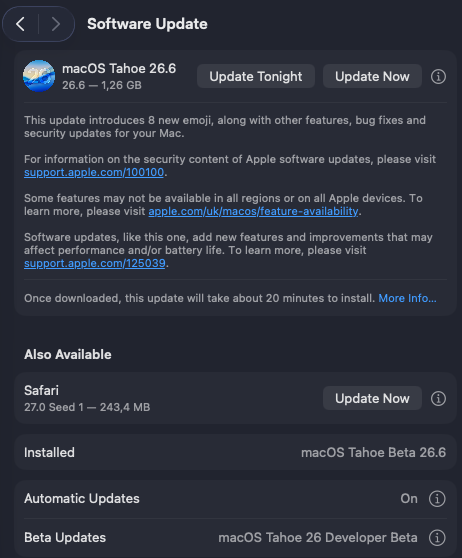
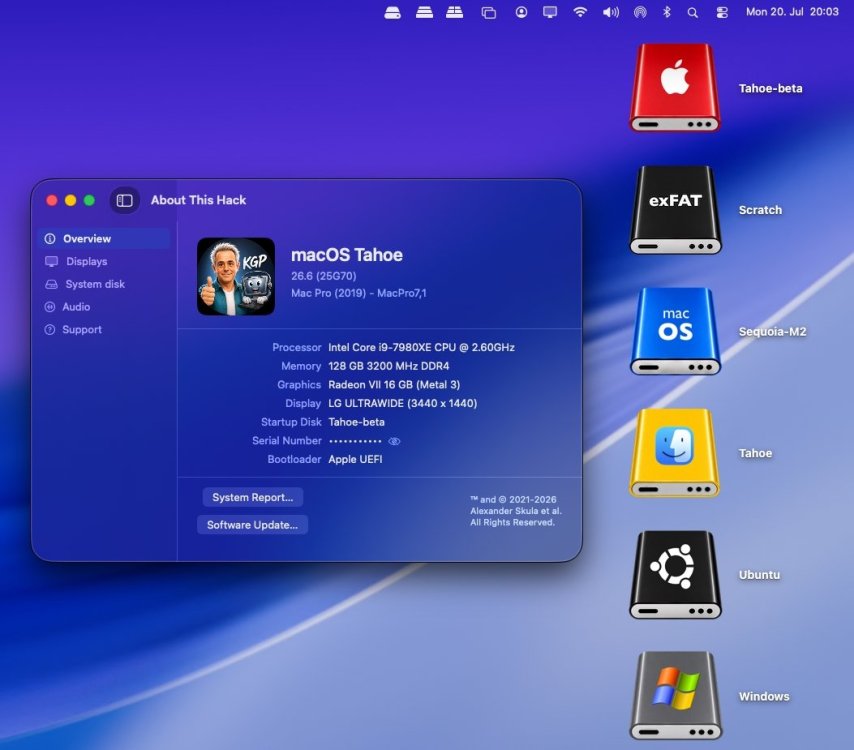
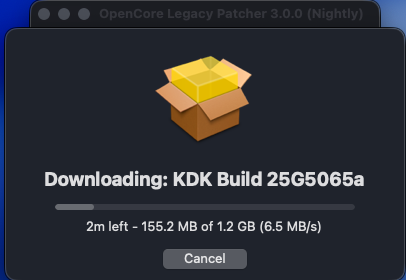
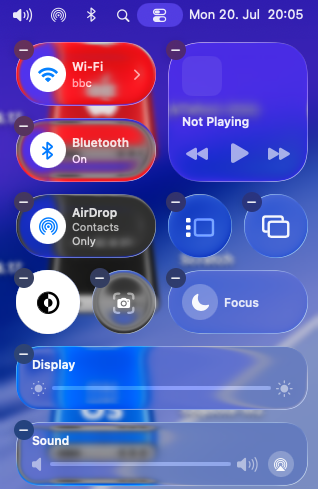
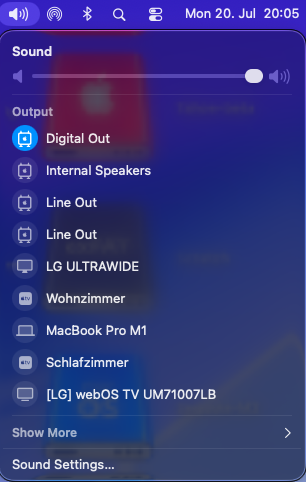
Painless sequential OTA update (1.26 GB) from macOS 26.6 beta 5 (25G5065a) to macOS 26.6 RC (25G70). Apple has not yet released a Kernel Debug Kit for macOS 26.6 RC (25G70). OCLP correctly selects Kernel Debug Kit 26.6 build 25G5065a, corresponding to macOS 26.6 beta 5, as the closest available match. My Broadcom/OCLP setup (BCM943602CDP) works under macOS 26.6 RC as expected. AppleHDA, Wi-Fi, native Bluetooth, AirDrop, AirPlay, Screen Mirroring, Continuity Camera, Personal Hotspot, and sleep/wake all appear to be working properly. Everything seems ready and well prepared for the final release of macOS 26.6.
-
macOS 27.0 beta 4 (26A5388g)
- 78 replies
-
- 3
-
-
- macos
- golden gate
- (and 1 more)
-
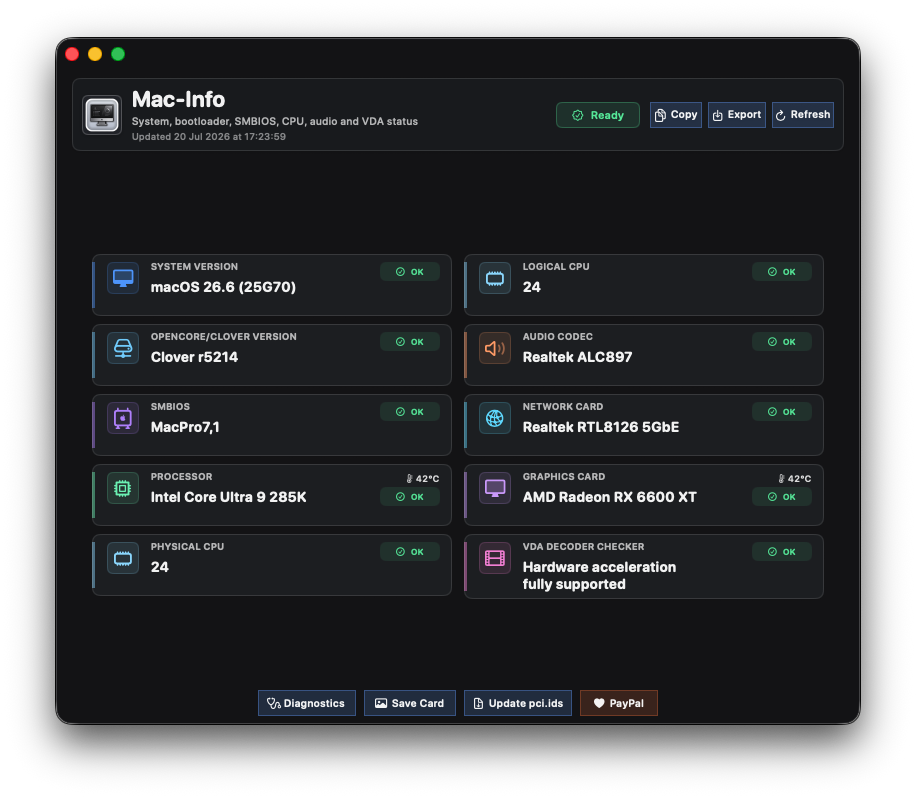
macOS 26.6 RC (25G70)
-
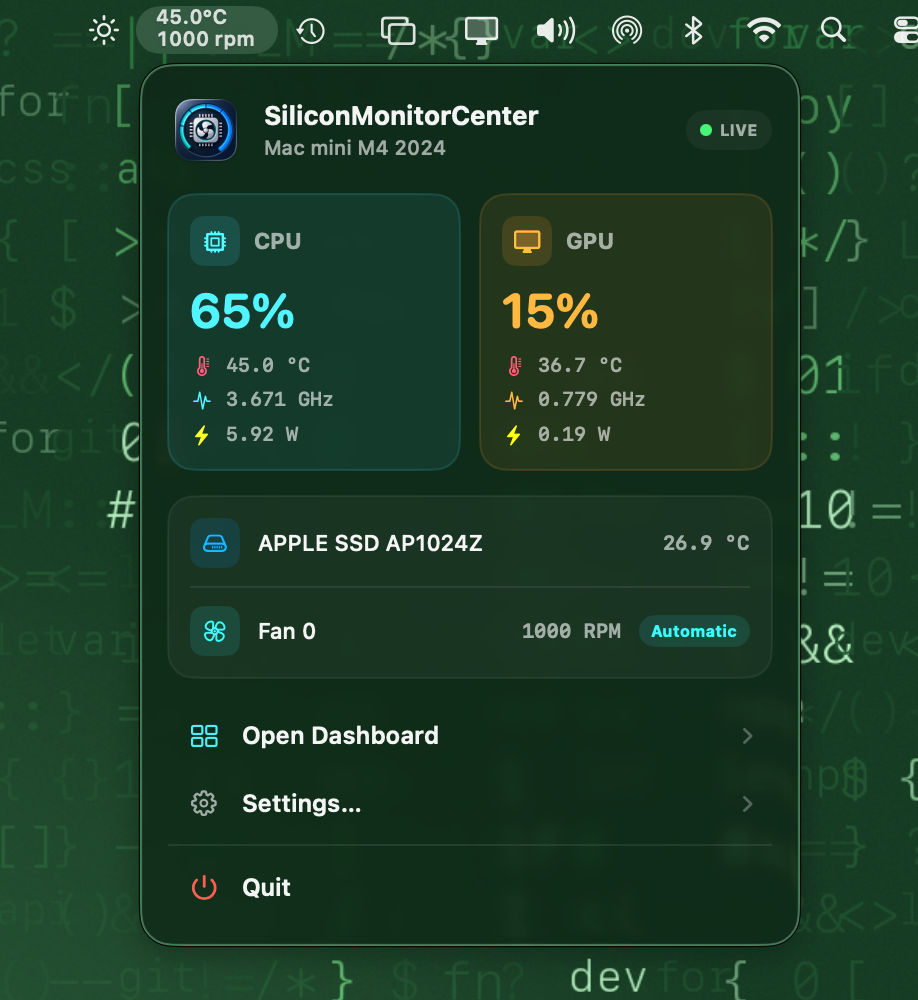
You can re-download version b6, I’ve just replaced it and run the calibration test again that way, I can wrap up m1, m4, and m5, and they’ll be fully verified.
-
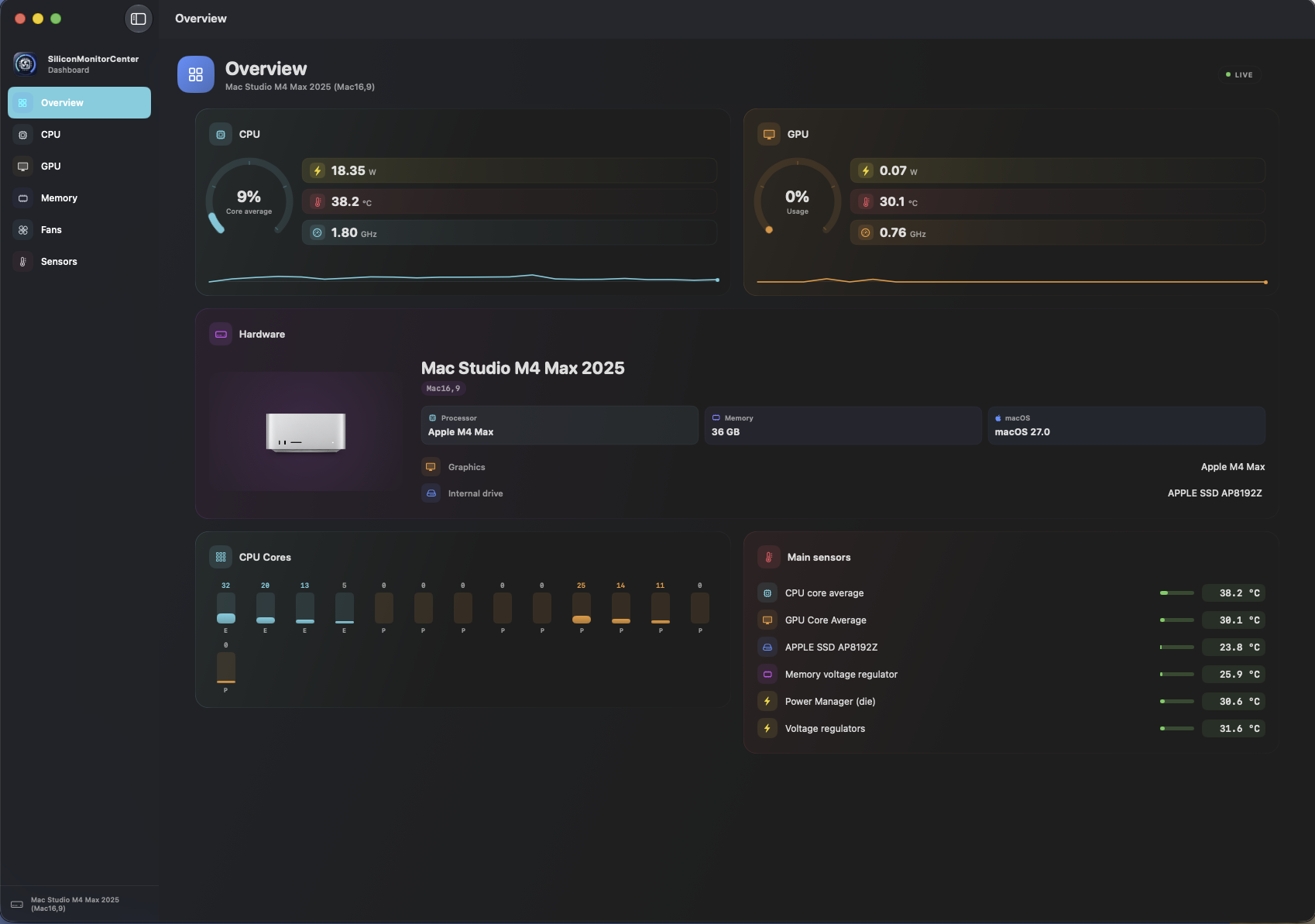
wow ❤️ send export sensor dump and start verification and send the file generated , ty.


.thumb.jpeg.7082d67b3394c9399e80144027a7b397.jpeg)