All Activity
- Past hour
-
 Shanam Quà Tâm joined the community
 -
 jepabo joined the community
 -
 Mohammad Abdul joined the community
 -
 trang88igdn joined the community
 -
 Michele Robinson joined the community
 -
 Alex Rubin joined the community
 -
 faizyhit joined the community
 - Today
-
sierrawood joined the community
-
 thethaoaggie changed their profile photo
 -
thethaoaggie joined the community
-
 X88 joined the community
 -
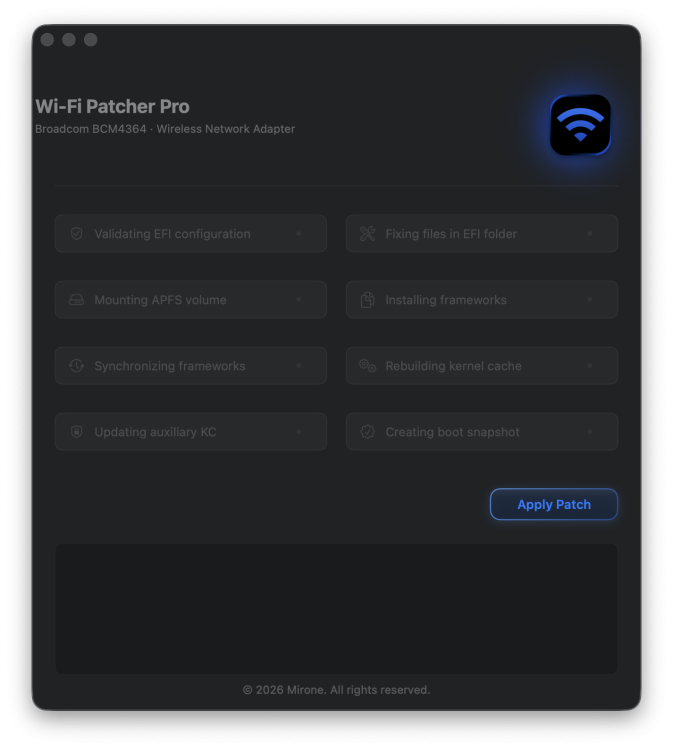
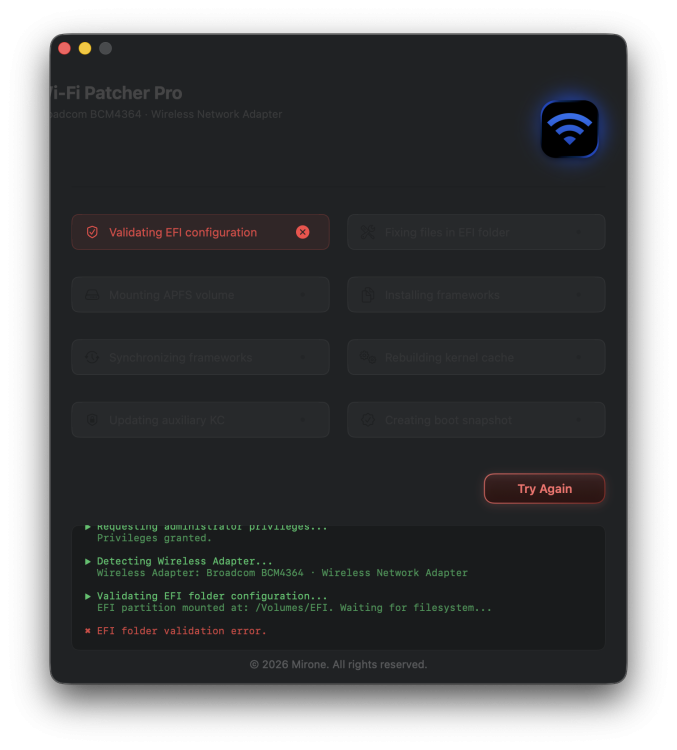
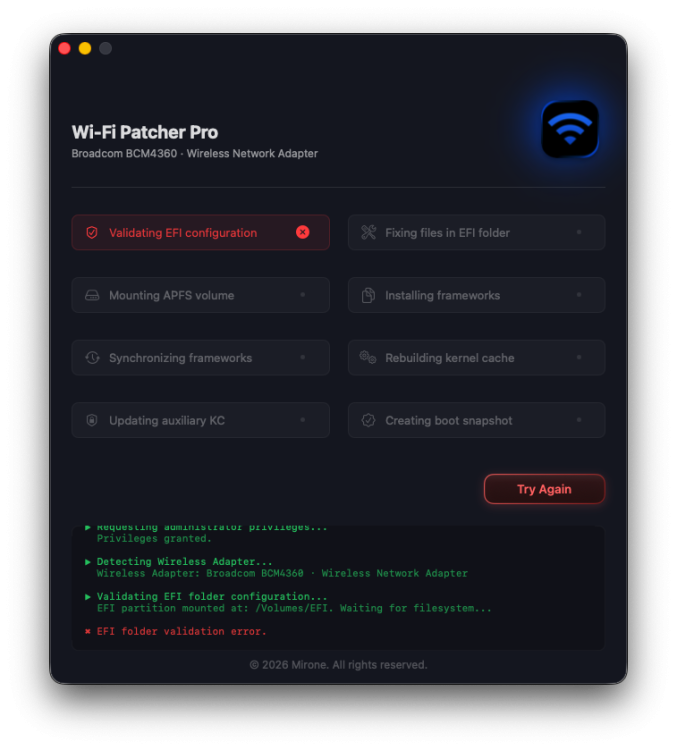
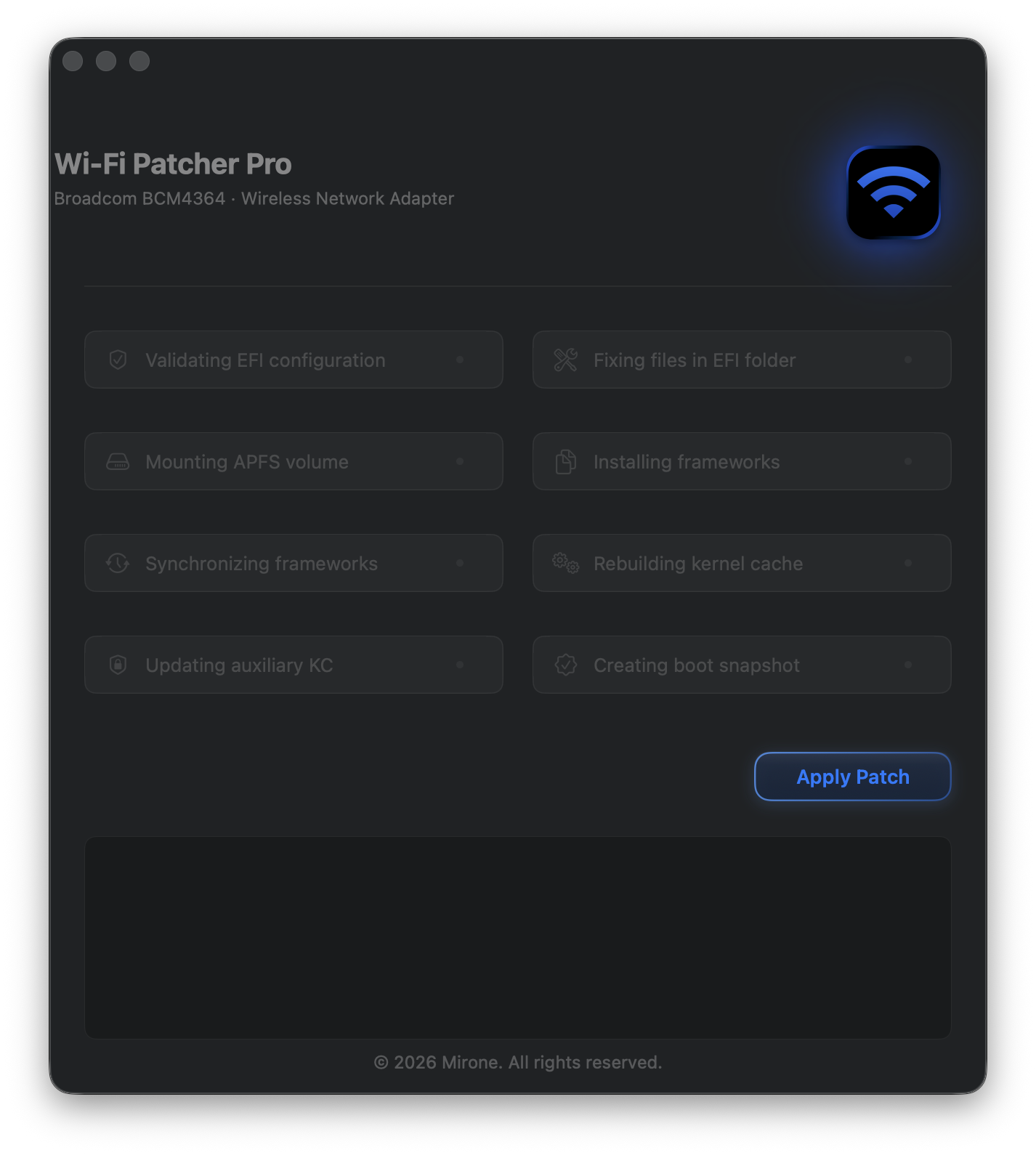
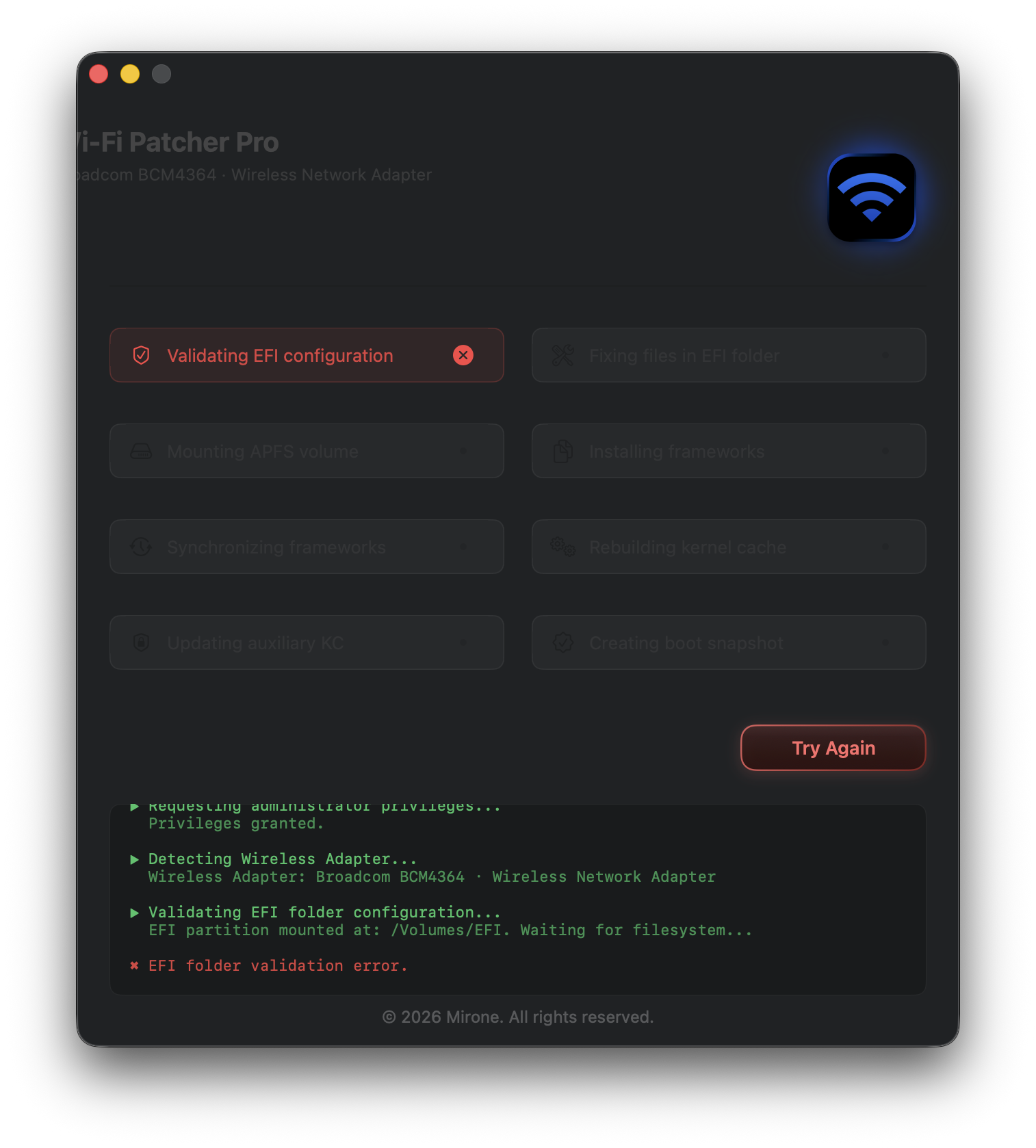
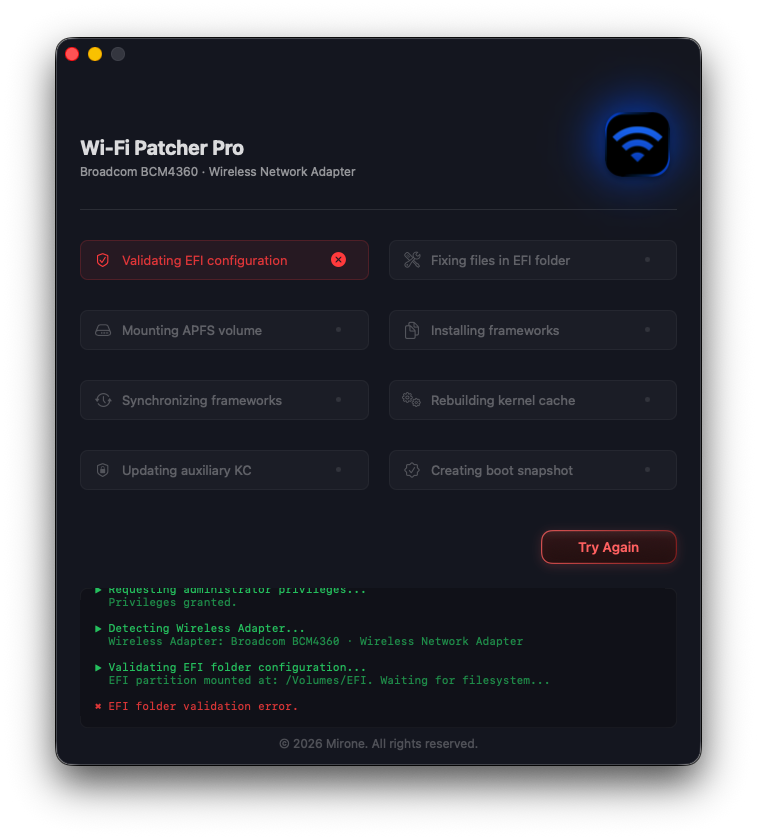
Last week I tried installing WiFi Patcher PRO – once on an iMac 18.3 @ Tahoe 26.5.2 @ OCLP3.0.0n and once on a Hackintosh MP7.1 @ Tahoe 26.5.2 @ OC 1.7. Unfortunately, without success. iMac 18.3: Hackintosh MP7.1 - Z170DL Both attempts ended with an "EFI folder validation error". What is going wrong?
-
 maniseo changed their profile photo
 -
.thumb.png.0dc09c21dc71cb6fd0ce5ac5f8100f16.png) thietkewebsitedanang changed their profile photo
thietkewebsitedanang changed their profile photo -
@naquaada I get why you're using Yosemite on your old Mac. What's not clear is why you're using OCLP with Yosemite on a real Mac. It seems that we're not understanding each other. Sorry I'm making this harder than it should be. I hope you find the cause and the solution.
-
 elite2222betcom changed their profile photo
 -
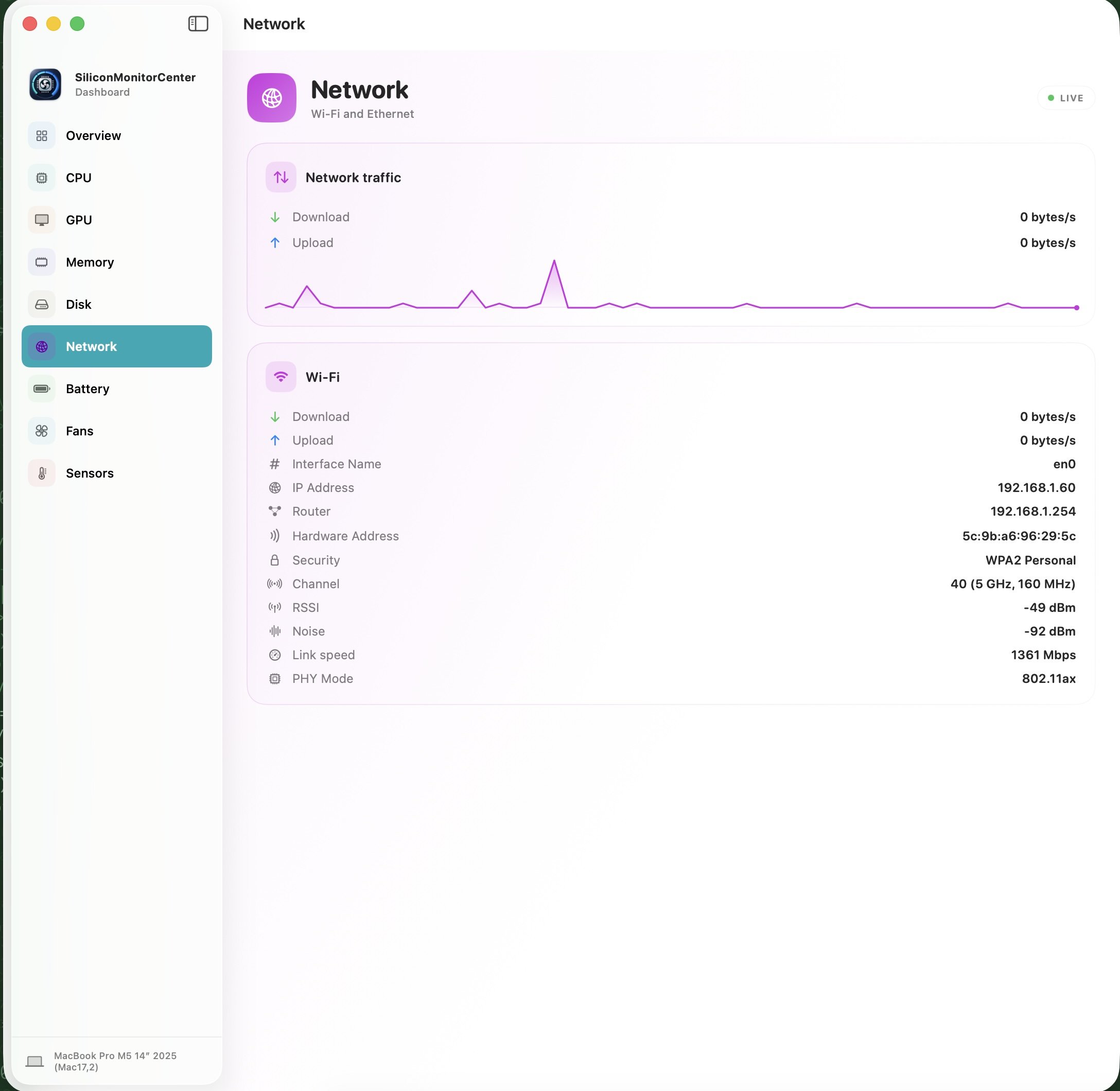
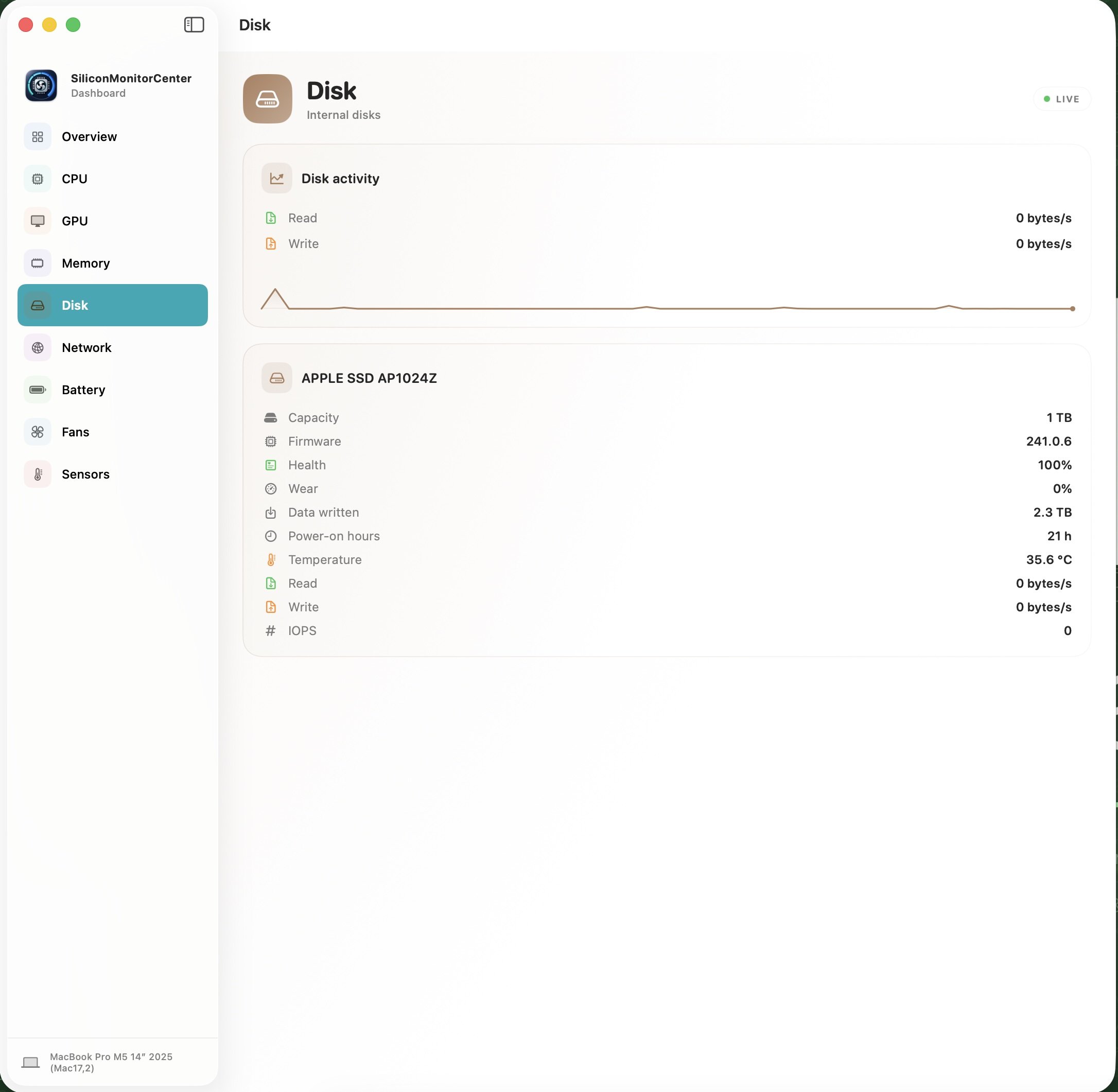
@lorys89 b10 version works fine on my M4. I think that all is as it should be. Good work.
-
 Pella Nova changed their profile photo
 -
Because it is the last version with the good Disk Utility. This one allows much better control, especcially if you are often using DIsk Images. And Yosemite is really fast. The boot process has none of the usual pauses in the loading bar, it boots right through in just 9 seconds. And because all software I use is available for Yosemite, it is for me a full operating system. I also have some 32-bit programs which I still use.
-
Hi @Zenith432 Happy to see you again 😀 Try this config attaching here, its yours but with the SMBIOS more completed You can clear the NVRAM first before booting to the USB install media config.plist.zip
- 31025 replies
-
- 1
-

-
- bootloader
- efi
- (and 2 more)
-
This: MACOSX_DEPLOYMENT_TARGET = 10.13
-
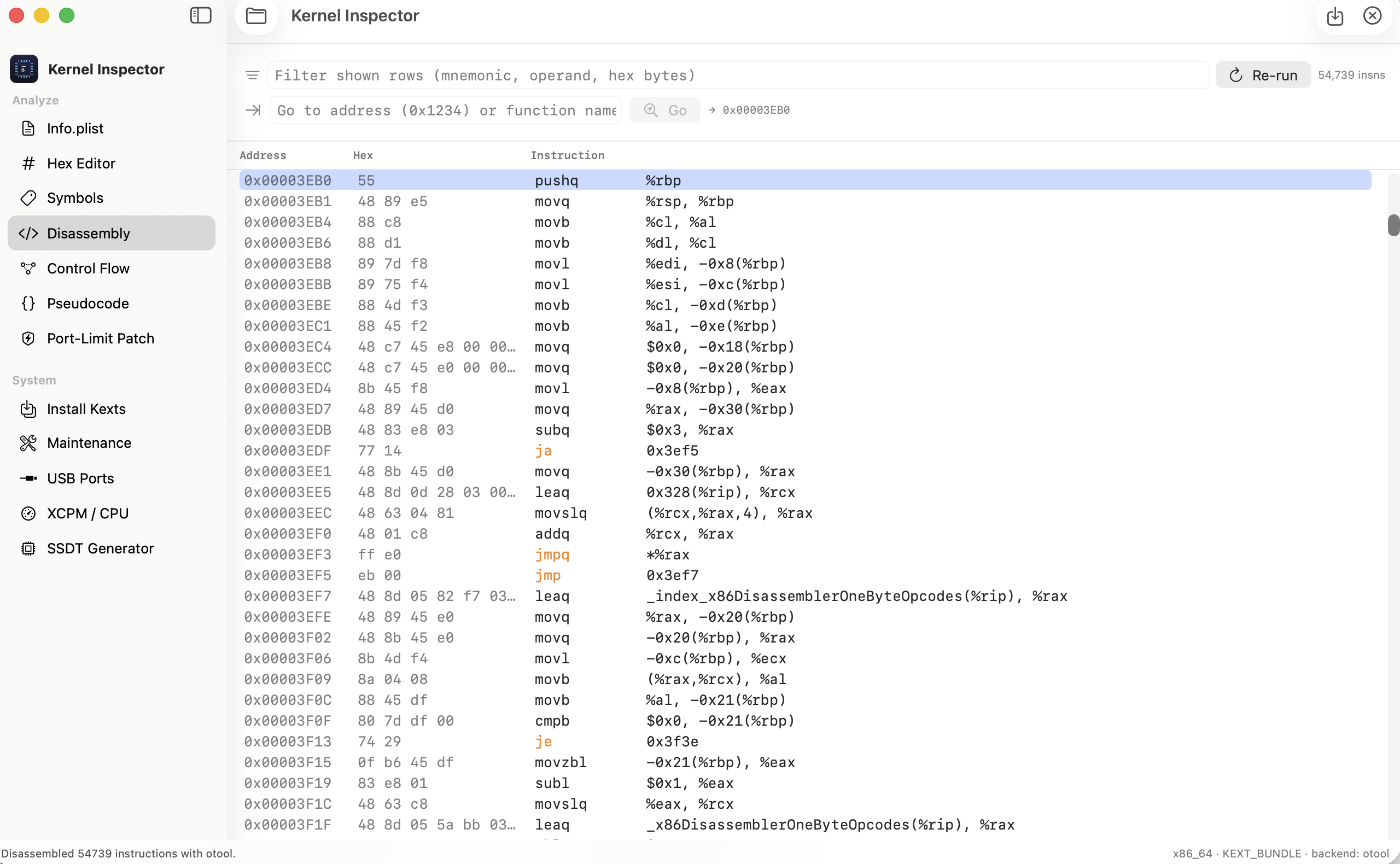
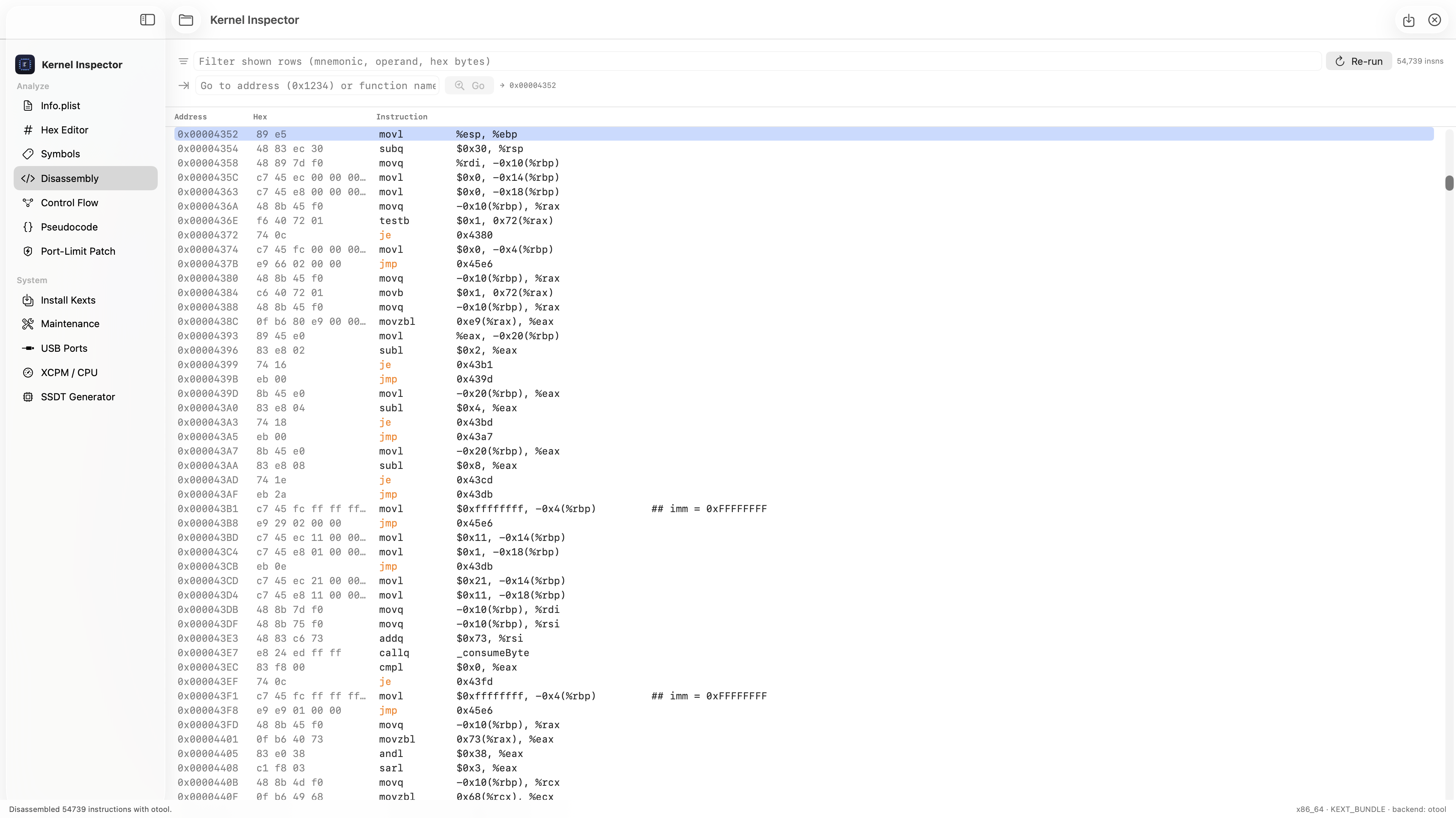
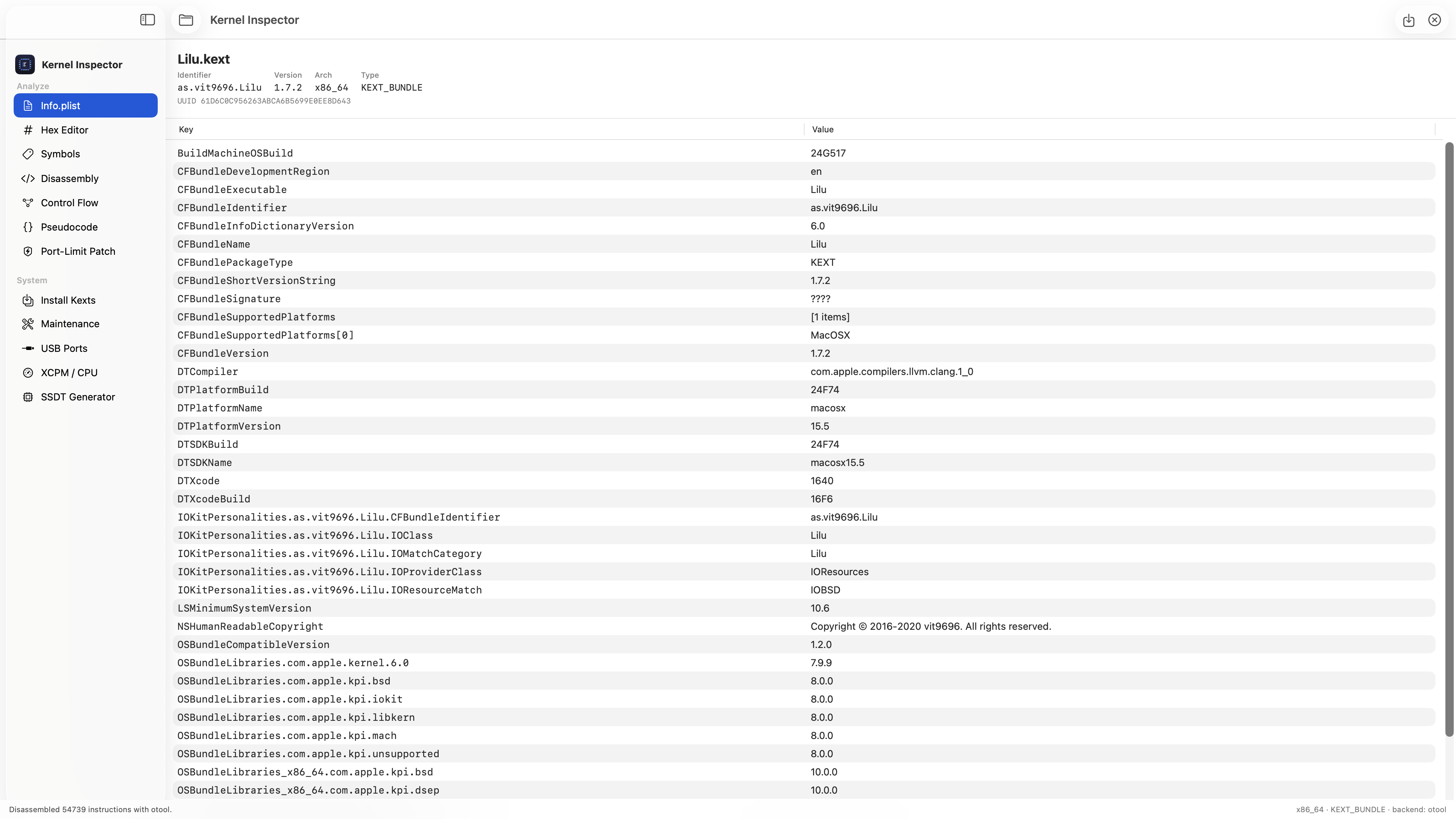
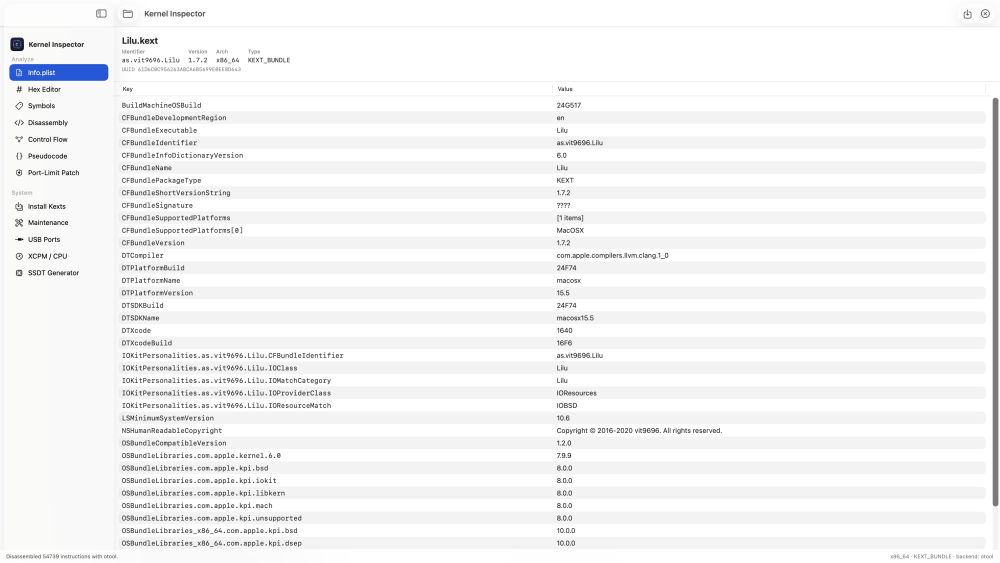
 IN 1.1.4 - Automatic updates — install & relaunch is now fully reliable: the app quits cleanly past the update dialog and relaunches itself into the new version. If it can't write to its own location it falls back to opening the download page instead. - Reliability fixes across the updater. Download: https://github.com/luminadevapps/KernelInspector/releases/download/v1.1.4/KernelInspector-1.1.4.dmg
 -
@Max.1974 You can run the sensor check—which takes 6 minutes—and then send me the file generated on the desktop. I'm missing the one for your M4 Pro CPU, so I can check if it's okay or if I need to tweak anything. Thanks, buddy.
-
 Vermeercamera changed their profile photo
 -
Google search shows "Memory try it!" is only on MSI motherboards and this is Gigabyte. There is no such feature in the BIOS. The "Above 4Gb encoding" is disabled and always has been. Nothing is overclocked. I took out a 2nd memory module that is slower and has dual rank, although I had the same install issue before putting it in. The module was causing delays during BIOS post for some reason anyway. I'll try install again when I have time and also try with an external magnetic hard drive. There's a problem with external drives that they have "Owners enabled" off by default and this sometimes casues security problems. For example I found that when doing TimeMachine restore of Catalina to an external drive, it restores the System Data volume with "Owners disabled" and the system won't boot unless the ownership is manually corrected with a script !!! I will try the OpenCore memory quirks although I don't know what they do. I will try looking for remnants of installation log files on the unworking system that ends up from install too. Thanks.
-
 thethaomp3 changed their profile photo
 -

[pre-release] macOS Tahoe 26.6
Thebes Knossos replied to strangeron's topic in New Releases and Updates
Here I had open a similar thread , not so complete : -
 followhireindia changed their profile photo
 -
 Pella Force changed their profile photo
 -
.thumb.png.8b1e4ca355952eb1cd30aeb783baad79.png) Asap Components changed their profile photo
Asap Components changed their profile photo -
Hello @Zenith432, long time to see you! I will be glad to help you if I can. First of all check your BIOS settings. One user found "Memory try it!" which resolved a similar problem. Also "Above 4Gb encoding" has very strange effects. Also look Quirks, especially about memory. Default values are not always right.
- 31025 replies
-
- 3
-
-
- bootloader
- efi
- (and 2 more)
-

Long-time lurker returning – Dell XPS 17 L702X 3D and XPS 9560 owner
Slice replied to Allen Cai's topic in New Users Lounge
I had Dell Latitude E6430 with Nvidia Fermi graphics chip. Yes, I disabled Intel GPU in BIOS and had full working 10.11.6 ElCapitan. In Sierra there are some glitches even with Web Drivers, somehow black desktop with good windows. There was no OCLP in that time. Good luck with your wishes to make higher macOS possible! -
Somehow VoodooHDA may work even in 10.9. In my old computer it works with ATI HD5570 in 10.11.6. So the MinimalSystemVersion is under question.
-
Thanks my friend ! 🤩👊🏻
-
Im with you Deveedee, though im still on 14.8.7 (23J520) on HP Prodesk 400 G3, havent gone into .8
-
Hey everyone, if you find the Finder's corner radius abit too much curvy, and want to have the sequioa border aesthetics, I made a tutorial how to make it look like on sequioa and remove the floating sidebar too. Link below https://youtu.be/EZkUZCCeqV0
-
 Actually, the GT 555M is based on the NVIDIA Fermi architecture. The last macOS version to natively support Fermi GPUs with full Metal acceleration is macOS High Sierra (10.13.6), along with the final NVIDIA Web Drivers. Starting from macOS Mojave (10.14), native Fermi support was completely dropped. While it is technically possible to run newer systems using OpenCore Legacy Patcher (OCLP) to apply root patches, Fermi cards are classified as non-Metal GPUs. This means you only get extremely basic framebuffer output without any hardware graphics acceleration.
 -
Yes, exactly. Since this is the 3D variant, the Intel HD 3000 is disabled at the BIOS/mux level, and the 120Hz panel is hard-wired directly to the NVIDIA GT 555M. There is no Optimus switching involved—it's a discrete-only setup. That's precisely why I'm looking into modifying the EFI/BIOS and DSDT to handle the display initialization properly under macOS Ventura.
-
Thanks for the clarification regarding the 5‑post rule. I’ll continue the discussion here until I’m cleared to post elsewhere. I’ve updated my signature with my hardware details. Here is the full breakdown for clarity: Laptop: Dell XPS L702X 3D CPU: Intel Core i7‑2820QM (2.3 GHz, Turbo up to 3.4 GHz) GPU: NVIDIA GeForce GT 555M (3 GB DDR3, Fermi, Device ID 10DE‑0DCD) Motherboard: Dell 03RG89 (Intel HM67) BIOS: Dell Inc. A19 (Unlocked) Memory: 32 GB Micron DDR3 (4×8 GB, 1600 MHz) Display: LG LGD02C5 17.3″ 120Hz 3D Panel (1920×1080) Storage: Micron M4 128GB SSD + Samsung 970 EVO Plus 500GB SSD + Seagate 500GB HDD Network: RTL8168E Gigabit + Intel Wi‑Fi 6 AX210 (Mini‑PCIe) Audio: Realtek ALC665 + Waves MaxxAudio 3 + JBL Speakers To answer your question about the NVIDIA configuration on the 3D variant: The L702X 3D model does not support NVIDIA Optimus technology. Unlike the non‑3D Optimus variants, the 3D version uses a muxed/direct‑output design where the display and HDMI ports are hard‑wired directly to the GT 555M. Consequently, the Intel HD 3000 iGPU is disabled at the hardware/BIOS level and cannot be used for display output. This is why the 3D model requires the 3 GB GT 555M to drive the 120Hz panel, whereas the standard Optimus models rely on the Intel HD 3000 for rendering and switching. Since the GT 555M is Fermi‑based, I understand that native acceleration is unavailable past High Sierra. My goal is to properly configure the EFI (OpenCore) to handle this muxed setup correctly under Ventura, primarily focusing on getting the display initialized correctly despite the lack of acceleration. Please let me know if there are any other specifics you need.
-
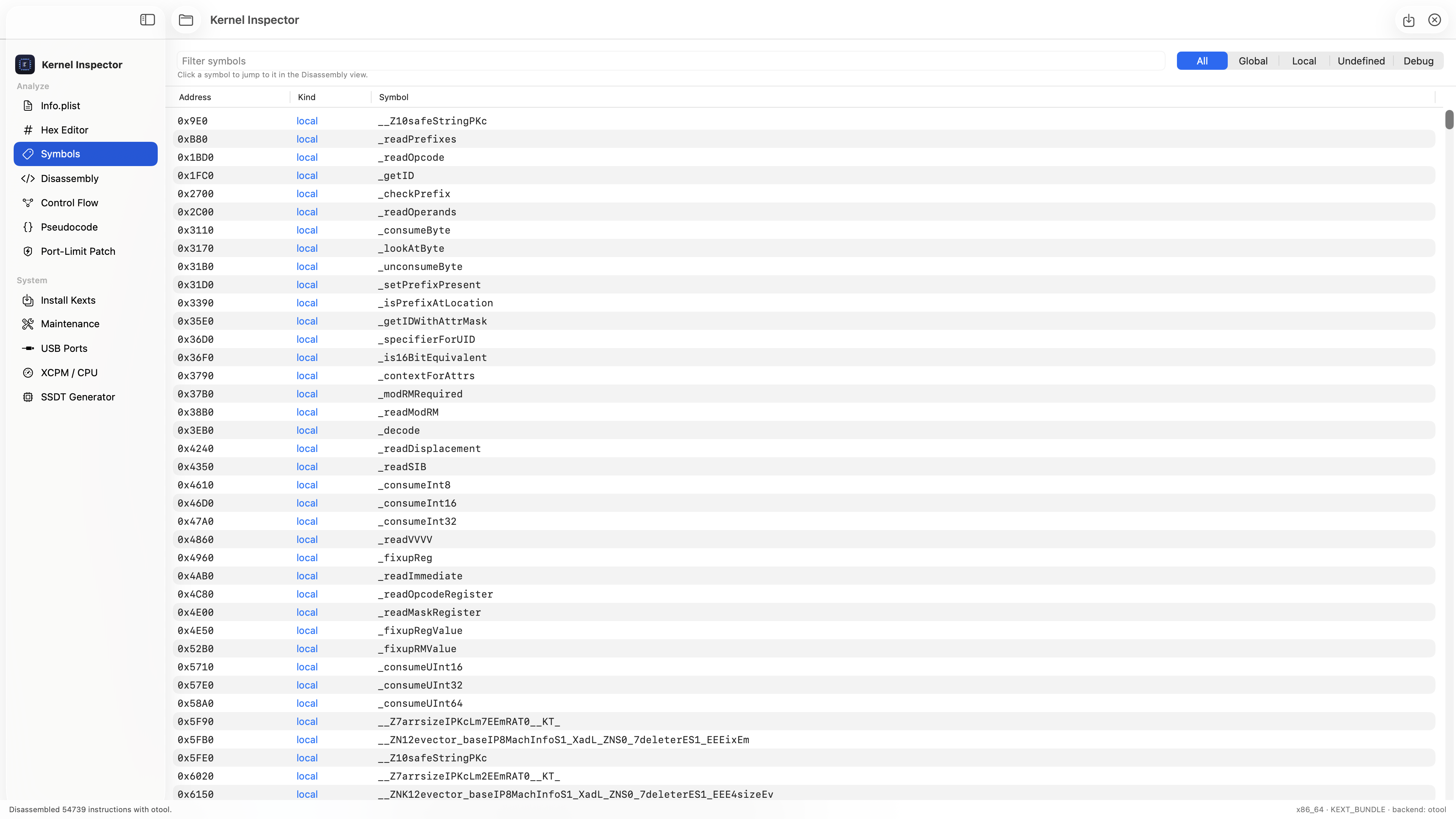
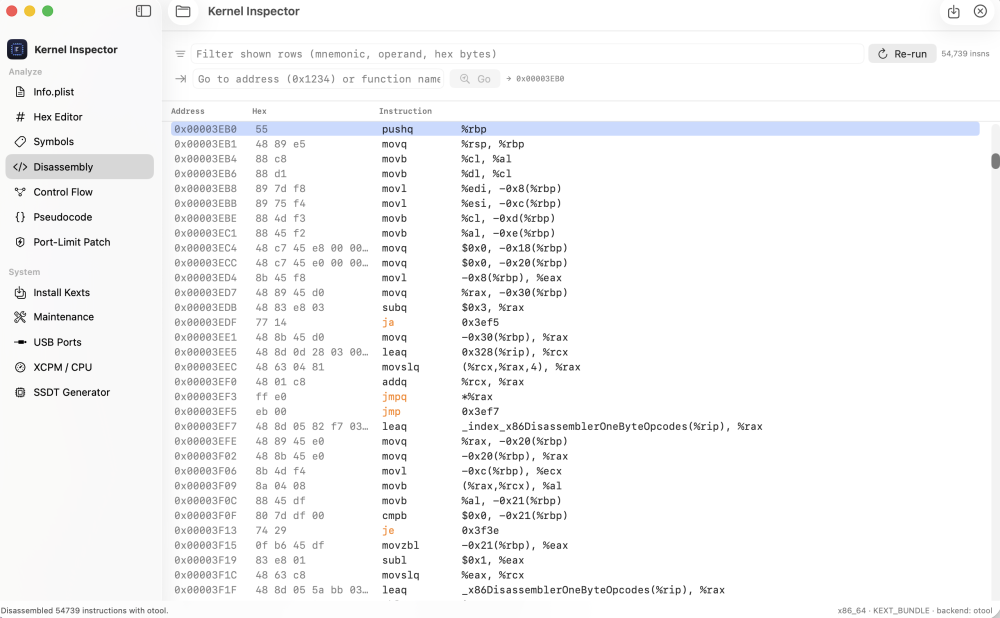
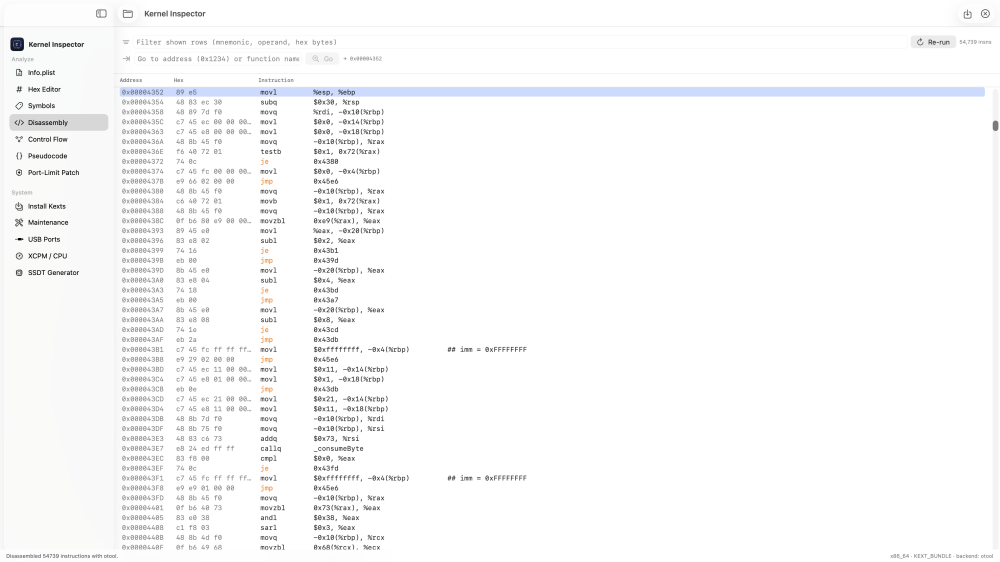
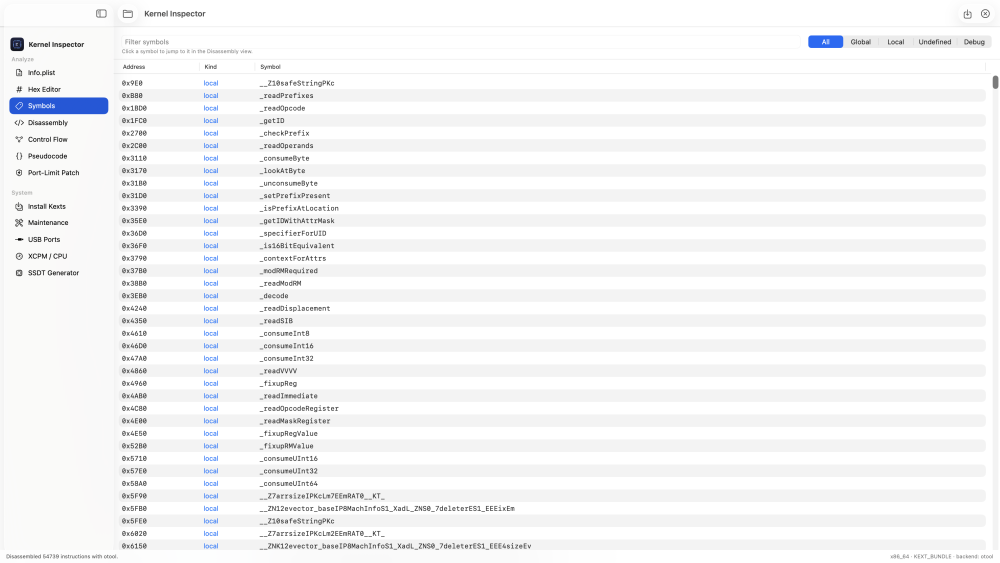
Good suggestion — I've added this in the latest build. There are now two ways to jump around in the Disassembly view: Go to box — there's a field in the Disassembly toolbar (the one with the ⇥ arrow and a "Go" button). Type a hex address like 0x3EB0 (the 0x is optional) and it jumps straight there. Type a function name instead — e.g. _decode — and it jumps to that function's first instruction. Exact name matches win, otherwise it takes the first partial match. Press Return or ⌘G to trigger it, and it highlights the line it lands on. Click a symbol — open the Symbols tab and just click any function in the list. It switches to Disassembly and jumps right to that function's start. If the exact address falls inside an instruction it snaps to the next one, so a mid-function address still lands somewhere sensible. Let me know if that covers what you were after. https://github.com/luminadevapps/KernelInspector/releases/download/v1.1.1/KernelInspector-1.1.1.dmg
- Yesterday
-
Thanks, but I get the exact same result. Maybe 80GiB for the partition are not enough or the SSD is defective. After the non-functioning install there are only about 10-11 GiB on the APFS container and the rest are free. I keep the log window during the 1st stage install open, but it scrolls by too fast right before rebooting so I don't see what it says. The part about "Syncing extracted files to disk" takes the most time. 🤷♂️
- 31025 replies
-
- 2
-
-
- bootloader
- efi
- (and 2 more)
-
Hi my friend ! Maybe tou can try This command : sudo nvram ResetNVRam=1 && sudo reboot
- 31025 replies
-
- 1
-
-
- bootloader
- efi
- (and 2 more)
-
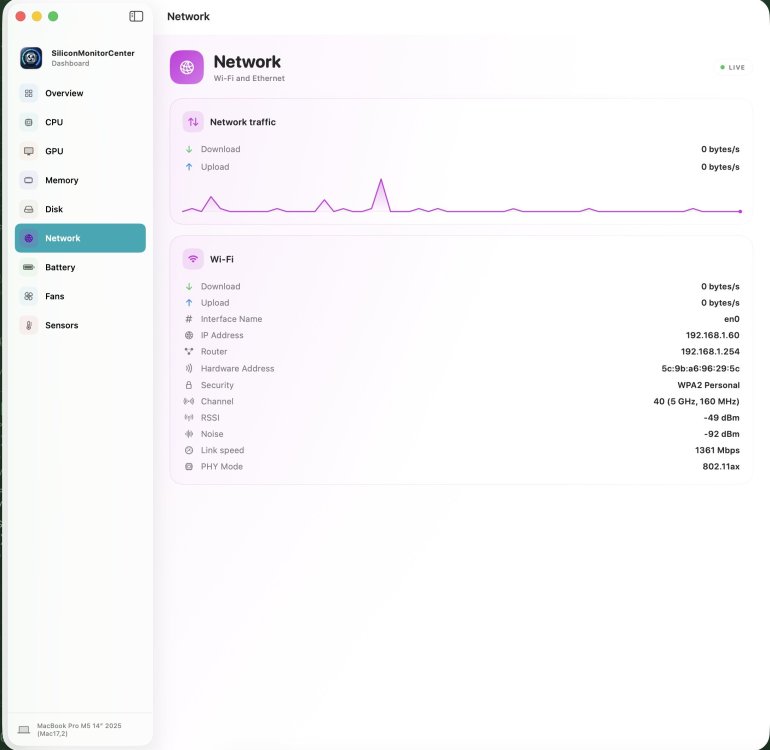
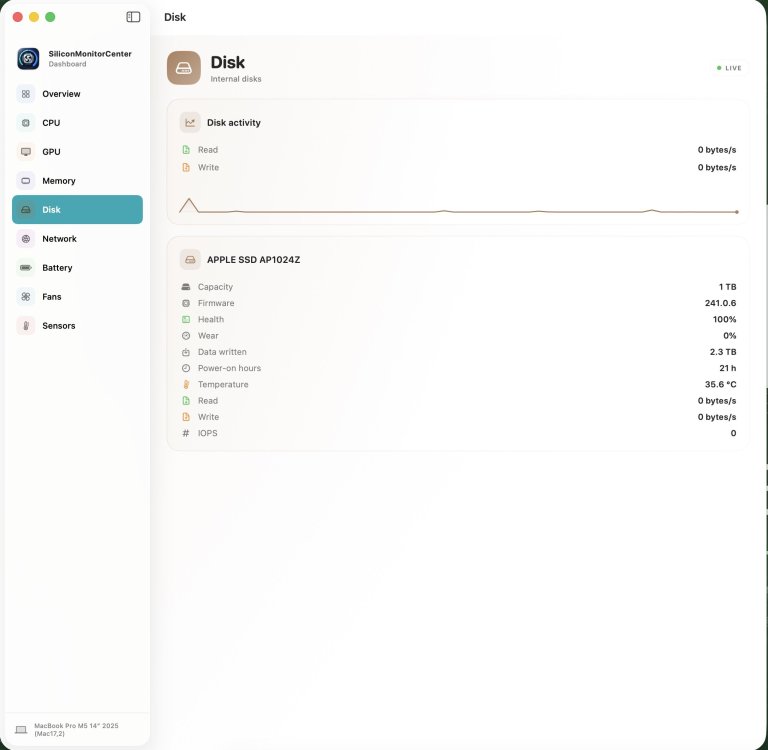
Guys, b10 is ready! I've added two new tabs: disk and network. Give it a try and send me your feedback. https://github.com/Lorys89/App-test/raw/refs/heads/main/SiliconMonitorCenter 1.0 b10.zip
-
@Zenith432 try this https://limewire.com/d/1rH65#lr95NvdDat Direct uploading to the forum isn't working; I had to use an external site.
- 31025 replies
-
- 4
-
-
- bootloader
- efi
- (and 2 more)
-
That might be true. Why would you be booting Yosemite on a real Mac with OCLP? I probably misunderstood what you said. If so, my apologies.




.thumb.jpeg.7082d67b3394c9399e80144027a7b397.jpeg)