All Activity
- Today
-
 CTP_HOME CTP_HOME joined the community
 -
 Arim CZE joined the community
 -
 Juan Felipe Carvajal Bergaño joined the community
 -
 Andre Lima changed their profile photo
 -
SSDT Maintenance — SSDT Generator + macOS-Support Suite for Hackintosh Free · Open Source (MIT) · by Lumina Dev Apps WHAT IT IS SSDT Maintenance is a native macOS app that generates clean, OpenCore-ready SSDTs and compiles them to .aml locally with iasl — no manual DSL editing. On top of the usual device SSDTs, it includes a full set of macOS-support "maintenance" tables (AWAC, PMC, USBX, EC, SBUS-MCHC and more) that most Alder Lake / Raptor Lake (Z690 / Z790) builds need to boot and stay stable. You pick your ACPI paths and hardware, tick the tables you want, hit Generate ALL SSDTs, and drop the resulting .aml files into EFI/OC/ACPI/. WHAT IT GENERATES Device SSDTs: - SSDT-PLUG — CPU power management, auto-sized to core count - SSDT-DTPG — DTGP helper method - SSDT-HDEF — onboard audio (layout-id injection) - SSDT-IGPU — Intel iGPU (Alder/Raptor Lake, headless) - SSDT-GPU — discrete GPU + HDAU (AMD RDNA2 / Vega) - SSDT-LAN — Aquantia AQC107 / Realtek / Intel I225-I226 - SSDT-WIFI — Intel (itlwm) / Broadcom - SSDT-TB3 — Thunderbolt (Titan Ridge / Maple Ridge) - SSDT-XHCI — USB port maps (15 / 20 / 25 / 30 / Type-C) - SSDT-SATA / SSDT-NVME — storage controllers Maintenance SSDTs (macOS support) — on by default: AWAC, PMC, USBX, EC, SBUS-MCHC. Optional: PNLF, GPRW, RHUB, ALS0, BRG0. - SSDT-AWAC — system clock fix (RTC/AWAC), required on Z690/Z790 - SSDT-PMC — native NVRAM for 300-series and newer - SSDT-USBX — USB sleep/wake power properties - SSDT-EC — fake Embedded Controller - SSDT-SBUS-MCHC — SMBus + Memory Controller Hub - SSDT-PNLF — backlight (iGPU display) - SSDT-GPRW — instant-wake-from-sleep fix - SSDT-RHUB — USB root-hub reset - SSDT-ALS0 — fake ambient light sensor - SSDT-BRG0 — PCI bridge _ADR template (advanced) REQUIREMENTS - macOS 13.0 or later - iasl (the ACPI compiler): brew install acpica HOW TO USE IT 1. Install iasl: brew install acpica 2. Open the app. In the Generator tab, set the ACPI paths for your board. Defaults target the _SB.PC00 layout (Alder/Raptor Lake). Always confirm these against your own disassembled DSDT — if your PCI root is PCI0, or your iGPU is GFX0 instead of IGPU, adjust accordingly. 3. Choose your hardware presets (iGPU, dGPU, LAN, Wi-Fi, TB, USB, SATA, NVMe) and set your audio layout-id. 4. Scroll to Maintenance (macOS Support) and enable the tables you need. The essential five are on by default. 5. Click Output Folder (bottom bar), pick a destination, then Generate ALL SSDTs. Use Show Log / Copy Log to check the iasl output — every table should report 0 Errors. 6. Copy the generated .aml files into EFI/OC/ACPI/ and add each under config.plist → ACPI → Add (ProperTree "Snapshot" does this automatically). REQUIRED ACPI RENAMES Add these under config.plist → ACPI → Patch (Base empty, Count 0): SSDT-EC — only if your board's real EC device is named "EC": Comment : Rename EC to EC0 Find : 45435F5F Replace : 45433000 SSDT-GPRW — required for the instant-wake fix: Comment : Rename _GPRW to XGPW Find : 5F47505257 Replace : 58475057 RECOMMENDED SET For most Z790 builds, install AWAC + PMC + USBX + EC + SBUS-MCHC (add PNLF / ALS0 if wanted). Only add GPRW / RHUB with their renames/edits, and treat BRG0 as a template — edit its path and _ADR before using it. Generating all ten is fine; only deploy the ones your build actually needs. Note: injected SSDTs change how macOS sees your PCI tree. Verify device paths against your own DSDT and test before relying on them. Use at your own risk. DOWNLOAD - Release (DMG): https://github.com/luminadevapps/SSDTMaintenance/releases/tag/v1.1.0 - Source: https://github.com/luminadevapps/SSDTMaintenance First launch: the app is currently unsigned, so macOS Gatekeeper will block it the first time. Right-click the app and choose Open (once), or run: xattr -dr com.apple.quarantine /Applications/SSDTMaintenance.app FEEDBACK Bug reports, board-specific path issues, and suggestions are welcome — reply here or open an issue on GitHub. Mentioning your motherboard model + macOS version helps others too. SSDT Maintenance v1.1.0 · © 2026 Lumina Dev Apps · MIT License
-
 r0e3m joined the community
 -
 cotse joined the community
 -
 pesomax joined the community
 -
 kiraaiai joined the community
 -
 PATOKBET joined the community
 -
 nawapon wongkantarag joined the community
 -
Nice..enjoy
-
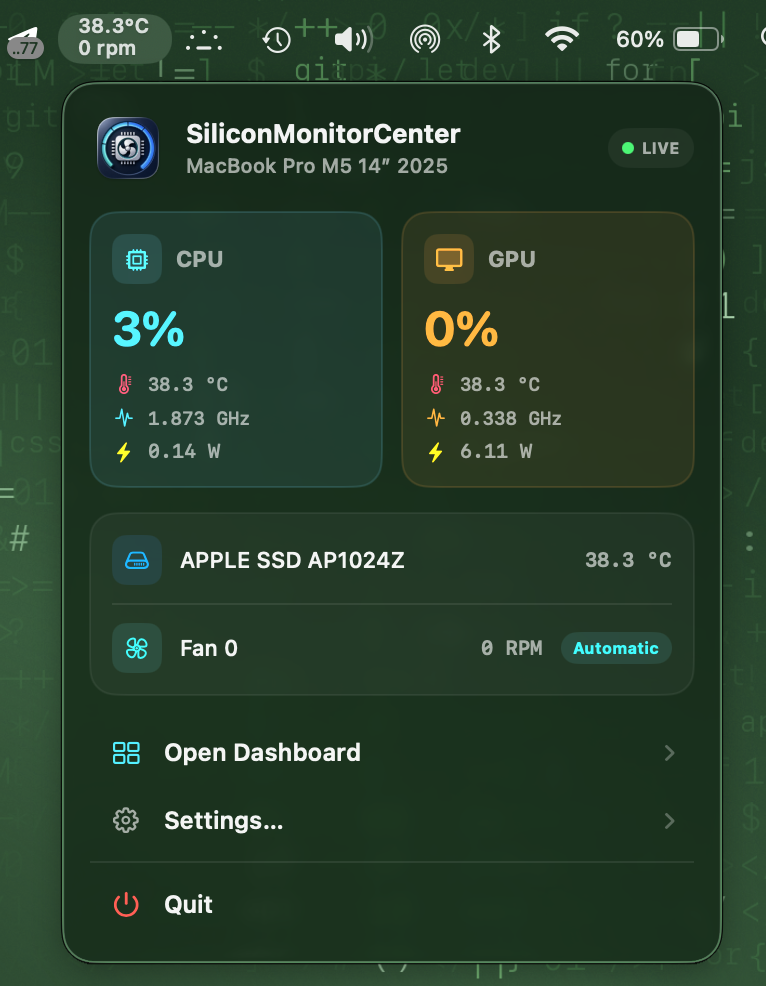
I found a bug and am fixing it. (cpu freq) I'll soon release a new version in the first post, marked as b2. https://github.com/Lorys89/App-test/raw/refs/heads/main/SiliconMonitorCenter 1.0 b2.zip
-
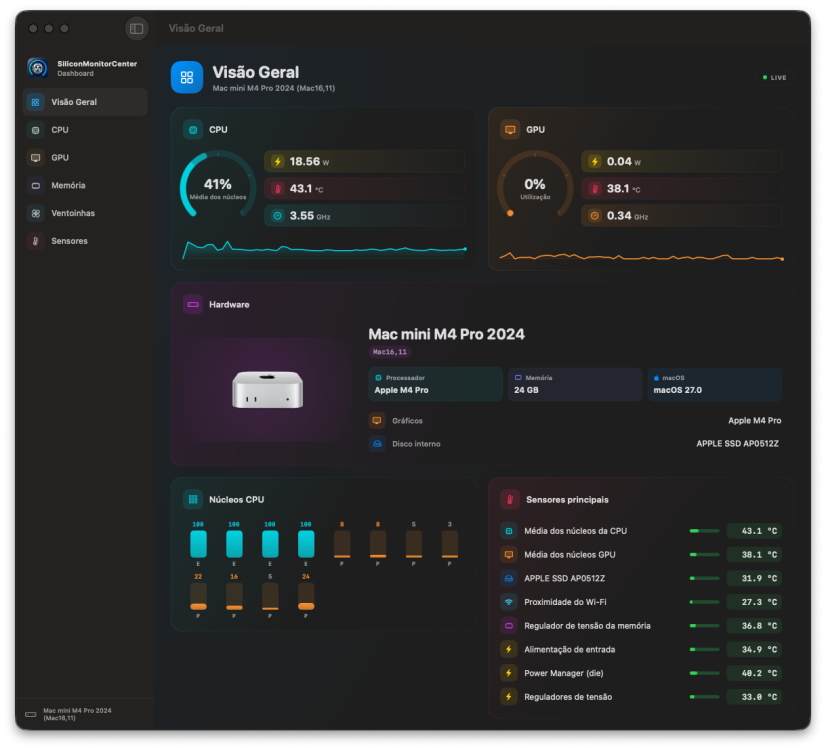
@lorys89 Great app and very nice UI design. It works very well. And translated to a lot of languages. Thanks.
-
@Slice Installation of VoodooHDA.kext 3.6.4 running macOS Tahoe 26.6 Beta 5(25G5065a) Perfect, the audio works and sounds great No HDMI aud
-
Thanks a lot @lorys89 nice app my friend!!
-
Working fine, thanks !!
-
 tabbycat888 changed their profile photo
 -
 Dalatfarm changed their profile photo
 -
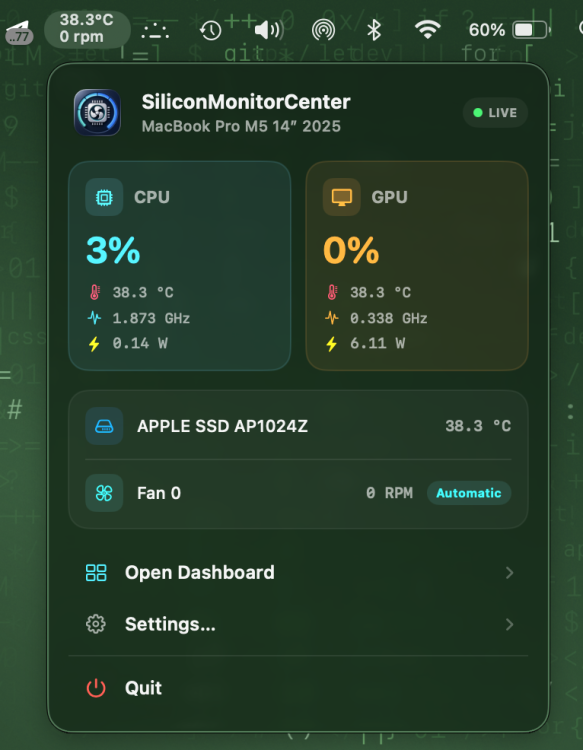
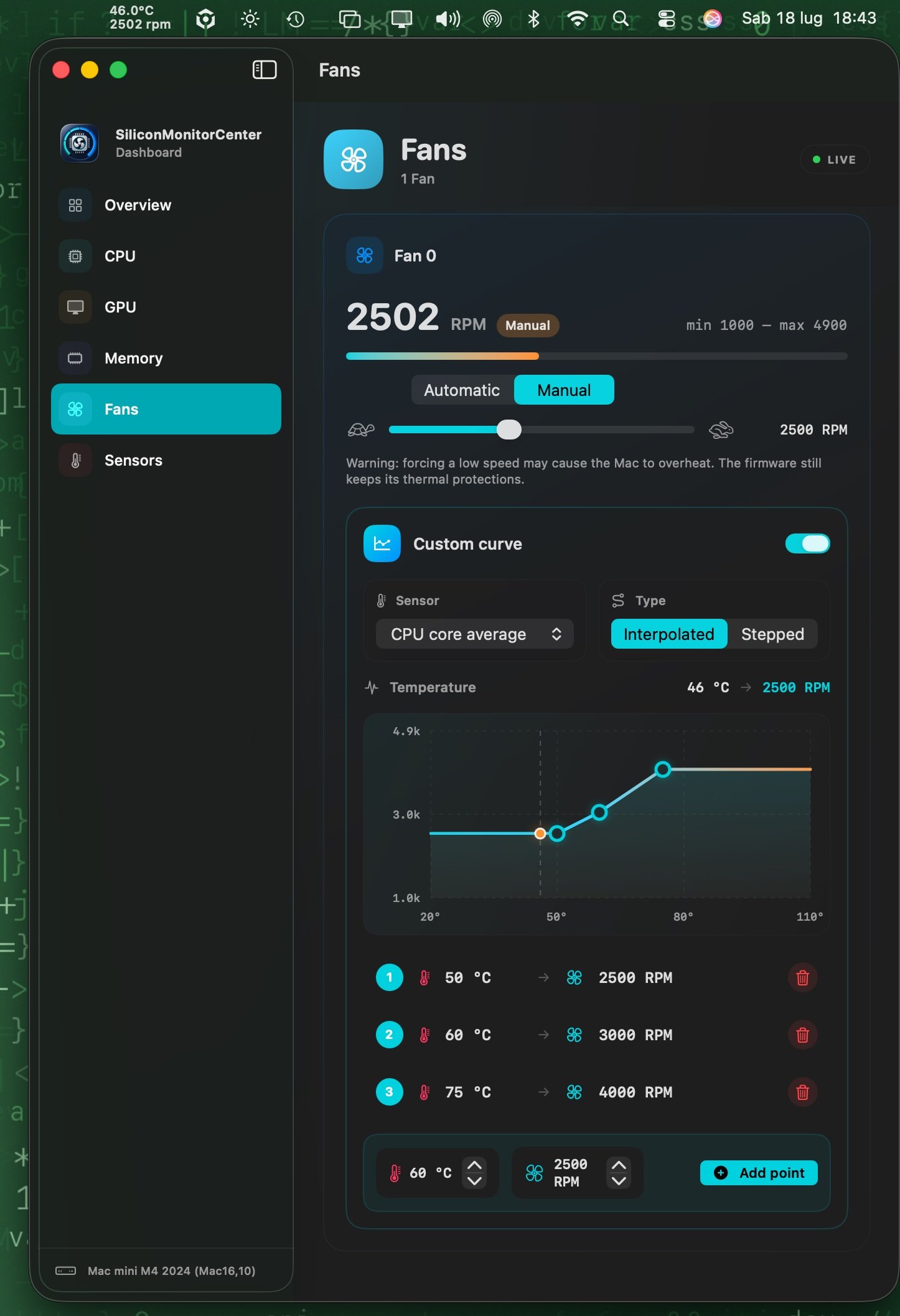
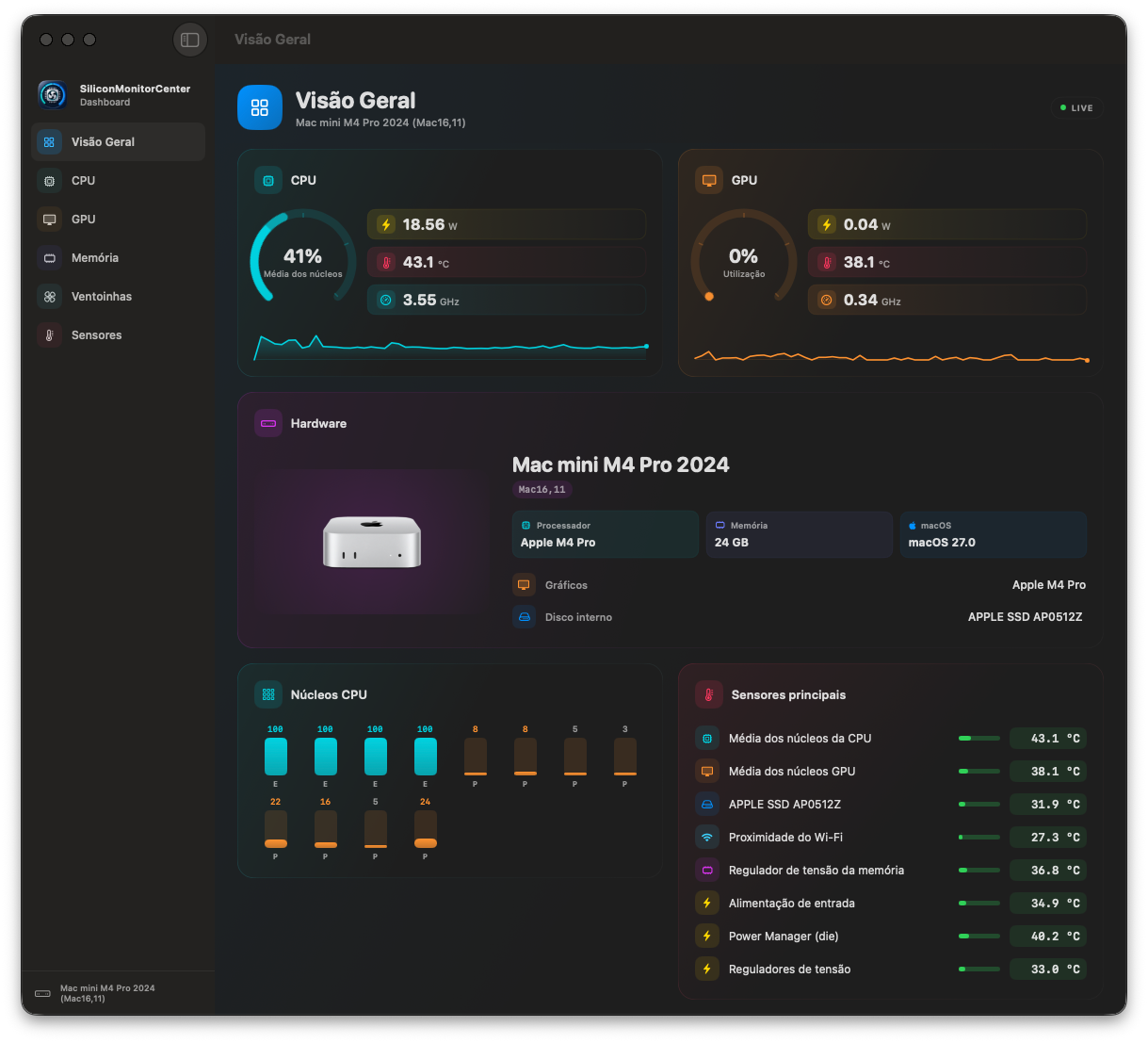
Hi everyone, I’m developing this app for Macs with Apple Silicon processors. If you’d like to try it out and give me some feedback... https://github.com/Lorys89/App-test/raw/refs/heads/main/SiliconMonitorCenter 1.0 b2.zip
-
.thumb.jpg.f87835ec749d35a0831891af21b0020b.jpg) trangchu789winco changed their profile photo
trangchu789winco changed their profile photo -
 linee changed their profile photo
 -
Thanks, I’ll give it a go later
-
VoodooHDA is finished with a help oh AI Qwen. But I checked every line of code didn’t allowed fantastic workarounds and allowed only right codes. It works!
-
 Andrew Messenger changed their profile photo
 -
There were a lot of posts about it way back then. Gave it a try but didnt work
- 31018 replies
-
- 1
-

-
- bootloader
- efi
- (and 2 more)
-
Never exists
- 31018 replies
-
- 2
-
-

-
- bootloader
- efi
- (and 2 more)
-
 naveen m changed their profile photo
 -
 David Elias changed their profile photo
 -
 Hello everyone, it's a pleasure to announce that I've updated the main post with new information to keep you up-to-date with the changes... also, I wanted to let you know that the app now has a website. https://toshllm.com Thanks to everyone who has been testing the app since I first released it.
 -
 黄能 changed their profile photo
 -
Thanks for this feature. Im too lazy to test layouts 😁
- Yesterday
-
 Win BD changed their profile photo
 -
closed, gave permission
-
Final Release 3.6.4 I got clear sound on my AMD RX570 on TV Samsung. https://github.com/CloverHackyColor/VoodooHDA/releases/tag/Release364 If you hear a noise then open Info.plist and change InhibitCache option. Layout 0 will be traditional autodetect, other values same as AppleALC. But PciRoot(0x0)/Pci(0x1F,0x3) voodoo-layout-id <0C000000>
-
Close and re-open....I'm fixing that bug
-
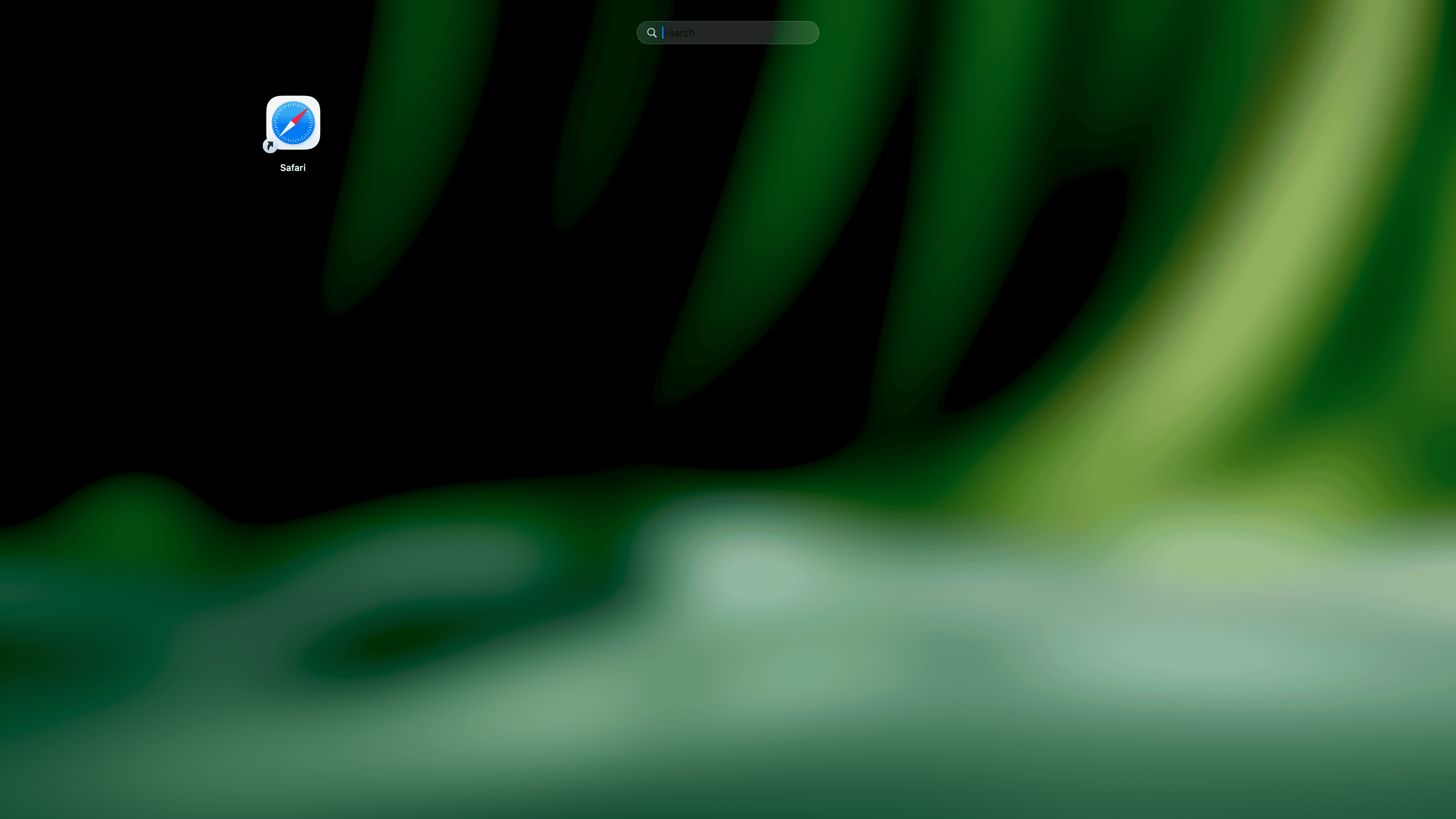
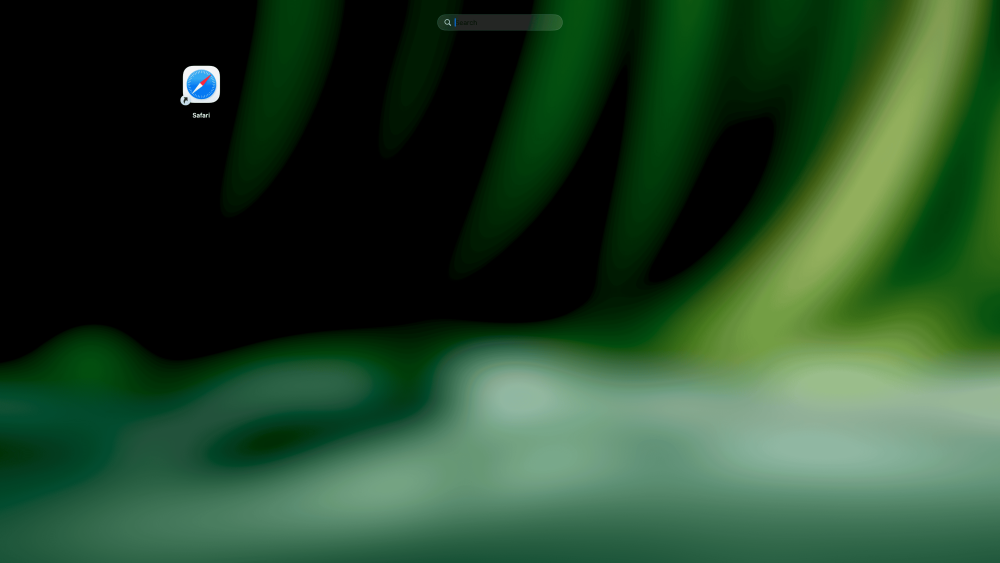
version 1.0.5 shows nothing, only the safari icon
-
Give me some feedback, and I'll tweak or improve it if necessary.
-
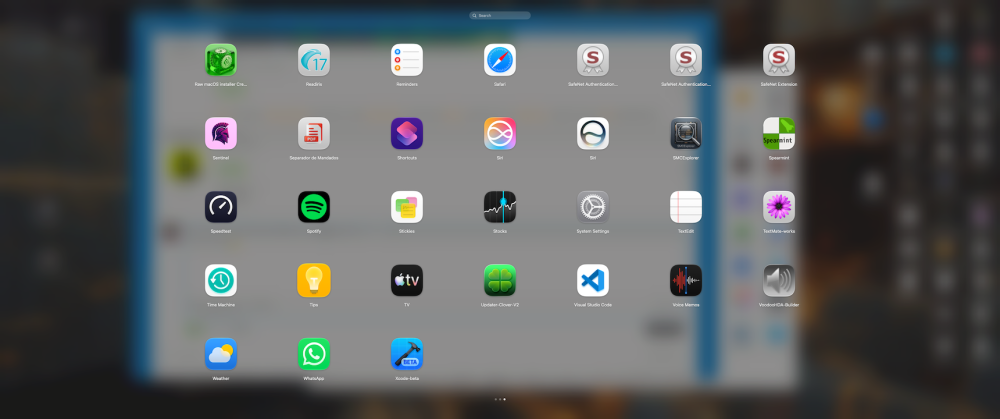
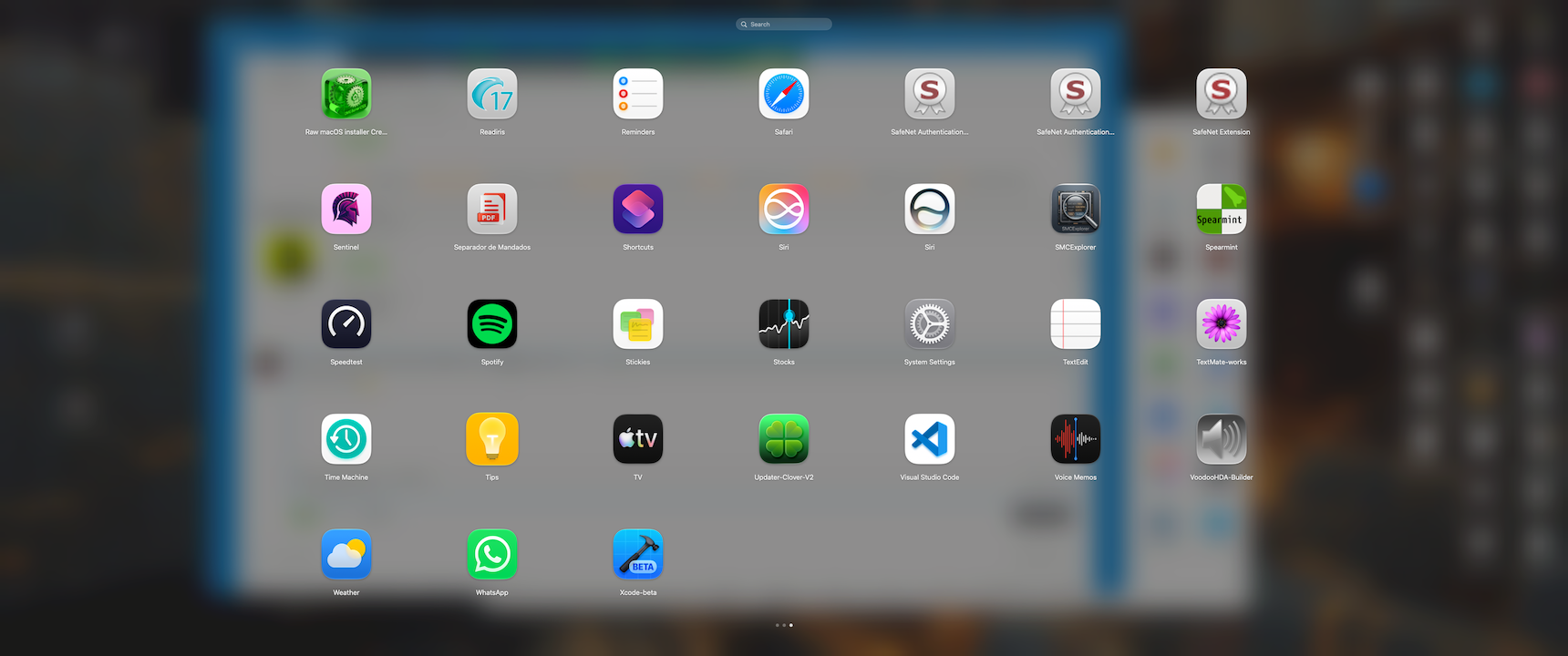
i prefer this Features: Scans /Applications, /System/Applications, and ~/Applications Adaptive SwiftUI grid with native app icons Search by app name or bundle identifier One-click app launching Drag-and-drop folder organization Context menu actions: Open and Show in Finder Organize app icons without deleting or modifying installed apps Native macOS visual effect background Asset catalog with app icon and accent color LaunchPadBasic_1.0_b1.zip
-
Fixed is latest version 1.0.5: https://github.com/vbored/Launchback/releases/tag/v1.0.5 Just press ⌘Q while the grid is open to quit LaunchBack entirely and you good to go.
-
 Working on this
 -
 Not at the moment
 -
 @MaLd0n does this support audio output via HDMI?






.thumb.jpeg.7082d67b3394c9399e80144027a7b397.jpeg)