All Activity
- Past hour
-
@MakAsrock thanks for the tip! I’ll verify this definitely. I also inadvertently left some residuals from the BCM card that I replaced with the Intel Ax210 last week and this could have been causing problems too.
-

The OCLP-Plus 3.x (Tahoe Patch Set).
MakAsrock replied to MakAsrock's topic in New Releases and Updates
The author quickly fixed this issue, and the patcher worked, but I couldn't log in afterward because wifip2pd, which is required but incompatible with Tahoe, was installed. The only thing that helped me was this: 1. sudo mount -uw /Volumes/SN850 2. sudo bless --mount /Volumes/SN850 --bootefi --last-sealed-snapshot I won't be testing it again because it's broken. 😉 - Today
-
 Md Sihab changed their profile photo
 -
Your problem isn't related to Spotlight indexing pushing the CPU too hard. It's related to the RX-6600 card, or more specifically, the buggy default framebuffer. I solved this issue with a named framebuffer. Added properties: <key>DeviceProperties</key> <dict> <key>Add</key> <dict> <key>PciRoot(0x0)/Pci(0x1,0x0)/Pci(0x0,0x0)/Pci(0x0,0x0)/Pci(0x0,0x0)</key> <dict> <key>@0,name</key> <string>ATY,Henbury</string> <key>@1,name</key> <string>ATY,Henbury</string> <key>@2,name</key> <string>ATY,Henbury</string> <key>@3,name</key> <string>ATY,Henbury</string> </dict> </dict> <key>Delete</key> <dict/> </dict> Now this card died and I installed AMD Radeon RX 5700XT It has the same problems, but the properties are different: <key>PciRoot(0x0)/Pci(0x1.0x0)/Pci(0x0.0x0)/Pci(0x0.0x0)/Pci(0x0.0x0)</key> <dict> <key>@0,name</key> <string>ATY,Adder</string> <key>@1,name</key> <string>ATY,Adder</string> <key>@2,name</key> <string>ATY,Adder</string> <key>@3,name</key> <string>ATY,Adder</string> </dict> </dict> <key>Delete</key> <dict/> </dict> I'm still using 26.5.2 and don't have any problems anymore. 😉
-
Smooth update. Is this really RC5?!?!
-
I had been putting off the Easy Mount EFI update for quite some time. When I finally decided to resume development, I ran into an unexpected setback: my NVMe SSD failed, and I lost a significant portion of my projects. Unfortunately, due to my own oversight, I didn't have an up-to-date backup, which made the loss even greater. It was a difficult experience, but certainly a valuable lesson. Despite that, I was able to complete the new version of Easy Mount EFI, and it is now available for everyone to test. If any of my applications have been useful to you or have contributed to your Hackintosh experience in any way, please consider making a donation. Your support will help me rebuild my development environment and allow me to resume developing and maintaining community projects as soon as possible. Regardless of whether you choose to donate, I sincerely appreciate everyone who uses my applications, provides feedback, and helps spread the word. Your support is what keeps these projects moving forward. Download Here Note: I am using an external link to publish the app because the site does not yet allow file uploads.
- Yesterday
-
Smooth incremental update after temporarily disabling bluetoolfixup.kext. 26.5.2 is still my "production" macOS while I continue to test 26.6 Beta in a separate test volume. Have you tried to improve Spotlight performance by disabling indexing of some apps / content and customizing search privacy to disable indexing of some volumes?
-
Hello Everyone! I know some of you just installed the new 26.6 beta earlier today, so maybe it’s too early for an answer/ get feedback: have you seen any noticeable improvement(s) / fixes when compared to 26.5.2? Sometimes I have random freezes caused by the Spotlight indexing pushing the CPU too much and I read somewhere that this is a known issue in 26.5.
-
https://swdist.apple.com/content/downloads/31/16/140-42052-A_ELCKBMP20K/9e8o85ja1vctf1jxxy4ubnn9r29c7ig8z8/140-42052.English.dist https://swdist.apple.com/content/downloads/31/16/140-42052-A_ELCKBMP20K/9e8o85ja1vctf1jxxy4ubnn9r29c7ig8z8/InstallAssistant.pkg 🤩 <key>BUILD</key> <string>25G5065a</string> <key>VERSION</key> <string>26.6</string>
-
A lot of reverse engineering is needed to get to the app creator's level; it's definitely going to be a good game with Slice, Maldon, other people, and an AI. Good luck to everyone
-
- 72 replies
-
- 2
-

-
- macos
- golden gate
- (and 1 more)
-
 I tried everything possible to fix this but nothing happended and used several values of shikigva config.plist
 -
 u88zacom joined the community
 -
ShadyEMad joined the community
-
 I can test the update for sure
 -

-

-
 gaconx joined the community
 -
 Rikvip68 bz joined the community
 -
I'm working on voodoo for full combo-jack and other things but it's just for fun and to improve a little on what's already good and honestly, audio is really complicated!... fry our brains.
-
 Big Update is comming and we need test it!
 -
 Ryan Soto joined the community
 -
 kjcpro11 joined the community
 -

[Pre-release] macOS Sequoia 15.7.8
deeveedee replied to deeveedee's topic in New Releases and Updates
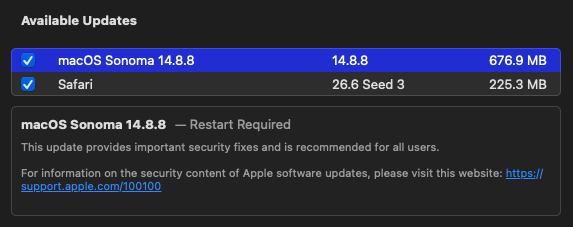
Another smooth, incremental update after temporarily disabling bluetoolfixup.kext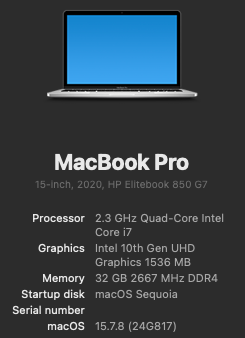
-
 Начинающий СS-ер changed their profile photo
 -
 naveen m changed their profile photo
 -
-
Macos Golden Gate - Experiment Cpu Intel
etorix replied to Ludox's topic in Front Page News and Rumors
Only in the sense that Apple intends to use Intel Foundry for some of its AppleSilicon chips. So future Macs (or iPhones?) may feature ARM chips "made by Intel" (but designed by Apple). No x86! -
 91clubbinn joined the community
 -
 Robert Robinson joined the community
 -
[Pre-release] macOS Sequoia 15.7.8
strangeron replied to deeveedee's topic in New Releases and Updates
15.7.8 (24G817). 👍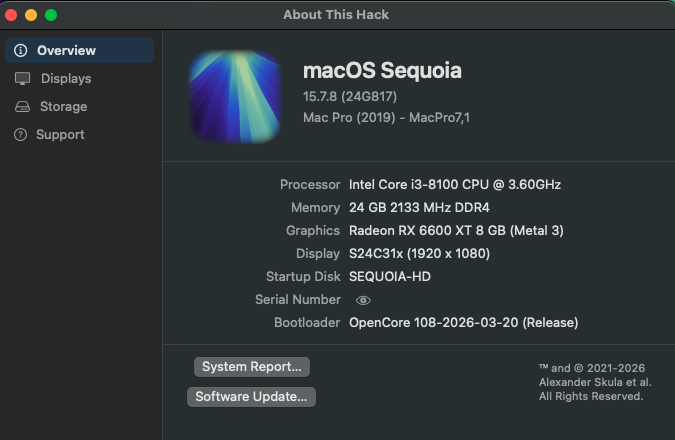
-
👍
-
 ミゲル changed their profile photo
 -
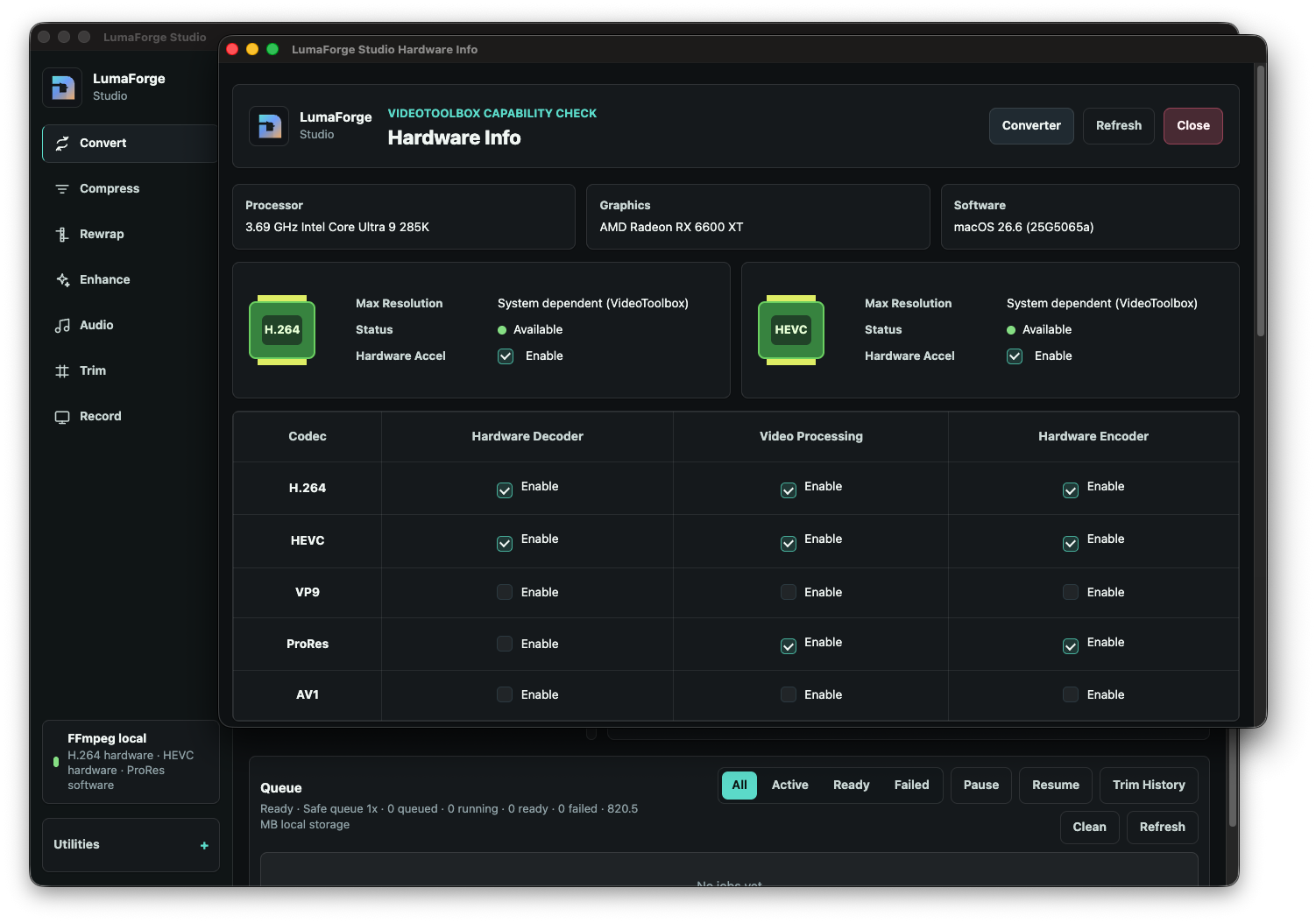
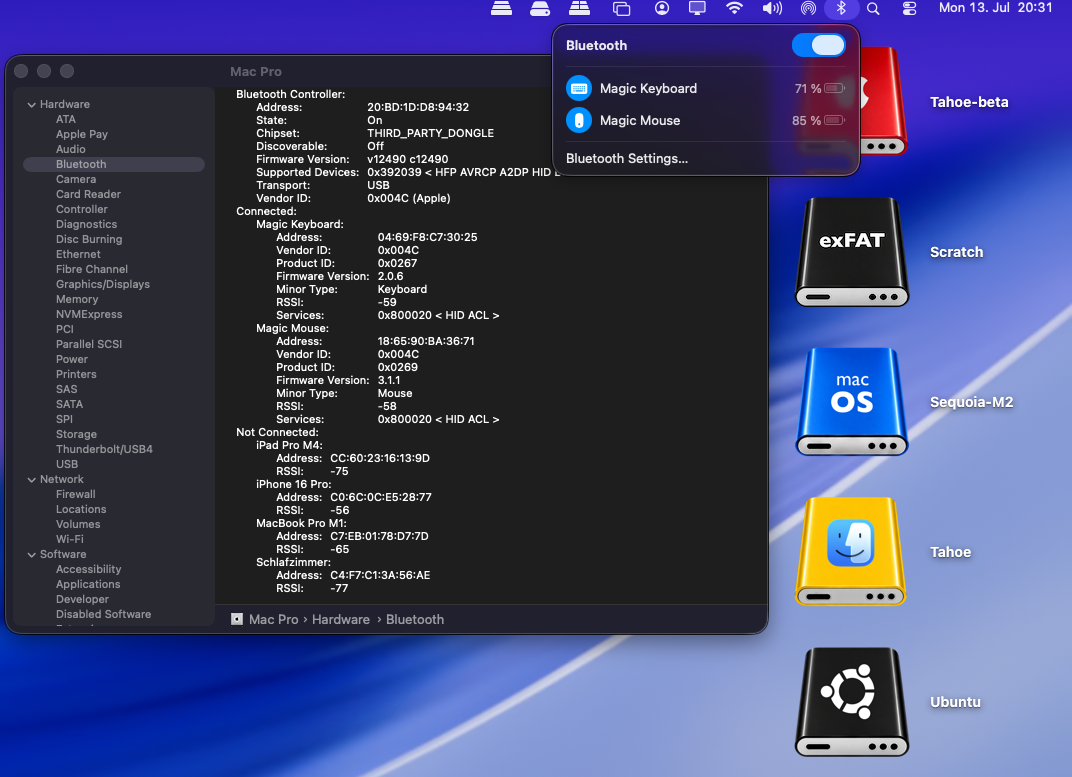
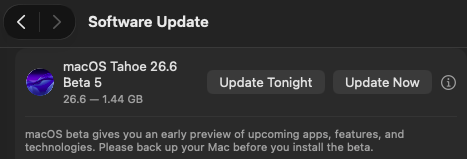
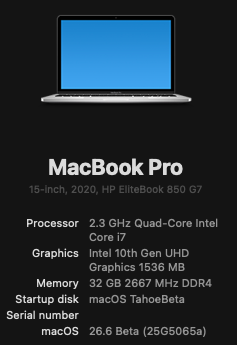
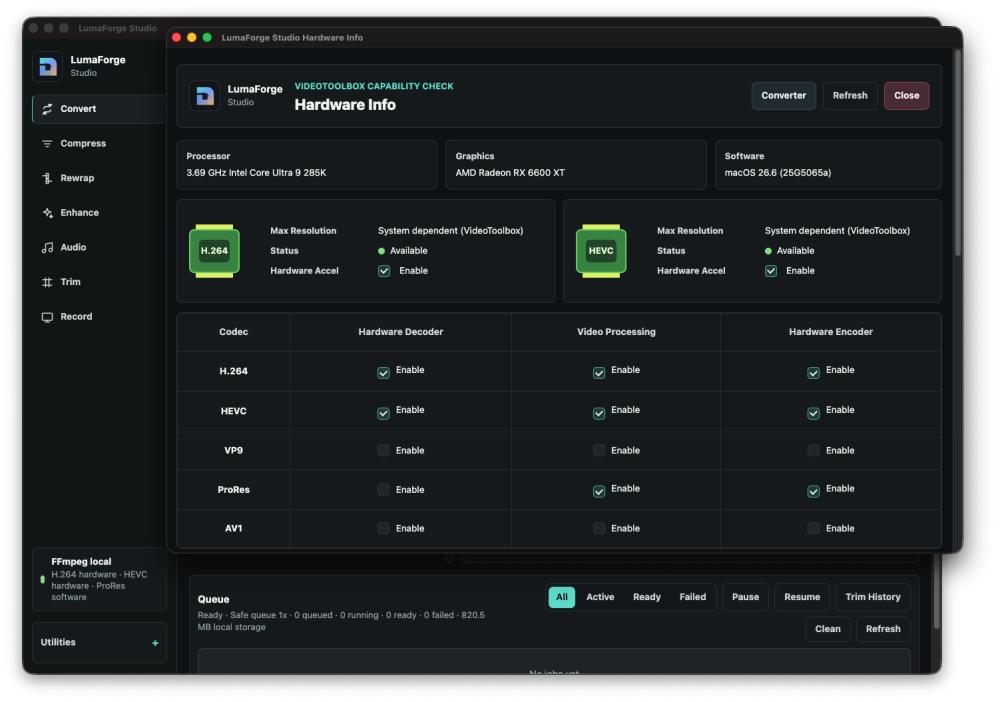
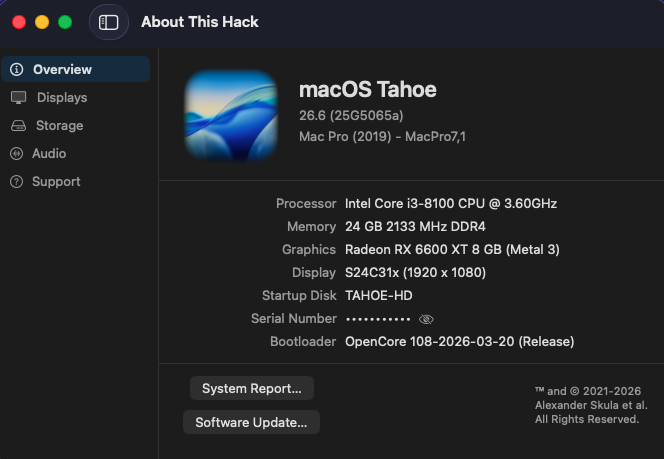
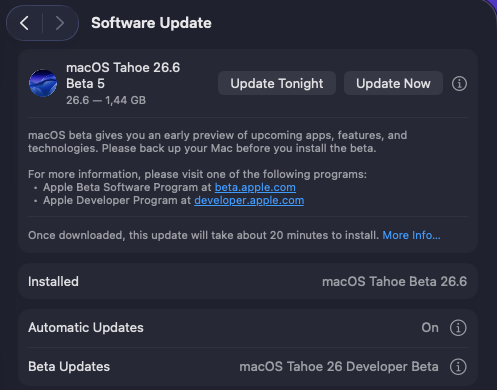
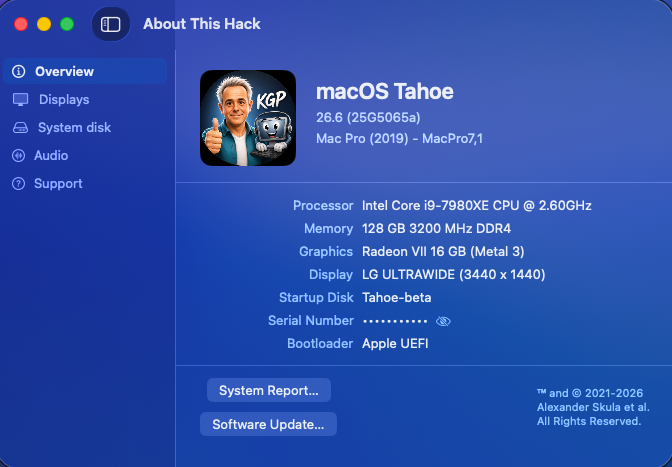
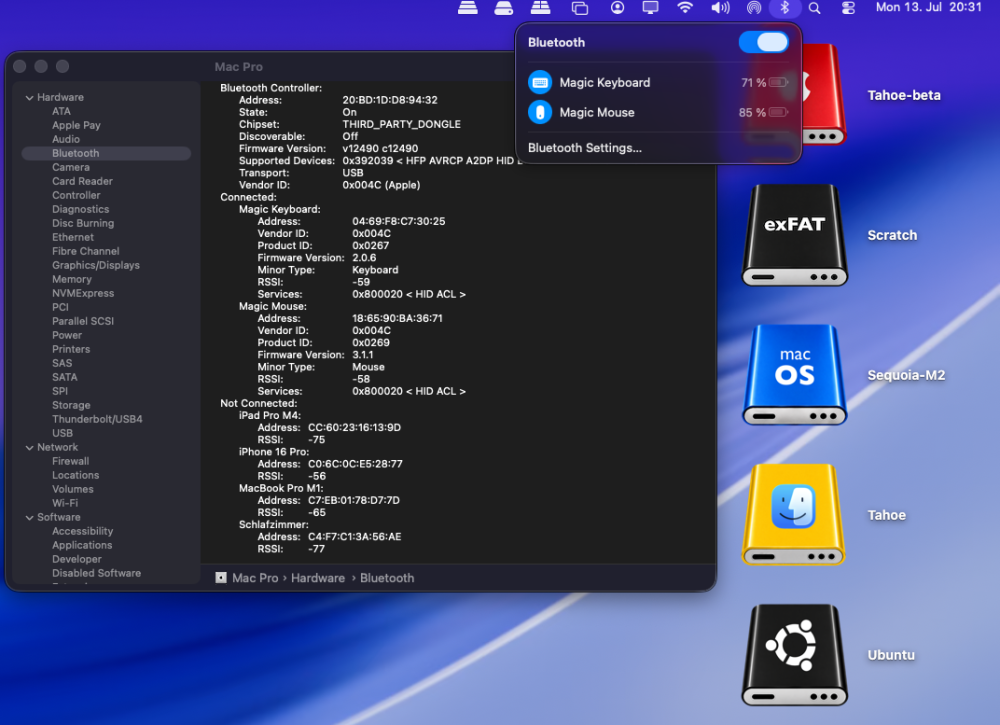
Sequential OTA update (1.44 GB) from macOS 26.6 beta 4 (25G5057c) to macOS 26.6 beta 5 (25G5065a). Apple has not yet released a Kernel Debug Kit for macOS 26.6 beta 5 (25G5065a). OCLP correctly selects Kernel Debug Kit 26.6 build 25G5052e, corresponding to macOS 26.6 beta 3, as the closest available match. My Broadcom/OCLP setup (BCM943602CDP) works under macOS 26.6 beta 5 as expected. AppleHDA, Wi-Fi, native Bluetooth, AirDrop, AirPlay, Screen Mirroring, Continuity Camera, Personal Hotspot, and sleep/wake all appear to be working properly. My Intel/OCLP/AirportItlwm setup (AX210) also works under macOS 26.6 beta 5 as expected. AppleHDA, Wi-Fi, Bluetooth, AirPlay, Screen Mirroring, and sleep/wake all appear to be working properly. Nevertheless, immediately after the update to macOS 26.6 beta 5, Intel Bluetooth once again fell back into the same broken state previously observed following the beta 4 update. As with beta 4, Bluetooth functionality on the AX210 was fully restored only after booting once with my Broadcom EFI and BCM943602CDP to perform a hardware reset, and then switching back to the Intel setup. I had already been able to restore Intel Bluetooth under beta 4 afterward using exactly the same procedure. This strongly suggests that the issue is not a general incompatibility with macOS 26.6, but rather a persistent controller or firmware state triggered by the update process.
-
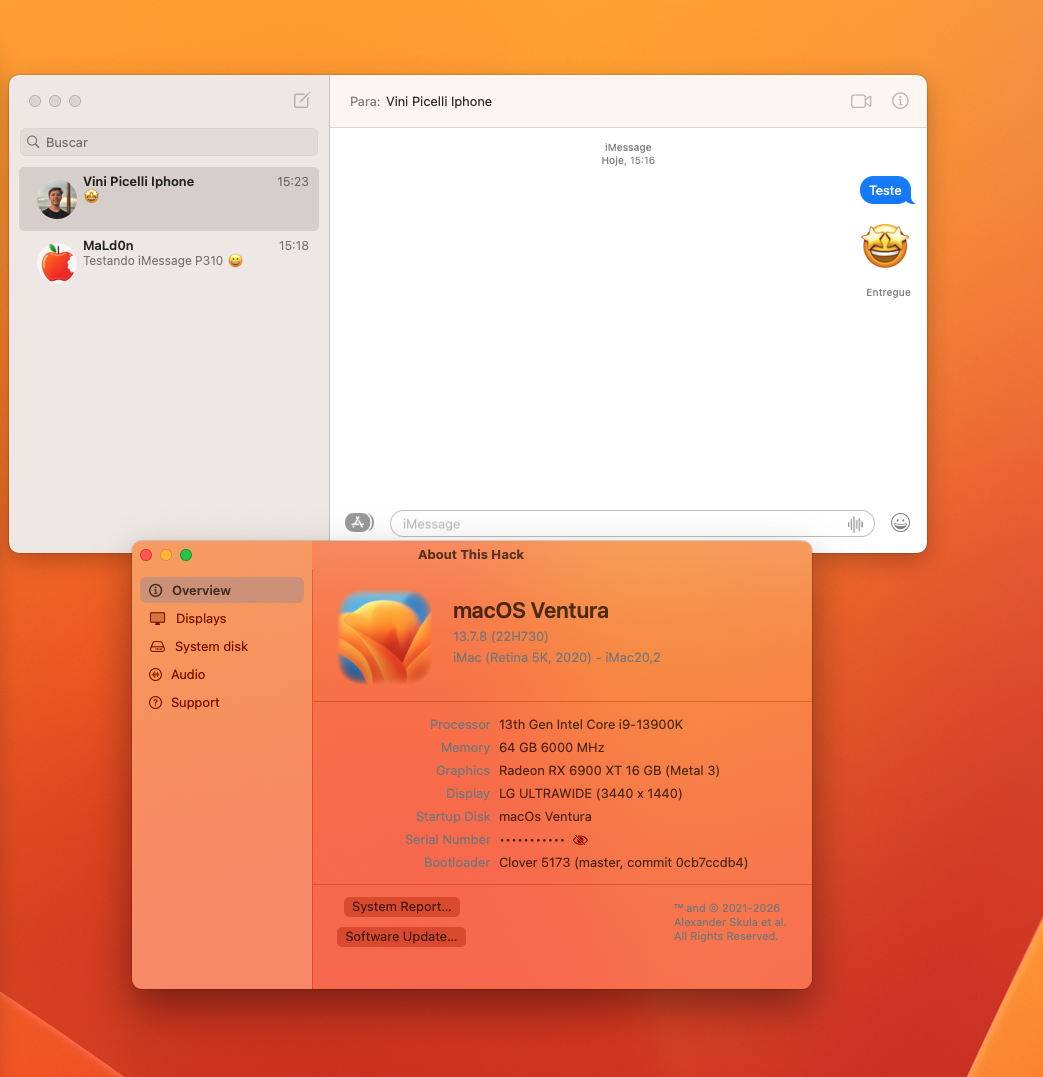
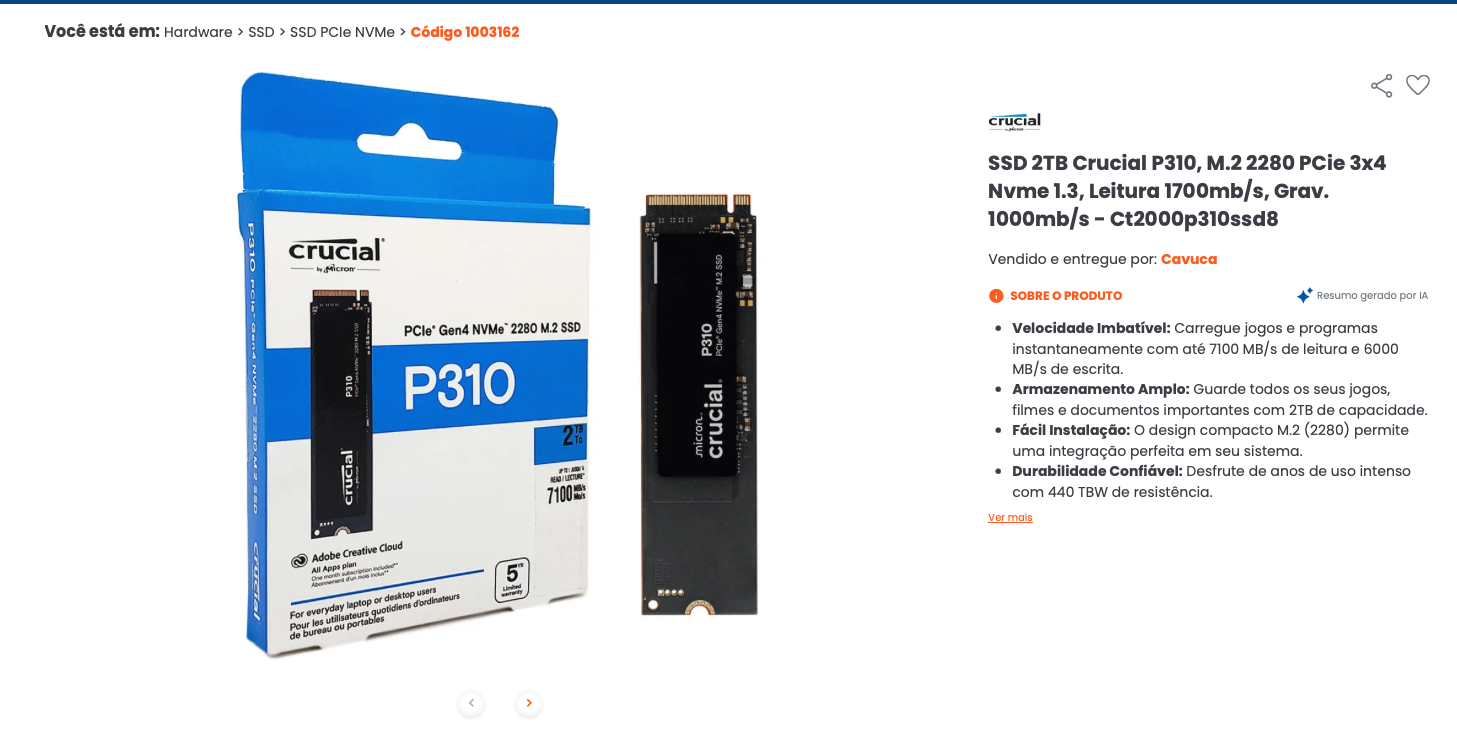
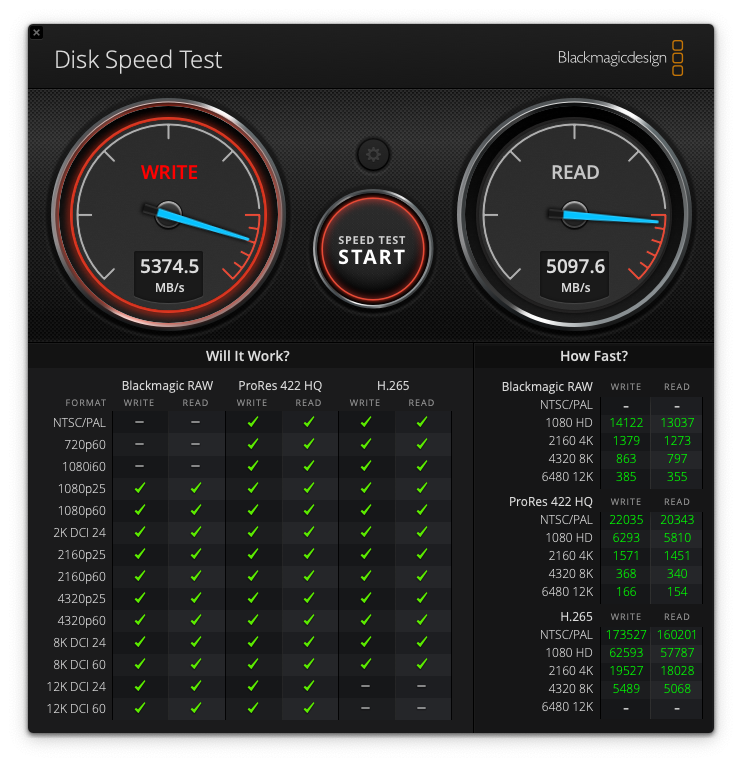
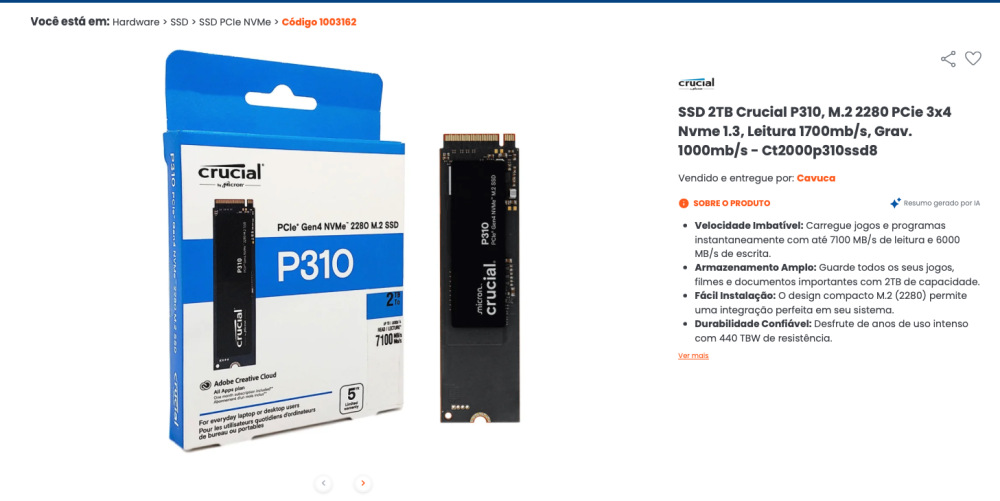
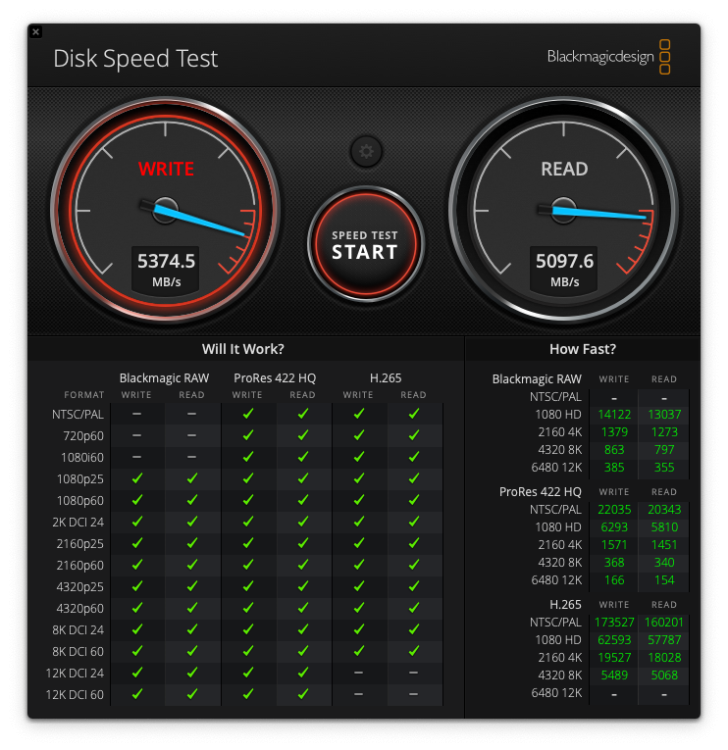
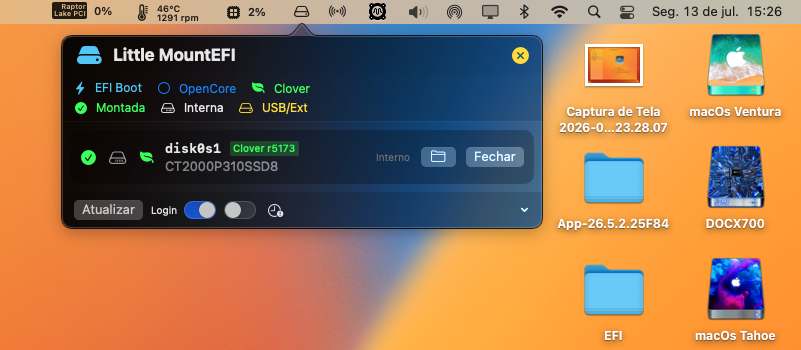
 Hello everyone. I believe I "accidentally" discovered that to get iMessage working with Clover, the chosen SSD/NVMe is crucial. And in the BIOS, I enabled the "Other OS" option instead of Windows. This helped a lot, and I also tested this good quality 2TB Crucial P310 NVMe.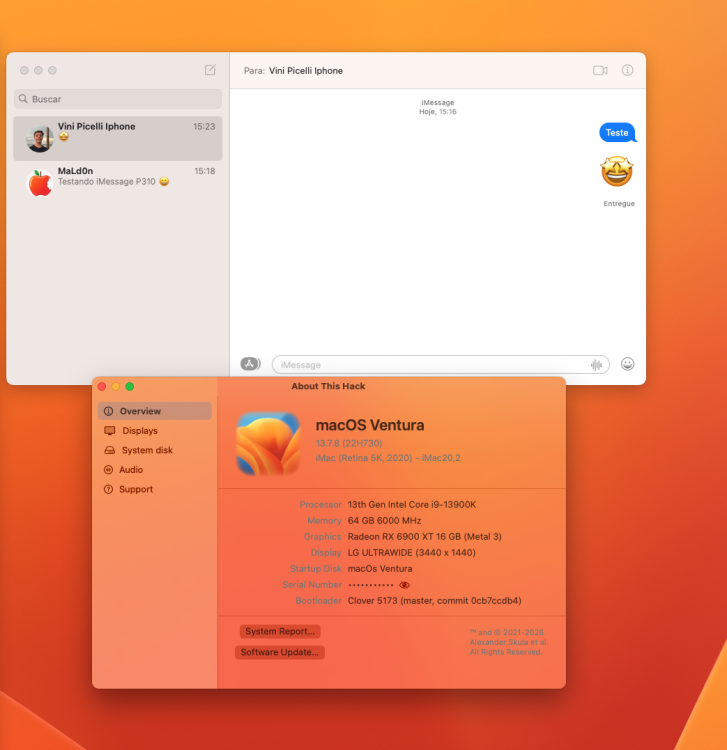
-
 Apex Recovery Massage changed their profile photo
 -

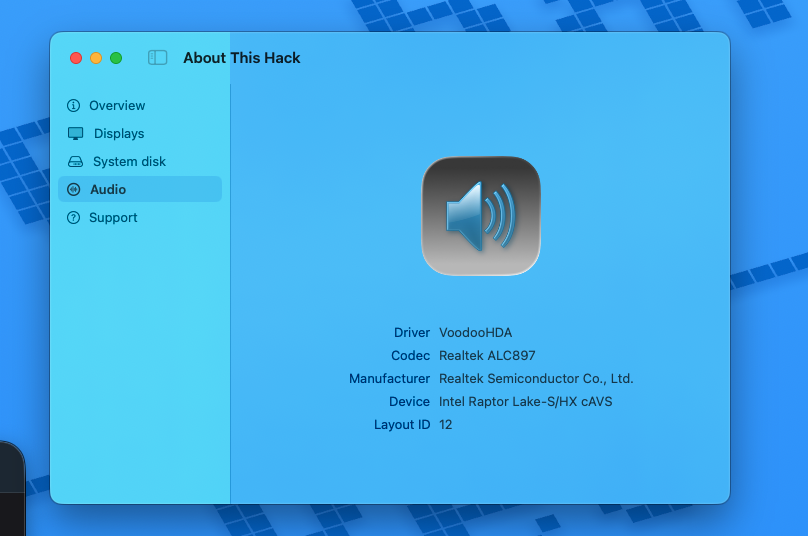
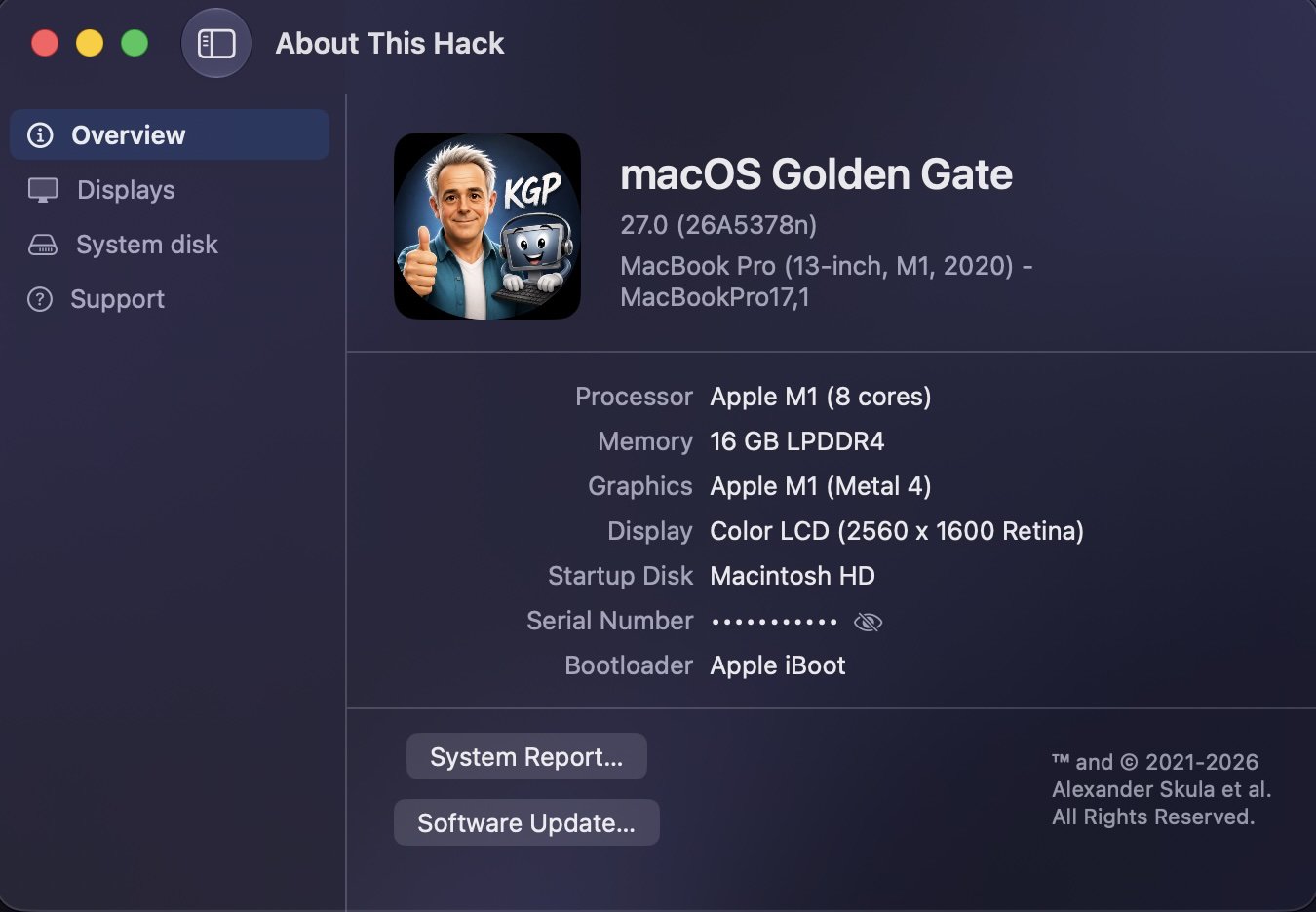
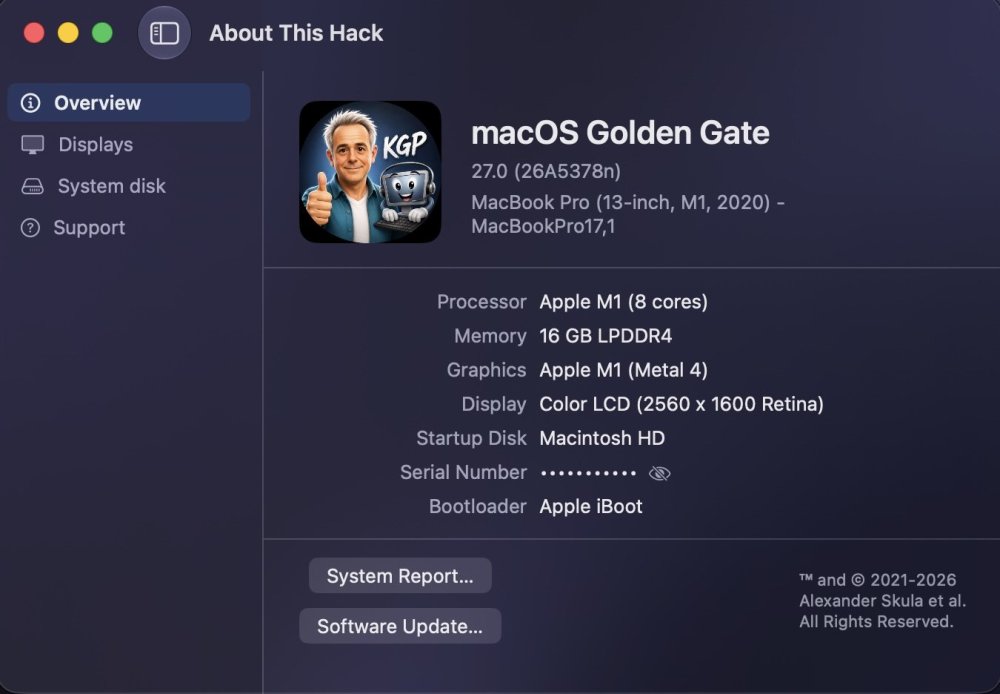
About This Hack (2009-Nissan-Cube version migrated to SwiftUI)
miliuco replied to miliuco's topic in Hackintosh Tools
Working fine in Golden Gate too 🙂 -
About This Hack (2009-Nissan-Cube version migrated to SwiftUI)
Max.1974 replied to miliuco's topic in Hackintosh Tools
Thanks @miliuco excellent work my friend!!