All Activity
- Past hour
-
 megabond joined the community
 -
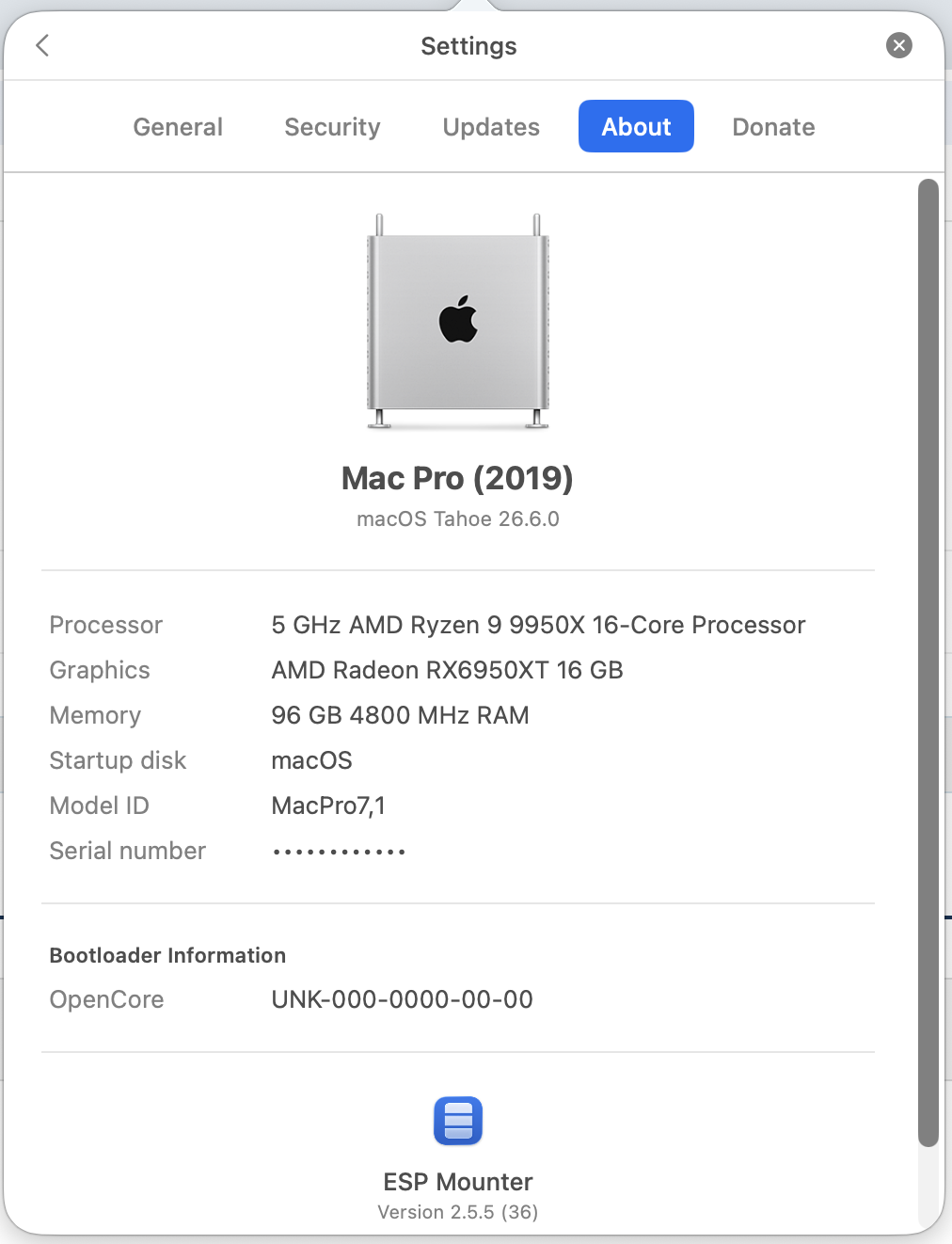
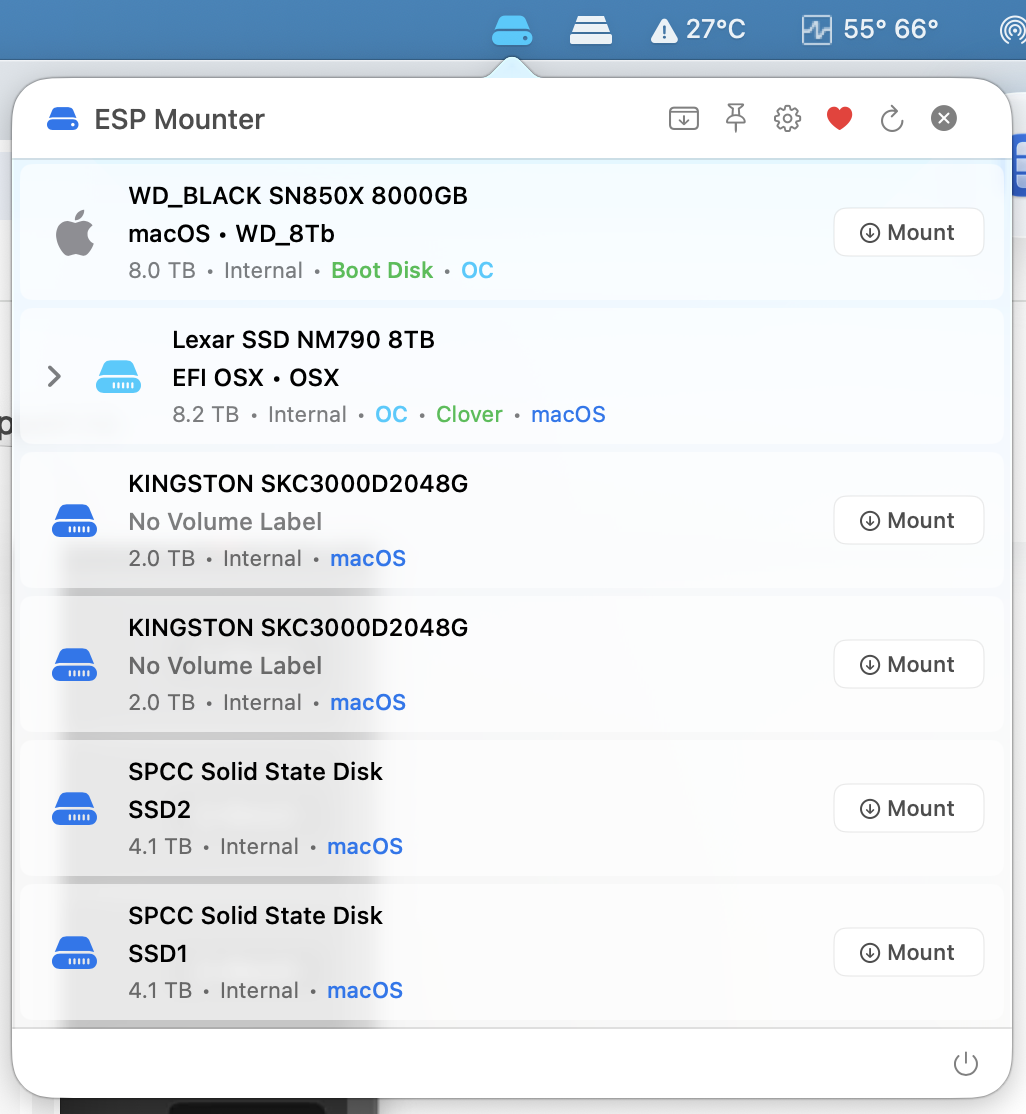
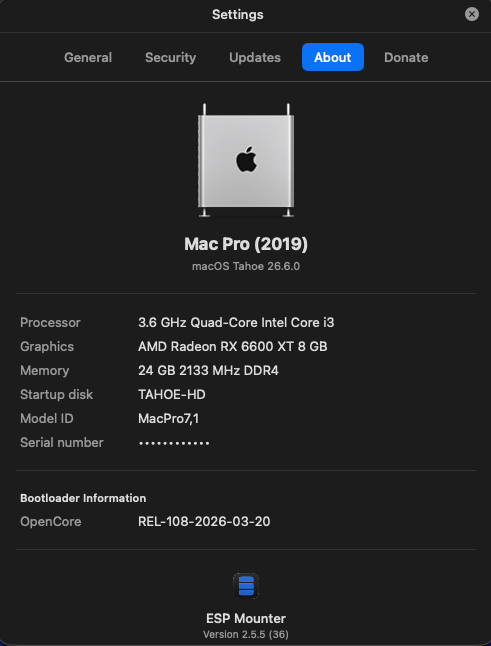
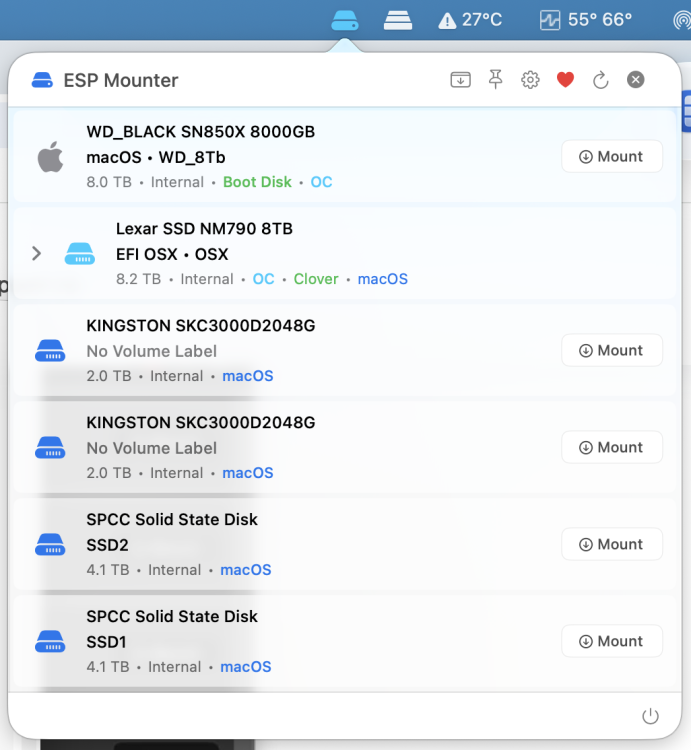
@fabiosun Thanks for the feedback. I'm glad that it works What about the hardware info? I've made some changes but not sure if it detects your AMD CPUs data correctly.
-
Hi thanks all is fine i have no tested anymore from a bit tested by now it works
-
 highmtc joined the community
 -
 ttsafewd joined the community
 -
Lotus365_pro joined the community
-
@fabiosun Hi there, How are you doing? I was wondering if you are still unable to run the app with the latest update.
-
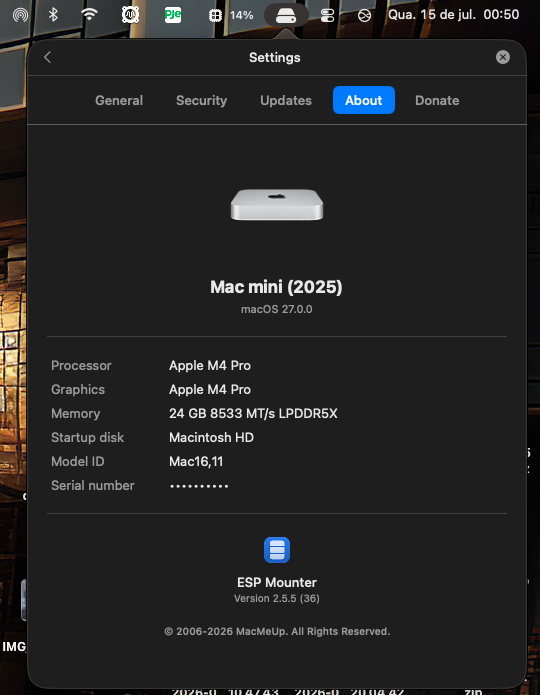
@Max.1974 Hi my friend, I'm doing fine, thanks, how are you doing? Thanks for the feedback. I sse the Mac mini's icon is not detected correctly so I need to check and see why is that happening. Since I don't have any Apple Silicon Macs I can't verify the hardware detection correctly and thoroughly.
-
 Sunita Pal joined the community
 - Today
-
 sachinsaini183131 joined the community
 -
 Ecotech Chutes Pvt. Ltd. joined the community
 -
(1).thumb.jpg.46e92524151762e2fa97d610b01987da.jpg) APD Design joined the community
APD Design joined the community -
 Jimmy Willson joined the community
 -
.thumb.png.73bf1a1739cb94ace718fdb0f0cff975.png) CMC Steel Solutions joined the community
CMC Steel Solutions joined the community -
@Cyberdevs its an excellent app my friend, I hope all doing good! God bless you!!
-
 Pharmafranchise Kart changed their profile photo
 -
 GG changed their profile photo
 - Yesterday
-
[Pre-release] macOS Sequoia 15.7.8
deeveedee replied to deeveedee's topic in New Releases and Updates
Sequoia 15.7.8 (24G817) breaks Norton 360's Transparent Proxy, causing it to block Safari, update checking and other network traffic. This has happened before and is usually addressed by the next macOS update (possibly an update from Norton). The temporary solution is to toggle System Settings > Network > Filters > Norton Transparent Proxy. Toggling it once in a login session resolves the problem for that session.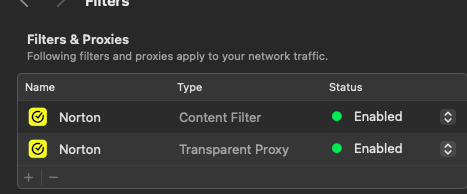
-

The OCLP-Plus 3.x (Tahoe Patch Set).
chris1111 replied to MakAsrock's topic in New Releases and Updates
Exactly -
The OCLP-Plus 3.x (Tahoe Patch Set).
deeveedee replied to MakAsrock's topic in New Releases and Updates
Not when privileged_helper_tool is built with "make debug." I think that was Chris1111's point. -
The OCLP-Plus 3.x (Tahoe Patch Set).
chris1111 replied to MakAsrock's topic in New Releases and Updates
No not in debug, Iam build OCLP and OCLP mod without issue also OCLP Tahoe Patchset -

The OCLP-Plus 3.x (Tahoe Patch Set).
MakAsrock replied to MakAsrock's topic in New Releases and Updates
Because the Privelled Helper Tool requires an Apple Developer Certificate. -
 But I think the end of Tahoe is not near because we will improve it how we can.
 -
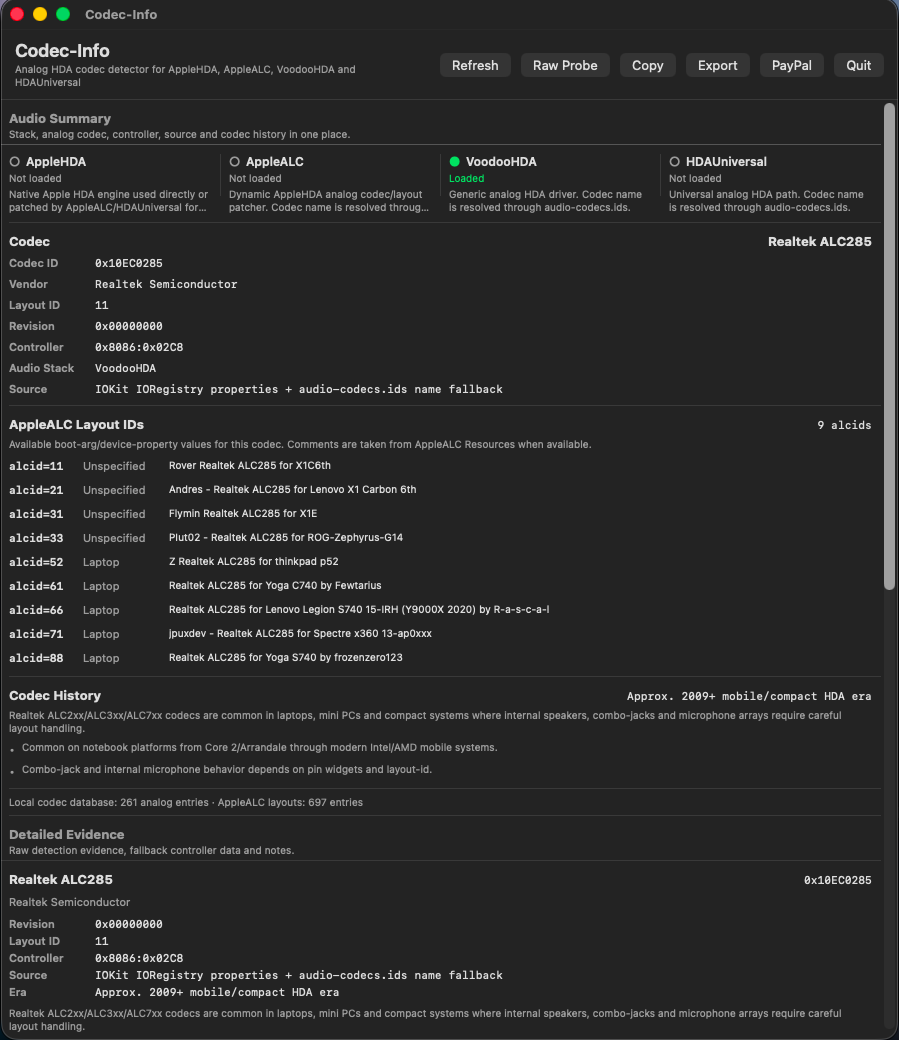
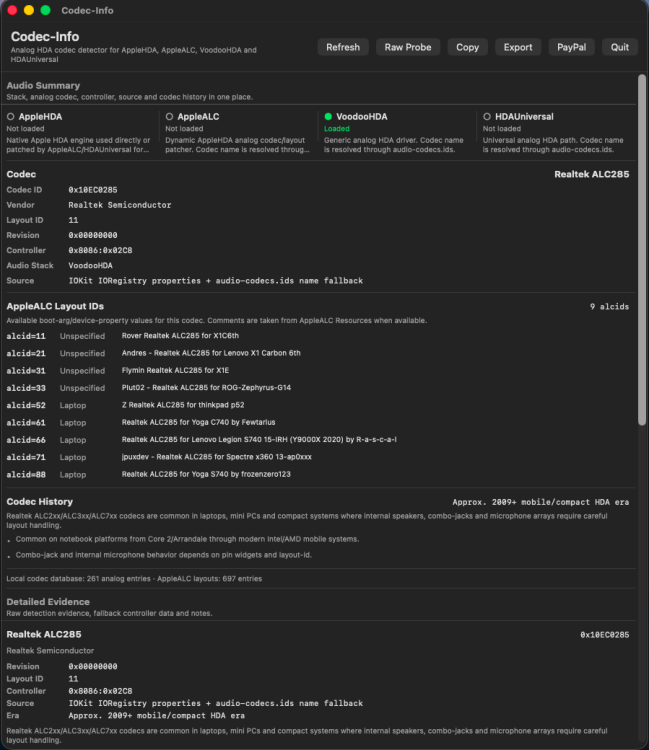
Thank you, @Slice. Installation of VoodooHDA.kext 3.6.2 was easy on my HP EliteBook 850 G7 running macOS Tahoe 26.6 Beta (25G5065a): Remove other audio kext from /Library/Extensions (in my case, I removed HDAUniversal.kext) Set csr-active-config = <03000000> and Reboot Modify VoodooHDA.kext/Contents/Info.plist: VoodooHDAEnableVolumeChangeFix = True cp -R VoodooHDA.kext /Library/Extensions When prompted, Allow VoodooHDA in System Settings > Privacy & Security Reboot Set csr-active-config = <01000000> Audio working perfectly. I don't have AMD HDMI on this hack, so I can't test AMD HDMI/DP audio, but audio quality with my internal speakers is outstanding. EDIT: Codec-Info EDIT2: Audio quality is really outstanding.
-
 trangcadobongda bio changed their profile photo
 -
 luck8day2 changed their profile photo
 -
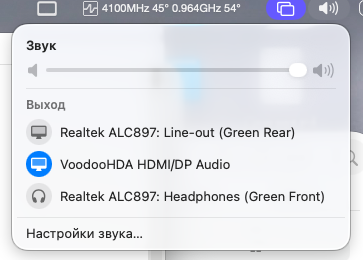
Big thanks, @MaLd0n for you sources 4.1. I take from them a minimal part of AMD HDMI hot-plug and it works!!! My version is 3.6.2. I have a purpose to write only minimal right codes without quirks and workarounds so that it will be the good basis for a new investigations. Hope my sources are academic. VoodooHDA.kext-362.zip
-
@Alpha22 Thanks for the feedback
-
Update completed, no problems
-
-
 sunwinx88com1 changed their profile photo
 -
 greecedrummer changed their profile photo
 -
The OCLP-Plus 3.x (Tahoe Patch Set).
chris1111 replied to MakAsrock's topic in New Releases and Updates
@MakAsrock There is no privileged_helper_tool the author delete it two days a go, dont know why? because it must be there and make debug -
Hi guys, New version is available for update with the app's built-in update feature. Let me know if you found a bug or ran into any issues.
-
 Hi guys, New version is available for download via app's built-in update Improved the progress steps on USB disk creation to exactly parse terminal's output as it runs the createinstallmedia command. Minor bug fixes and updated Donation link and QR Code in the app. let me know if you ind any bugs or ran into any issues.
 -
The OCLP-Plus 3.x (Tahoe Patch Set).
deeveedee replied to MakAsrock's topic in New Releases and Updates
@MakAsrock I'm sure that the author appreciated your testing results and feedback. -
(1).thumb.png.b2bd91cb45432278060e2f77d86356e1.png) เว็บหวยออนไลน์ huay.com.se changed their profile photo
เว็บหวยออนไลน์ huay.com.se changed their profile photo -
You can also try my old soft power table. Also: If you use WhateverGreen, you need the Boot argument `agdpmod=pikera` Devices.plist.zip
-
Thanks @MakAsrock I added the framebuffer to the existing pci path, I did not use the one you provided. I will do some tests again when I have a chance.
-
 Muhammad Saleh changed their profile photo
 -
You need to check the PCI path to your video card. I've provided mine as an example only: PciRoot(0x0)/Pci(0x1.0x0)/Pci(0x0.0x0)/Pci(0x0.0x0)/Pci(0x0.0x0) Your path may be different, and you may have added framebuffer entries to Bluetooth by mistake. Creating your own softpowerplaytable is recommended, but not required. I created one to prevent the card from overheating and the fans from spinning at maximum speed (slight undervolting and a custom Zero-RPM). I have a Fenvi FV-HB1200 ac Hackintosh WiFi and Bluetooth, it works fine.