All Activity
- Past hour
-
 Paulo Néro joined the community
 -
 Ilja_Il joined the community
 -
 Raul Brito joined the community
 -
 tk1010com joined the community
 -
-
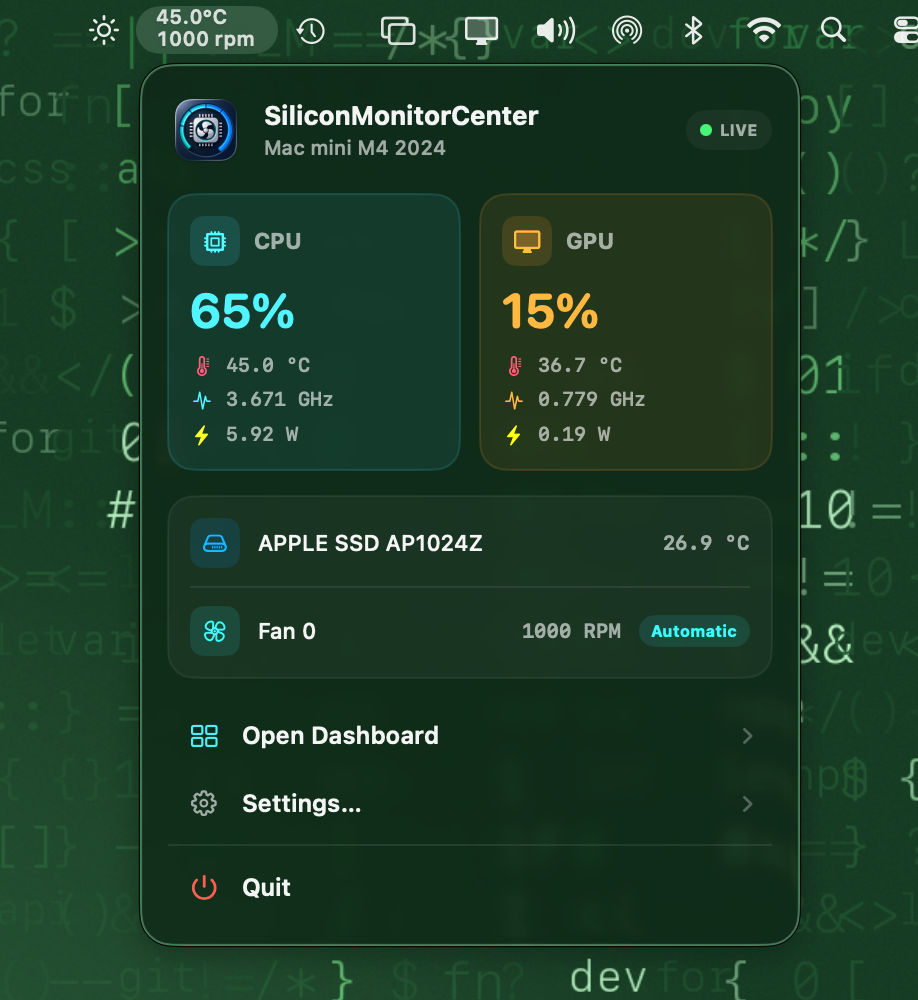
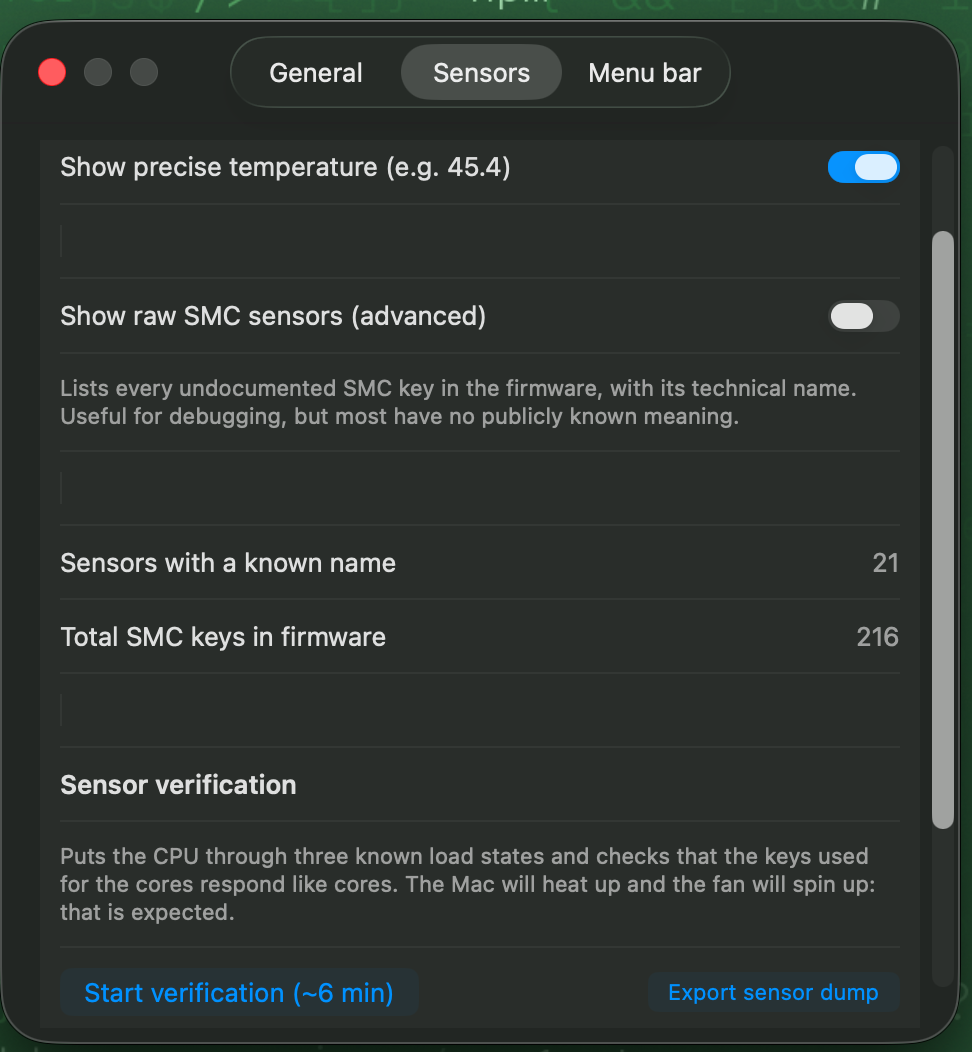
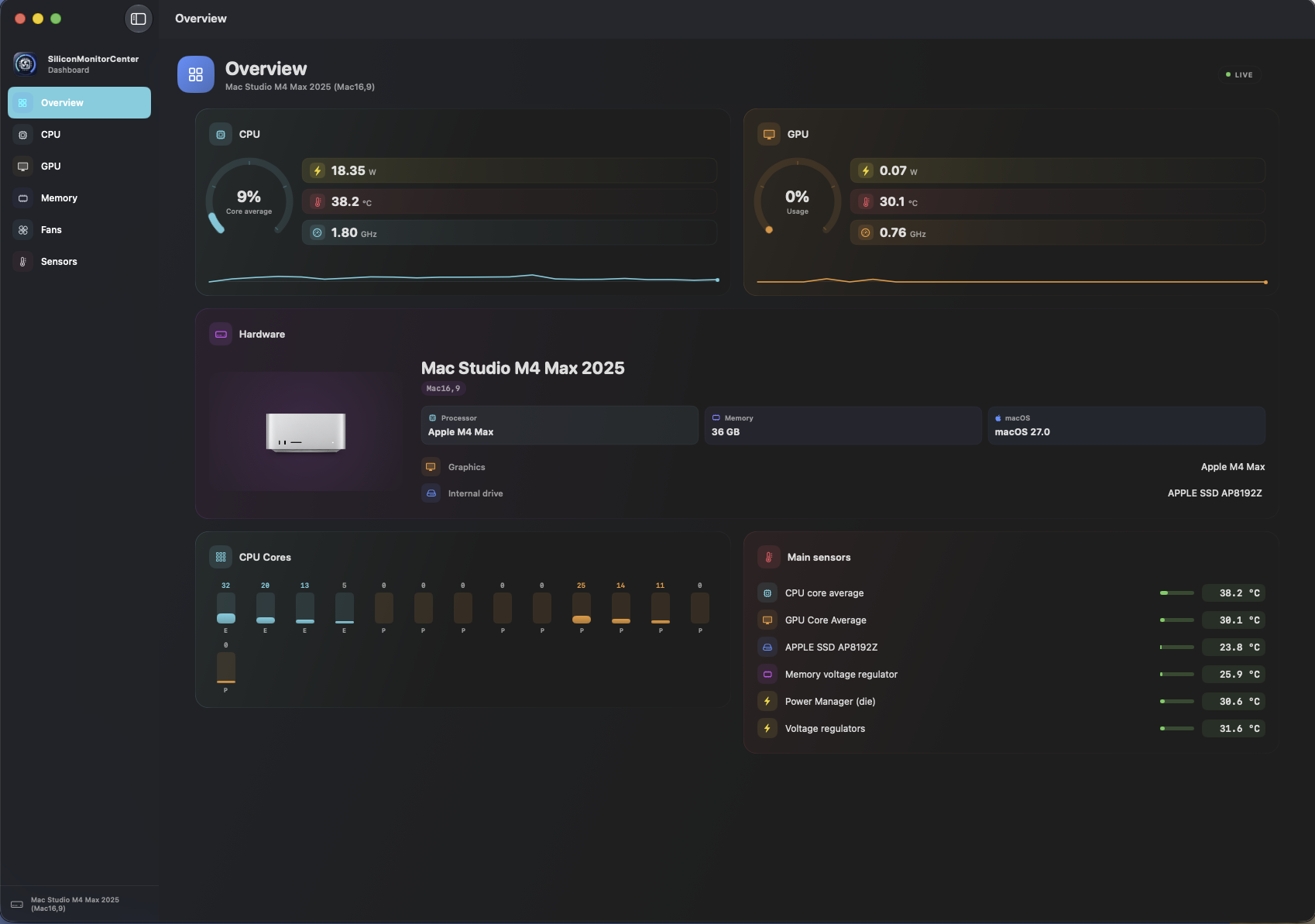
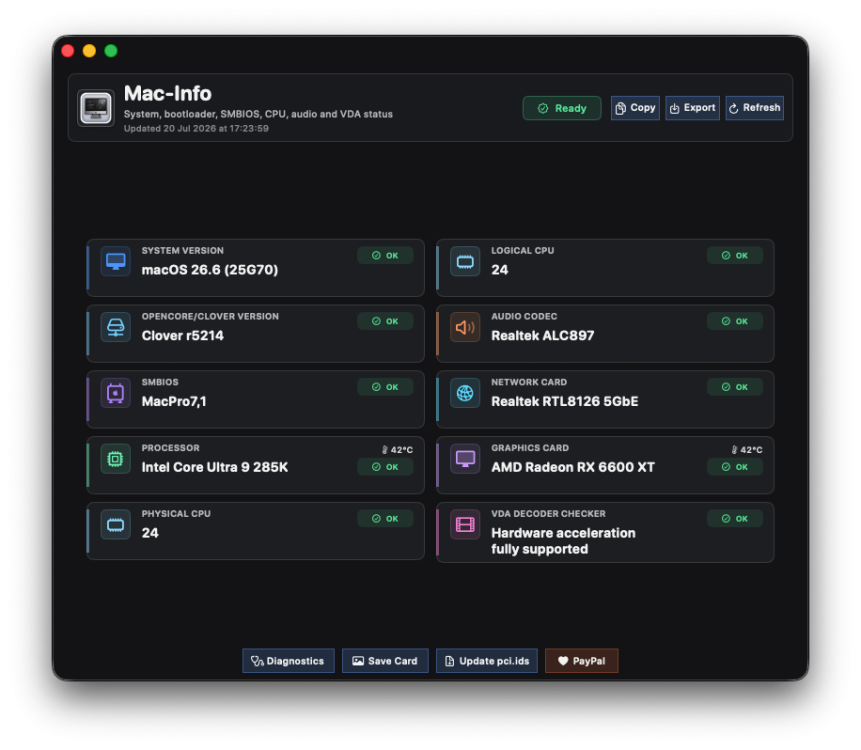
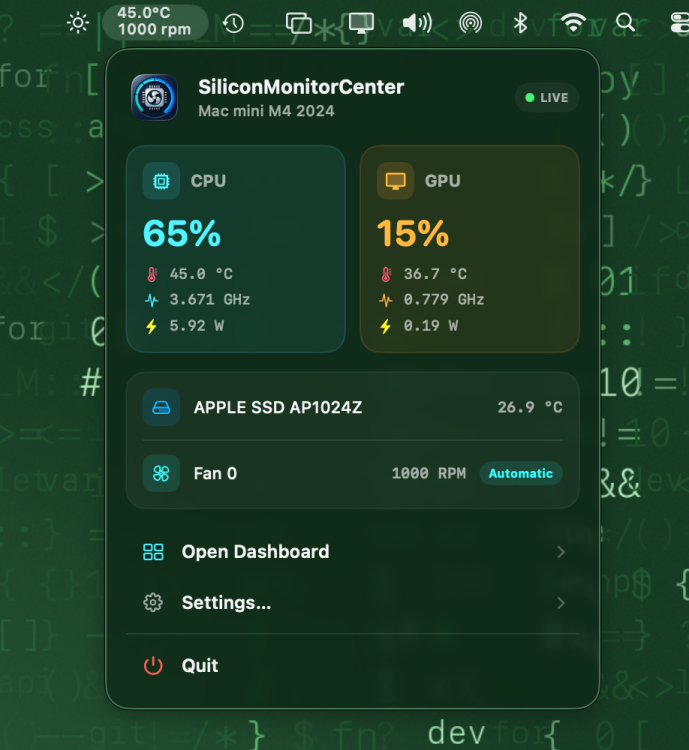
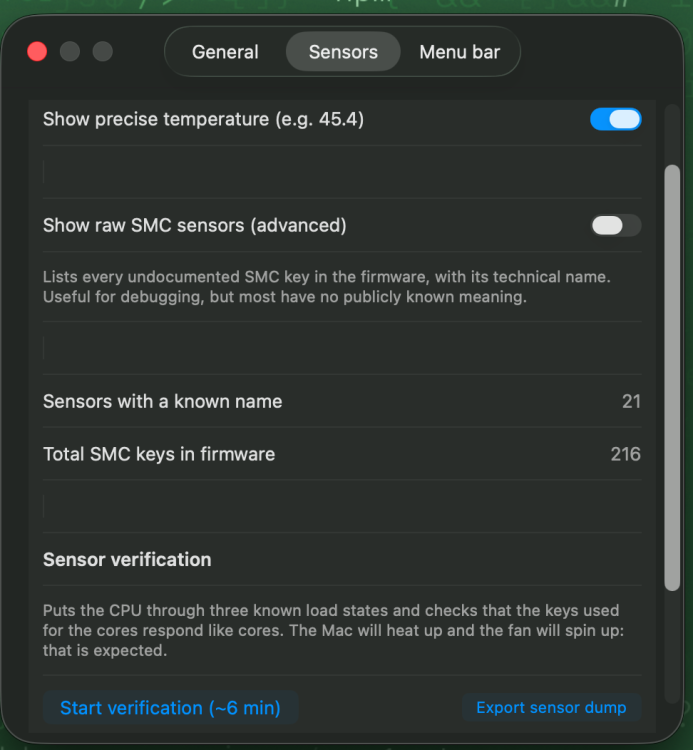
Click on the top of the bar and you will see the overview and there you will find settings, and in the second tab of settings you will find the button to launch the verification
-
Where do i find the option to start verification
- Today
-
 This version is just for test. There are many unfinished things and bugs.
 -

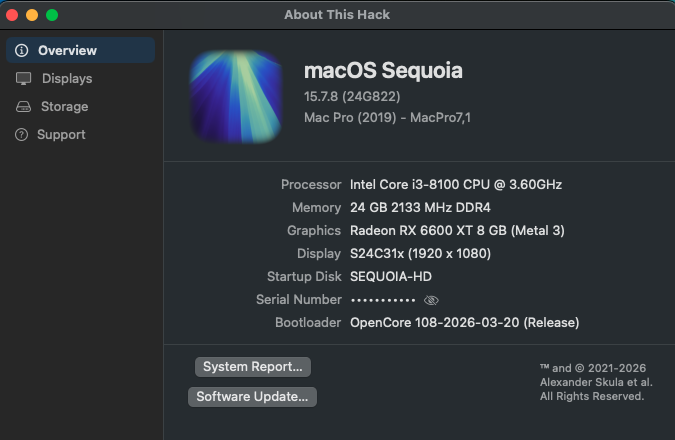
[Pre-release] macOS Sequoia 15.7.8
strangeron replied to deeveedee's topic in New Releases and Updates
👍
-
Here they go, my friend! sensor-verification-MacBookPro17,1-1784573052.txtsensor-dump-MacBookPro17,1-20260720-204517.txt
-
👍
-
Open source cross-platform OpenCore Auxiliary Tools(OCAT)
149113 replied to ic005k's topic in Hackintosh Tools
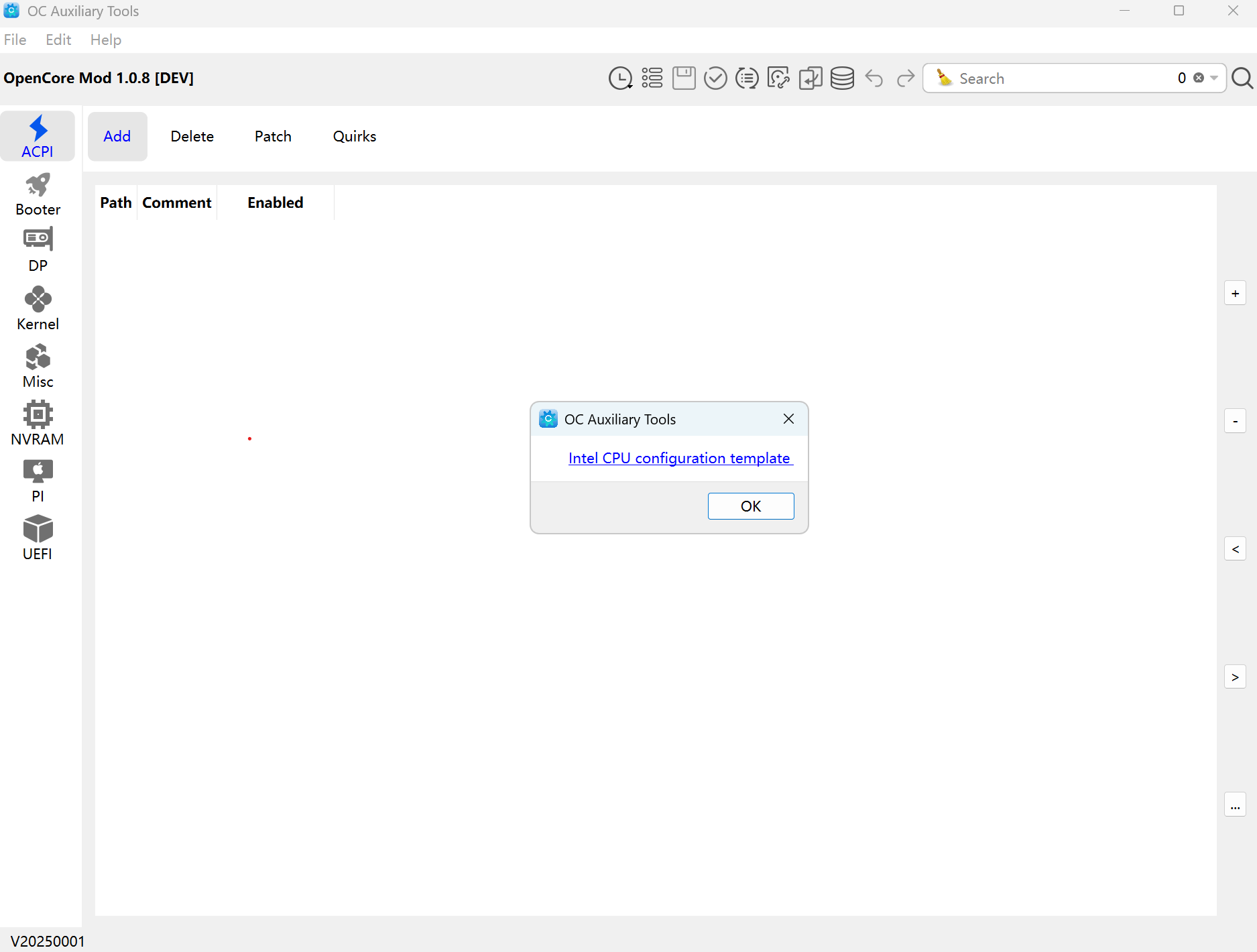
When I click on the database icon I get the following. The template URL link on Git is expired. I never see the screen where you can pick your architecture template. What am I doing wrong?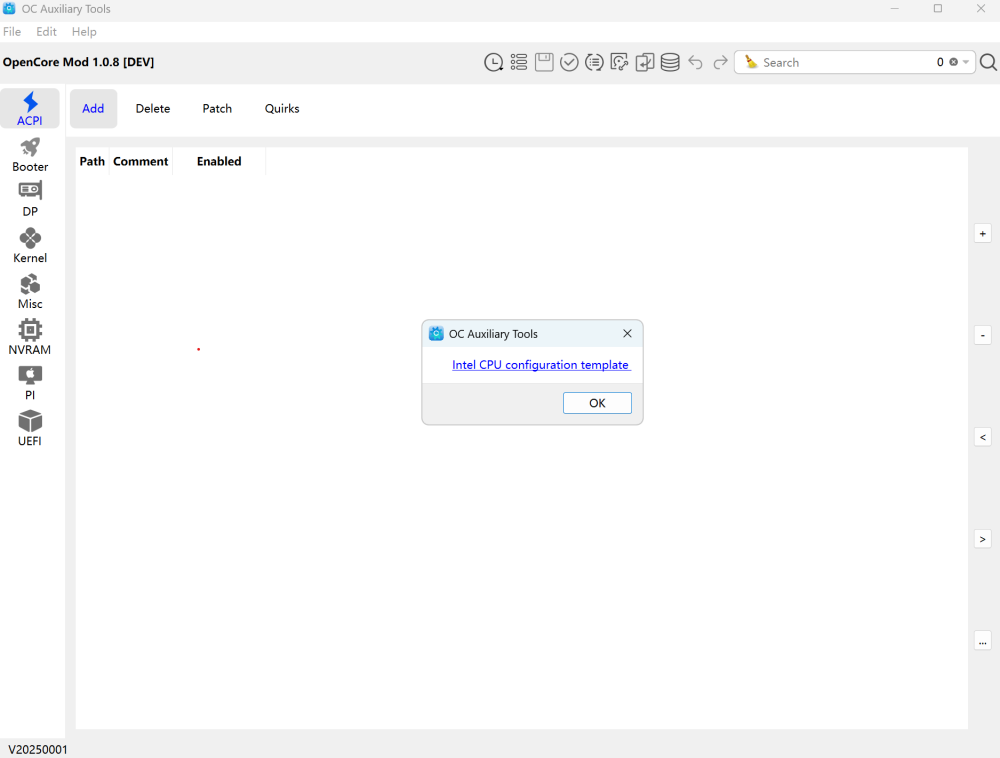
-
-
.thumb.jpg.c0e46348c612f7db633a006bf78d38bf.jpg) winazcncom0 joined the community
winazcncom0 joined the community -
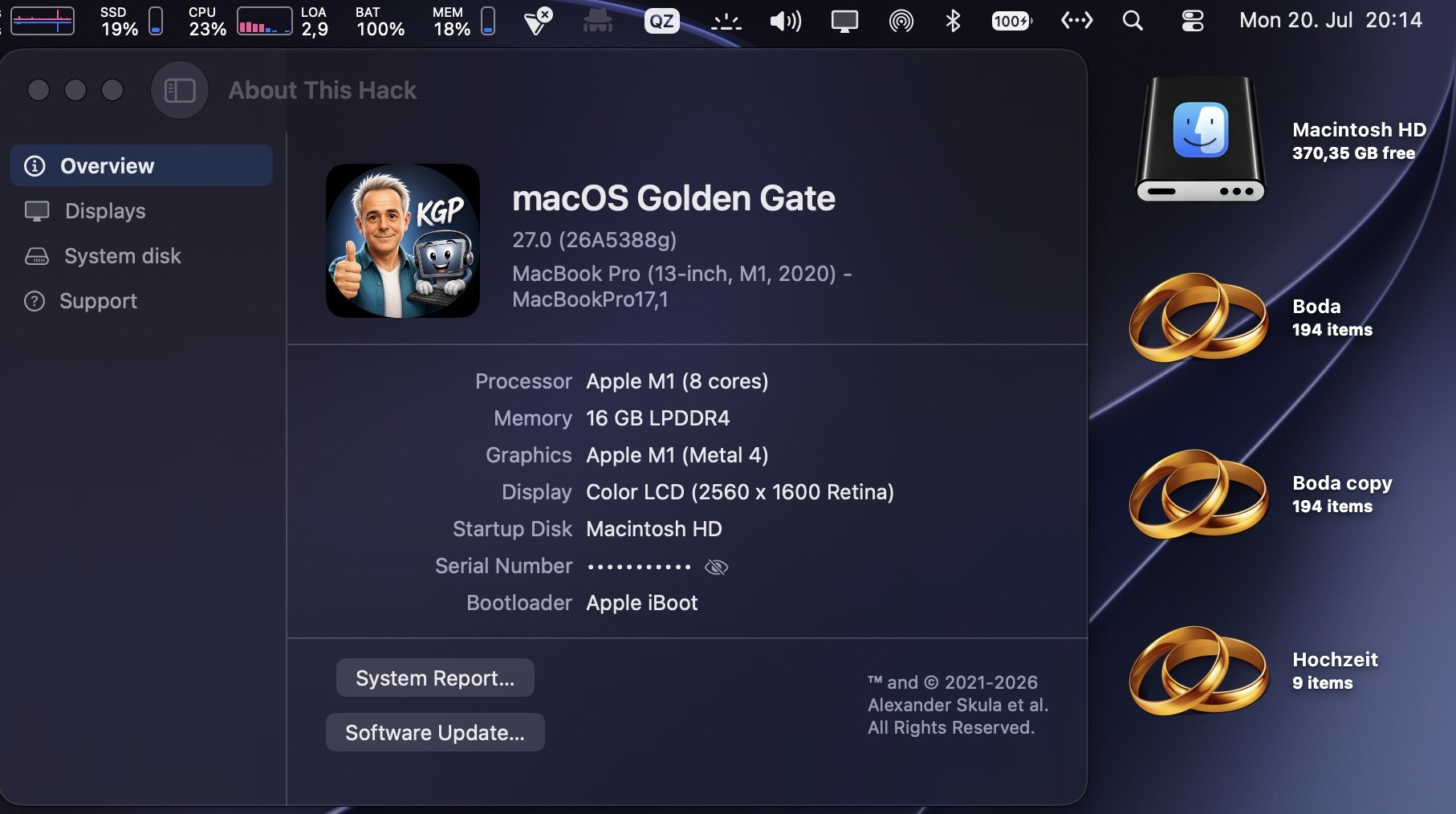
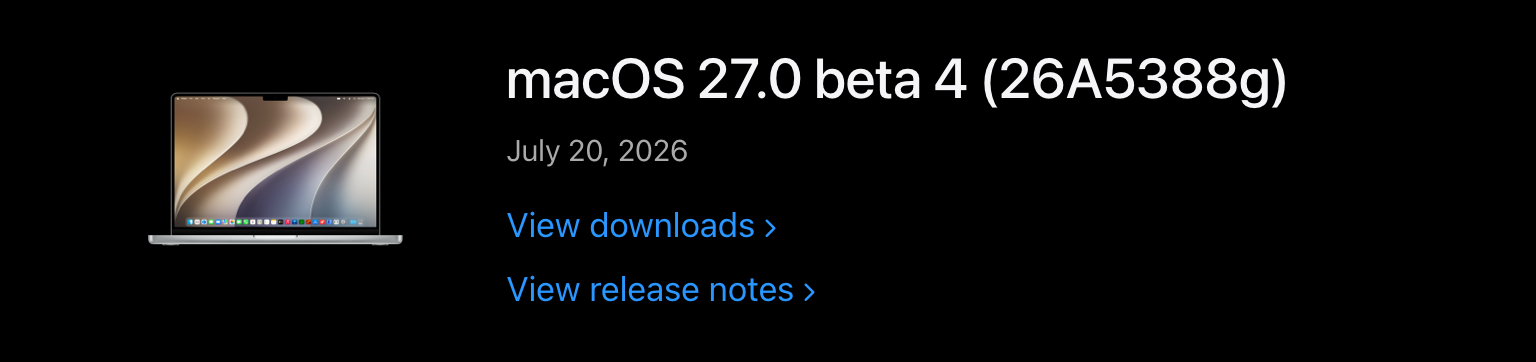
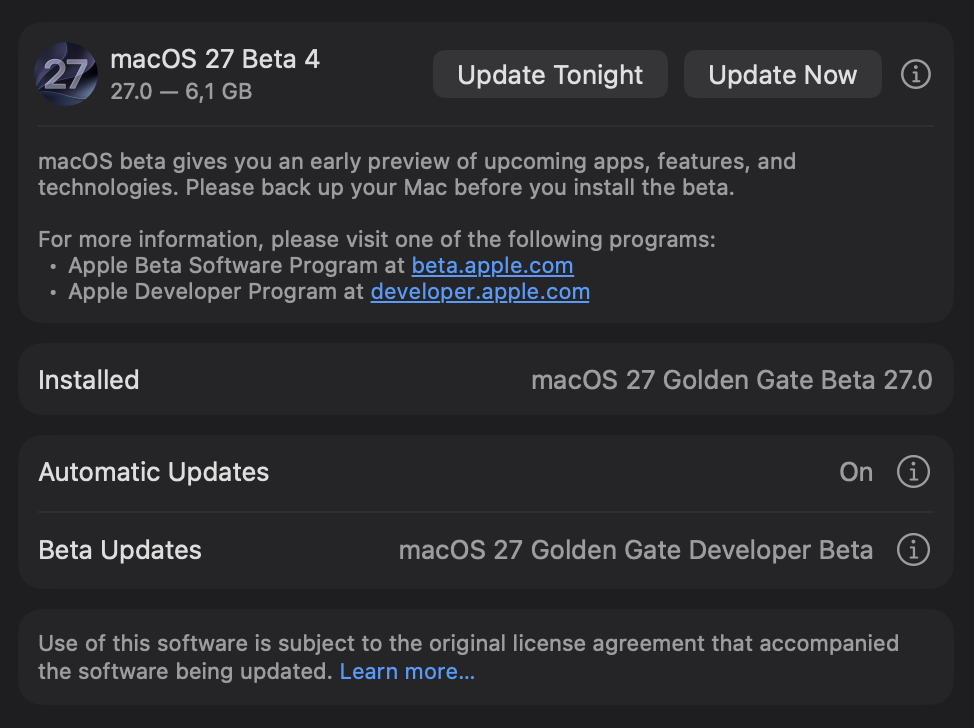
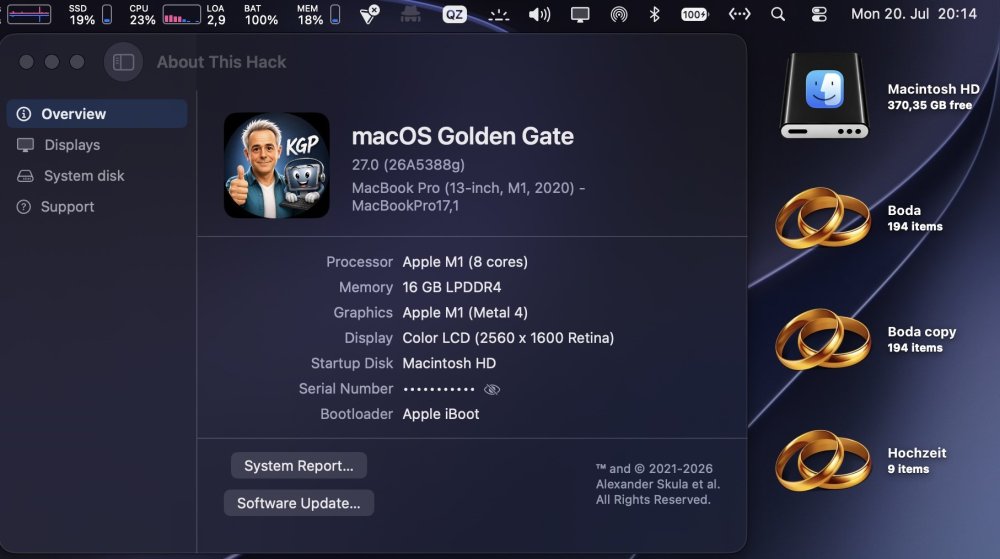
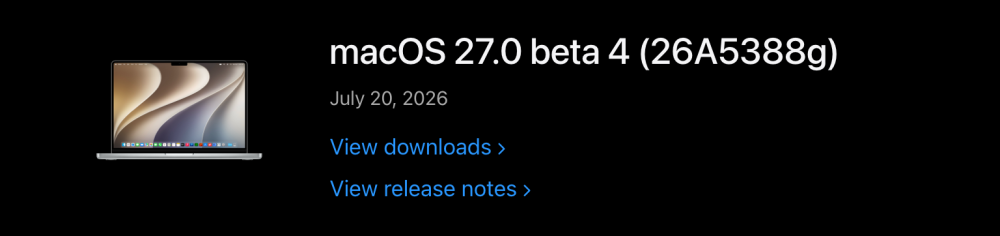
Flawless sequential OTA update (6.1 GB) from macOS 27.0 beta 3 to macOS 27.0 beta 4 (26A5388g) .
-
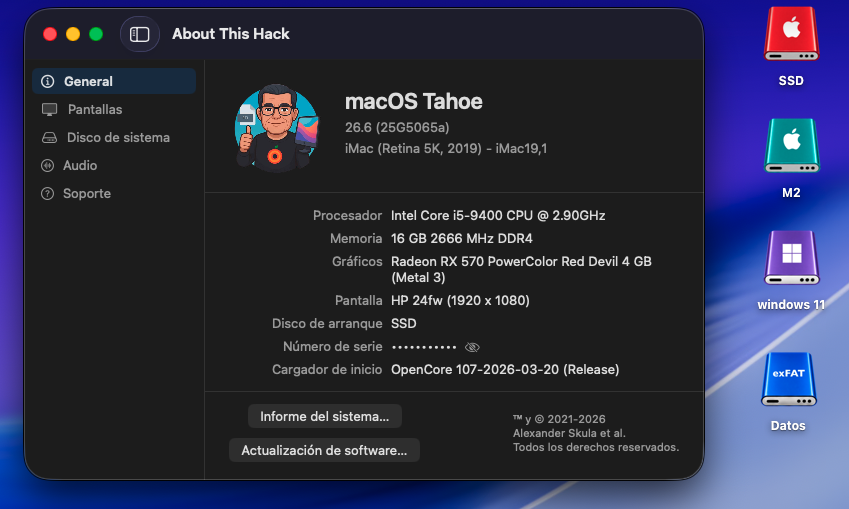
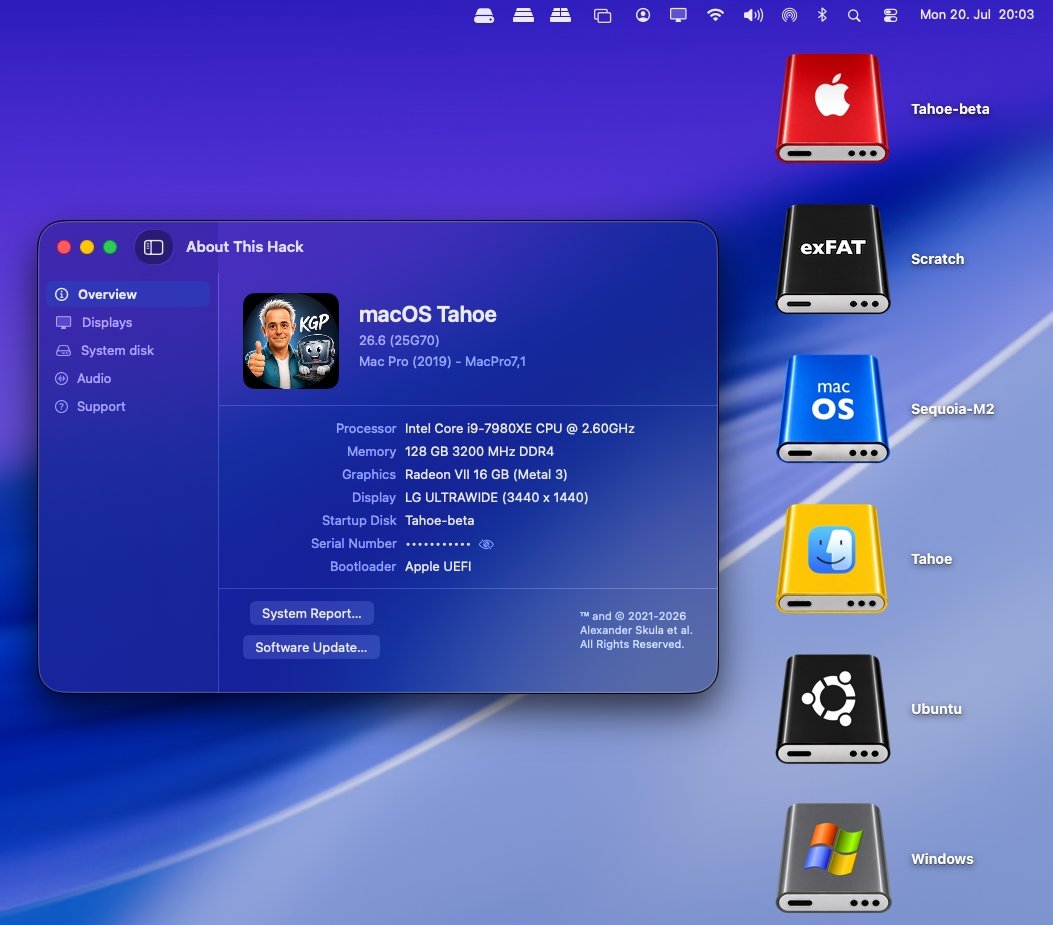
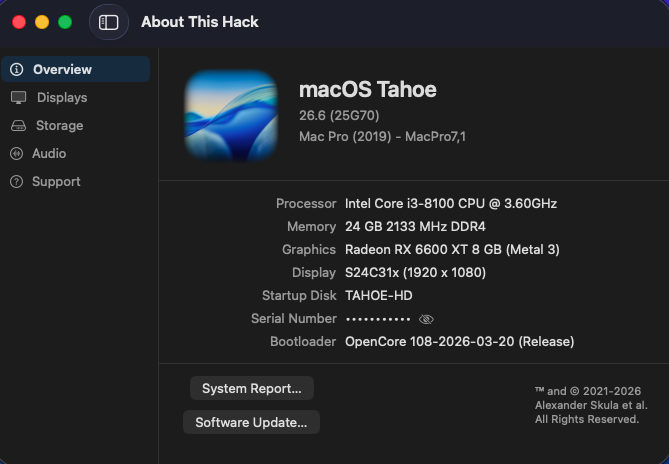
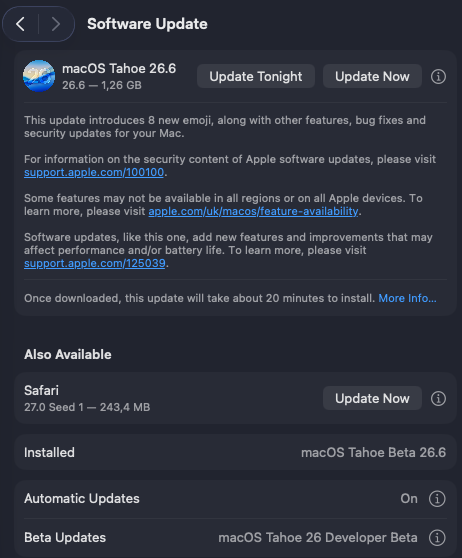
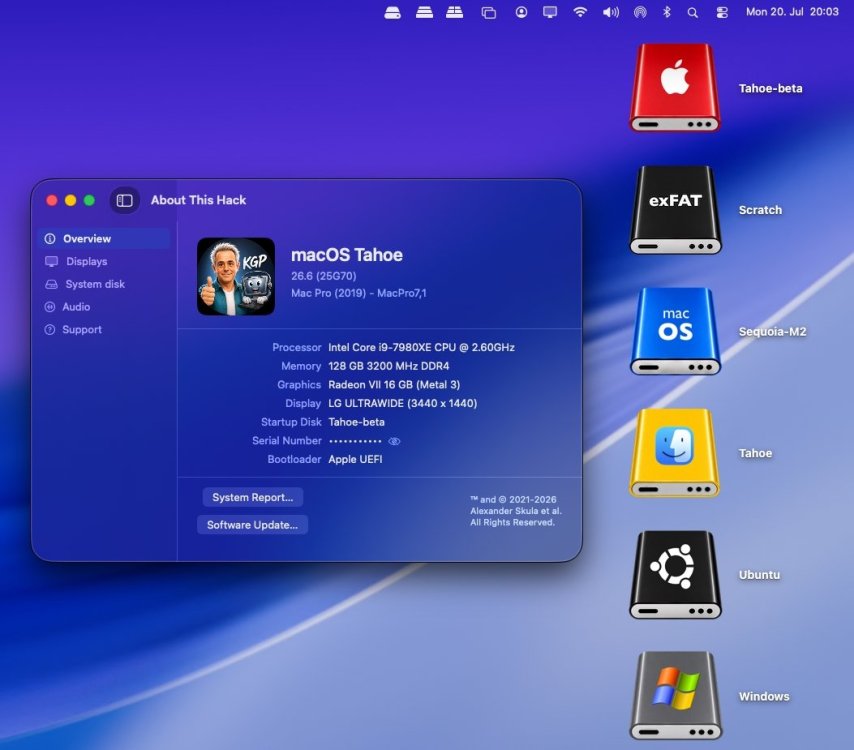
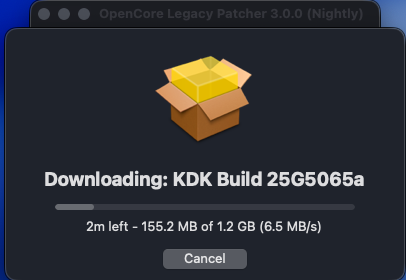
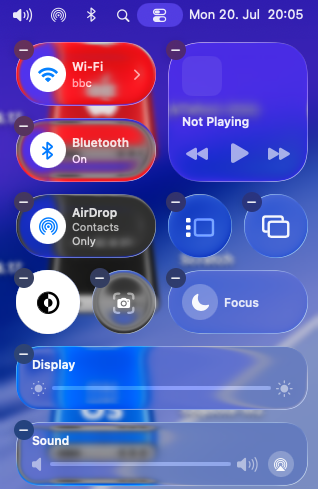
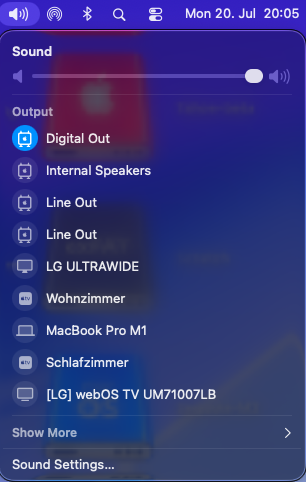
Painless sequential OTA update (1.26 GB) from macOS 26.6 beta 5 (25G5065a) to macOS 26.6 RC (25G70). Apple has not yet released a Kernel Debug Kit for macOS 26.6 RC (25G70). OCLP correctly selects Kernel Debug Kit 26.6 build 25G5065a, corresponding to macOS 26.6 beta 5, as the closest available match. My Broadcom/OCLP setup (BCM943602CDP) works under macOS 26.6 RC as expected. AppleHDA, Wi-Fi, native Bluetooth, AirDrop, AirPlay, Screen Mirroring, Continuity Camera, Personal Hotspot, and sleep/wake all appear to be working properly. Everything seems ready and well prepared for the final release of macOS 26.6.
-
macOS 27.0 beta 4 (26A5388g)
-
macOS 26.6 RC (25G70)
-
You can re-download version b6, I’ve just replaced it and run the calibration test again that way, I can wrap up m1, m4, and m5, and they’ll be fully verified.
-
 sunwin99cocom joined the community
 -
gametaixiugbnet1 joined the community
-
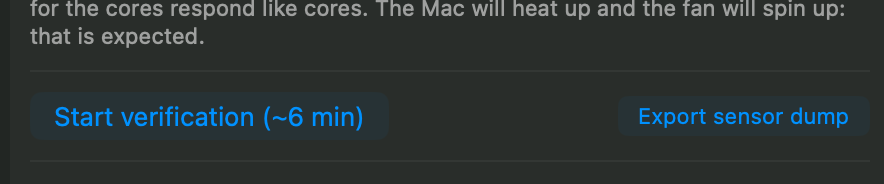
wow ❤️ send export sensor dump and start verification and send the file generated , ty.
-
 ROI Security Savings changed their profile photo
 -
phimhayokcom joined the community
-
 Massage At Home Lagos joined the community
 -
 iwin68haus joined the community
 -
verifica-sensori-MacBookPro17,1-1784567243.txtsmcdump-MacBookPro17,1-20260720-190729.txt
-
Can you rerun the test with this version and send me the output? Thanks, my friend. Guys, send me your test results too. use this version b6 https://github.com/Lorys89/App-test/raw/refs/heads/main/SiliconMonitorCenter 1.0 b6.zip
-

The OCLP-Plus 3.x (Tahoe Patch Set).
deeveedee replied to MakAsrock's topic in New Releases and Updates
More here. -
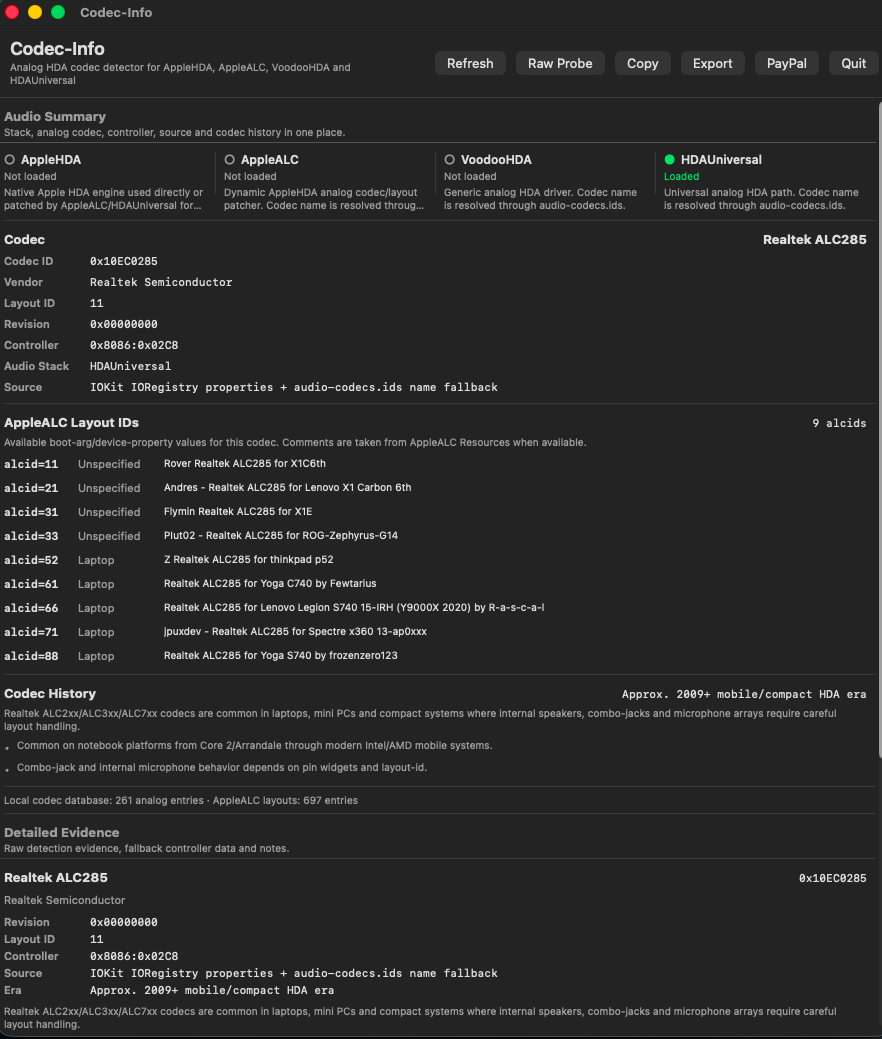
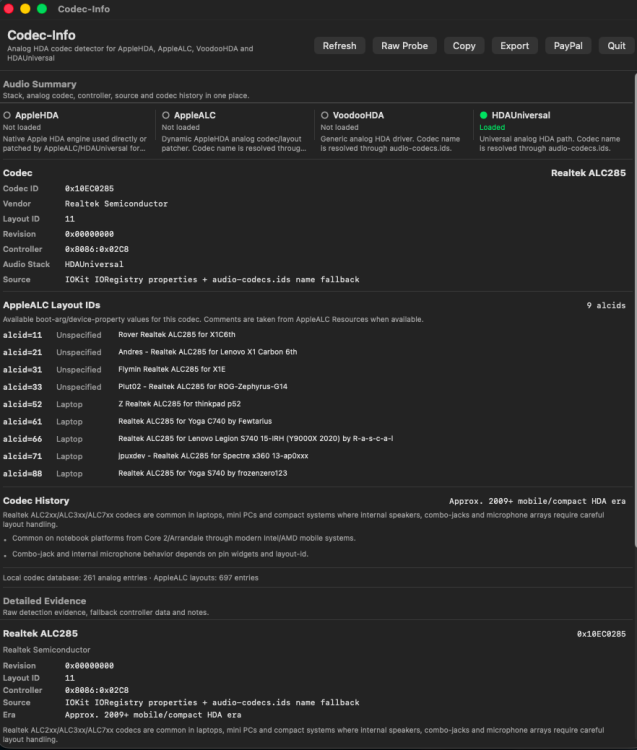
Just installed HDAUniversal from here on my HP EliteBook 850 G7 laptop running Tahoe 26.5.2 (25F84). The installation could not have been any easier: Remove other audio kext from /Library/Extensions (in my case, I removed VoodooHDA.kext) Set csr-active-config = <03000000> and Reboot Run HDAUniversal.pkg When prompted, Allow HDAUniversal in System Settings > Privacy & Security Reboot Set csr-active-config = <01000000> Audio quality is outstanding! EDIT: What I continue to love about this is the ease of installation, the fact that I can use it with SIP csr-active-config = <01000000> (Allow untrusted kexts) which is no different than injecting untrusted kexts with Open Core or CLOVER, and I don't need to unpatch/repatch every time I update macOS. It just works. Nice work, MaLd0n! Codec-Info
-
 TonyFox changed their profile photo
 -
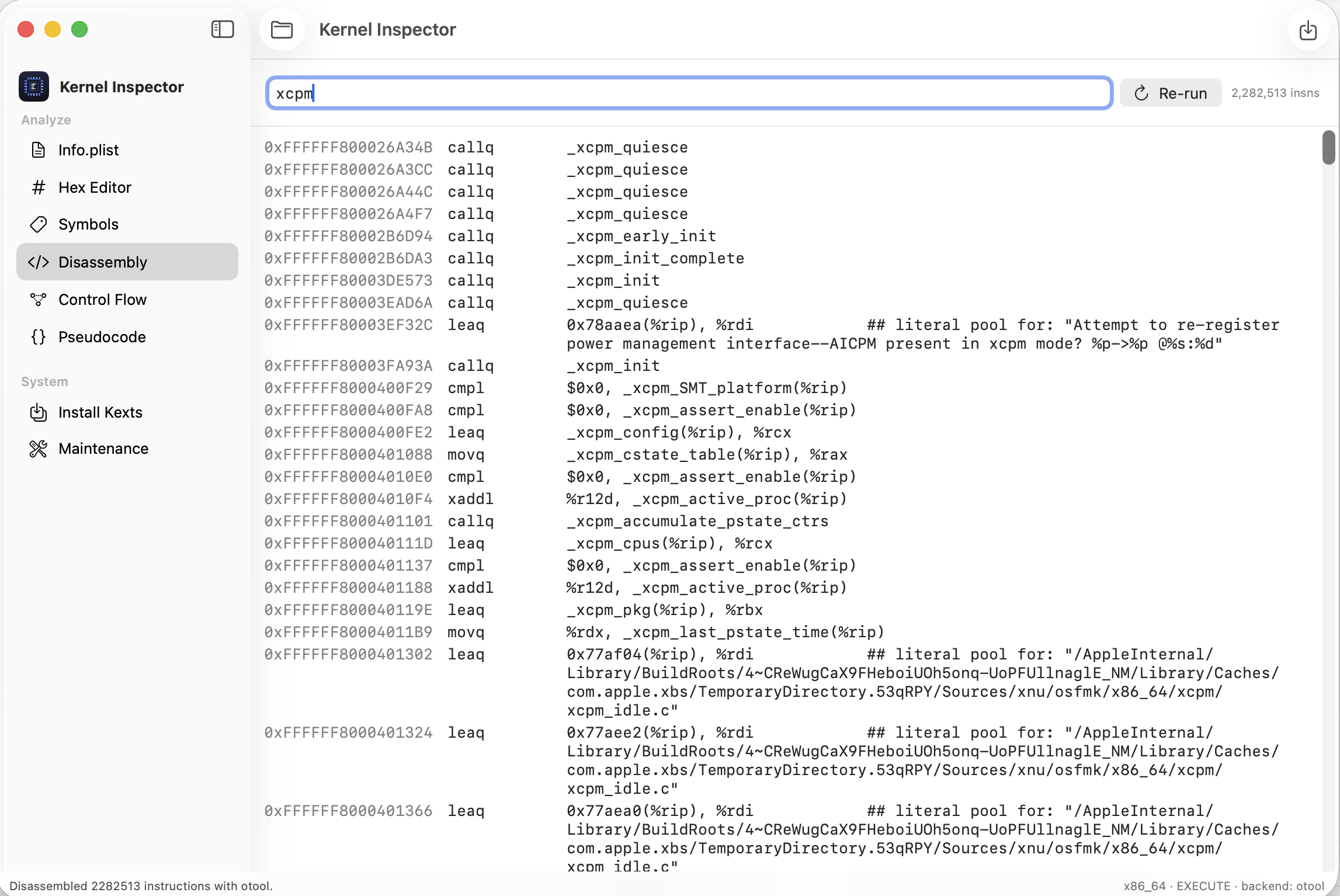
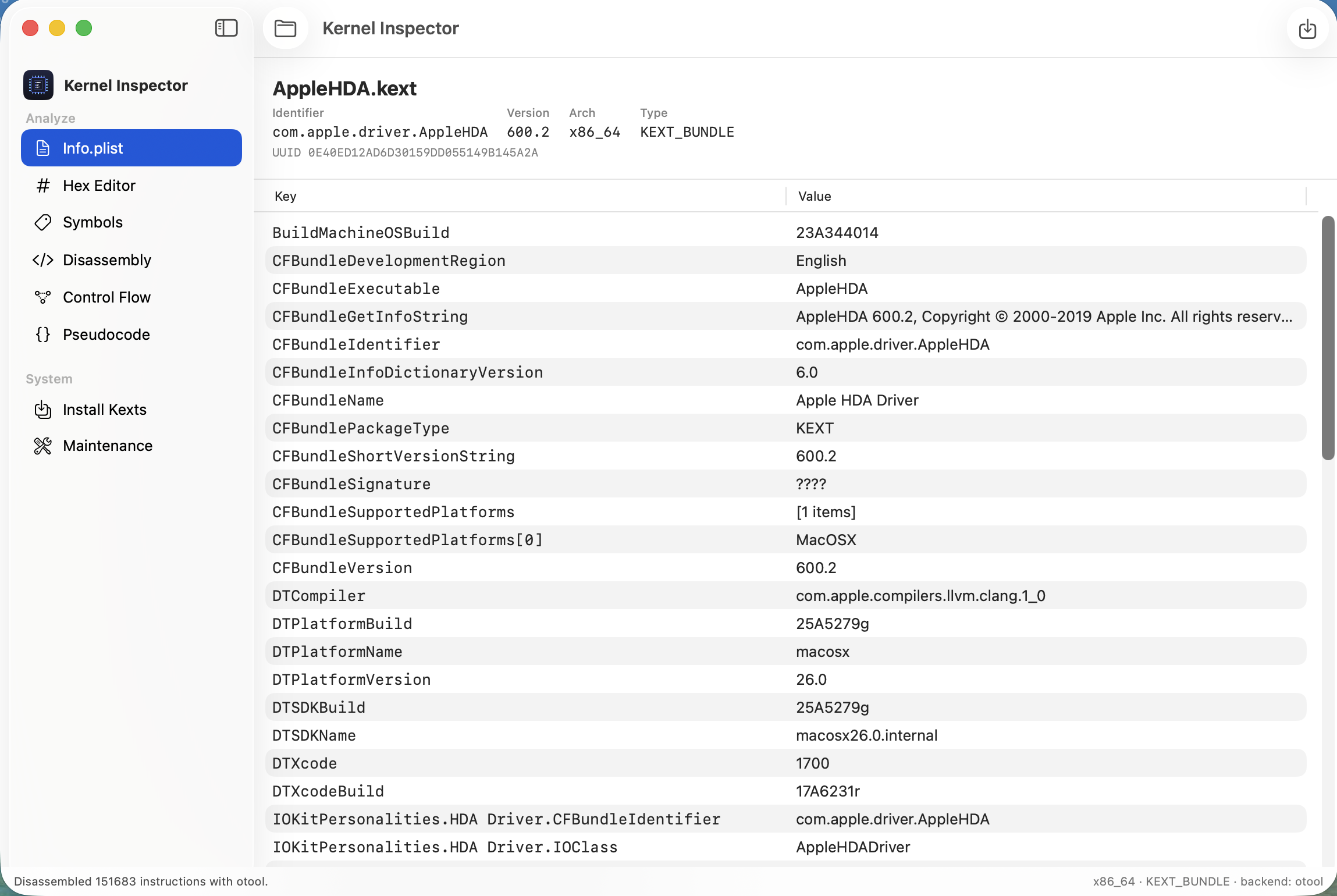
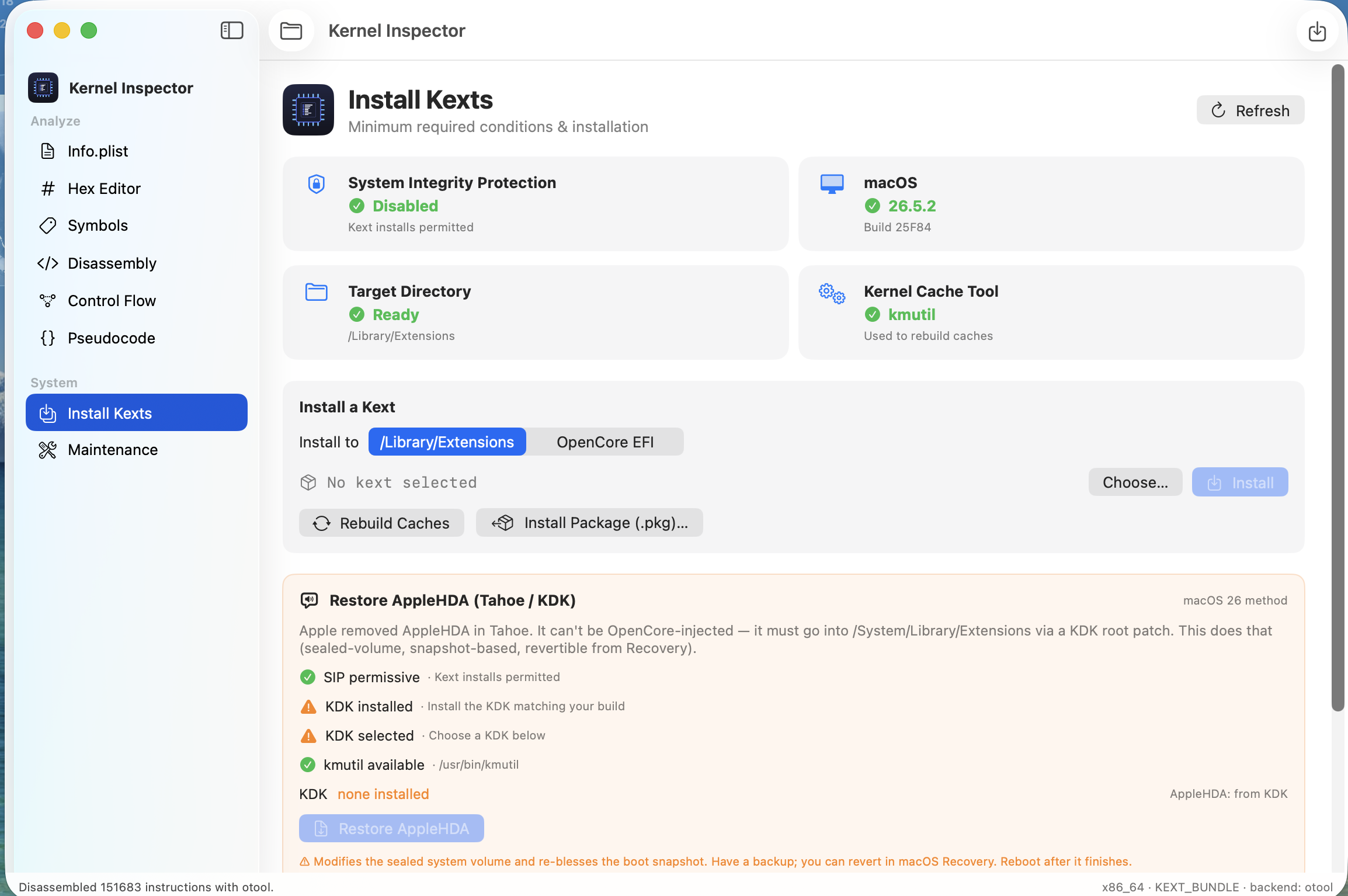
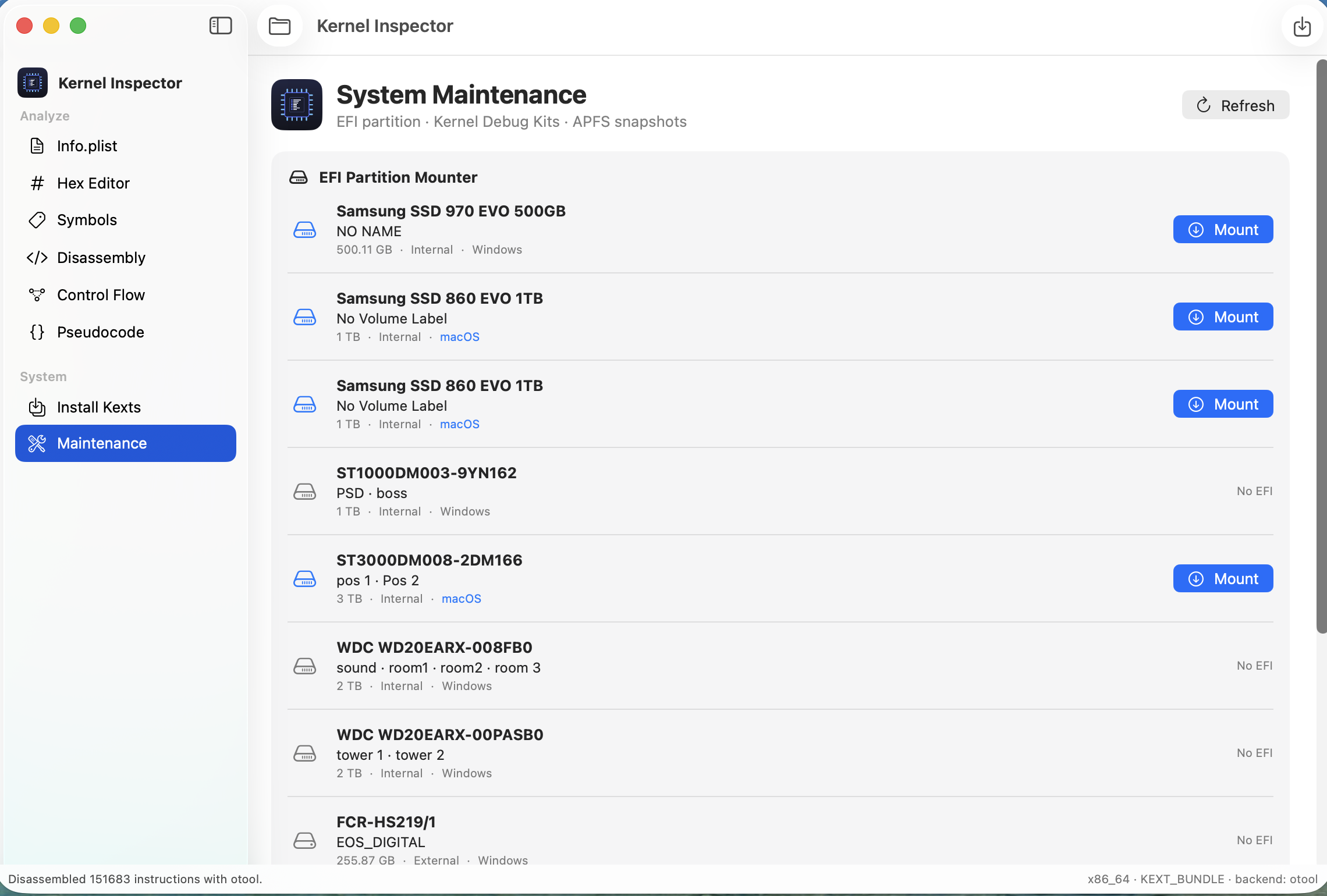
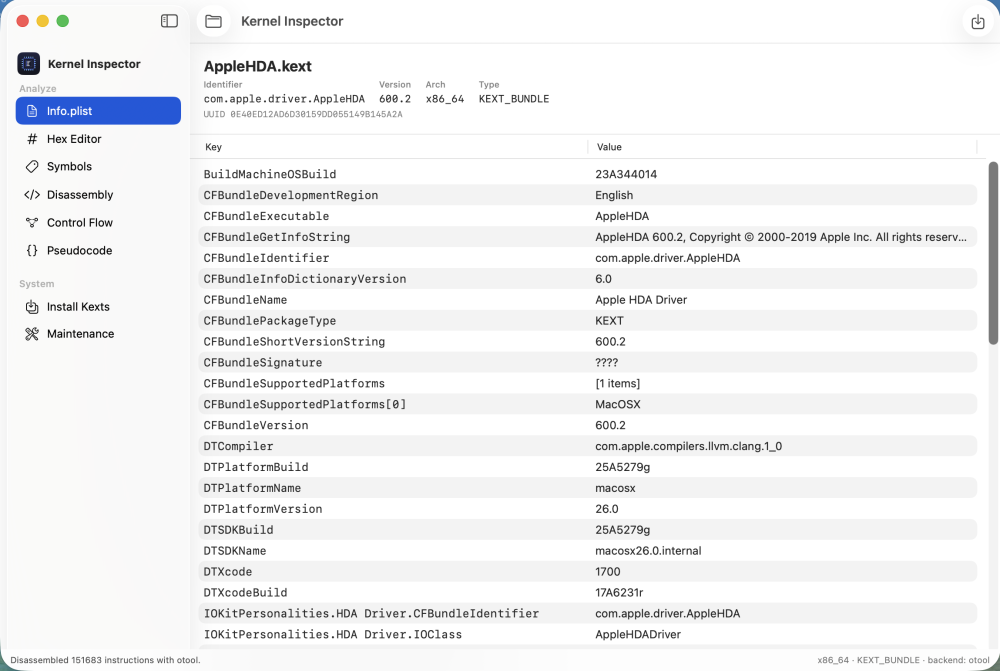
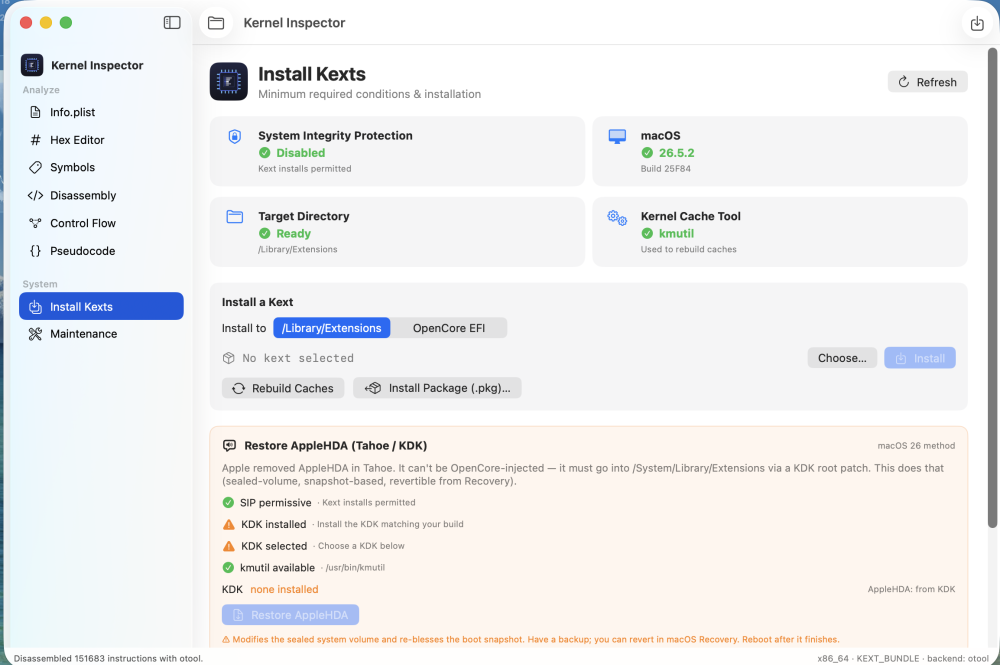
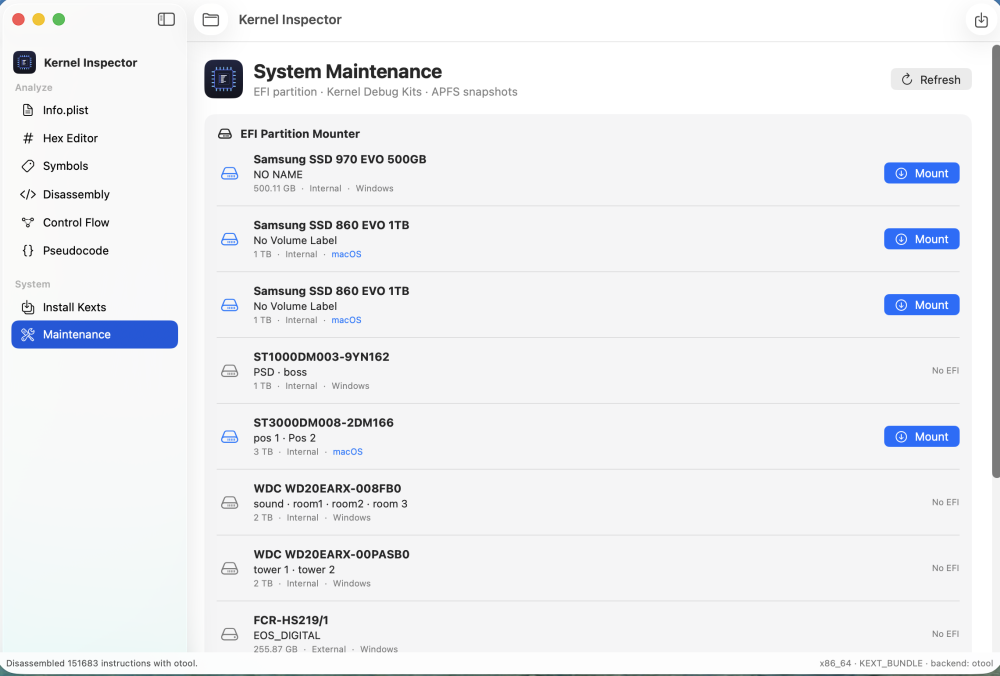
 Hi all — sharing a free macOS app I built: Kernel Inspector. It opens a .kext bundle or any Mach-O binary and lets you dig through it (think a lightweight Hopper), plus it bundles the Hackintosh chores I got tired of doing by hand. Download: https://github.com/luminadevapps/KernelInspector/releases Source: https://github.com/luminadevapps/KernelInspector WHAT IT DOES Analyze - Info.plist — kext identifier, version, UUID, linked libs, full searchable Info.plist - Hex Editor — byte view with hex find & replace and patch-to-file - Symbols — full nlist_64 table with global/local/undefined/debug filters - Disassembly — ARM64 / x86-64 of __text, colour-coded by branch/call/return - Control Flow — per-function basic-block graph - Pseudocode — heuristic pseudo-C (readability aid, not a decompiler) System (Hackintosh) - Install Kexts — readiness dashboard (SIP / macOS build / target / cache tool), install a .kext to /Library/Extensions or into your OpenCore EFI (auto-adds Kernel->Add + plugins to config.plist, backs it up first), rebuild caches, uninstall - Maintenance — ESP-mounter style EFI partition mount/unmount, Kernel Debug Kit manager, config.plist viewer, APFS snapshot cleanup All privileged steps use the standard macOS admin prompt — the app never sees your password. INSTALL 1. Download the .dmg from the Releases page 2. Drag Kernel Inspector into Applications 3. First launch only: right-click -> Open -> Open (it's ad-hoc signed, not notarized) Needs macOS 13+ and the Xcode Command Line Tools (xcode-select --install) — the disassembler shells out to otool/llvm-objdump. NOTES Pseudocode/CFG are heuristic. Parser targets 64-bit Mach-O. It's a study/RE aid for binaries you own or are allowed to analyse. Feedback and bug reports welcome — cheers!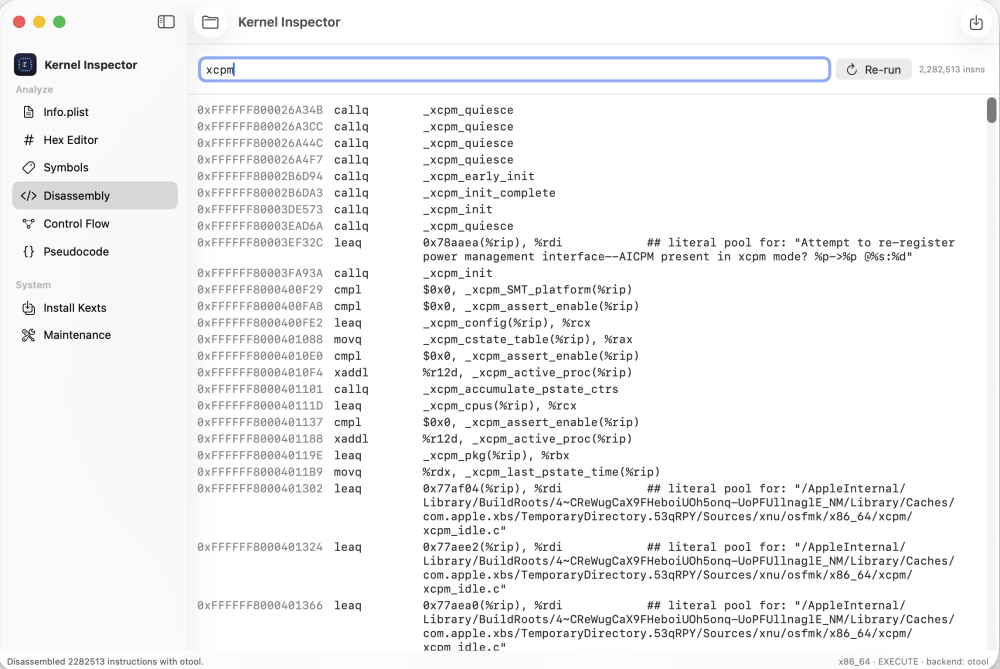
-
- 2
-

-
 Kurti Makarov changed their profile photo
 -
 opalridgedental changed their profile photo
 -
verifica-sensori-MacBookPro17,1-1784549445.txtsmcdump-MacBookPro17,1-20260720-141055.txt
-
start verificatiion and send output file after 6 min
-
start verificatiion and send output file after 6 min
-
perfect NEW: