All Activity
- Past hour
-
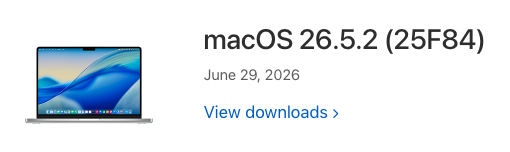
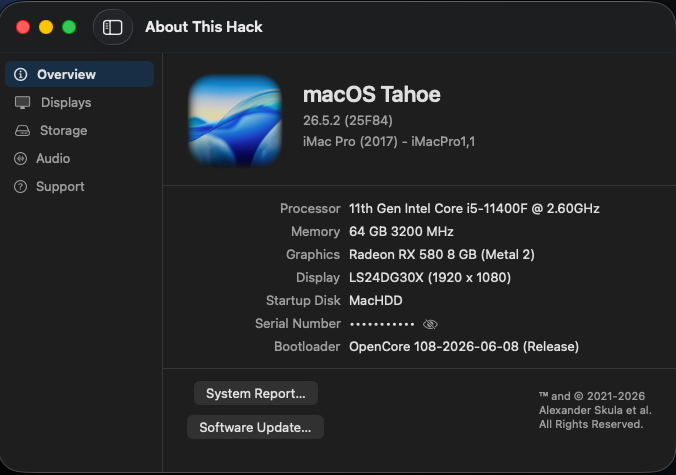
 @Austere.J I hope you are good. After I updated to macOS 26.5.2 today, my build refuses to load the desktop. I made various tests and the only way I can load macOS 26.5.2 is by disabling the AppleBCMWLANCompanion kext. Have you experienced similar issues at your end. For me, the kext was not causing any issues since I enabled it. It seems like something changed with this update. I can try to find logs that I can share with you.
 -
The M4 isn't always faster, it depends on the Hack. My desktop is still superior in many aspects.
-
About This Hack (2009-Nissan-Cube version migrated to SwiftUI)
jlrycm replied to miliuco's topic in Hackintosh Tools
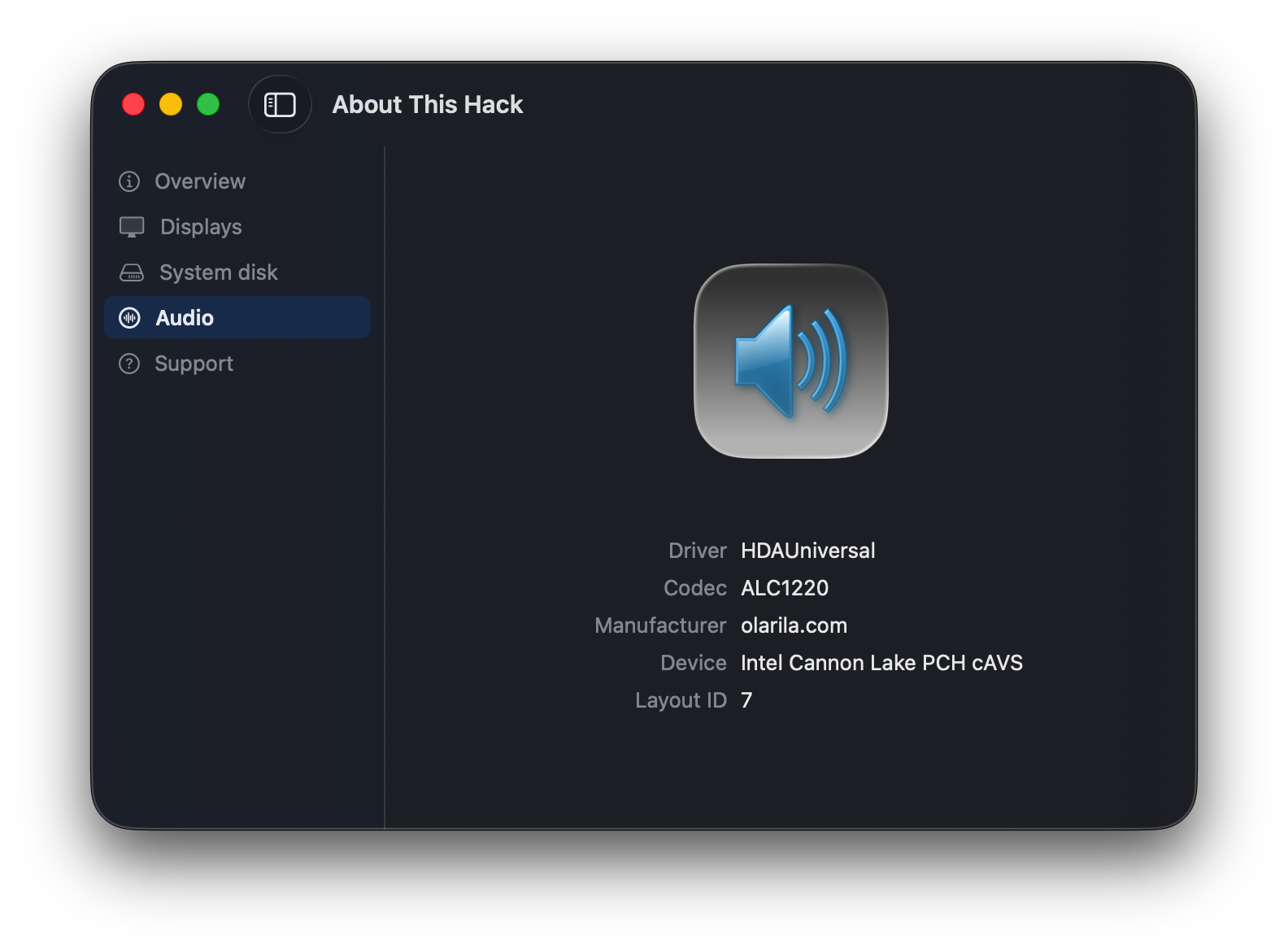
@miliuco I tested the new release and it worked for me. The audio tab shows up displaying the expected information, except for the layout ID which is defined as 69 in my config.plist but displayed as layout id 11. Need to investigate that further. -
 fredjobs joined the community
 -
 unipath joined the community
 -
 taptoexplore joined the community
 -
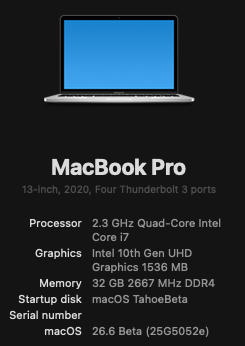
Smooth unattended update. I know that the Apple Silicon Macs are way faster and able to run macOS 27, but is there anything better than knowing that your hack is the product of your own effort supported by this awesome InsanelyMac team?
- Yesterday
-
[Pre-release] macOS Sequoia 15.7.8
deeveedee replied to deeveedee's topic in New Releases and Updates
Easy unattended update.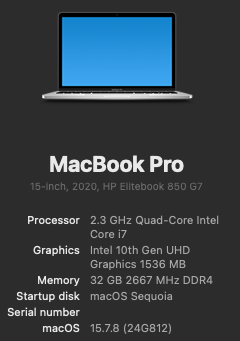
-
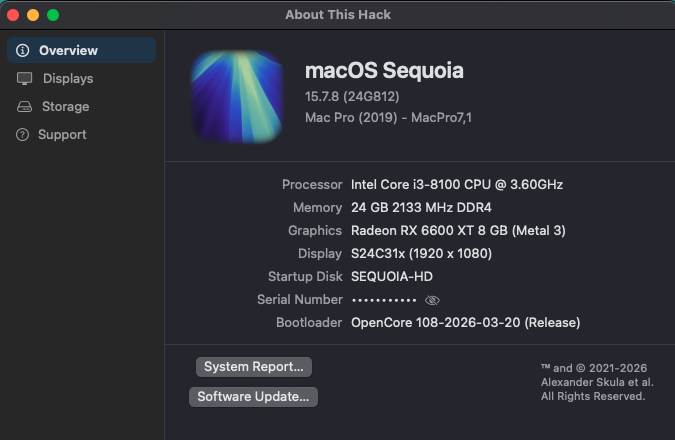
Updated the machine in my signature. No issues. OpenCore 1.0.7 no root patch MacPro7,1 HDAUniversal audio. So far, all is working fine.
-

About This Hack (2009-Nissan-Cube version migrated to SwiftUI)
miliuco replied to miliuco's topic in Hackintosh Tools
Version 4.3.8: add HDAUniversal audio support. Any feedback is very welcome. https://github.com/perez987/About-This-Hack/releases/tag/4.3.8 -
https://swdist.apple.com/content/downloads/63/03/140-36226-A_WUCZCLWK7K/1elqm2ix9y06je9fgy9rdqed1jod0jgxoe/140-36226.English.dist https://swdist.apple.com/content/downloads/63/03/140-36226-A_WUCZCLWK7K/1elqm2ix9y06je9fgy9rdqed1jod0jgxoe/InstallAssistant.pkg [ 35 ] 2026-06-29 17:30:49 .. 140-36226 .. 26.5.2.25F84 macOS Tahoe.
-
Z690 Hack update went well. not patched WiFi sound though via Bluetooth

-
My thread has already been merged into @fantomas’ thread. Apparently, the issue has already been resolved.
-
About This Hack (2009-Nissan-Cube version migrated to SwiftUI)
miliuco replied to miliuco's topic in Hackintosh Tools
@jlrycm Initial work. It's not easy to get the manufacturer from IOReg using HDAUniversal (Realtek in the case of ALC1220) so I fill it with olarila.com. @MaLd0n if you know a way to get the real vendor, please tell me. In the meantime, I leave olarila.com. Is it okay?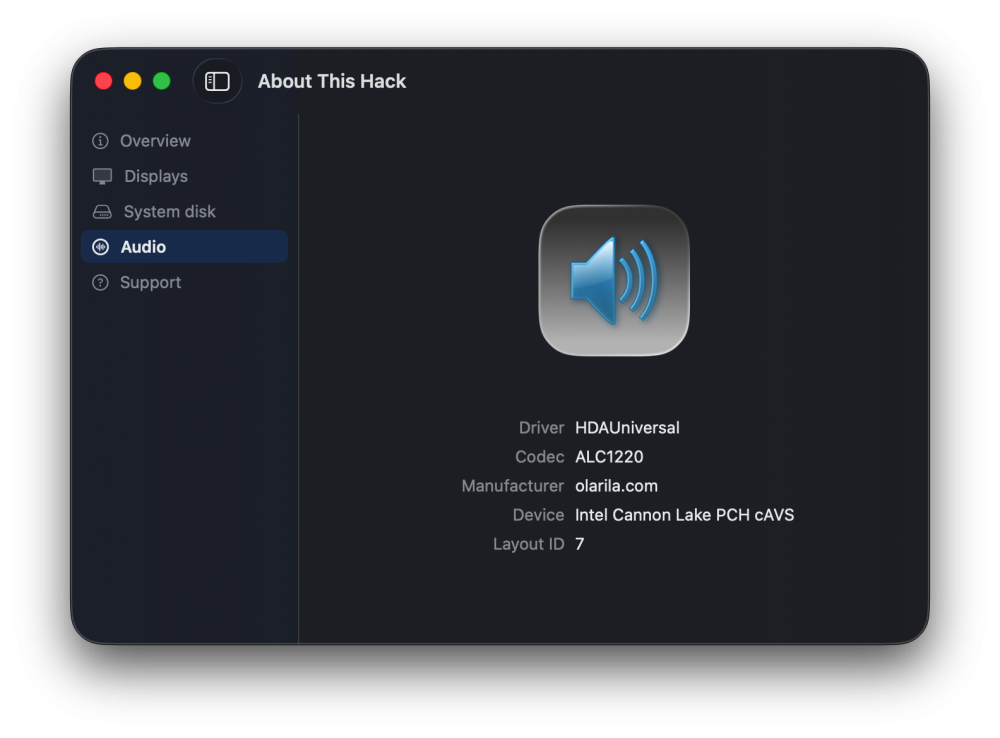
-
@kgp My mistake was thinking that your thread was created after @fantomas, sorry. Anyway, I hope that admins merge the 2 threads.
-
I was asking @fantomas via PM if he could create a new release thread for macOS 26.5.2. He replied that I could do it as well, so I created the thread. Unfortunately, @fantomas created the same thread about two minutes later without noticing mine. It was simply an unfortunate timing issue, which I also just realized some time ago. The best solution would be to merge the two threads. Since Fantomas has not replied to the PM for a couple of hours, I also added @Allan so one of them can take care of it.
-
-
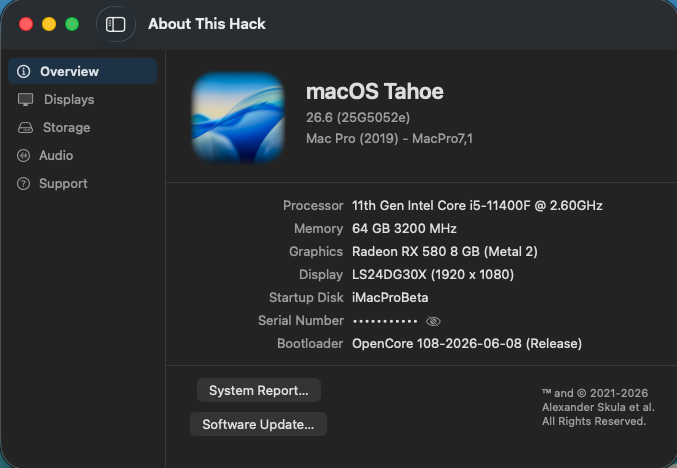
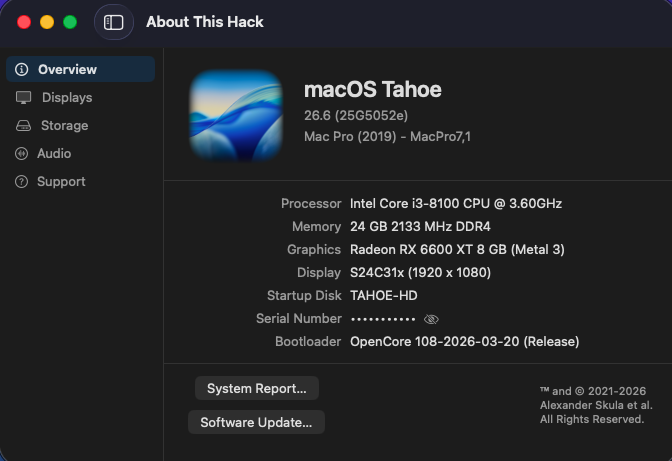
@fantomas and admins Can you merge this thread and the one with the same name, posting by @kgp? I guess that @kgp did not noticed that there already was a thread about 26.6.
-
-
 88xxshtop joined the community
 -
 Topnhacaiuytin Jpnet joined the community
 -
laodongbacninh joined the community
-
👍
-
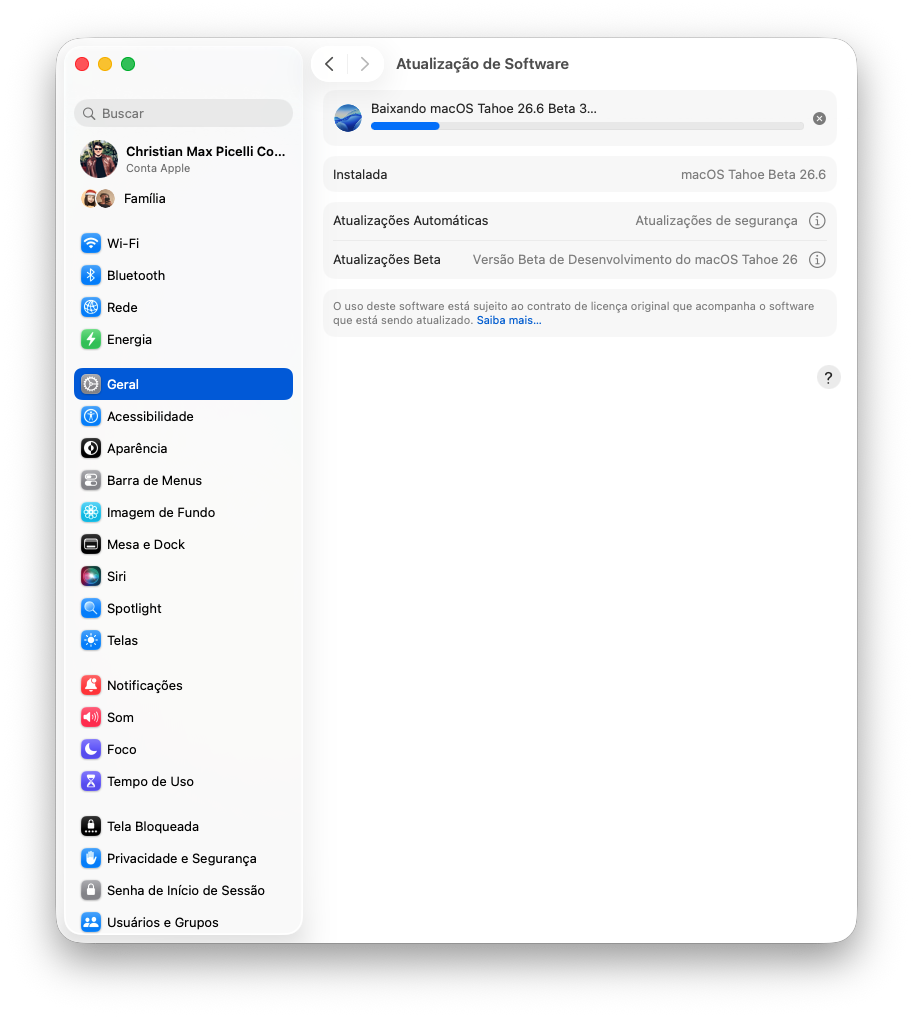
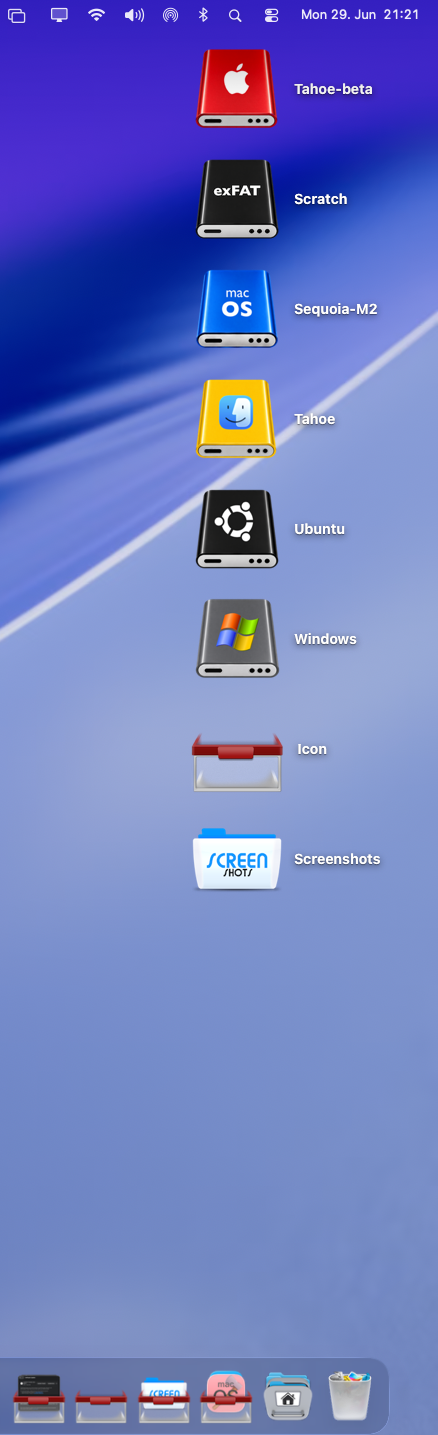
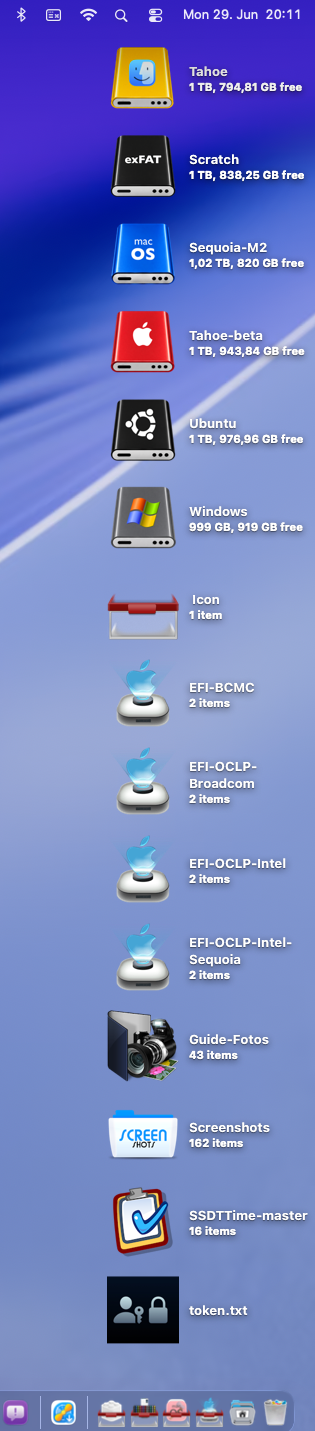
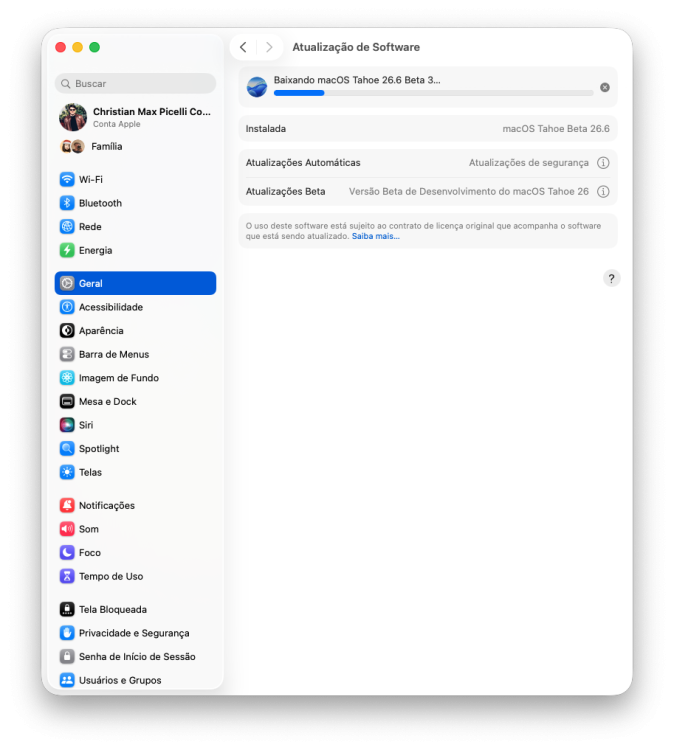
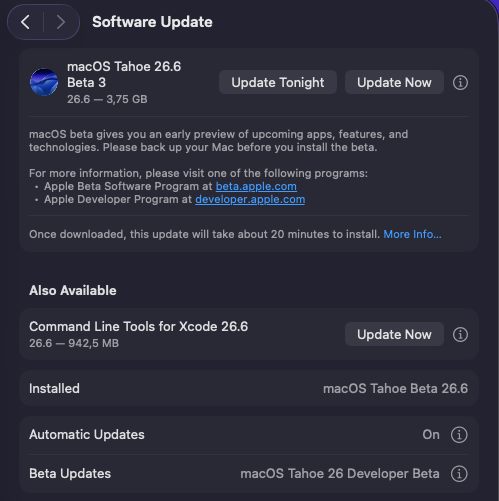
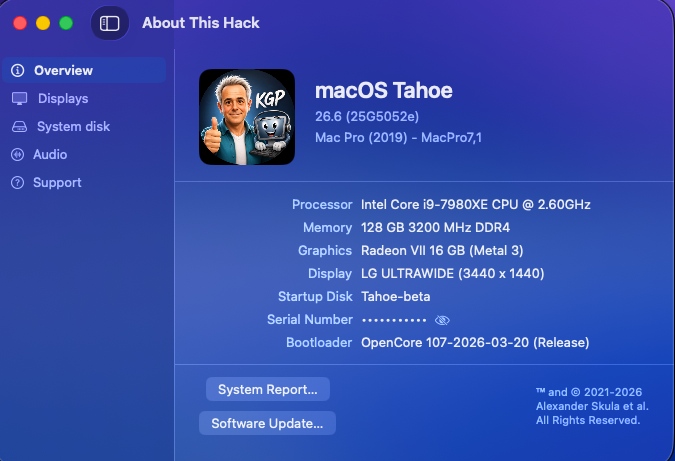
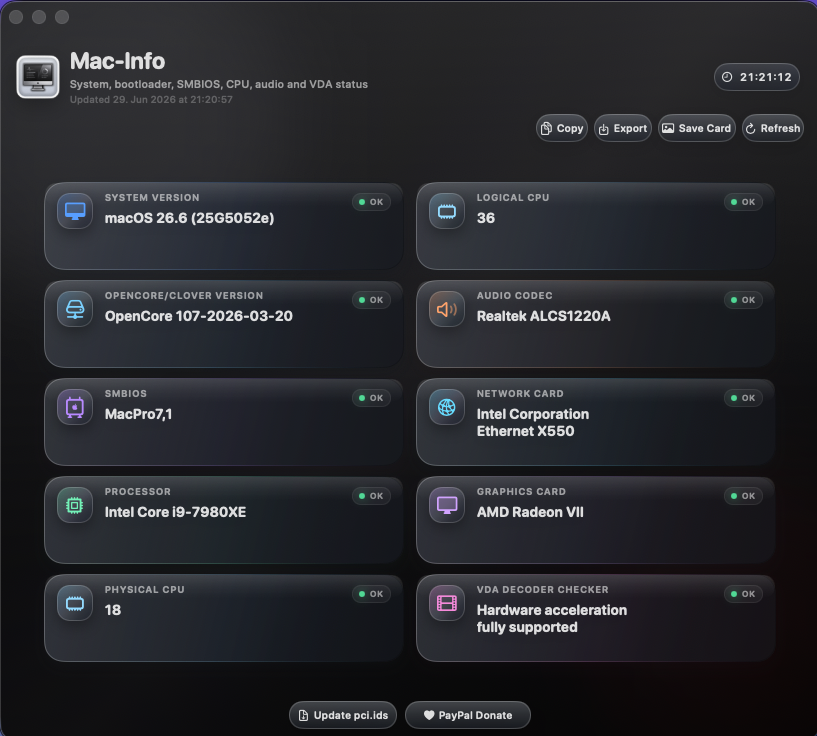
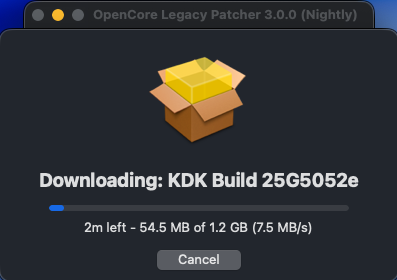
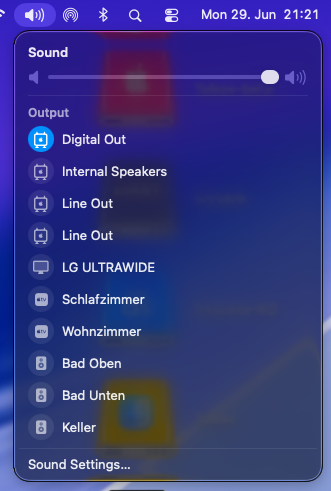
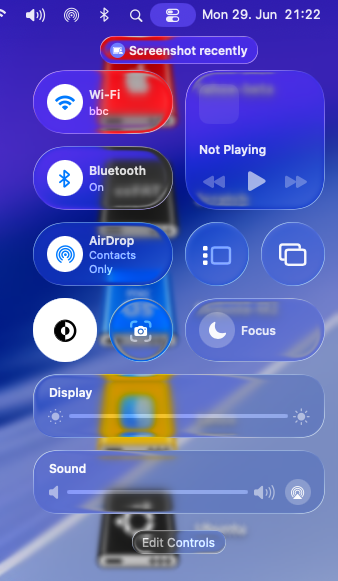
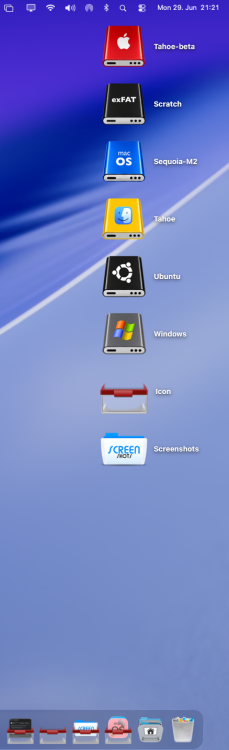
Fast and painless sequential OTA update (3.75 GB) from macOS 26.6 beta 2 to macOS 26.6 beta 3 (25G5052e). OCLP correctly selects Kernel Debug Kit 26.6 build 25G5052e as the direct match, which has already been released by Apple and is also available on the Dortania KDK mirror. My BCM943602CDP continues to perform amazingly with OCLP. Modern Audio, modern Wi-Fi, AirDrop, AirPlay, Screen Mirroring, Personal Hotspot, Continuity Camera and sleep/wake all continue to work flawlessly under macOS 26.6 beta 3. Custom drive icons also continue working flawlessly.
-
[Pre-release] macOS Sequoia 15.7.8
strangeron replied to deeveedee's topic in New Releases and Updates
👍
-
teohansiang joined the community
-
Windows won't boot in my multi-boot setup.
-
 Alpha22 changed their profile photo
 -
770desirae joined the community
-
79bbrcom1 joined the community
-
-
-
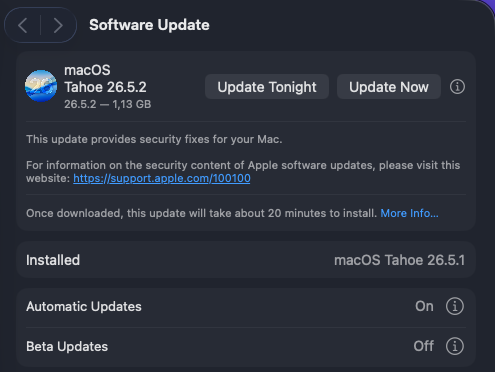
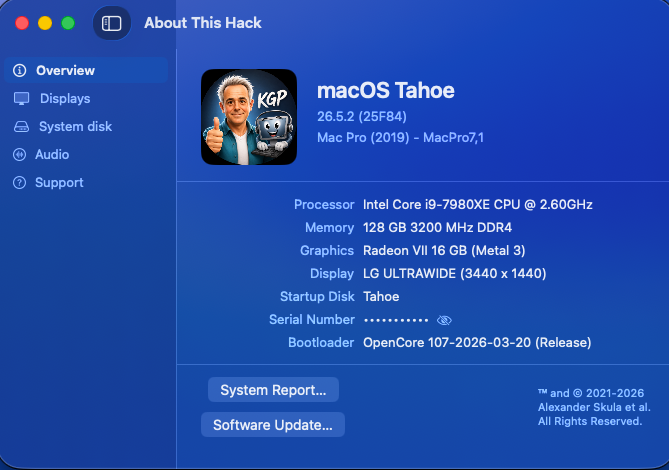
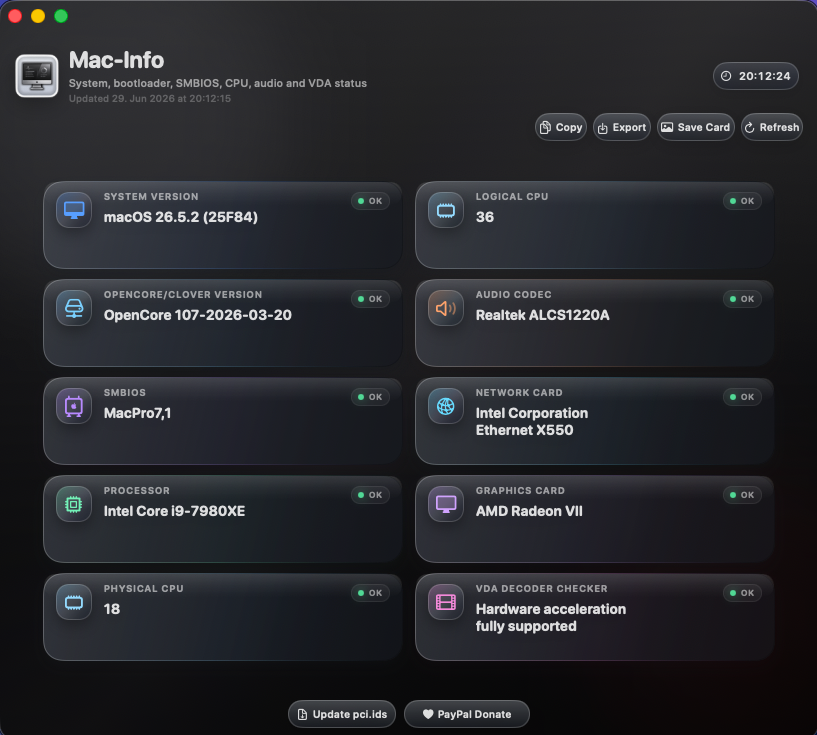
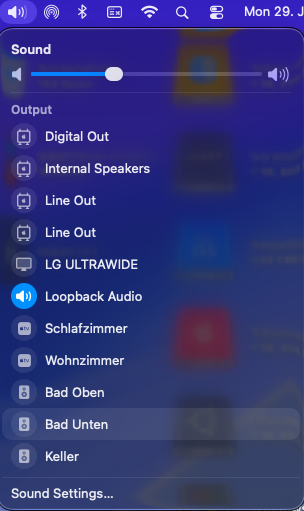
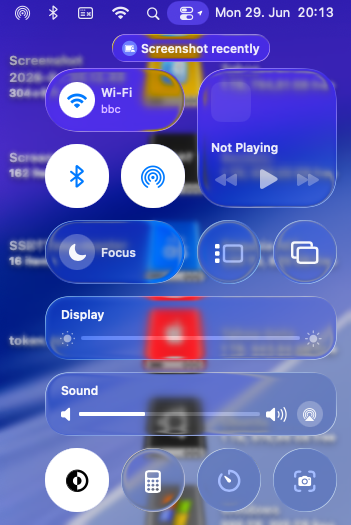
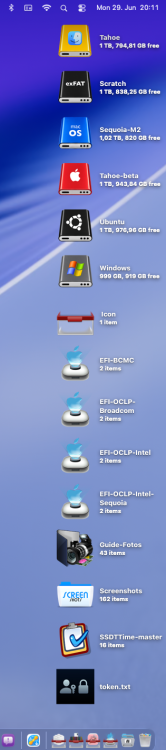
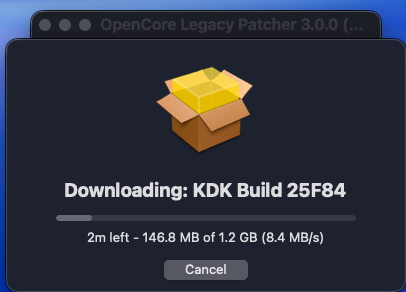
Fast and painless sequential OTA update (1.13 GB) from macOS 26.5.1 (25F80) to macOS 26.5.2 (25F84). OCLP correctly selects Kernel Debug Kit 26.5.2 build 25F84 as the direct match. It has already been released by Apple and is now also available on the Dortania KDK mirror. My BCM943602CDP continues to perform amazingly with OCLP. Modern Audio, modern Wi-Fi, AirDrop, AirPlay, Screen Mirroring, Personal Hotspot, Continuity Camera and sleep/wake all continue to work flawlessly under macOS 26.5.2. Custom drive icons also continue working flawlessly. Useful context information: a.) Universal-EFI-Folder distribution b.) Setup and troubleshooting guidelines for OCLP/OCLP-Mod/OCLP-Plus c.) OCLP 3.0.0 Nightly - amfipassbeta Edition d.) OCLP-Mod e.) OCLP-Plus f.) WiFiPatcherPro g.) HDAUniversal h.) X299 Guidelines
-