All Activity
- Past hour
-
perfect NEW:
-
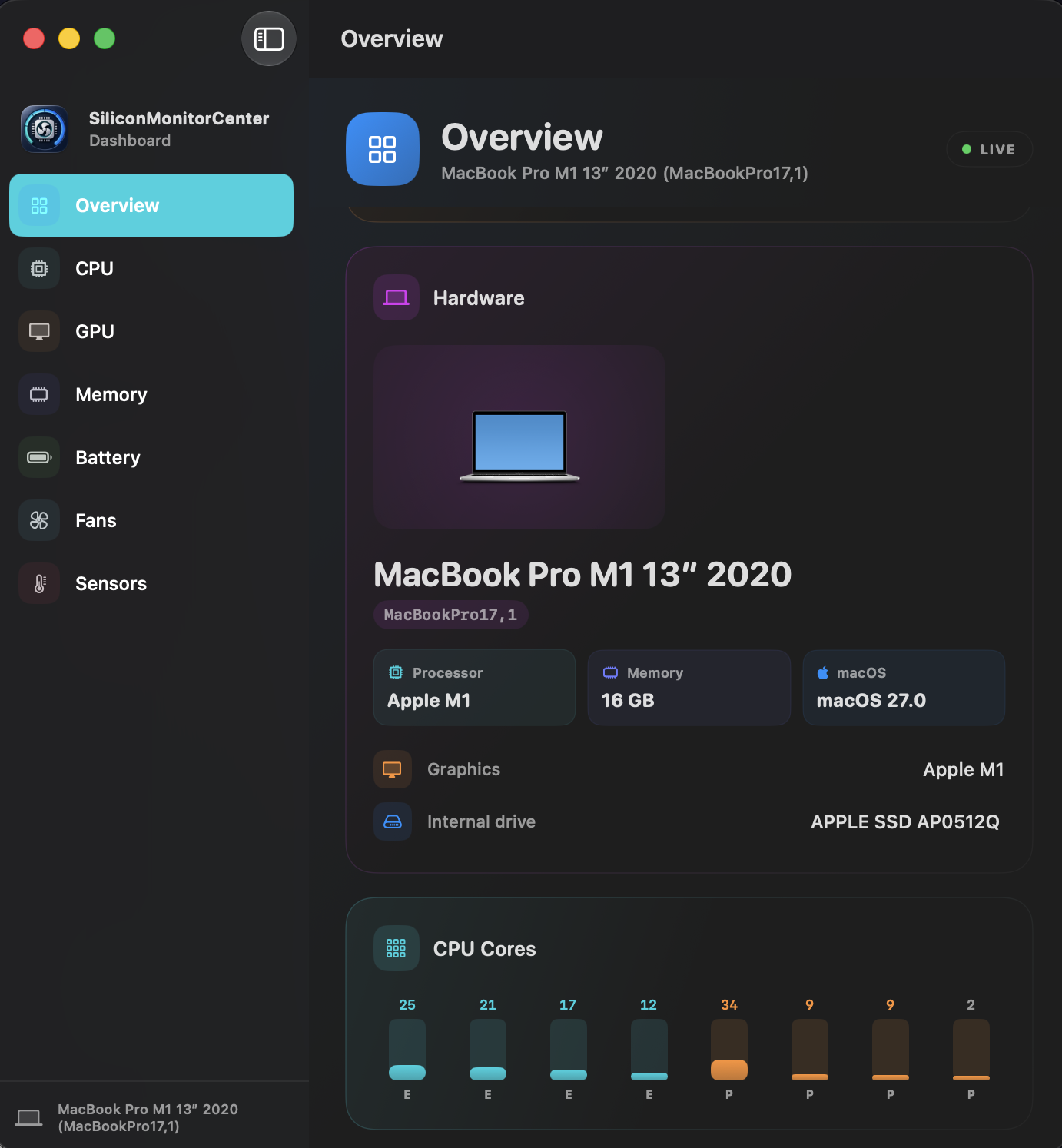
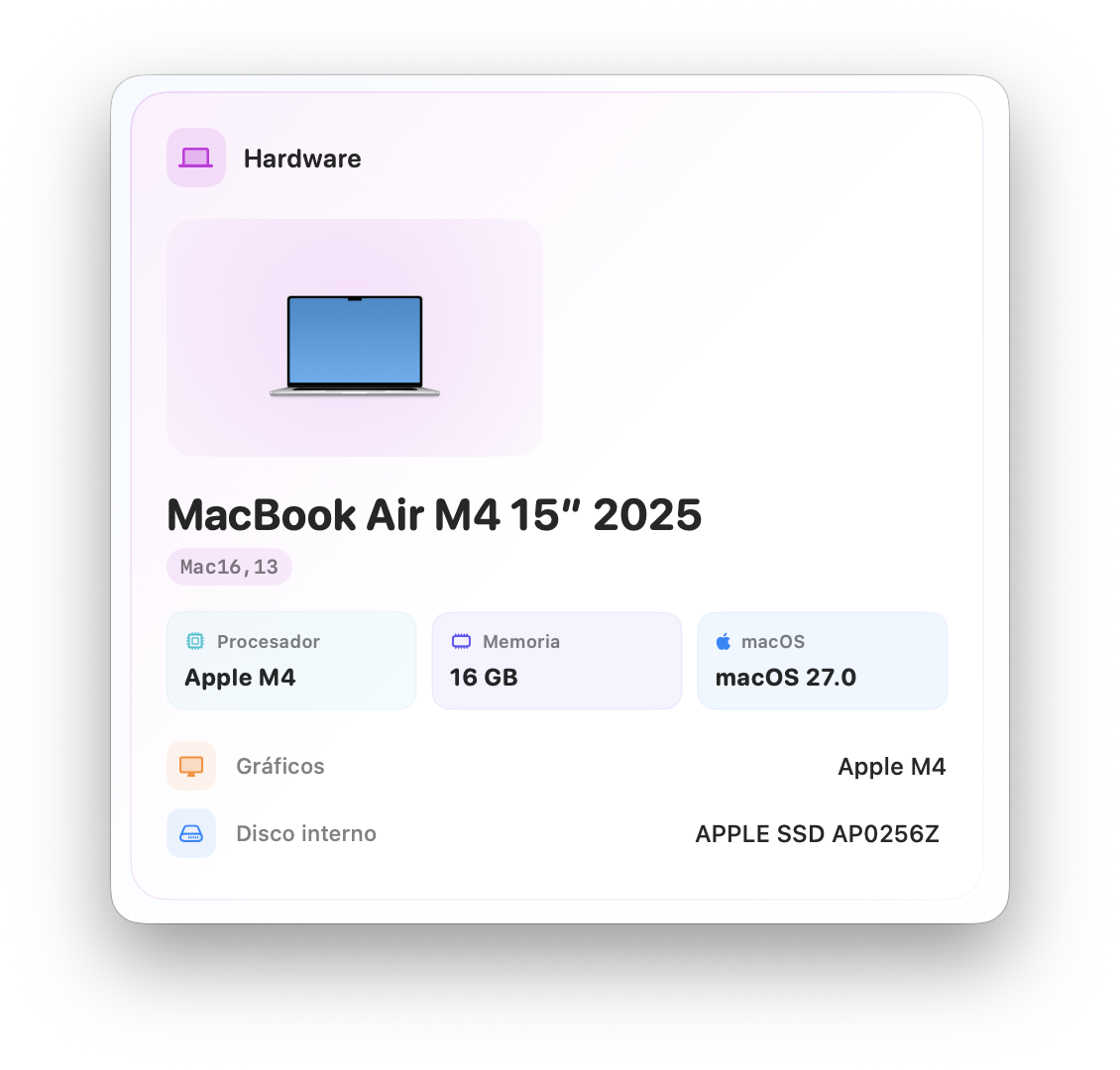
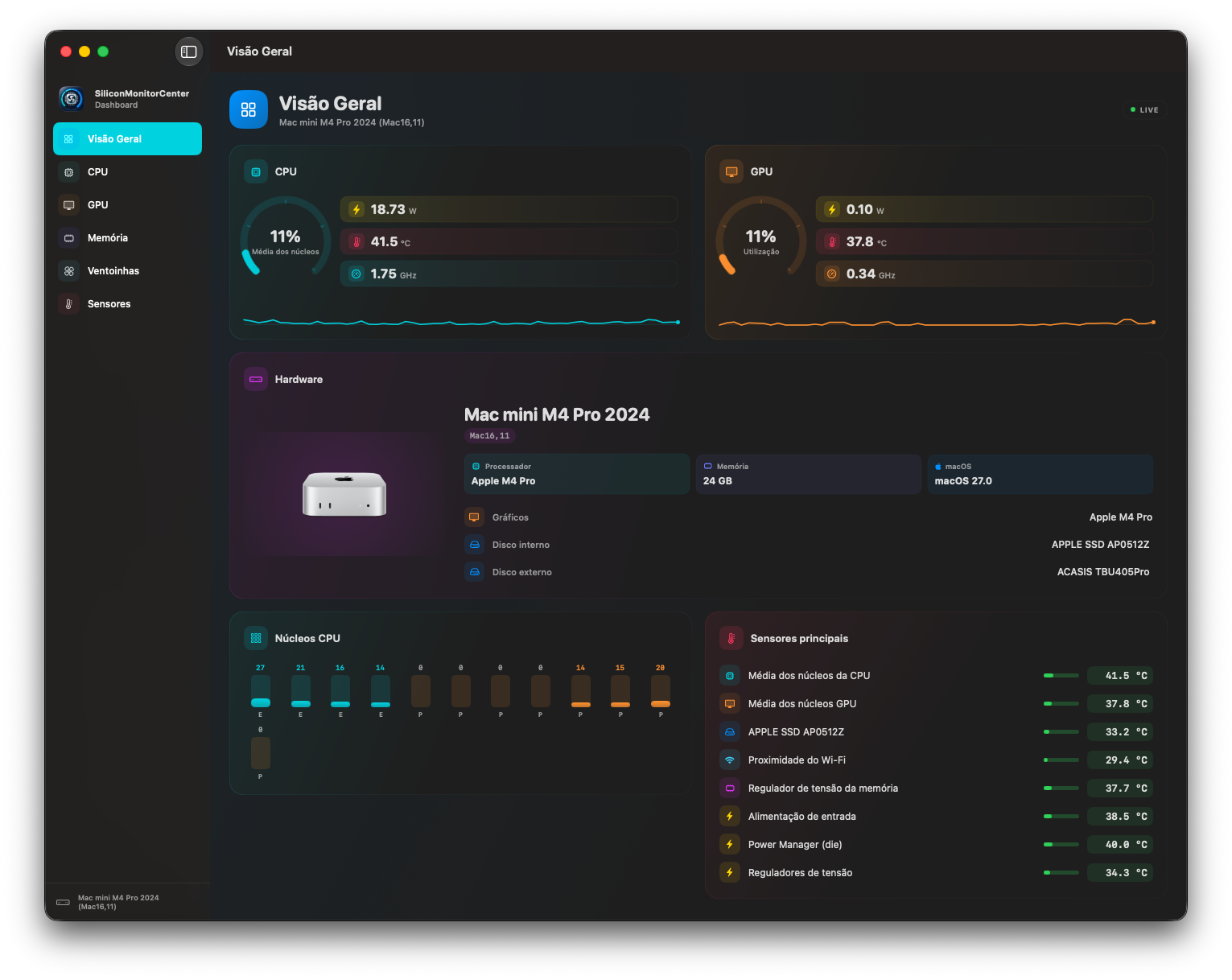
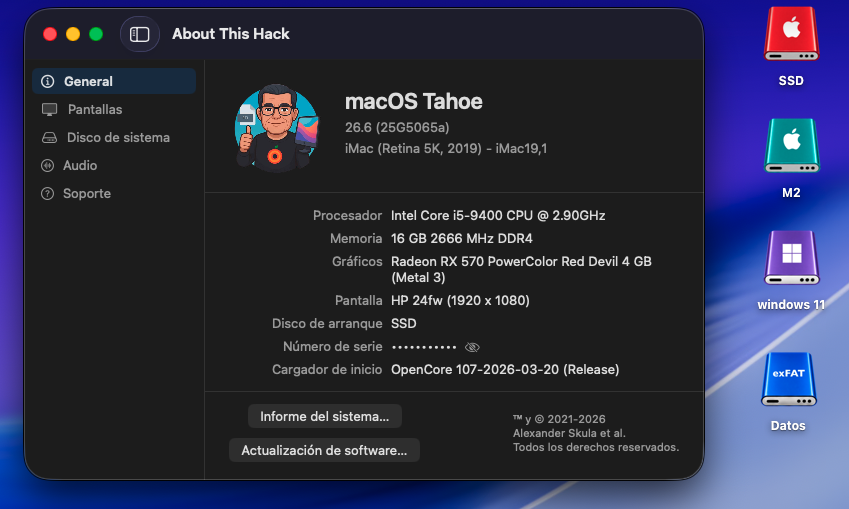
Great App, my friend! Here are the sensor data for the MacBook Pro M1 (2020). Cheers, kgp smcdump-MacBookPro17,1-20260720-132211.txt
-
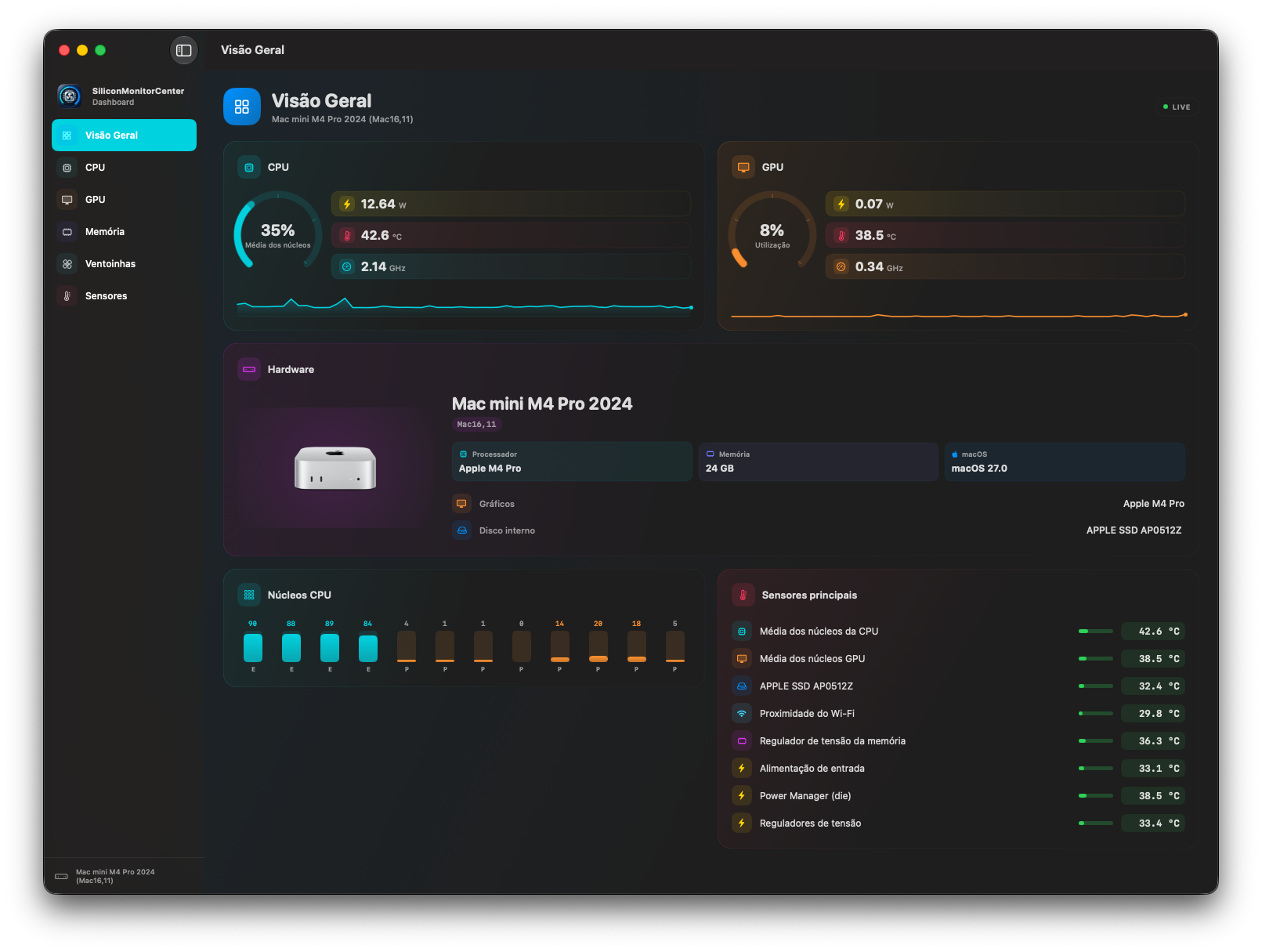
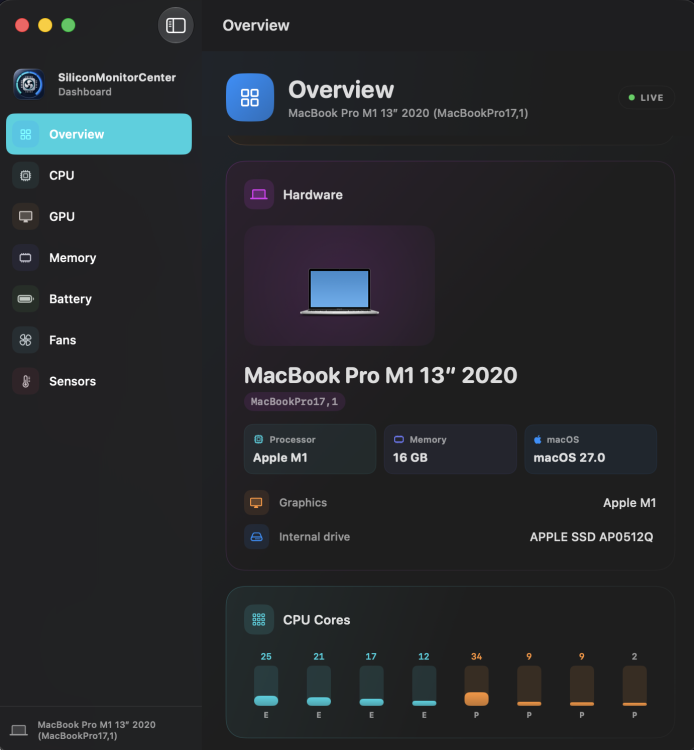
smcdump-Mac16,11-20260720-080555.txt.zip
-
 ofertasdebilletesbaratos joined the community
 -
 King Renovate joined the community
 -
Maa Ashapura Farm joined the community
-
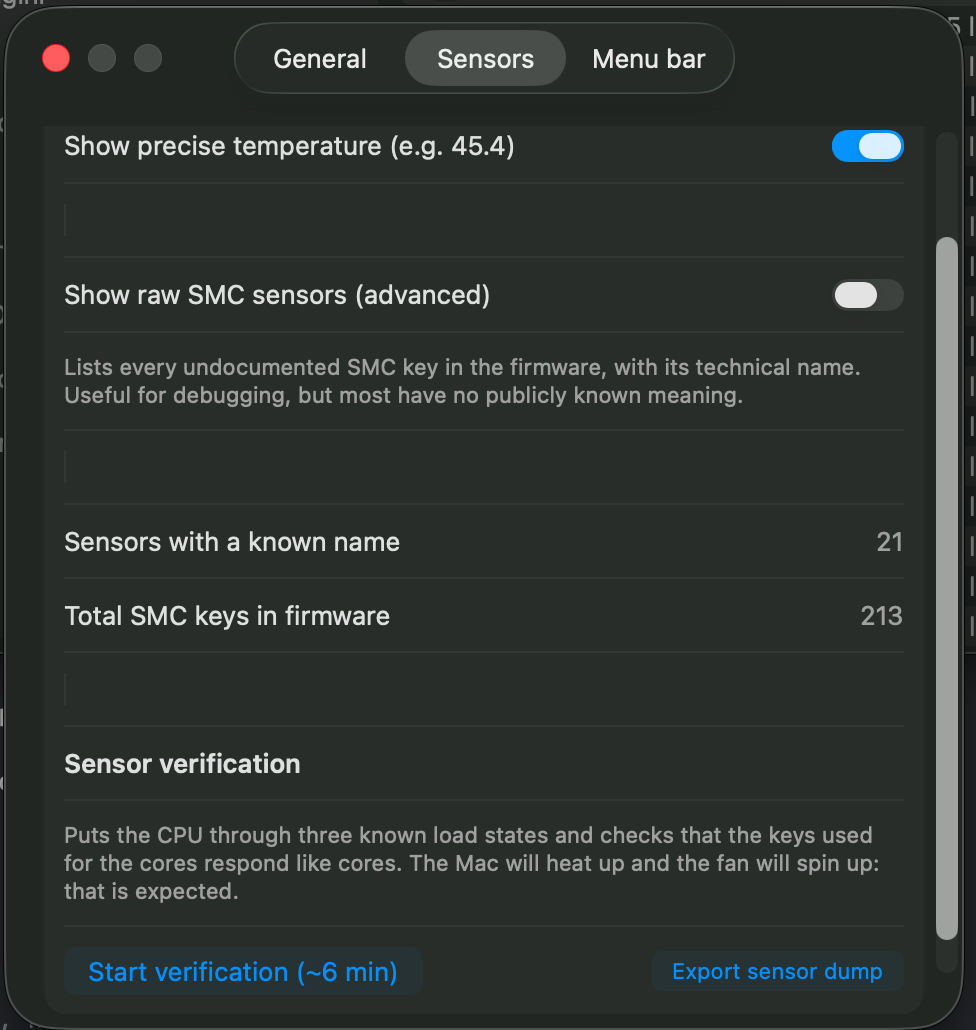
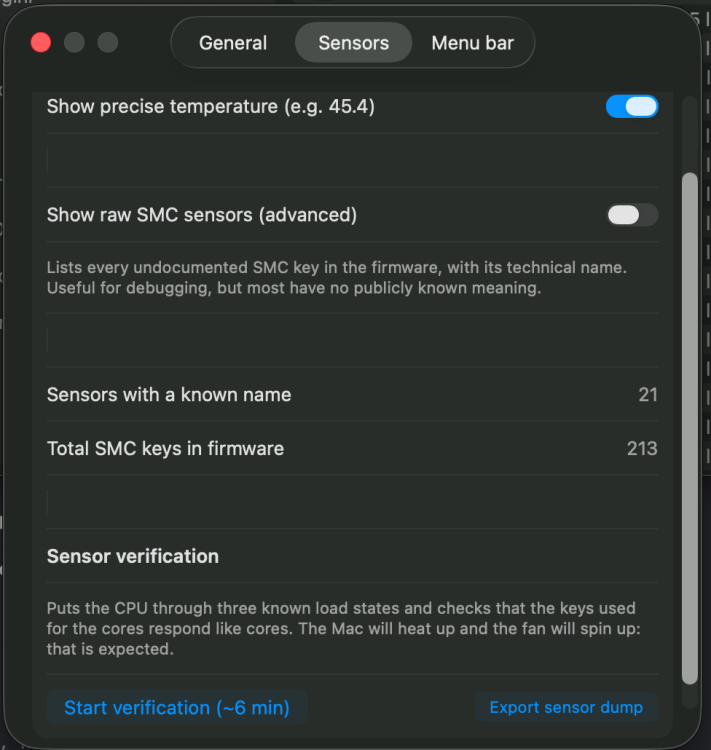
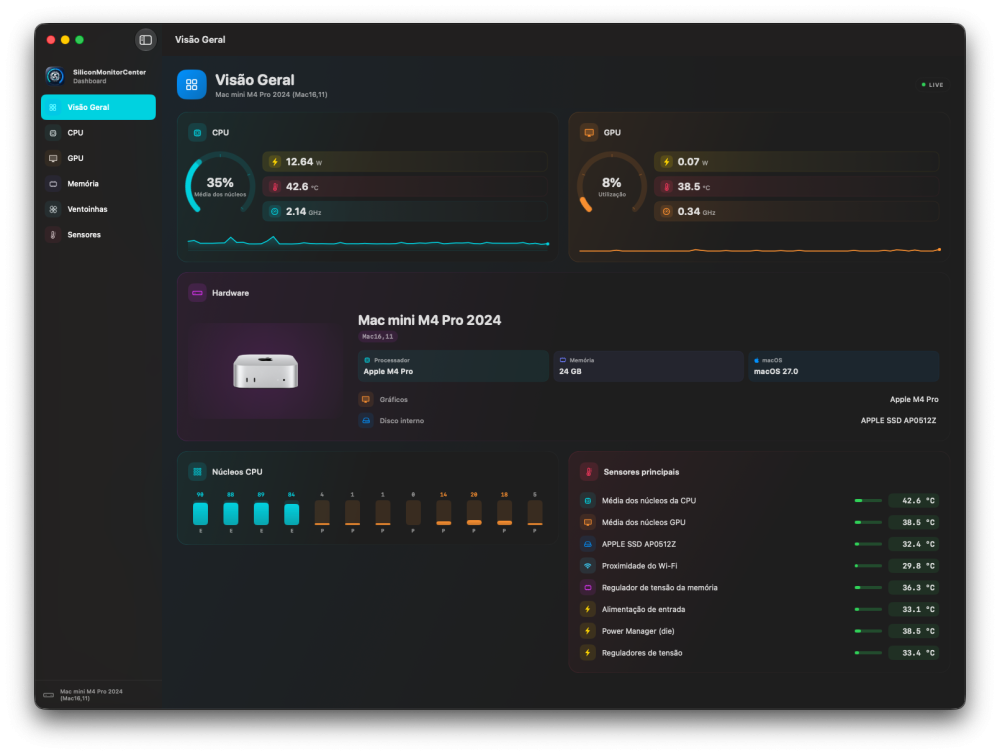
Guys, I need your help: with this "b5" version, please go to the settings shown in the photo and send me the sensor dump generated on your desktop. The ones I urgently need are M1 and M2. Thanks for your help. https://github.com/Lorys89/App-test/raw/refs/heads/main/SiliconMonitorCenter 1.0 b5.zip
- Today
-
 Jon Shahbaz changed their profile photo
 -
Exciting news on this front: Someone vibe coded such a translation layer and has a macOS 13 VM running on x86-64 Linux with Metal paravirtualized through Vulkan. It’s still a WIP and no repo has been published (yet), but it looks like a promising soon-to-be open source implementation of my idea. Furthermore, according to a reply in the comments, the OP’s host’s GPU is a newer NVIDIA GPU that wouldn’t ever be supported otherwise by native macOS. Figured I’d share this here with the larger Hackintosh community. OSx86 lives on after all! (Plus it has potential to be combined with an ARM emulator to get Apple Silicon versions of macOS emulated on non-Apple hardware, but that is likely still light years away… but it’s still theoretically possible. This project is cool nonetheless!)
-
116emmey joined the community
-
 fairplayvipp joined the community
 -
 Get Movers Richmond BC changed their profile photo
 -
 jili86comco joined the community
 -
 789betname11 joined the community
 -
Get Movers Richmond BC joined the community
-
 The Warehousess joined the community
 -
 Anna Halchenko changed their profile photo
 -
 Health Plan Advisors changed their profile photo
 -
 alltone fitness changed their profile photo
 -
 naveen m changed their profile photo
 -

The OCLP-Plus 3.x (Tahoe Patch Set).
miliuco replied to MakAsrock's topic in New Releases and Updates
@MakAsrock Thanks for the info! - Yesterday
-
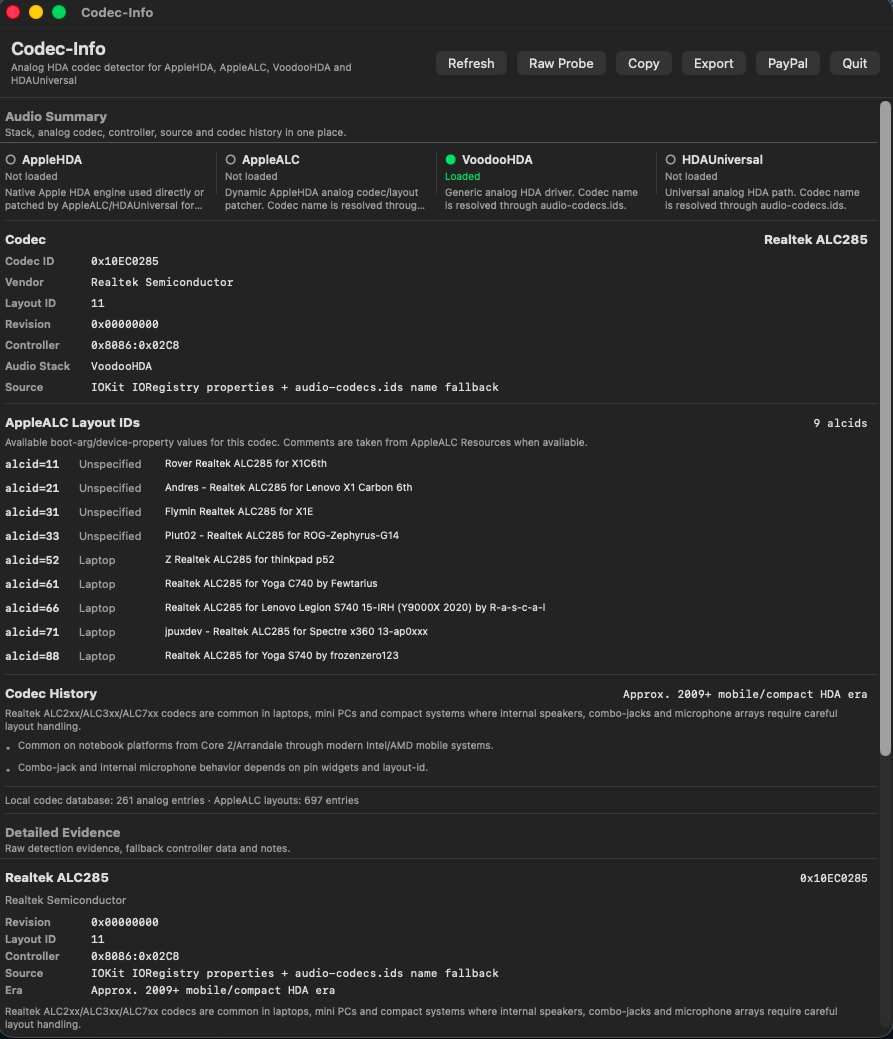
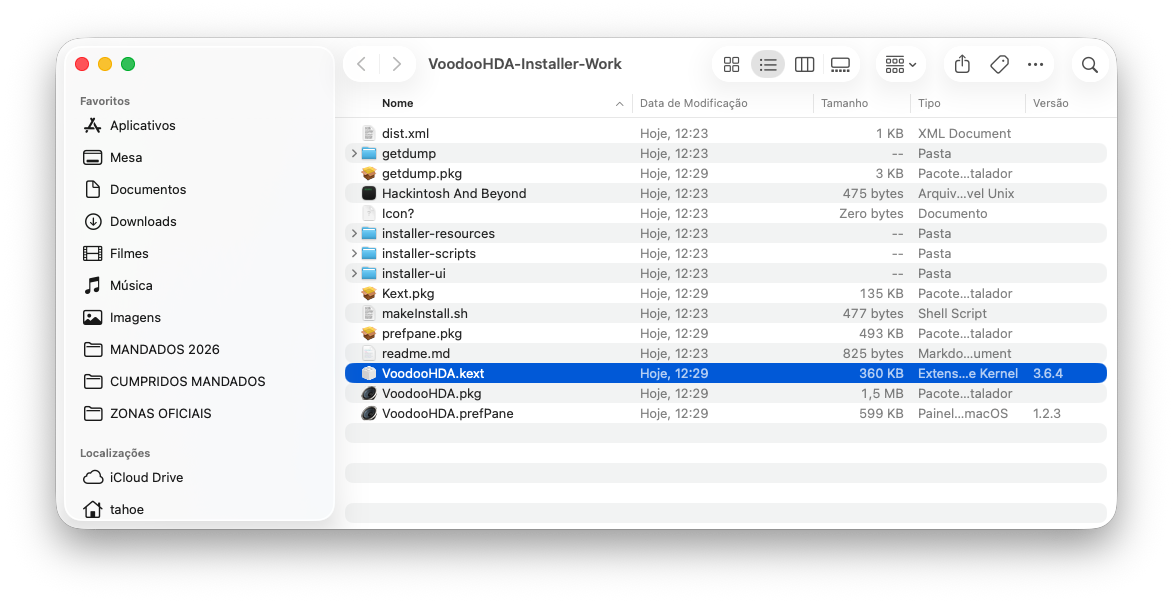
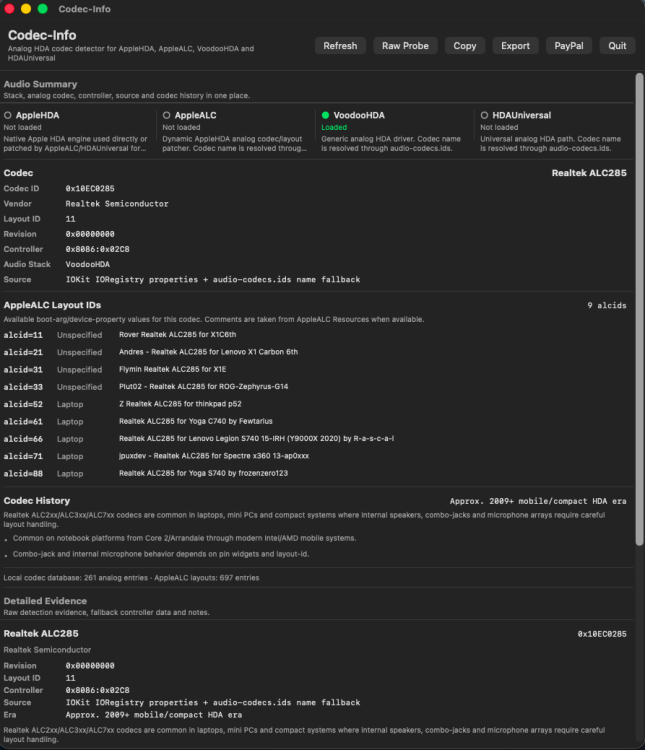
Installation of VoodooHDA.kext 3.6.4 was easy on my HP EliteBook 850 G7 running macOS Tahoe 26.6 Beta (25G5065a): Remove other audio kext from /Library/Extensions (in my case, I removed VoodooHDA.kext 3.6.2) Leave csr-active-config = <01000000> (No need to relax SIP when replacing VoodooHDA.kext with another VoodooHDA.kext) Modify VoodooHDA.kext/Contents/Info.plist: VoodooHDAEnableVolumeChangeFix = True sudo cp -R VoodooHDA.kext /Library/Extensions When prompted, Allow VoodooHDA in System Settings > Privacy & Security Reboot Audio working perfectly. I don't have AMD HDMI on this hack, so I can't test AMD HDMI/DP audio, but audio quality with my internal speakers is outstanding. EDIT: Codec_Info
-

The OCLP-Plus 3.x (Tahoe Patch Set).
MakAsrock replied to MakAsrock's topic in New Releases and Updates
ATTENTION! The website opencorelegacypatcher.org is a typosquatting site impersonating Dortania to launch ClickFix attacks and install Atomic Stealer (it previously delivered AsyncRAT). The only legitimate and safe addresses are: https://dortania.github.io/OpenCore-Legacy-Patcher/ https://github.com/dortania/opencore-legacy-patcher/ https://github.com/ybronst/oclp-plus https://github.com/kgp-macpro https://github.com/laobamac/oclp-mod -
On My Macs it is tested well, but on other Macs with other M CPUs it is to be tested and fixed well, in my Macs I tested it by comparing it with mac fan control and with tg pro and with stats. With the other apps I had all the different temp core values and between the various apps they also differed. I solved this by doing the core p and all core stress tests to find the correct smc keys. I will post the b4 in the next few hours. https://github.com/Lorys89/App-test/raw/refs/heads/main/SiliconMonitorCenter 1.0 b4.zip
-
Understood. Still I have not introduced in Swift 6, I'm Swift 5, but I see that I must go ahead with the current version. It's just laziness to switch to something new, but there's no other option. Anyway, the app looks very beautiful.
-
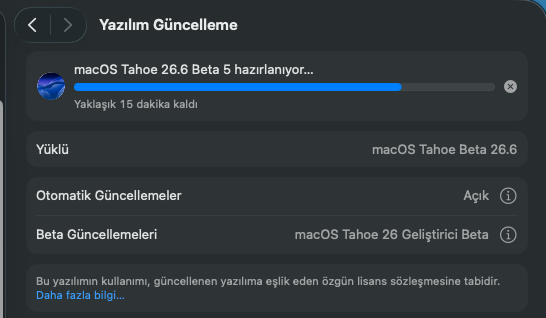
I started macOS Tahoe 26.6 Beta 5 installation. macOS 26.6 beta 5 (25G5065a)
-
Thanks!!
-
yes swift 6
-
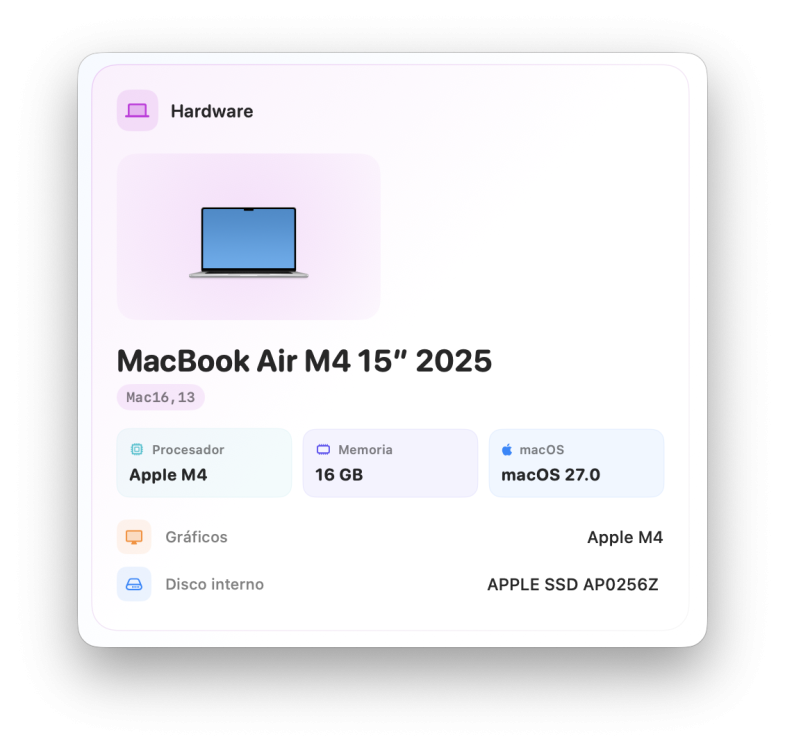
@lorys89 The app works very well, as before. I like the UI very much, these colored almost transparent blocks. How did you develop it? Is it SwiftUI? I can't see settings or a menubar, I suppose that there are no ones.
-
Fixed some CPU temperature bugs and added a calibration function for E-core and P/S-core temperatures (found in Settings). and others minor bugs. https://github.com/Lorys89/App-test/raw/refs/heads/main/SiliconMonitorCenter 1.0 b3.zip
-
 touchmanage2 changed their profile photo
 -
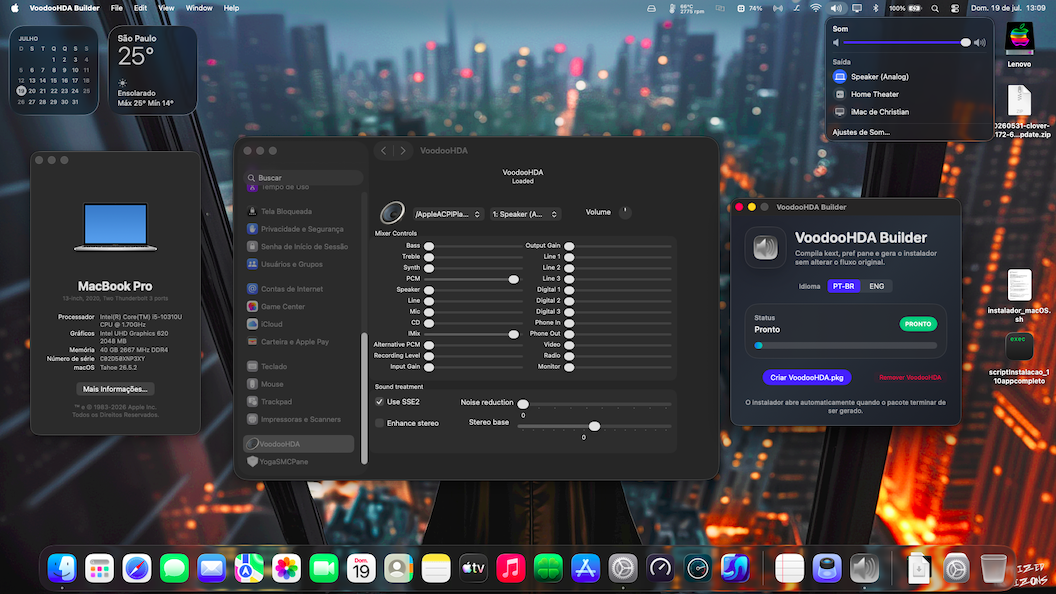
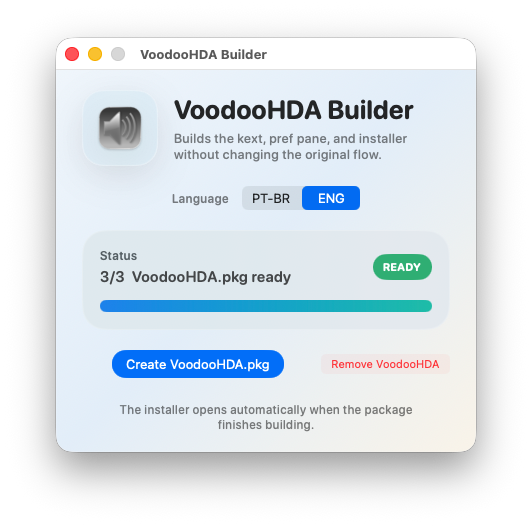
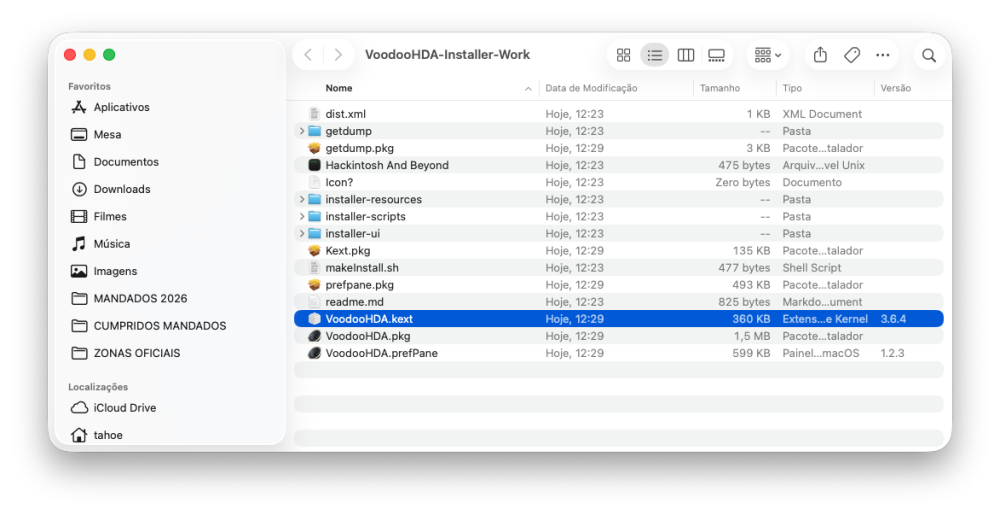
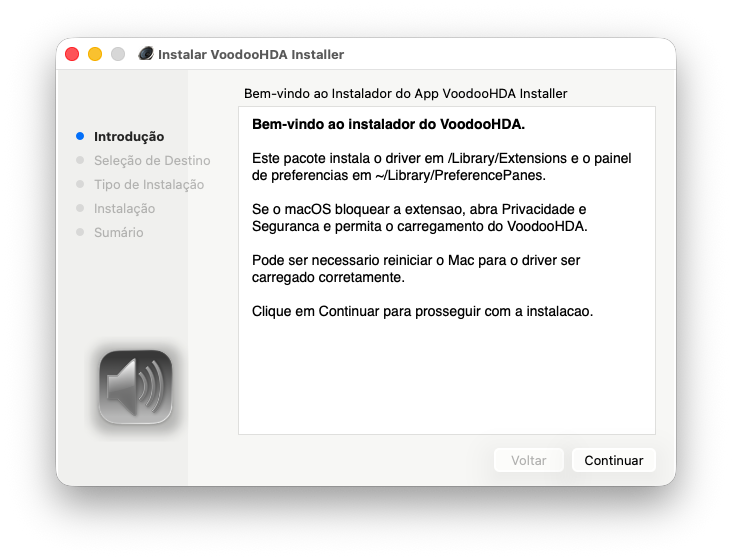
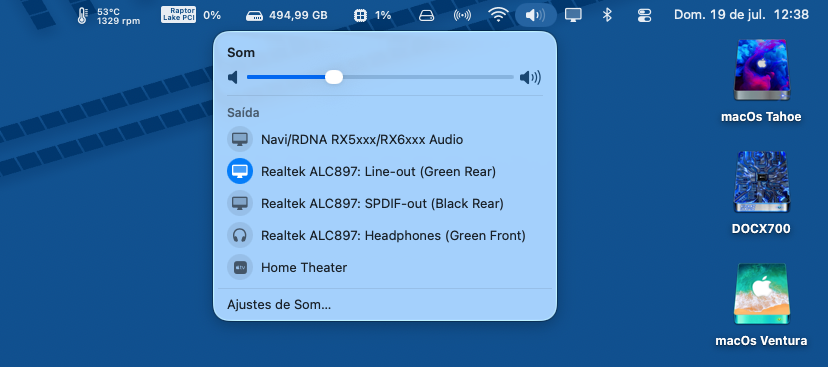
Hello everyone, for those who like to make life easier, I've updated VoodooHDA Builder to the new kext and added a button to remove the old VoodooHDA and PrefPane. Have fun! https://github.com/maxpicelli/VoodooHDA-Builder/releases/tag/1.1.0 All doing smooth Thanks @Slice @chris1111 and all devs!! @MaLd0n too!!
-
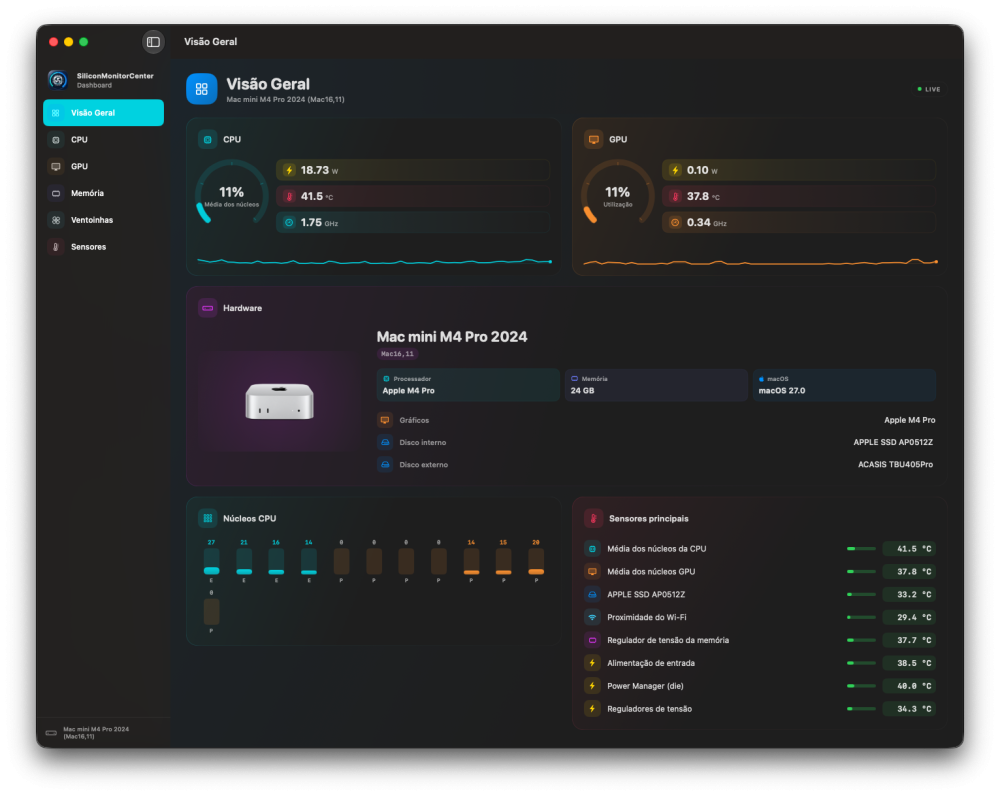
 Fix some things to post here for test. I'm working on this
 -
.thumb.jpg.d714a2cd71bf5c6f1c241f91bb295a2a.jpg) 55clubpro changed their profile photo
55clubpro changed their profile photo -
Yes!! Will be nice !! Thanks!! Grazie!!
-
 Obert Jordy changed their profile photo
 -
 Dimas Gusman changed their profile photo
 -
Tried and it seems like it works but then Digital Audio (HDMI/DP) doesn't shows up ;( AppleALC works but it has only HDMI/DP working
-
 @MaLd0n this sounds great! Is this version available for download?
 -
Welcome! Nice to see you're sticking around even after the Hackintosh era. I'm sure your experience will still help a lot of people like me here. FNF
-
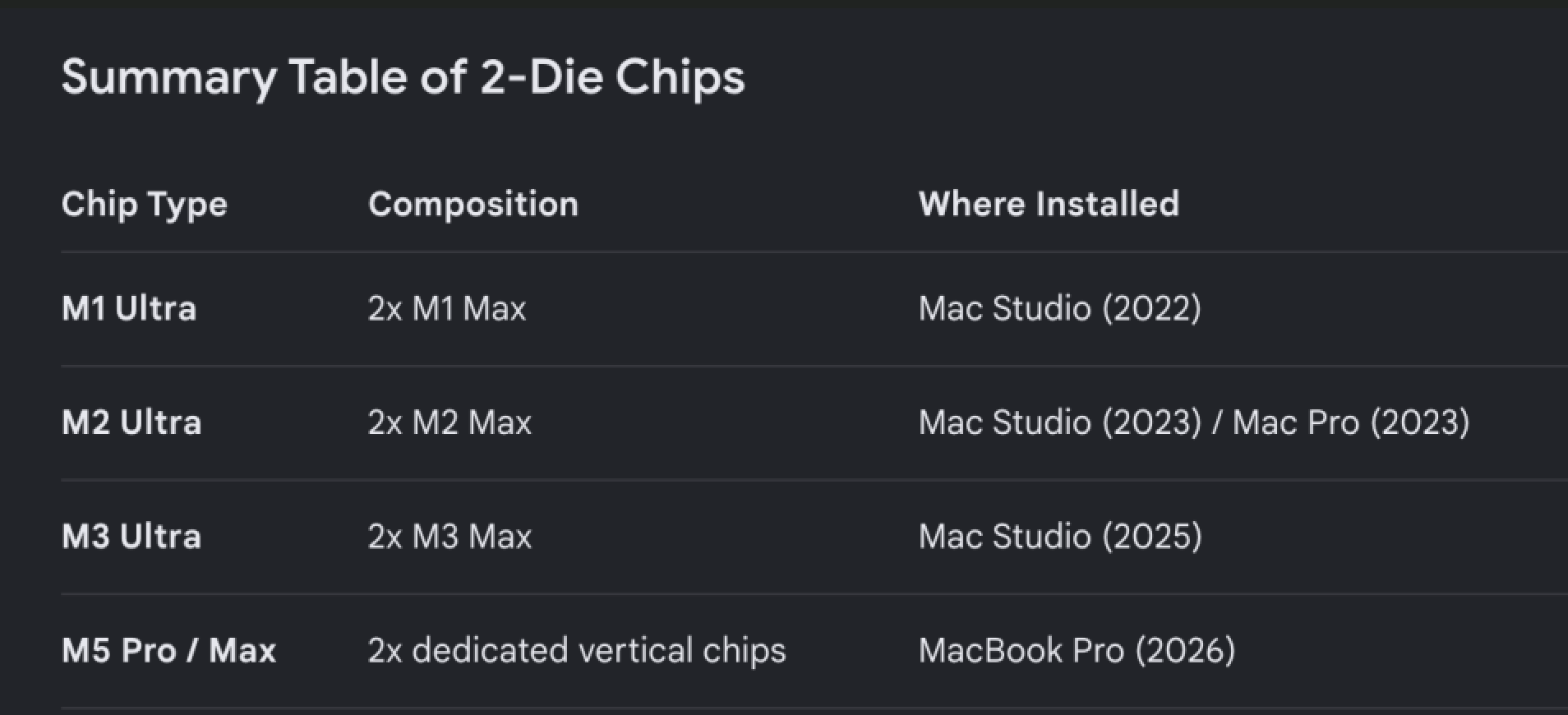
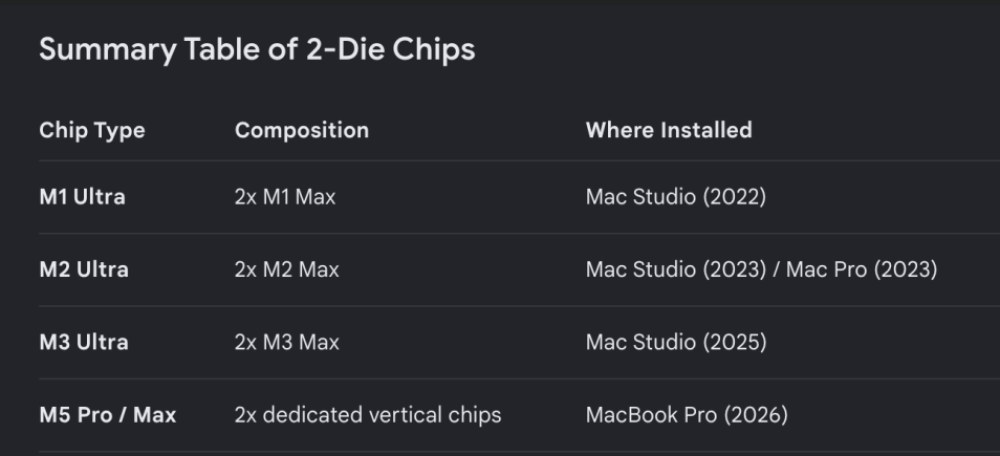
I'm waiting for users who own a Mac with a dual-die chip to test the app and see if it works well.
-
Do you think it makes sense to create widgets? If so, which ones? I look forward to your suggestions and will implement them.
-
HDAUniversal v0.1.353 — PCM Test Results I individually tested all 12 PCM formats currently available on the analog output. Formats tested Sample rate Bit depths 44.1 kHz 16, 20 and 24-bit 48 kHz 16, 20 and 24-bit 96 kHz 16, 20 and 24-bit 192 kHz 16, 20 and 24-bit 32 kHz is not available as an output format on this device, so I did not test it. 32-bit is also not exposed as a native physical bit depth on this output. Results All 12 selected formats were accepted by IOAudioFamily and HDAUniversal: performFormatChange: 12 occurrences setFormat returned 0x0: 12 occurrences setFormat failures: 0 The 20-bit formats were correctly transported inside a 32-bit container: fBitDepth = 20 fBitWidth = 32 The 24-bit formats also correctly used a 32-bit container: fBitDepth = 24 fBitWidth = 32 Physical readback proof The final selected format was 192 kHz, 24-bit, stereo. The physical stream readback confirmed: rate=192000 depth=24 width=32 fmt=0x1831 fmtok=1 swrun=1 hwrun=1 pos=!0 cblok=1 bdlok=1 The codec converter confirmed the same format: stream=0x10 fmt=0x1831 path=0x14>0x0c>0x02 pinctl=0x40 eapd=0x02 complete=1 Real non-zero PCM data was also captured during playback: nz=7288 peak=35750656 rate=192000 depth=24 fmt=0x1831 Stability results The Playback Blackbox reported: playback anomaly: 0 repeated-window: 0 stagnant-position: 0 timeout: 0 underrun: 0 overrun: 0 xrun: 0 clip-guard: 0 clip-normalize: 0 select failed: 0 Conclusion The complete native output matrix of 44.1, 48, 96 and 192 kHz at 16, 20 and 24-bit passed the format programming, physical readback, DMA and playback stability tests. No driver, IOAudioFamily, DMA, timeout, underrun, overrun or xrun failures were recorded.