All Activity
- Past hour
-
 urbanwoodfurniture joined the community
 -
 calipremier joined the community
 -
 agecalculato joined the community
 -

About This Hack (2009-Nissan-Cube version migrated to SwiftUI)
miliuco replied to miliuco's topic in Hackintosh Tools
@Alpha22 Thanks, the issue seems to be focused on Ventura. I'll wait for @Max.1974 testing the Xcode project in Ventura, currently I don't have Ventura but in the meantime I can try Sonoma. -
 PEGASUSPH joined the community
 -
 saigonmegacons joined the community
 -
 i4download joined the community
 -

About This Hack (2009-Nissan-Cube version migrated to SwiftUI)
Alpha22 replied to miliuco's topic in Hackintosh Tools
No problems with macOS Sequoia -
About This Hack (2009-Nissan-Cube version migrated to SwiftUI)
Alpha22 replied to miliuco's topic in Hackintosh Tools
No problems with macOS Thaoe, i’ll check on macOS Sequoia - Today
-
sc88group4 joined the community
-
About This Hack (2009-Nissan-Cube version migrated to SwiftUI)
miliuco replied to miliuco's topic in Hackintosh Tools
@Alpha22 You too, startup disk name empty. Both are running Ventura, though I'm not sure if that's related. Do you have a different macOS version on the same machine to see if the same thing happens? @kgp @kaoskinkae myself have the startup disk name filled. But you and @Max.1974 don't. These issues are difficult to debug remotely. If you or @Max.1974 can test the Xcode project (on macOS Ventura), show to me the console messages, in case there is something useful. Thank you. -
rtpsbihar joined the community
-
.thumb.jpg.ccf28635dc20aa4c9cbeab755430cd94.jpg) phimhayokco2 changed their profile photo
phimhayokco2 changed their profile photo -
jax9090p joined the community
-
.thumb.jpg.465d29144f014b52376fc809269befb1.jpg) Hydr8organics changed their profile photo
Hydr8organics changed their profile photo -
Hydr8organics joined the community
-
About This Hack (2009-Nissan-Cube version migrated to SwiftUI)
miliuco replied to miliuco's topic in Hackintosh Tools
@Max.1974 Startup disk name is empty. Please show to me the system disk tab, on the same machine and macOS of these pics. -
.thumb.jpg.89cf174faa09fcad9f31d12faf10e704.jpg) Dr. Marketingstein changed their profile photo
Dr. Marketingstein changed their profile photo -
 touchmanage2 changed their profile photo
 -
 Go9951 com changed their profile photo
 -

About This Hack (2009-Nissan-Cube version migrated to SwiftUI)
Max.1974 replied to miliuco's topic in Hackintosh Tools
Thanks to the DEVS!!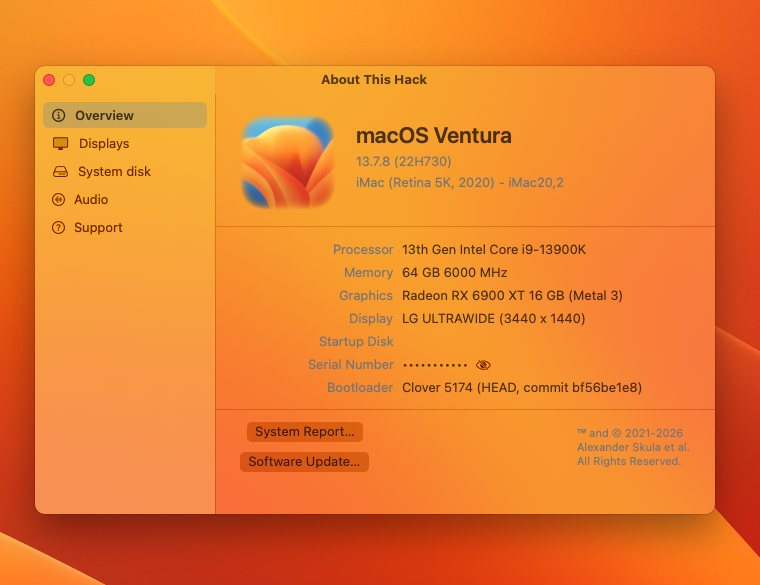
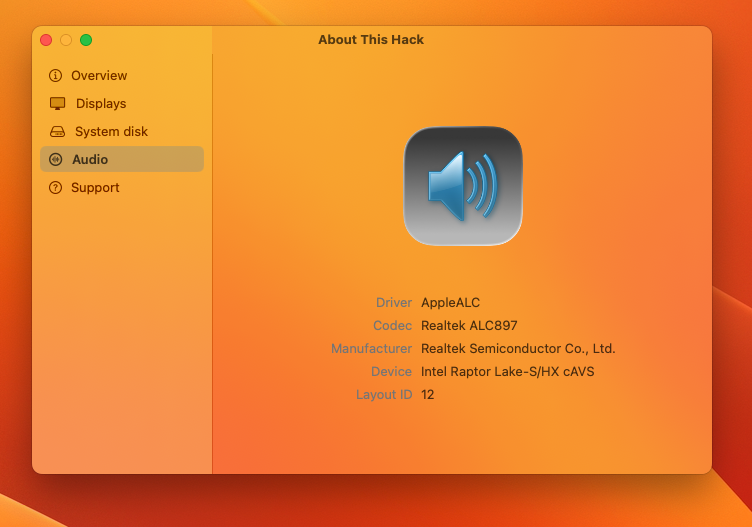
-
Version 1.6.4 Notarized by Apple, no more Gatekeeper issues on first run. https://github.com/perez987/Xattr-remove/releases/tag/1.6.4
- 14 replies
-
- 1
-

-
- xattr
- quarantine
- (and 1 more)
-
About This Hack (2009-Nissan-Cube version migrated to SwiftUI)
miliuco replied to miliuco's topic in Hackintosh Tools
@kgp You're getting ahead of yourself 😂 This release 4.4.7 is just to test if the update from 4.4.6 works fine; there were no code changes whatsoever. After seeing that it works fine, I removed it. As I said, the code is the same as in 4.4.6. Thank you so much for all the information you've given me from the beginning. - Yesterday
-

About This Hack (2009-Nissan-Cube version migrated to SwiftUI)
kgp replied to miliuco's topic in Hackintosh Tools
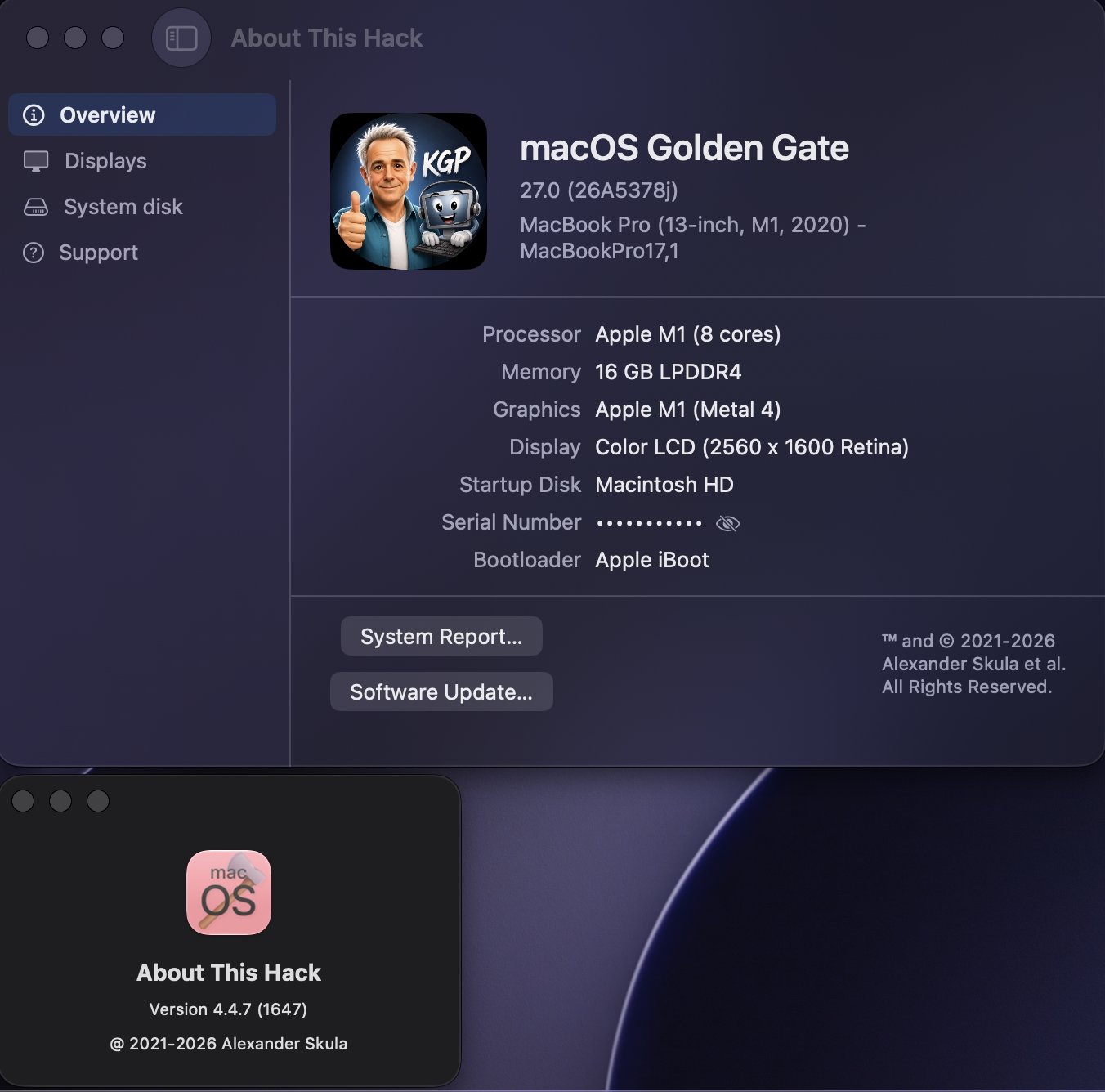
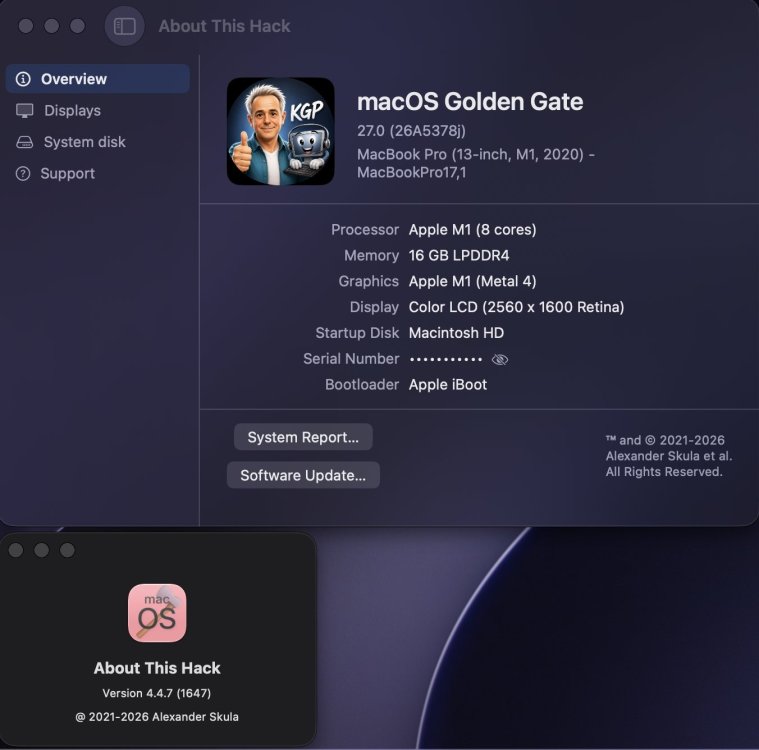
@miliuco, About This Hack 4.4.7 (zip version instead of dmg) works perfectly fine under both macOS 26.5.2 and macOS 27 beta 3! 😜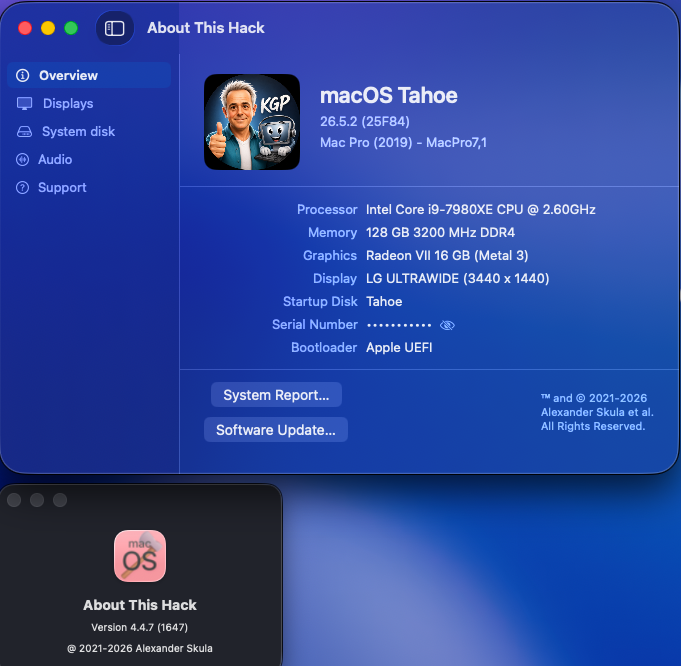
-
Download Full Installer app updated for macOS Tahoe
kgp replied to miliuco's topic in Hackintosh Tools
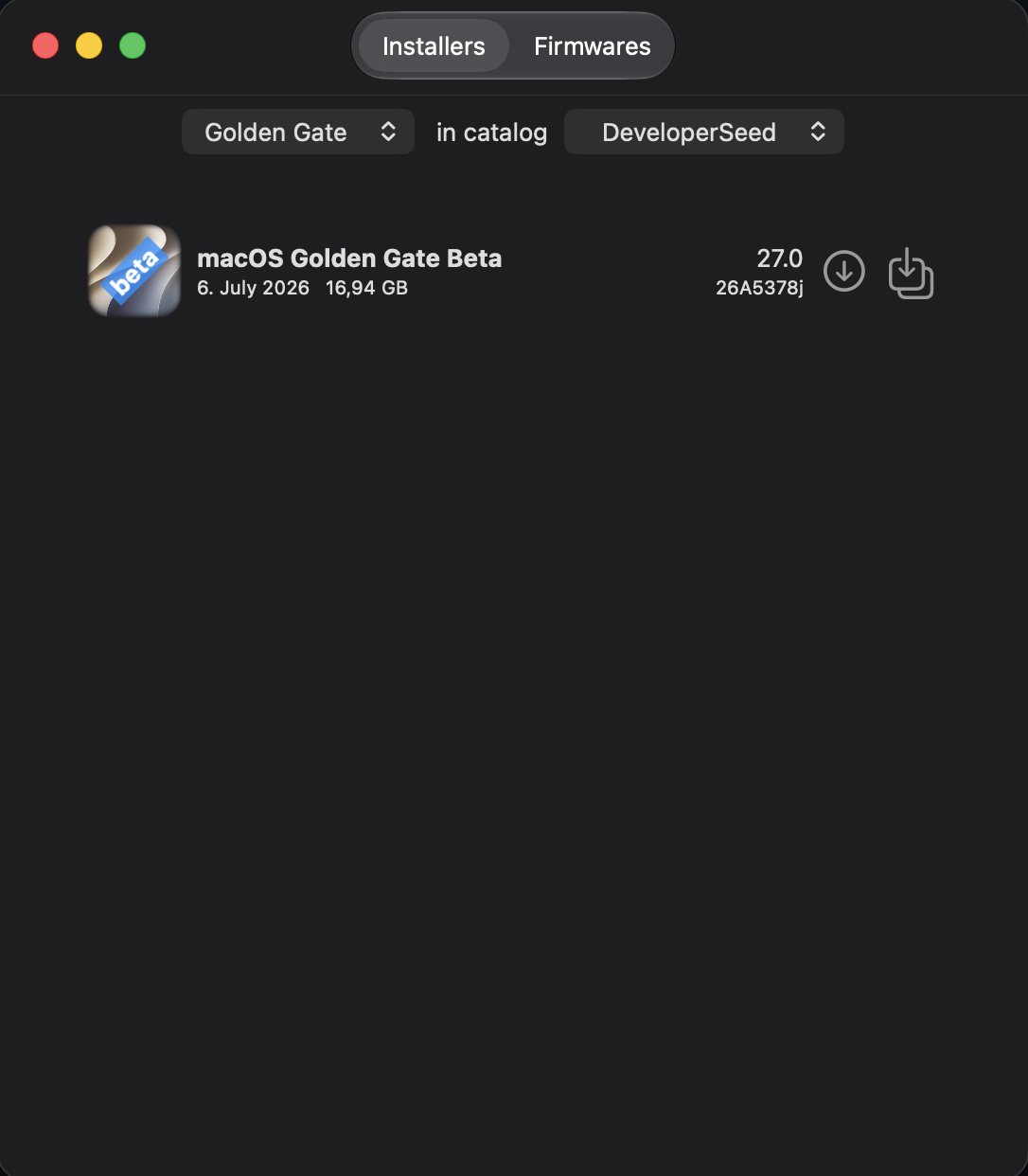
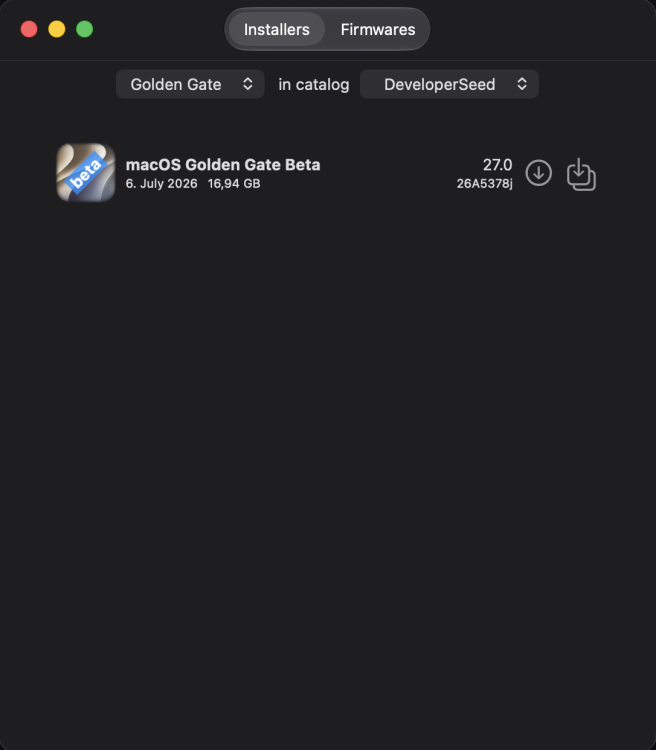
Works perfectly fine under macOS 27 beta 3!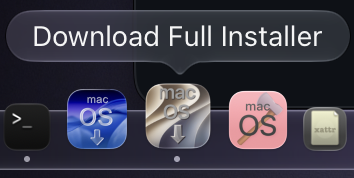
-
Download Full Installer app updated for macOS Tahoe
miliuco replied to miliuco's topic in Hackintosh Tools
Release 4.6.0 App notarized by Apple New icon thanks to @chris1111 https://github.com/perez987/DownloadFullInstaller/releases/tag/4.6.0 -
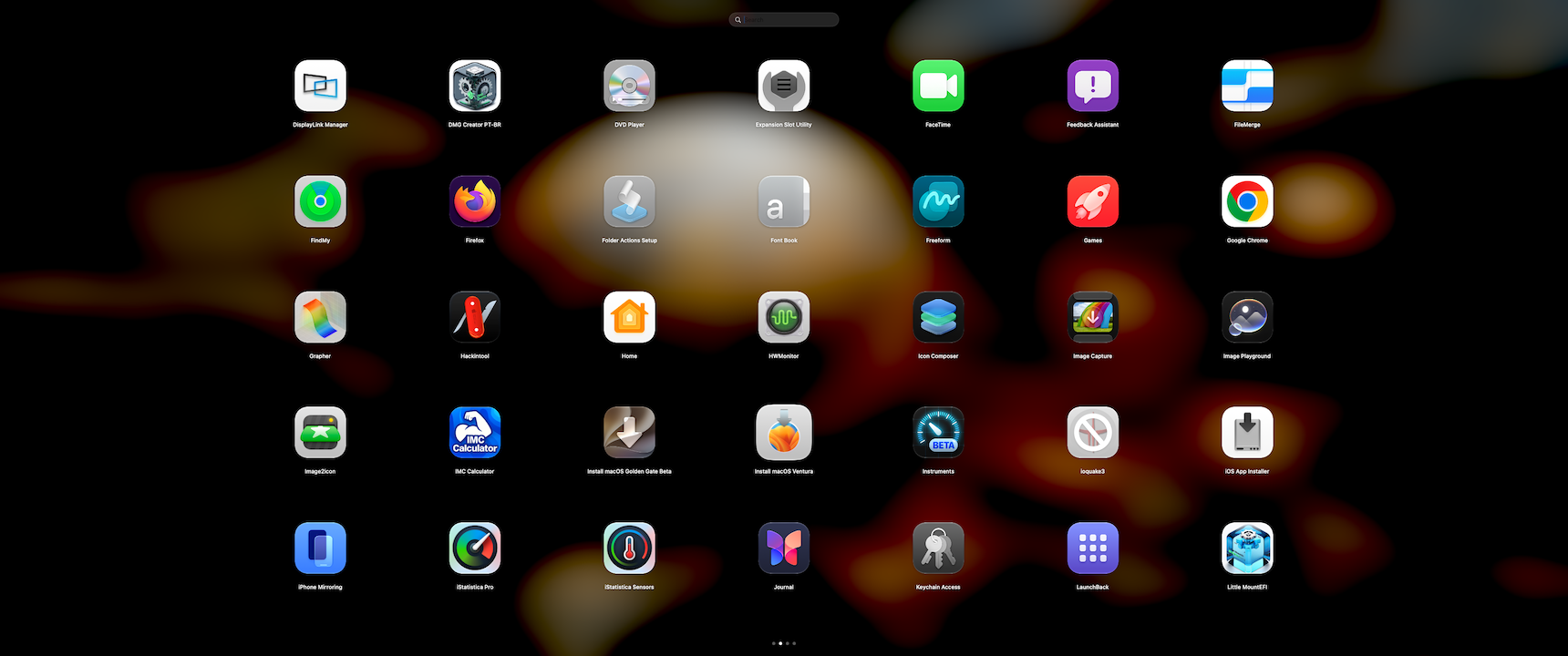
@ichelash Latest version, much better. Smooth sliding between pages, faster than the first version. @Max.1974 works fine too, I like the horizontal scroll bar at the bottom in this version. A way to quit the app without needing Activity Monitor would be welcome.
-
No worries..let me check it.
-
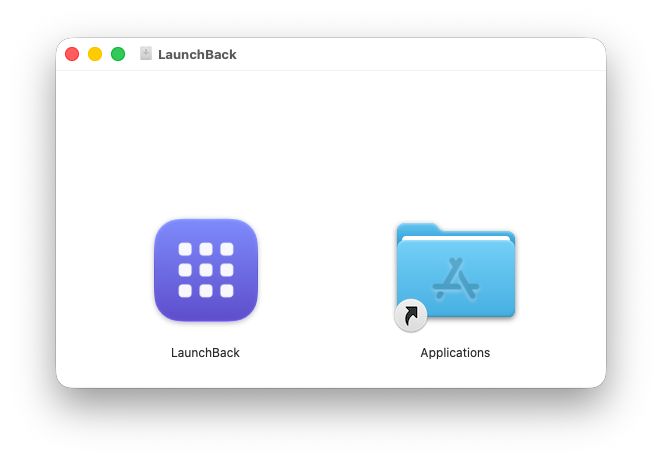
The app is already LaunchBack.dmg.zip
-

About This Hack (2009-Nissan-Cube version migrated to SwiftUI)
kaoskinkae replied to miliuco's topic in Hackintosh Tools
perfect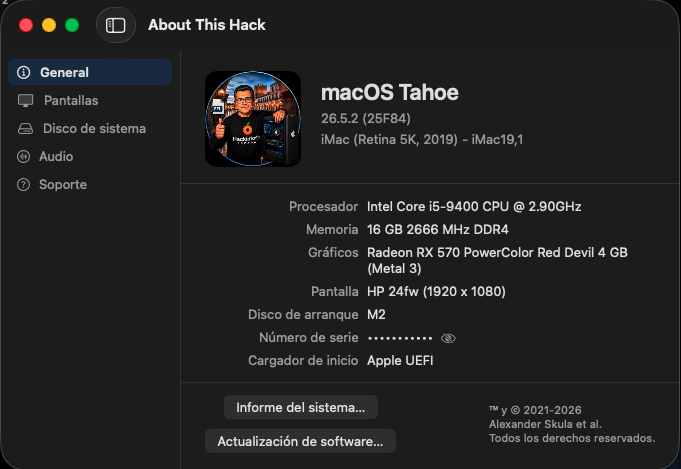
-

Download Full Installer app updated for macOS Tahoe
chris1111 replied to miliuco's topic in Hackintosh Tools
Beautifull ! thanks my freind @miliuco its a pleasure to me -
Download Full Installer app updated for macOS Tahoe
miliuco replied to miliuco's topic in Hackintosh Tools
@chris1111 I've tested the new icon made by you. I like it. Still not in the releases page. Do you like it too? Thanks. https://github.com/perez987/DownloadFullInstaller/blob/main/Icon-test/New-icon.png -
Sorry, I'm busy with different things, not tried yet.
-
About This Hack (2009-Nissan-Cube version migrated to SwiftUI)
miliuco replied to miliuco's topic in Hackintosh Tools
@kaoskinkae Custom logo persistence fixed. The logo is saved in user default folder and deleted if logo reset to default or replaced with another logo. Please try and comment. https://github.com/perez987/About-This-Hack/releases/tag/4.4.6 -
 Phillip Gonzalez changed their profile photo
 -
About This Hack (2009-Nissan-Cube version migrated to SwiftUI)
miliuco replied to miliuco's topic in Hackintosh Tools
@kaoskinkae Logo quality is good for me but you are right, custom logo not saved between re-runs. Something I've changed in past days has changed this (sandbox most probably), I have to check where the issue is. -
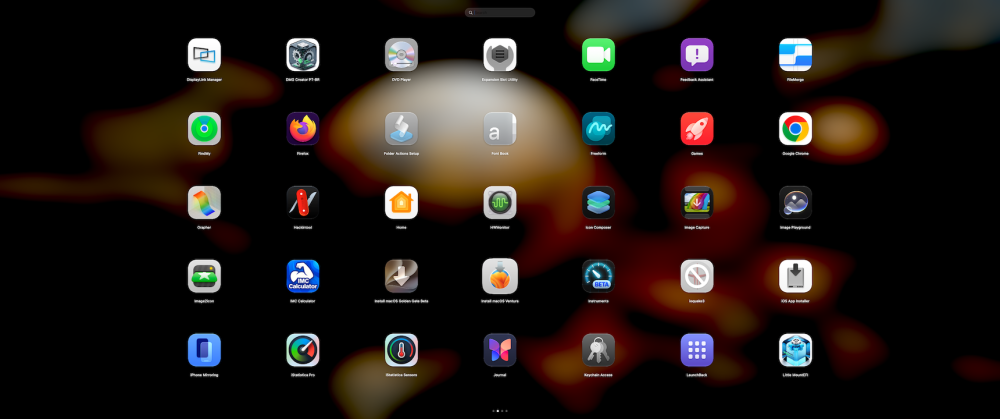
@ichelash My friend, I made a few changes, and now the Magic Mouse scrolling works perfectly. I’m sharing the project with you—I uploaded it to MediaFire. I’m not very good at creating forks, sorry about that. Here is the link to the modified project so you can improve it however you see fit. Thank you for the app! https://www.mediafire.com/file/krhzwm0o9j7xfdi/Launchback-main.zip/file # # # Change Report — LaunchBack Date: 07/12/2026 Requested by: User Executed by: GitHub Copilot (Claude Sonnet 4.6) 1. GridView.swift — Magic Mouse Lag Problem: The Magic Mouse sends scroll events with a momentum phase (inertia after lifting the finger). The native `ScrollView` continued processing those events even after snapping to the target page, causing visible drift/lag during page transitions. Fix: Added the `ScrollWheelPager` struct and integrated it into the `ScrollView`'s `.background` (in a `ZStack` alongside the existing `MouseDragPager`). How it works: - Intercepts `.scrollWheel` events via `NSEvent.addLocalMonitorForEvents` - Accumulates `scrollingDeltaX` during the real gesture phase (`.changed`) - When the delta crosses 30pt, changes the page programmatically (once per gesture) - Consumes all momentum-phase events (`event.momentumPhase != []`) by returning `nil` — the `ScrollView` never receives the deceleration ticks - Normalizes the delta for Magic Mouse 1 (`hasPreciseScrollingDeltas == false`), which reports in "lines" rather than pixels Files changed: GridView.swift 2. AppQueryEngine.swift — Swift Concurrency Errors Problem (3 build errors): - `Call to main actor-isolated instance method 'refresh(query:into:)' in a synchronous nonisolated context` - `Capture of 'query' with non-Sendable type 'NSMetadataQuery' in a '@Sendable' closure` The `NotificationCenter.addObserver` and `Timer.scheduledTimer` closures are `@Sendable`, but: 1. Captured the local variable `query: NSMetadataQuery` (a non-Sendable type) 2. Called the `@MainActor`-isolated method `refresh(query:into:)` from a non-isolated context Fix: All three occurrences replaced with `MainActor.assumeIsolated { }` — safe because `queue: .main` and the Timer both guarantee execution on the main thread. Inside the block, `self.query` (stored property) is read instead of capturing the local variable, eliminating the Sendable issue. Files changed: AppQueryEngine.swift 3. LaunchpadOverlayWindow.swift — Swift Concurrency Errors Problem (3 build errors): - `Main actor-isolated property 'hostingView' can not be referenced/mutated from a Sendable closure` - `Main actor-isolated property 'onRequestDismiss' can not be mutated from a Sendable closure` The `completionHandler` of `NSAnimationContext.runAnimationGroup` is `@Sendable`, but was mutating `@MainActor`-isolated properties (`hostingView`, `onRequestDismiss`). Fix: Completion handler body wrapped in `MainActor.assumeIsolated { }` — safe because AppKit animation completion handlers always execute on the main thread. Files changed: LaunchpadOverlayWindow.swift 4. make_app_bundle.sh — Binary Path Problem: The script expected the universal binary at `.build/apple/Products/Release/LaunchBack`, but the Swift toolchain on this system outputs to LaunchBack. Fix: Replaced the hardcoded path check with a sequential probe that tries both `.build/apple/` and out — compatible with both toolchain versions. Files changed: make_app_bundle.sh 5. Pending Warning (not changed) `Sources/LaunchBack/WallpaperBackground.swift:234` — `CGWindowListCreateImage` deprecated in macOS 14. This is not a build error (warning only). The correct replacement is `ScreenCaptureKit` (async API), which would require significant refactoring of the existing synchronous call chain. A dedicated future migration is recommended. Final result: Build successful ✅ — `LaunchBack.app` Universal (arm64 + x86_64), ad-hoc signed, with icon.
-
@ichelash Hello, my friend! How are you all doing? I really liked the app—congratulations on your initiative, and thank you for creating it. I'd like to mention that when using Apple's Magic Mouse, the horizontal swipe gesture to switch from one window to another is slow to respond. Thank you very much!!
-
 yasmin ratna changed their profile photo
 -
About This Hack (2009-Nissan-Cube version migrated to SwiftUI)
kaoskinkae replied to miliuco's topic in Hackintosh Tools
This happened to me the other day, but I didn't think much of it. I just noticed, though, that once you change the logo, close and reopen the application, the custom logo disappears and the generic one appears, depending on your Mac system (in my case, Tahoe). I'm not sure if the quality could be improved, even if you hover over the "view larger" option. -
About This Hack (2009-Nissan-Cube version migrated to SwiftUI)
miliuco replied to miliuco's topic in Hackintosh Tools
@kgp Sandbox is the preferred way of secure user files in macOS. Since ATH was always unsandboxed, I keep it so. But when I try the notarized app, I find that, without sandbox, there are issues, maybe notarization works better with sandbox although I’ve read that it’s not mandatory that both go together. Think that I’m going into notarization for the first time and I’m still a rookie, a lot of things to learn in the past 3 days and I have to learn a lot more. E.g. I don’t like the DMG type over ZIP for releases but ZIP is giving to me translocation errors when checking for updates, DMG doesn’t. It’s a work in progress, maybe I’ll make changes, current state of the project is not definitive. Anyway, thanks to all for your help, I’ll need it to improve ATH. @kaoskinkae Do you mean the custom logo? Do you see poor quality in it? The logo previously set disappears because sandbox changes the localization of the app user files, now in ~/Library/Containers, set the logo again and tell me what happens. I’ll try it on my side and comment. But logo quality must be the same, I’ll try it too.